
Уводзіны
Thank you for choosing the GENBOLT GB217K 2K Wireless Solar PTZ Security Camera. This manual provides essential information for the safe and efficient use of your new security camera. Please read these instructions carefully before installation and operation, and retain them for future reference.
Прадукт скончаныview
Асноўныя характарыстыкі
- 100% Wireless & IP66 Weatherproof: Designed for easy outdoor or indoor installation without power cables or Ethernet. Withstands various weather conditions.
- 24/7 Solar Charging: Equipped with a 7W solar panel and 15600mAh rechargeable batteries for continuous operation and extended standby time (up to 180 days).
- Enhanced Smart PIR Alarm: Features a PIR sensor and humanoid detection to reduce false alarms from pets. Includes a spotlight function to deter intruders.
- 2K каляровае начное бачанне: Delivers 3MP (2304x1296px @ 15fps) high-resolution images with a 2.8mm lens offering a 120° super wide-angle view.
- Функцыянальнасць PTZ: Offers 355° horizontal pan and 90° vertical tilt for comprehensive area coverage.
- Двухбаковы аўдыё: Communicate directly through the camera.
- Шматкарыстальніцкі доступ: Share camera access with multiple users.
- Лакальнае сховішча: Supports Micro SD card recording, even if WiFi is unavailable.
Кампаненты
The GENBOLT GB217K camera system includes the following main components:

Малюнак 1: Падрабязны view of the GENBOLT GB217K camera components, including the solar panel, antennas, various sensors, and ports.
- 7W Solar Panel (with 6pcs 18650 Li-ion batteries)
- Dual 5dBi Antenna
- Power ON/OFF Switch & Charging Port (USB 5V)
- Датчык PIR
- 6pcs White LED (for illumination)
- Фотаадчувальны датчык
- HD аб'ектыў
- Мікрафон
- Reset Button & Micro SD Card Slot
- Дакладчык
- Кіраўніцтва карыстальніка
- Універсальны гаечны ключ
- Крапежныя шрубы
Настройка
1. Пачатковая зарадка
Before first use, fully charge the camera's internal batteries using the provided USB cable. Connect the USB cable to the charging port (USB 5V) on the camera and a standard USB power adapter (not included).
2. Усталёўка праграмы і спалучэнне
- Спампаваць GENBOLT PRO праграму з крамы праграм вашага смартфона (iOS або Android).
- Зарэгіструйце ўліковы запіс і ўвайдзіце ў сістэму.
- Follow the in-app instructions to add your new camera. This typically involves scanning a QR code on the camera or manually entering its ID. Ensure your phone is connected to a 2.4GHz Wi-Fi network during setup.
3. Устаноўка сонечных батарэй
The 7W solar panel is designed to keep your camera continuously charged. For optimal performance, consider the following:
- Прамое сонечнае святло: Mount the solar panel in a location that receives maximum direct sunlight throughout the day. Avoid shaded areas.
- Арыентацыя: Orient the solar panel towards the south (in the Northern Hemisphere) for best charging efficiency. Adjust the angle to capture sunlight effectively.

Малюнак 2: Solar panel installation tips for maximizing charging efficiency.
- Гнуткая ўстаноўка: Use the included 3-meter extension cord to install the solar panel separately from the camera if a better sunlit location is available.

Малюнак 3: Example of split installation for the solar panel and camera.
4. Мацаванне камеры
The camera is designed for wall mounting. Use the provided screws and Allen wrench for secure installation. Ensure the mounting location provides a clear view of the area you wish to monitor and is within range of your 2.4GHz Wi-Fi network.
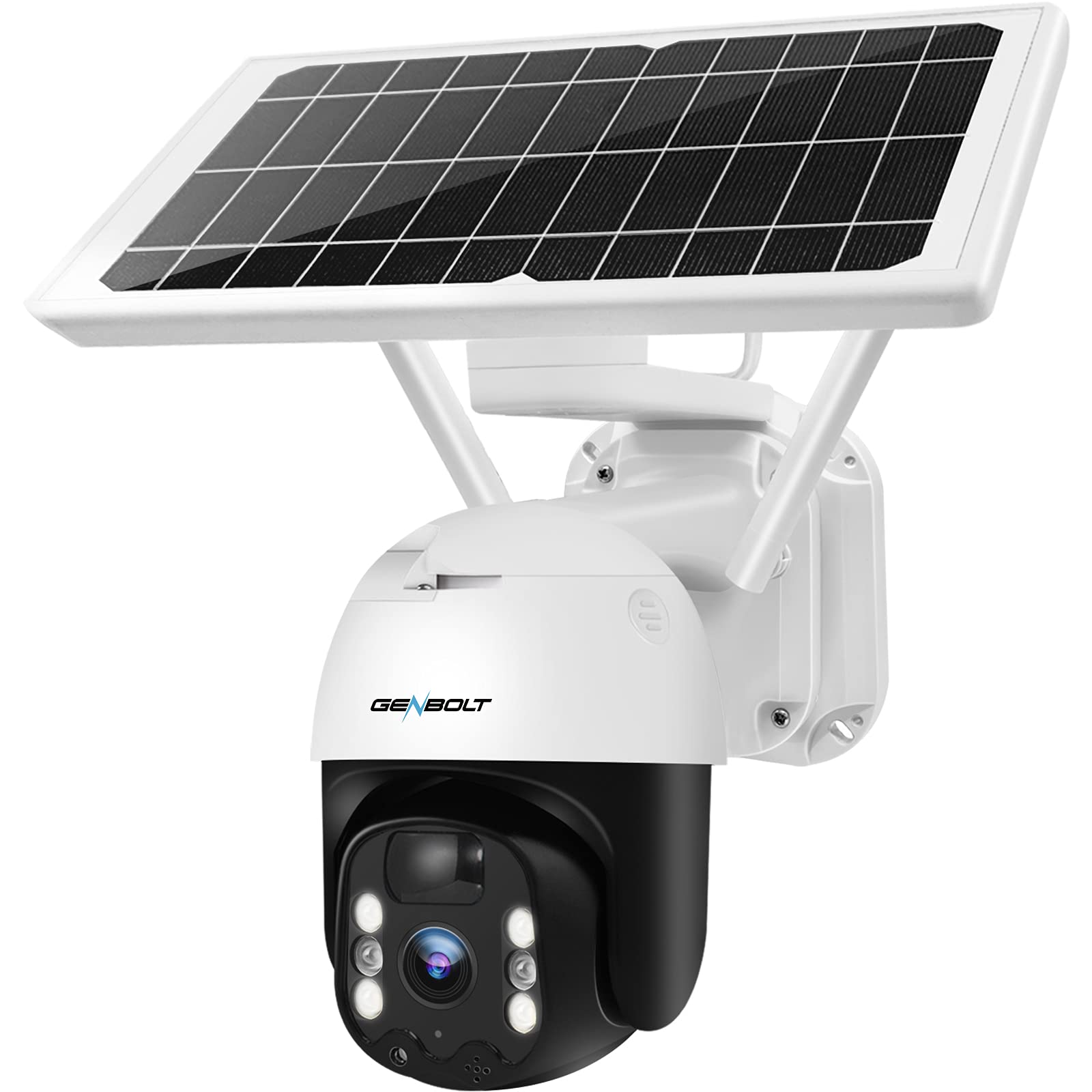
Малюнак 4: GENBOLT GB217K camera with solar panel mounted.
Інструкцыя па эксплуатацыі
1. Жыць View і кіраванне PTZ
Open the GENBOLT PRO app on your smartphone. Select your camera to access the live view. Use the on-screen controls to pan (355° horizontally) and tilt (90° vertically) the camera lens to adjust the viewing angle. The camera provides a 120° wide-angle view.

Малюнак 5: жыць view and PTZ control via the GENBOLT PRO app.
2. Выяўленне руху і абвесткі
The camera features an enhanced PIR sensor with humanoid detection. This system is designed to detect human movement and reduce false alarms from other sources. When motion is detected, the camera can:
- Send instant notifications to your smartphone.
- Activate the built-in spotlight to deter intruders.
- Begin recording video footage.
Adjust sensitivity settings within the GENBOLT PRO app to optimize detection for your environment.

Малюнак 6: Enhanced PIR detection with humanoid recognition.
3. Начное бачанне
The camera supports 2K color night vision, providing clear, full-color images even in low-light conditions. It also has traditional IR night vision for situations where color is not needed or desired.
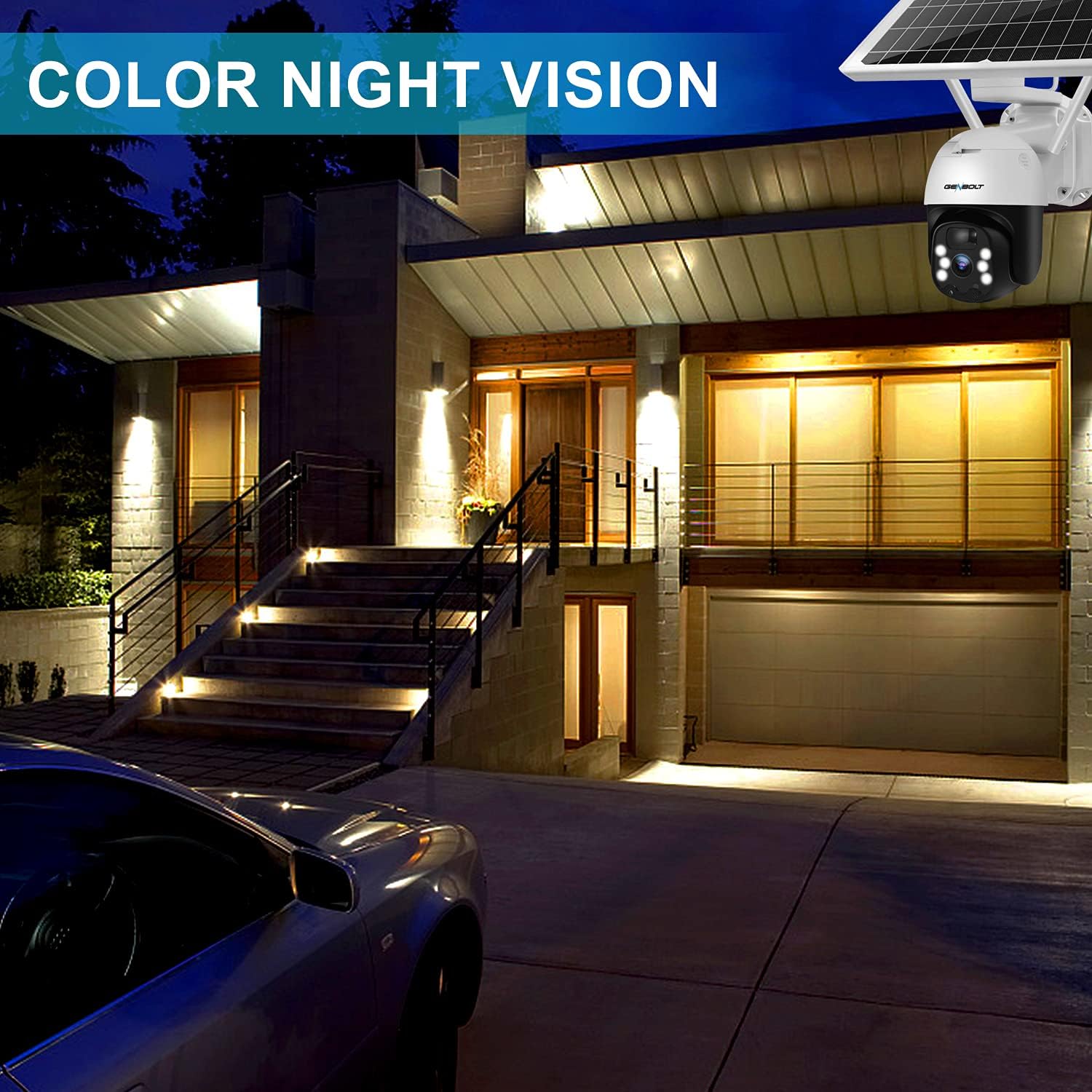
Малюнак 7: Example of 2K color night vision.
4. Двухбаковая аўдыёсувязь
Utilize the two-way audio feature to communicate with visitors or deter unwanted guests. Tap the microphone icon in the app's live view to speak, and listen through the camera's built-in speaker.

Малюнак 8: Двухбаковая гукавая сувязь.
5. Запіс і захоўванне
The camera supports local storage via a Micro SD card (not included). Insert a Micro SD card into the designated slot (refer to Figure 1 for location). The camera will continue to record even if your Wi-Fi connection is temporarily unavailable.

Малюнак 9: Camera continues recording to Micro SD card even without WiFi.
Тэхнічнае абслугоўванне
- Ачыстка аб'ектыва: Periodically clean the camera lens with a soft, dry cloth to ensure clear image quality. Avoid abrasive cleaners.
- Ачыстка сонечных батарэй: Keep the solar panel free of dust, dirt, and debris to maintain optimal charging efficiency. Wipe it gently with a damp тканіна па меры неабходнасці.
- Зарад батарэі: The camera uses 15600mAh Lithium-ion batteries. While solar charging keeps them topped up, ensure the camera receives sufficient sunlight. If the camera is installed in a consistently shaded area, occasional manual charging via USB may be required.
- Абнаўленні прашыўкі: Check the GENBOLT PRO app regularly for available firmware updates to ensure your camera has the latest features and security enhancements.
Ліквідацыю непаладак
| праблема | Магчымая прычына | Рашэнне |
|---|---|---|
| Камера не ўключаецца. | Нізкі ўзровень зарада батарэі; выключаны выключальнік. | Ensure the power switch is ON. Charge the camera fully using the USB cable. Verify the solar panel is receiving adequate sunlight. |
| Немагчыма падключыцца да Wi-Fi. | Incorrect Wi-Fi password; Camera too far from router; Only 5GHz Wi-Fi network available; Network issues. | Ensure correct 2.4GHz Wi-Fi password. Move camera closer to the router. Confirm your router supports 2.4GHz Wi-Fi. Restart your router and camera. If issues persist, try resetting the camera (refer to Figure 1 for reset button location) and re-pairing. |
| Micro SD card not recognized or recording stops. | SD card corrupted; Incorrect format; Card not inserted properly. | Remove and reinsert the Micro SD card. If the issue persists, remove the card and format it on a computer (FAT32 format recommended), then reinsert. Ensure the card is Class 10 or higher. |
| Частыя ілжывыя трывогі. | High PIR sensitivity; Environmental factors (e.g., moving branches, strong sunlight). | Adjust the PIR sensitivity settings in the GENBOLT PRO app. Utilize the humanoid detection feature. Ensure the camera is not pointed at areas with constant movement or direct sunlight that could trigger the sensor. |
| Дрэнная якасць выявы. | Dirty lens; Low network bandwidth. | Clean the camera lens. Ensure a stable and strong Wi-Fi connection. |
Тэхнічныя характарыстыкі
| Асаблівасць | Дэталь |
|---|---|
| Нумар мадэлі | GB217K |
| Дазвол відэа | 3 MP (2304 x 1296 px @ 15 fps) |
| Viewing кут | 120 градусаў |
| Дыяпазон павароту/нахілу | Панарамаванне 355°, нахіл 90° |
| Бесправоднае падключэнне | Wi-Fi (2.4 ГГц) |
| Крыніца харчавання | Solar Powered (7W Solar Panel) |
| Ёмістасць батарэі | 15600 mAh (2 Lithium-ion batteries included) |
| Ўстойлівасць да надвор'я | IP66 |
| Начное бачанне | Каляровы начны бачанне, інфрачырвоны начны бачанне |
| Асаблівасці | PIR Humanoid Detection, Two-Way Audio, Spotlight Alarm |
| Матэрыял | Пластыкавыя |
| Памеры (Д х Ш х У) | 15 х 15 х 25 см (прыблізна 5.9 х 5.9 х 9.8 цалі) |
| Вага | 2.05 кг (прыбл. 4.5 фунта) |
Гарантыя і падтрымка
GENBOLT offers the following support for your product:
- 30-дзённы абмен: For product exchanges within 30 days of purchase.
- 1-гадовая гарантыя: Covers manufacturing defects for one year from the purchase date.
- Бясплатная тэхнічная падтрымка: Available for all product-related inquiries.
Кантактная інфармацыя:
- электронная пошта: uk@genbolt.com
- Local Support (Canada): +1 (778) 807-9710 (Monday - Friday, 5:30 AM to 10:30 AM PST)