
1. Прадукт скончыўсяview
The Ratakee Digital Alarm Clock Radio is designed to provide reliable timekeeping, dual alarm functionality, and AM/FM radio reception. It features a large LED display with adjustable brightness for comfortable viewing day and night. This manual provides detailed instructions for setting up and operating your device.

Выява: спераду view of the Ratakee Digital Alarm Clock Radio, displaying the time 12:00 in blue LED digits.
2. Настройка
2.1 Падключэнне харчавання
To power the clock radio, plug the AC adapter into any standard 110V wall outlet. The display will illuminate, indicating the unit is receiving power.
2.2 Усталёўка рэзервовага акумулятара
For battery backup, insert two (2) AAA batteries (not included) into the battery compartment located on the bottom of the unit. These batteries will preserve your time and alarm settings during a power outage, but will not power the display or alarm functions.
2.3 Пачатковая ўстаноўка часу
Upon first power-up or after a prolonged power interruption without battery backup, the display may show a default time. Refer to the 'Setting Time' section under 'Operating' for instructions on how to set the current time.
3. Інструкцыя па эксплуатацыі
3.1 Час усталявання
- Націсніце і ўтрымлівайце УСТАНОВА ЧАСУ кнопку, пакуль не пачнуць міргаць лічбы гадзін.
- Выкарыстоўвайце ГАДЗІНА і ХВІЛІНА кнопкі для рэгулявання часу.
- Прэса УСТАНОВА ЧАСУ яшчэ раз, каб пацвердзіць і выйсці з рэжыму налады часу.
3.2 Яркасць дысплея (рэгуляванне яркасці)
The clock features a 1.6-inch LED display with adjustable brightness. To adjust the display brightness:
- Націсніце ДЫММЕР button repeatedly to cycle through the 4 available brightness levels. Select the level most comfortable for your environment.

Image: Comparison of the clock display at high and low brightness settings, demonstrating the dimmer function.
3.3 Налада сігналізацыі (падвойная сігналізацыя)
This clock supports two independent alarms (Alarm 1 and Alarm 2). Each alarm can be set to a beep sound or a radio station.
- Націсніце і ўтрымлівайце ТРЫВОГА 1 or ТРЫВОГА 2 кнопку, пакуль не замігаюць лічбы гадзін будзільніка.
- Выкарыстоўвайце ГАДЗІНА і ХВІЛІНА кнопкі, каб усталяваць патрэбны час будзільніка.
- Націсніце ТРЫВОГА 1 or ТРЫВОГА 2 button again to select the alarm source (Beep or Radio). The corresponding icon will appear on the display.
- Націсніце ТРЫВОГА 1 or ТРЫВОГА 2 button a third time to confirm and activate the alarm.
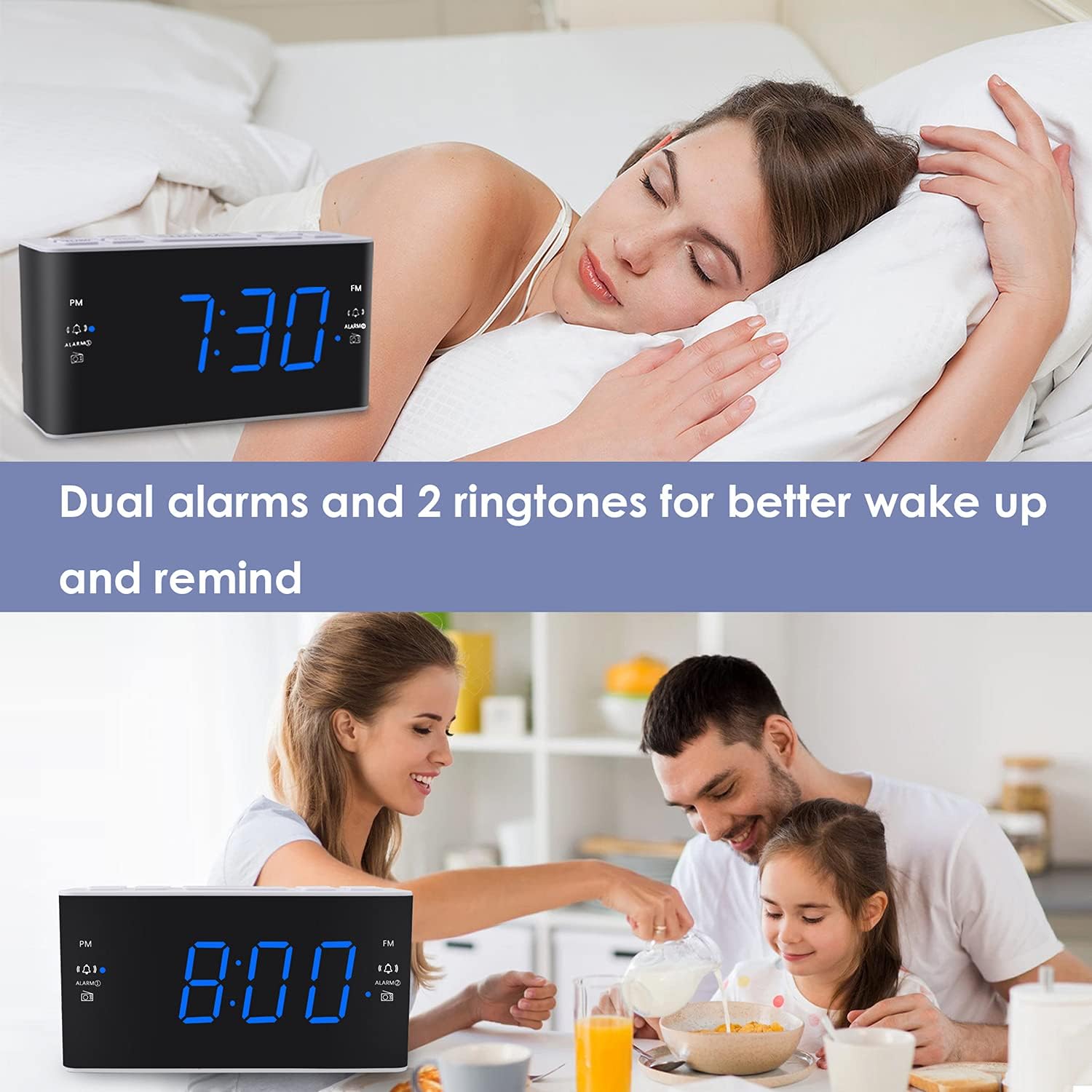
Image: Visual representation of the dual alarm feature, showing the clock used for different wake-up scenarios.
3.4 Функцыя паўтору
Калі гучыць будзільнік, націсніце вялікую кнопку СНАОЗ button on top of the unit to temporarily silence the alarm for 9 minutes. The alarm will sound again after this period. You can repeat the snooze function up to 5 times.
To turn off the alarm completely for 24 hours, press any other button on the clock (e.g., Radio, Time Set, Alarm 1/2) while the alarm is sounding.
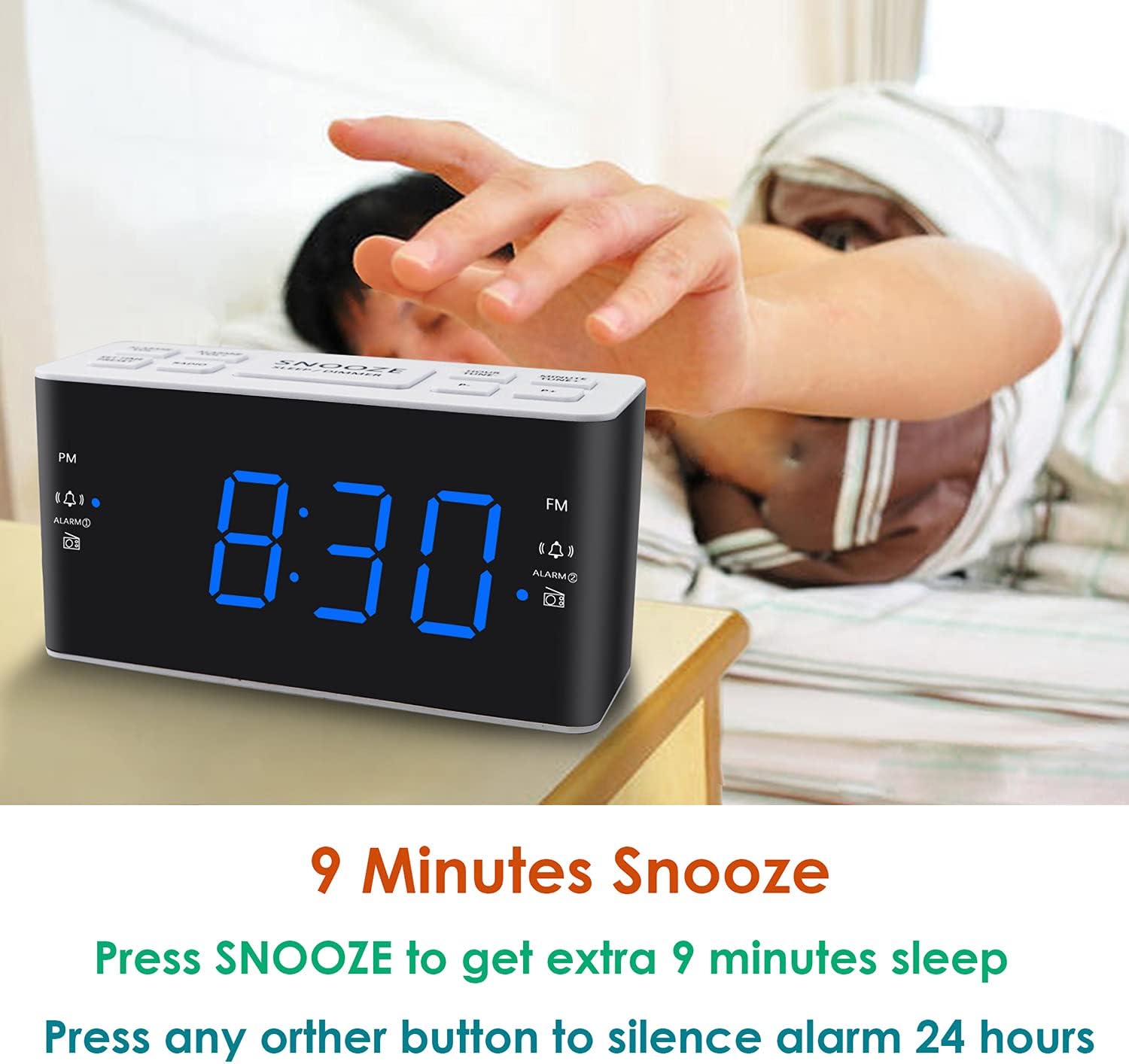
Image: Demonstrates the easy access and function of the snooze button for an additional 9 minutes of sleep.
3.5-дыяпазонны рэжым AM/FM-радыё
The clock radio features digital tuning for AM and FM bands.
- Націсніце РАДЫЁ кнопку, каб уключыць або выключыць радыё.
- Выкарыстоўвайце НАСТРОЙКА+ і МЕЛОДЫЯ- кнопкі для ручной налады на патрэбную частату.
- Націсніце і ўтрымлівайце НАСТРОЙКА+ or МЕЛОДЫЯ- для аўтаматычнага пошуку наступнай даступнай станцыі.
- Адрэгулюйце гучнасць, выкарыстоўваючы ГУЧНАСЦЬ+ і ГУЧ- buttons (0-15 levels).
3.6 Saving Radio Presets
You can save up to 20 AM stations and 20 FM stations for quick access.
- Настройцеся на патрэбную радыёстанцыю.
- Націсніце і ўтрымлівайце ПРАДУСТАЎКА кнопку, пакуль не пачне міргаць нумар зададзенай праграмы.
- Выкарыстоўвайце НАСТРОЙКА+ or МЕЛОДЫЯ- кнопкі, каб выбраць патрэбны нумар папярэдняй налады (P01-P20).
- Прэса ПРАДУСТАЎКА again to confirm and save the station.
To recall a saved preset, briefly press the ПРАДУСТАЎКА некалькі разоў націскайце кнопку, каб пераключацца паміж захаванымі станцыямі.
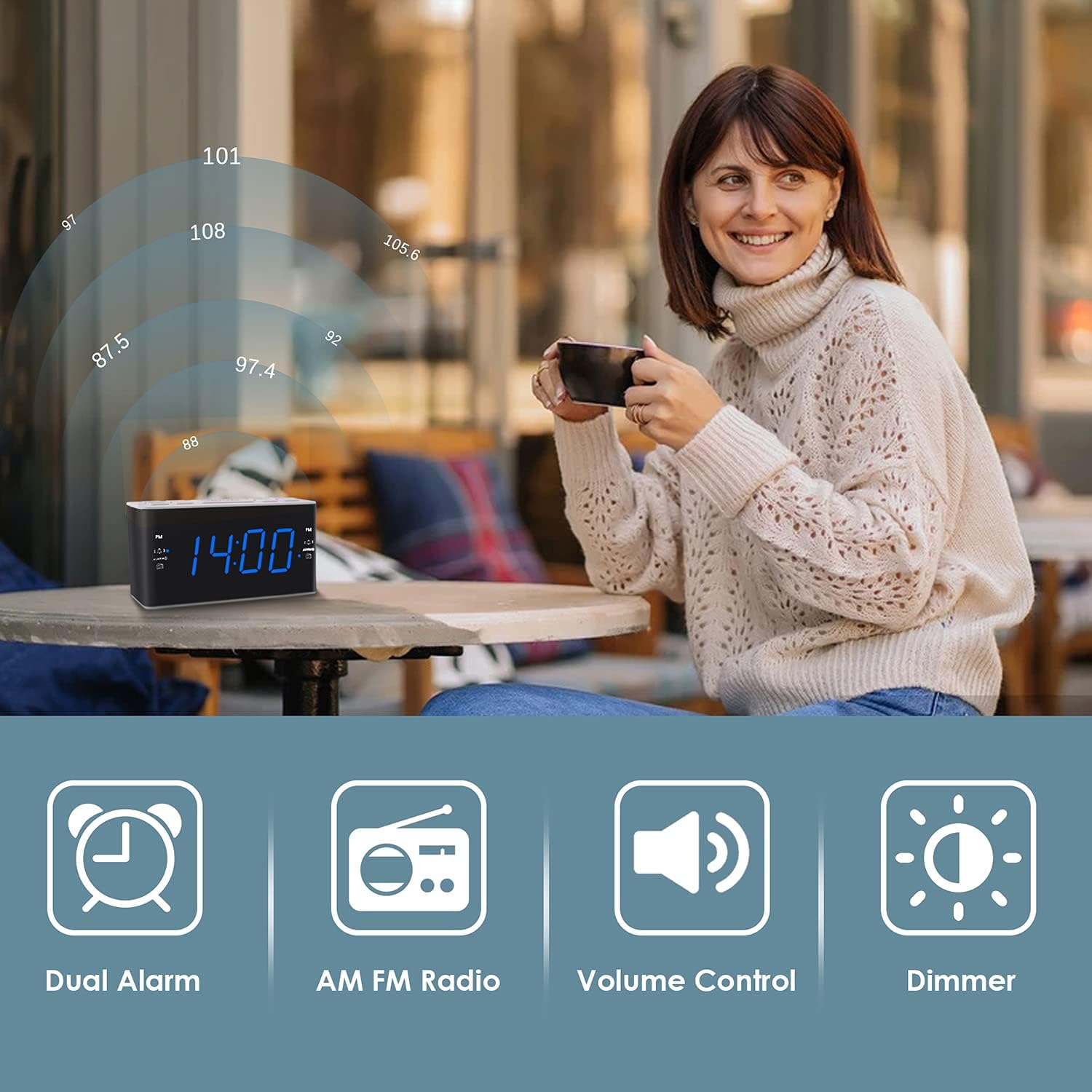
Image: Illustrates the various features of the clock radio, including AM/FM radio functionality.
3.7 Таймер сну
Таймер сну дазваляе засыпаць пад радыё, якое аўтаматычна выключаецца праз зададзены перыяд часу.
- Пакуль гучыць радыё, націсніце кнопку СПАЦЬ button repeatedly to cycle through the available sleep timer durations (10-90 minutes).
- Радыё будзе прайгравацца на працягу выбранага часу, а затым аўтаматычна выключыцца.
4. Тэхнічнае абслугоўванне
4.1 Ачыстка
To clean the clock radio, gently wipe the surface with a soft, dry cloth. Do not use abrasive cleaners, waxes, or solvents as they may damage the finish. Ensure the unit is unplugged before cleaning.
4.2 Замена батарэі
Калі гадзіннік збівае час або налады будзільніка падчас адключэння электраэнергііtage, the AAA backup batteries may need replacement. Replace both batteries simultaneously with new ones, ensuring correct polarity.
5. Выпраўленне непаладак
If you encounter issues with your Ratakee Digital Alarm Clock Radio, please refer to the following common solutions:
- Няма харчавання/дысплей выключаны: Ensure the AC adapter is securely plugged into both the clock and a working wall outlet. Check if the outlet has power.
- Будзільнік не гучыць: Verify that the alarm is activated (alarm icon visible on display) and the alarm time is correctly set. Check the alarm volume level.
- Radio Static/Poor Reception: Extend the FM wire antenna fully for better reception. Try repositioning the clock radio to a different location to improve signal strength. For AM reception, rotate the unit to find the best signal.
- Time/Settings Lost After Power Outage: Ensure fresh AAA batteries are installed correctly in the battery backup compartment.
Калі праблема не знікне пасля спробы гэтых рашэнняў, звярніцеся ў службу падтрымкі кліентаў для атрымання дадатковай дапамогі.
6. Тэхнічныя характарыстыкі
| Марка | Ратакі |
| Нумар мадэлі | H249US |
| Колер | Сіні святлодыёд |
| Памеры прадукту | 15.49 х 7.87 х 5.59 см |
| Вага прадмета | 350 г |
| Матэрыял | Пластыкавыя |
| Тып дысплея | святлодыёд |
| Крыніца харчавання | AC Powered (110V) |
| Рэзервовы акумулятар | 2 х ААА батарэі (не ўключаны) |
| Дыяпазон частот FM | 87.5-108 МГц |
| Дыяпазон частот AM | 520-1710 кГц |
| Асаблівасці | Alarm, Brightness Dimmer, Radio |

Image: Product dimensions of the Ratakee Digital Alarm Clock Radio.
7. Гарантыя і падтрымка
Ratakee is committed to providing quality products and customer satisfaction. If you have any questions regarding the operation, setup, or performance of your alarm clock radio, please do not hesitate to contact our customer support team.
In the event that the product is deemed defective, you may be eligible for a hassle-free replacement or refund. For specific inquiries or to report an issue, please reach out to us directly. We are dedicated to assisting you and ensuring a positive experience with your Ratakee product.