
1. Уводзіны
Thank you for choosing the Pixio PX259 Prime Gaming Monitor. This manual provides essential information for setting up, operating, and maintaining your monitor to ensure optimal performance and longevity. Please read this manual thoroughly before using the product and retain it for future reference.
The Pixio PX259 Prime is a high-performance 24.5-inch gaming monitor featuring a 280Hz refresh rate, 1ms GTG response time, and a Fast Nano IPS panel, designed to deliver a smooth and immersive gaming experience.
2. Змесціва ўпакоўкі
Праверце, ці ёсць усе прадметы ў вашай упакоўцы:
- Pixio PX259 Prime Monitor
- Падстаўка для манітора (аснова і шыя)
- Кабель DisplayPort
- Адаптар сілкавання
- Сілавы кабель
- Кіраўніцтва карыстальніка (гэты дакумент)

Image: The Pixio PX259 Prime monitor showcasing its 24.5-inch screen, 280Hz refresh rate, 1080p FHD resolution, and Fast IPS panel technology.
3. зборка
Каб сабраць манітор, выканайце наступныя дзеянні:
- Асцярожна выміце кампаненты манітора і падстаўкі з упакоўкі.
- Прымацуйце падстаўку да панэлі манітора. Пераканайцеся, што яна надзейна зашчапілася або замацавана шрубамі, калі яны ёсць.
- Attach the stand base to the stand neck. Tighten the thumb screw or screws from the bottom of the base to secure it.
- Змесціце сабраны манітор на ўстойлівую, роўную паверхню.
4. Сувязь
The Pixio PX259 Prime offers versatile connectivity options. Refer to the image below for port locations.

Выява: Задняя частка view of the monitor displaying the DC power input, two DisplayPort 1.2 inputs (280Hz), two HDMI 2.0 inputs (240Hz), and an earphone jack.
Падключэнне да прылады:
- Магутнасць: Connect the power cable to the AC adapter, then plug the adapter into the monitor's DC IN port and a power outlet.
- DisplayPort: For optimal performance (280Hz refresh rate), connect your PC's graphics card to one of the monitor's DisplayPort 1.2 inputs using the provided DisplayPort cable.
- HDMI: Connect your device (e.g., gaming console, PC) to one of the monitor's HDMI 2.0 inputs. Note that HDMI 2.0 supports up to 240Hz.
- Аўдыявыхад: Connect headphones or external speakers to the earphone jack for audio.
5. Інструкцыя па эксплуатацыі
Уключэнне/выключэнне харчавання:
Націсніце кнопку харчавання, размешчаную на маніторы, каб уключыць або выключыць яго.
On-Screen Display (OSD) Navigation:
The monitor features a joystick-style button for navigating the OSD menu. Push the joystick in to access the main menu, then move it up, down, left, or right to select and adjust settings.
Ключавыя налады:
- Частата абнаўлення: Ensure your graphics card settings are configured to output at 280Hz (via DisplayPort) or 240Hz (via HDMI) for the smoothest experience.
- Час водгуку: The 1ms GTG response time is automatically enabled by the Fast IPS panel.
- AMD FreeSync Premium: Enable FreeSync in your monitor's OSD and your graphics card control panel for tear-free gaming.
- Налады колеру: Adjust brightness, contrast, and color temperature to your preference. The monitor supports 101.34% sRGB for vibrant colors.
- Гульнявыя асаблівасці: Access built-in crosshairs and other game-specific enhancements through the OSD.
- Рэжым Eye Saver: Activate this mode to reduce blue light emission for comfortable extended viewінж.
6. Асаблівасці большview
The Pixio PX259 Prime is engineered with features to enhance your gaming and viewвопыт:
- 280 Гц частата абнаўлення: Provides ultra-smooth motion and reduced input lag, crucial for competitive gaming.
- Час водгуку GTG 1 мс: Minimizes motion blur and ghosting, ensuring crisp visuals during fast-paced action.
- Fast Nano IPS Panel: Combines the wide viewing angles and color accuracy of IPS technology with the rapid response times typically found in TN panels.
- AMD FreeSync Premium: Synchronizes the monitor's refresh rate with your GPU's frame rate, eliminating screen tearing and stuttering.
- Яркія колеры: With 101.34% sRGB coverage, experience rich, accurate, and lifelike colors.
- Падвойныя дынамікі: Equipped with integrated speakers for audio output.
- Рэжым Eye Saver: Reduces blue light to minimize eye strain during prolonged use.
- Gaming Ready: Features like customizable crosshairs are available to assist in gameplay.

Image: Monitor displaying a dynamic game scene, highlighting 280Hz Refresh Rate, 1ms (GTG) Response Time, Fast IPS Panel, and AMD FreeSync Premium.

Image: Visual comparison demonstrating the smoothness of 280Hz refresh rate versus a conventional 60Hz display in a gaming context.

Image: Visual comparison illustrating the difference between 4ms and 1ms GTG response time, showing reduced motion blur with 1ms.
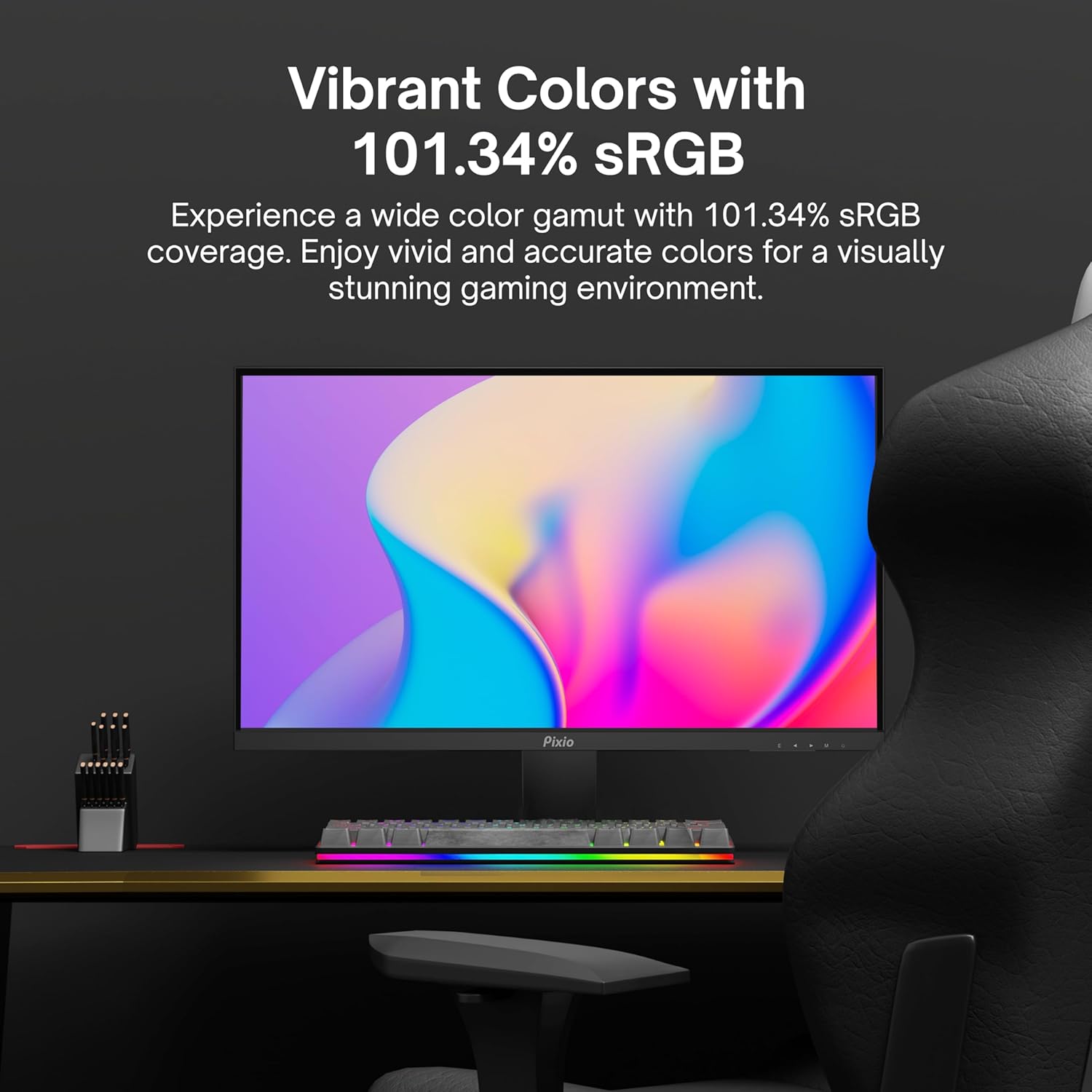
Image: Monitor displaying a colorful game environment, emphasizing the vibrant color reproduction with 101.34% sRGB.
Відэа прадуктуview:
Video: An official product video from Pixio showcasing the PX259 Prime 25-inch 1080p 280Hz Fast IPS 1ms Gaming Monitor, highlighting its features and performance.
7. Тэхнічнае абслугоўванне
- Ачыстка экрана: Акуратна працярыце экран мяккай тканінай без ворса. Для выдалення ўстойлівых плям,ampen the cloth with a small amount of screen cleaner (non-ammonia based) and wipe carefully.
- Ачыстка Casing: Выкарыстоўвайце мяккую сухую тканіну, каб працерці паверхню манітораasinг. Пазбягайце выкарыстання абразіўных ачышчальнікаў або растваральнікаў.
- Вентыляцыя: Пераканайцеся, што вентыляцыйныя адтуліны манітора не заблакаваныя, каб пазбегнуць перагрэву.
- захоўванне: Калі манітор захоўваецца працяглы час, адключыце яго ад сілкавання і захоўвайце ў прахалодным, сухім месцы, пажадана ў арыгінальнай упакоўцы.
8. Выпраўленне непаладак
- Няма харчавання:
- Пераканайцеся, што кабель харчавання надзейна падключаны да манітора і спраўнай разеткі.
- Праверце, ці правільна працуе адаптар сілкавання.
- Няма сігналу:
- Verify that the video cable (DisplayPort or HDMI) is securely connected to both the monitor and your device.
- Пераканайцеся, што ў экранным меню манітора выбрана правільная крыніца ўваходнага сігналу.
- Праверце з іншым відэакабелем або портам, калі такі маецца.
- Разрыў/заіканне экрана:
- Enable AMD FreeSync Premium in both the monitor's OSD and your graphics card settings.
- Пераканайцеся, што драйверы вашай графікі абноўленыя.
- Incorrect Refresh Rate:
- Check your operating system's display settings and your graphics card control panel to set the refresh rate to 280Hz (DisplayPort) or 240Hz (HDMI).
- Ensure you are using a DisplayPort cable for 280Hz.
- Poor Picture Quality/Colors:
- Адрэгулюйце параметры яркасці, кантраснасці і колеру ў экранным меню.
- Пераканайцеся, што відэакабель не пашкоджаны.
9. Тэхнічныя характарыстыкі
Detailed technical specifications for the Pixio PX259 Prime monitor:
| Асаблівасць | Спецыфікацыя |
|---|---|
| Нумар мадэлі | PX259 Prime |
| Памер экрана | 24.5 Inches (25 Inches equivalent) |
| Тып панэлі | Fast Nano IPS |
| дазвол | FHD 1080p (1920 x 1080 пікселяў) |
| Частата абнаўлення | 280Hz (144Hz Supported) |
| Час водгуку | 1 мс GTG |
| Суадносіны бакоў | 16:9 |
| Яркасць выявы | 350 Кандэла |
| Адаптыўная сінхранізацыя | AMD FreeSync Premium |
| Сувязь | 2x DisplayPort 1.2, 2x HDMI 2.0, Earphone Jack, DC In |
| Памеры прадукту | 7.09 х 21.98 х 16.52 цалі |
| Вага прадмета | 12.42 фунта |
| Сумяшчальнасць VESA | 75x75mm (VESA Ready) |

Image: Diagram showing the dimensions of the Pixio PX259 Prime monitor, including width (21.98 inches), height (16.52 inches), and depth (7.09 inches).
10. Гарантыя і падтрымка
Pixio products are designed for reliability and performance. For specific warranty details, please refer to the warranty card included with your product or visit the official Pixio website. For technical support, troubleshooting assistance, or service inquiries, please contact Pixio customer support through their official channels.
Інтэрнэт-рэсурсы: For additional information, FAQs, and driver downloads, please visit the Крама Pixio на Amazon.


