
ORSKEY S950
ORSKEY S950 Dash Cam User Manual
Front and Rear 4K Dual Dash Camera
1. Уводзіны
Thank you for choosing the ORSKEY S950 Dash Cam. This manual provides detailed instructions for the proper installation, operation, and maintenance of your new dash camera system. Please read this manual thoroughly before use to ensure optimal performance and longevity of the device.

Image: The ORSKEY S950 Dash Cam, showing the main front unit with a 3-inch IPS screen and the separate rear camera.
2. Прадукт скончыўсяview
2.1 Змест пакета
The ORSKEY S950 Dash Cam package includes the following items:
- ORSKEY S950 Front Dash Camera
- Задняя камера
- Аўтамабільная зарадная прылада
- Мантажны кранштэйн (мацаванне на прыборную панэль)
- Кабель задняй камеры
- Кіраўніцтва карыстальніка
- Memory Card (Included components: Memory Card)
2.2 Асноўныя магчымасці
The ORSKEY S950 Dash Cam is equipped with advanced features for comprehensive vehicle surveillance:
- 4K Ultra HD Front Recording: Captures clear, detailed footage.
- 1080P Rear Recording: Забяспечвае шырокі view of the vehicle's rear.
- Sony Starvis Sensor: Enhances low-light performance for superior night vision.
- 3-цалевы IPS-экран: Offers a clear and wide viewing angle for playback and settings.
- 170-Degree Wide Field of View: Both front and rear cameras cover multiple lanes.
- цыклічны запіс: Аўтаматычна перазапісвае найстарэйшы footage, калі карта памяці запоўнена.
- G-Sensor (Emergency Accident Lock): Detects sudden impacts and locks the current video to prevent overwriting.
- Маніторынг паркоўкі: Provides surveillance when the vehicle is parked (requires continuous power supply).
- Support for up to 128GB MicroSD Card: Allows for extended recording times.

Image: Visual representation of the ORSKEY S950's powerful functions, including 4K+1080P recording, Sony Sensor, 3" IPS screen, dual 170° FOV, G-Sensor, Loop Recording, Parking Monitoring, Emergency Recording, and Max 128GB support.
3. Настройка і ўстаноўка
3.1 Устаўка карты MicroSD
- Пераканайцеся, што відэарэгістратар выключаны.
- Locate the MicroSD card slot on the side of the main unit.
- Insert the MicroSD card (Class 10 or higher, up to 128GB) into the slot until it clicks into place.
- Важна: Format the MicroSD card within the dash cam's settings menu before first use and periodically thereafter to ensure stable recording.
3.2 Mounting the Front Camera
- Ачысціце лабавое шкло, дзе вы плануеце ўсталяваць камеру.
- Attach the suction cup mount or adhesive mount to the windshield, ensuring it does not obstruct your view.
- Slide the main dash cam unit onto the mounting bracket until it locks securely.
- Adjust the camera lens angle to ensure it captures the road ahead clearly.
3.3 Устаноўка задняй камеры
- Вызначце аптымальнае месца мацавання задняй камеры, звычайна на заднім лабавым шкле або побач з нумарным знакам.
- Старанна ачысціце мантажную паверхню.
- Secure the rear camera using the provided adhesive or screws.
- Route the rear camera cable from the rear of the vehicle to the front dash cam unit. Ensure the cable is tucked away neatly to avoid interference with driving.
- Падключыце кабель задняй камеры да адпаведнага порта на асноўным блоку відэарэгістратара.

Image: Illustration of the dual lens dash camera's wide 170° viewing angles for both front and rear, providing comprehensive coverage.
3.4 Падключэнне харчавання
- Падключыце аўтамабільную зарадную прыладу да ўваходнага порта харчавання відэарэгістратара.
- Падключыце другі канец аўтамабільнай зараднай прылады да гнязда прыпальвальніка вашага аўтамабіля.
- Відэарэгістратар аўтаматычна ўключыцца і пачне запіс пры ўключэнні запальвання аўтамабіля.
4. Інструкцыя па эксплуатацыі
4.1 Асноўныя аперацыі
- Уключэнне/выключэнне харчавання: The camera powers on/off automatically with the vehicle's ignition. You can also manually power on/off by pressing and holding the power button.
- Запіс: Once powered on and with a formatted MicroSD card, the camera will automatically start loop recording. A flashing indicator light usually signifies active recording.
- Уключэнне/выключэнне экрана: The screen can be set to turn off automatically after a set period to avoid distraction while driving. Recording continues in the background.
4.2 Запіс цыкла
Loop recording ensures continuous recording by overwriting the oldest unlocked video files when the MicroSD card reaches its capacity. This feature prevents the card from filling up and stopping recording.
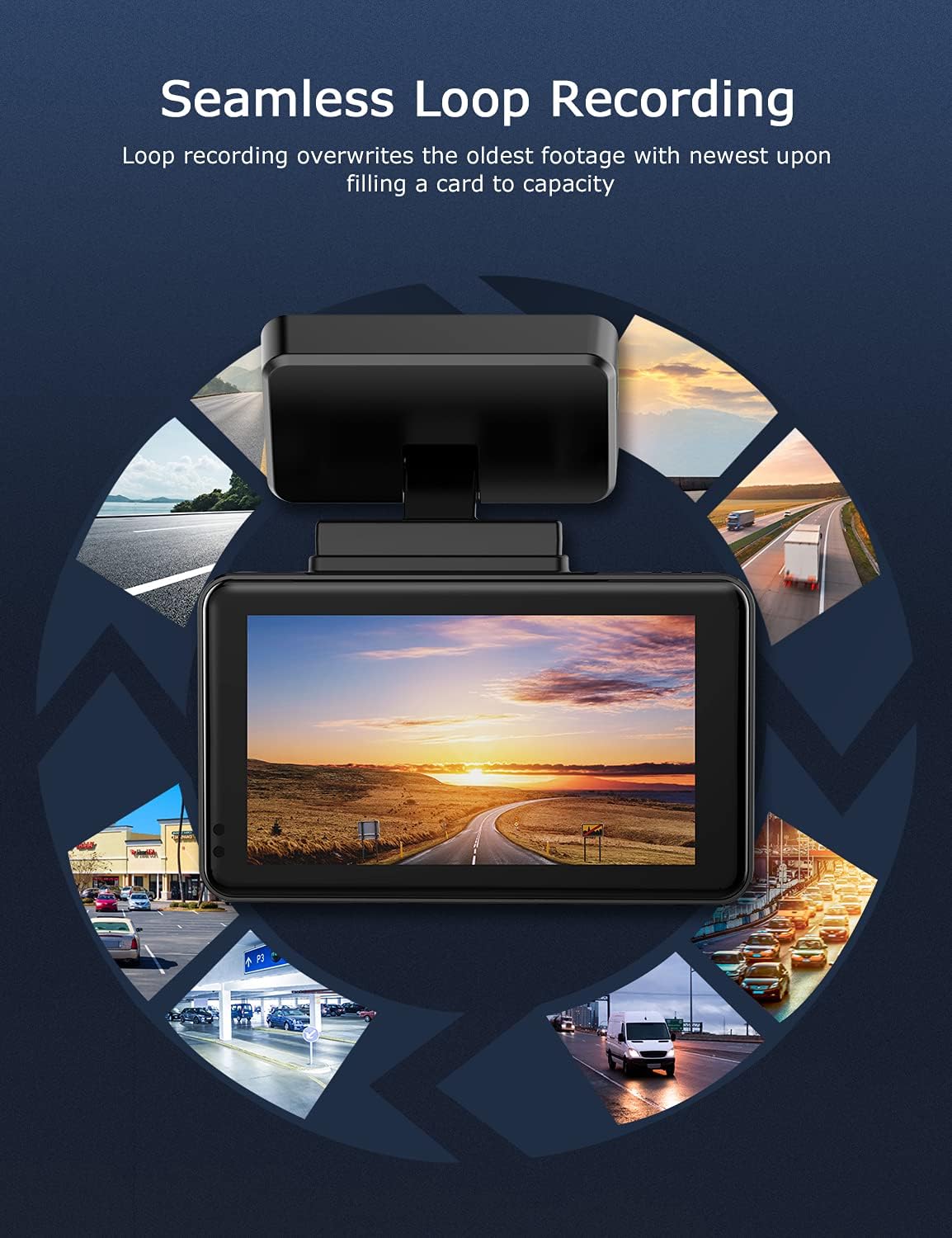
Image: Visual explanation of seamless loop recording, where the dash cam continuously records and overwrites the oldest footage once the memory card is full.
4.3 G-Sensor and Emergency Lock
The built-in G-sensor detects sudden acceleration, braking, or collisions. When triggered, it automatically locks the current video segment, protecting it from being overwritten by loop recording. These locked files are stored in a separate folder on the MicroSD card.

Image: Depiction of the Emergency Accident Lock feature, where the G-sensor detects an impact and automatically locks the video footage as important evidence.
4.4 Маніторынг паркоўкі
When enabled, parking monitoring allows the dash cam to automatically record if it detects a collision or vibration while the vehicle is parked. This feature typically requires a hardwire kit (sold separately) for continuous power supply.
4.5 Начное бачанне
Equipped with a Sony Starvis Sensor, the ORSKEY S950 provides enhanced night vision capabilities, capturing clear video footage нават ва ўмовах нізкай асветленасці.
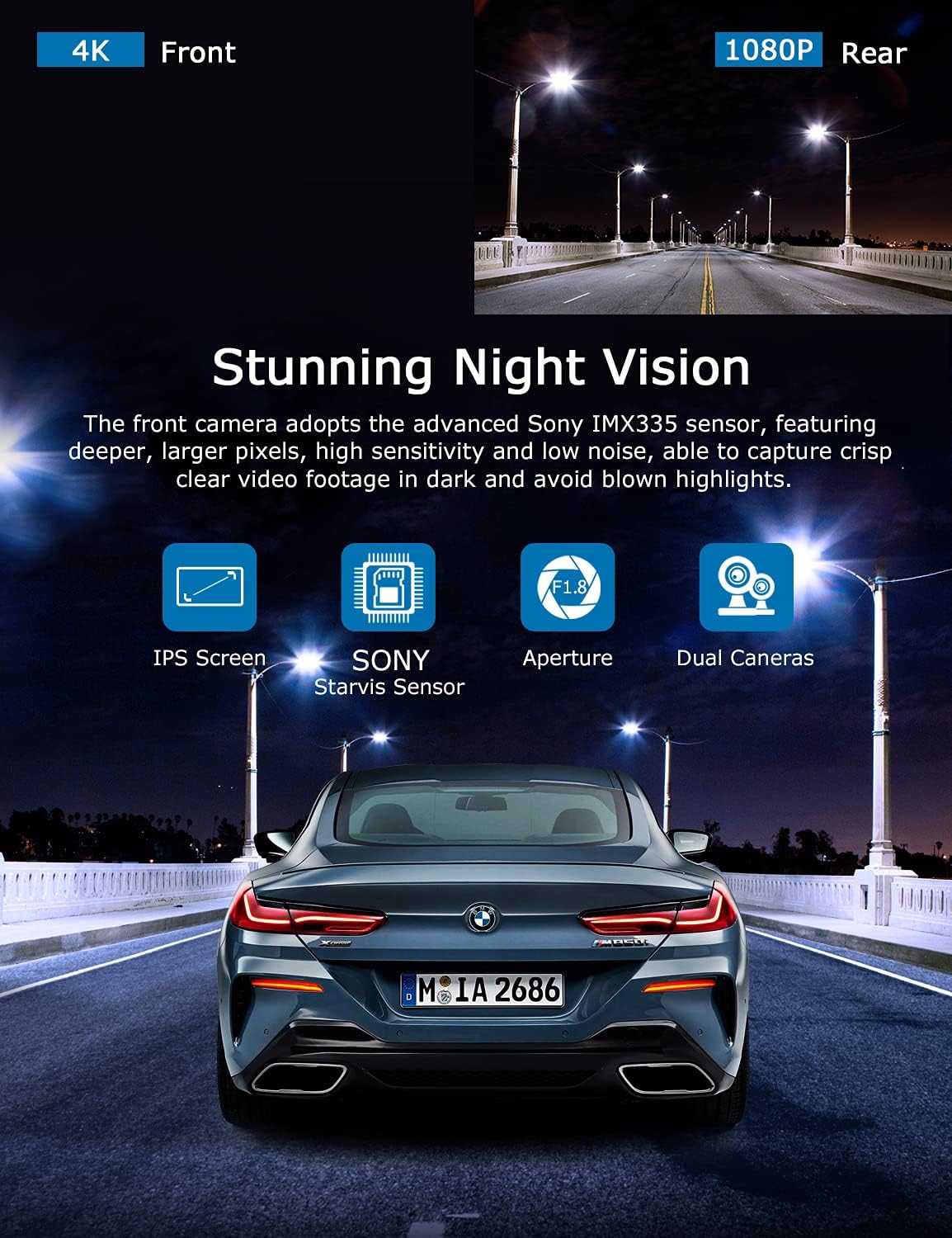
Image: Illustration highlighting the stunning night vision capability of the ORSKEY S950, showing clear footagе ў цёмных умовах.
4.6 Прайграванне
Каб паўторнаview запісана footage:
- Stop recording by pressing the OK button (if currently recording).
- Enter playback mode via the menu options.
- Navigate through video files using the up/down buttons.
- Выберыце а file і націсніце OK, каб гуляць.
- You can also remove the MicroSD card and view files on a computer using a compatible media player.
5. Тэхнічнае абслугоўванне
- Фарматаванне карты MicroSD: Regularly format the MicroSD card (at least once a month) to prevent data corruption and ensure optimal performance. Back up important files перад фарматаваннем.
- Уборка: Выкарыстоўвайце мяккую сухую тканіну для чысткі аб'ектыва і экрана камеры. Пазбягайце выкарыстання абразіўных ачышчальнікаў або растваральнікаў.
- тэмпература: Пазбягайце працяглага ўздзеяння экстрэмальных тэмператур на відэарэгістратар, бо гэта можа паўплываць на тэрмін службы батарэі і цэласнасць кампанентаў.
6. Выпраўленне непаладак
| праблема | Магчымая прычына | Рашэнне |
|---|---|---|
| Камера не ўключаецца. | No power supply; faulty charger; dead battery. | Check car charger connection and vehicle's cigarette lighter. Ensure the camera's internal battery is charged. |
| "Card Error" or recording stops. | MicroSD card not formatted, incompatible, or corrupted. | Format the MicroSD card in the camera. Use a high-quality Class 10 (U3 recommended) MicroSD card from a reputable brand. Try a different card. |
| Video playback is laggy or corrupted. | Slow MicroSD card; file system issues; incompatible player. | Ensure you are using a high-speed MicroSD card (V30/U3). Format the card. Try playing videos with a different media player on your computer. |
| Rear camera image is reversed. | Default setting for mirror view. | Check camera settings for a 'Mirror Image' or 'Flip' option for the rear camera. If not available, this may be intended for reverse assistance rather than recording. |
| G-сенсор занадта адчувальны/недастаткова адчувальны. | Налада адчувальнасці G-сенсара. | Adjust the G-Sensor sensitivity level in the camera's settings menu. |
7. Тэхнічныя характарыстыкі
| Асаблівасць | Спецыфікацыя |
|---|---|
| Нумар мадэлі | S950 |
| Дазвол відэазахопу | 4K (пярэдняя), 1080P (задняя) |
| Памер экрана | 3-цалевы экран IPS |
| Поле в View | 170 градусаў (спераду і ззаду) |
| Асаблівасці | Loop Recording, Night Vision, G-Sensor, Parking Monitoring |
| Падтрымка захоўвання | Up to 128GB MicroSD Card (Class 10/U3 recommended) |
| Метад кантролю | Дакранацца |
| Крыніца харчавання | Аўтамабільная зарадная прылада (1 літый-палімерны акумулятар у камплекце) |
| Памеры прадукту | 21 х 15.5 х 4.5 см; 505 г |
8. Гарантыя і падтрымка
ORSKEY products are designed for reliability and performance. For warranty information, technical support, or any inquiries regarding your ORSKEY S950 Dash Cam, please refer to the contact details provided on the official ORSKEY webсайт або ўпакоўку прадукту. Захоўвайце чэк аб куплі як пацверджанне пакупкі для гарантыйных прэтэнзій.
For further assistance, you may visit the ORSKEY Store on Amazon: ORSKEY Store
Ask a question about this manual
Ask about setup, troubleshooting, compatibility, parts, safety, or missing instructions. Manuals+ will review the question and use this page’s manual context to help answer it.