
Logitech 920-010389
Кіраўніцтва карыстальніка Logitech MX Keys Mini для Mac
Мадэль: 920-010389
Брэнд: Logitech
Уводзіны
The Logitech MX Keys Mini for Mac is a minimalist wireless keyboard optimized for macOS, iPadOS, and iOS. It is designed to provide a comfortable and precise typing experience, featuring backlit keys, USB-C charging, and multi-device connectivity. This manual will guide you through the setup, operation, and maintenance of your MX Keys Mini for Mac.

Image: The Logitech MX Keys Mini for Mac keyboard, showcasing its compact design and pale grey finish.
Што ў скрынцы
- Клавіятура Logitech MX Keys Mini для Mac
- USB-C Charging Cable (USB-C to USB-C)
- Карыстальніцкая дакументацыя

Image: The keyboard, its USB-C charging cable, and packaging, illustrating the items included in the product box.
Настройка
1. Пачатковая зарадка
Before first use, it is recommended to fully charge your MX Keys Mini for Mac. Connect the provided USB-C charging cable to the keyboard's USB-C port and the other end to a power source (e.g., computer USB port or USB wall adapter).
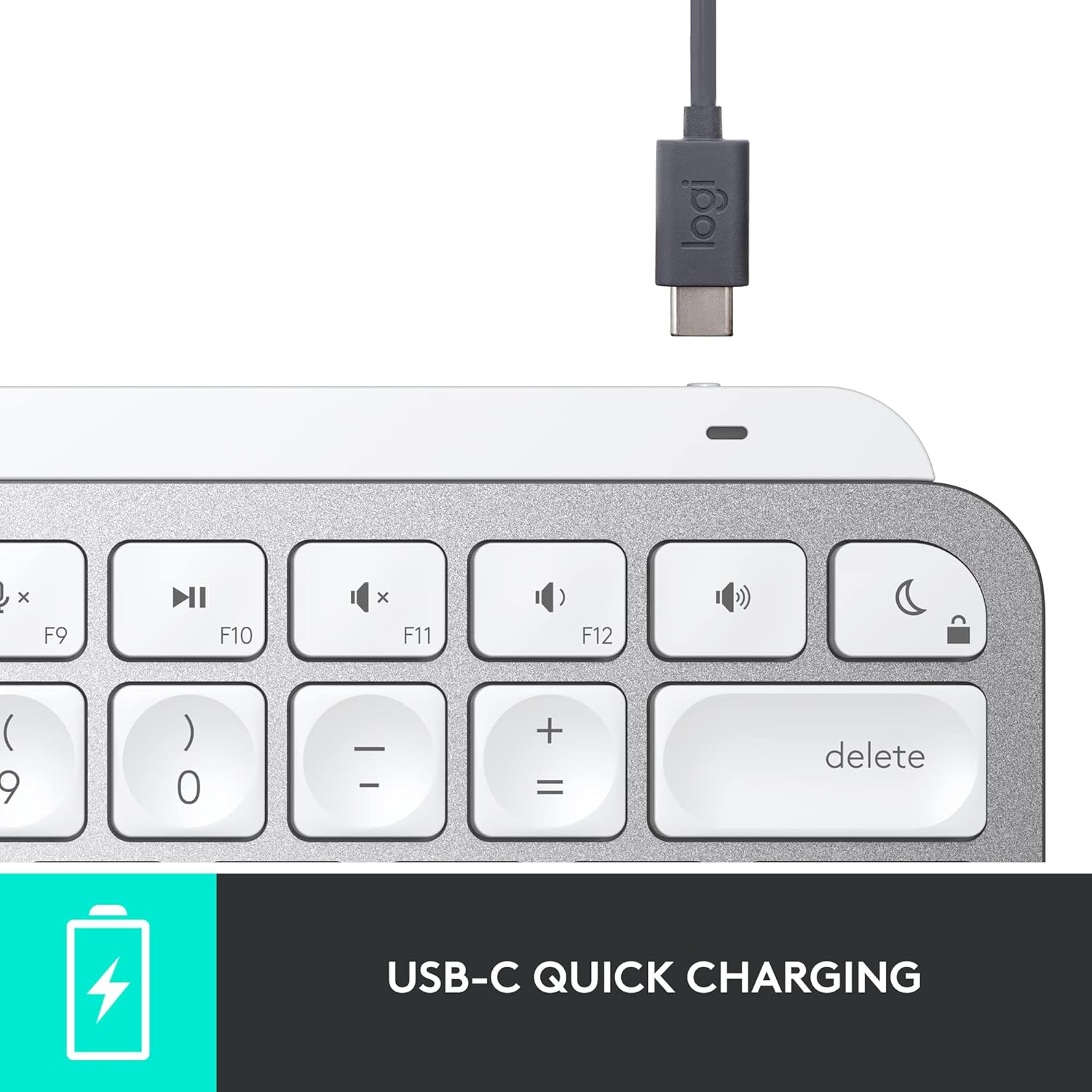
Выява: буйны план view of the USB-C charging port on the keyboard, with the charging cable connected.
2. Спалучэнне з вашай прыладай
The MX Keys Mini for Mac connects via Bluetooth Low Energy. It can be paired with up to three Apple devices (macOS, iOS, iPadOS).
- Turn on the keyboard using the power switch located on the right side.
- Press and hold one of the Easy-Switch keys (F1, F2, or F3) for three seconds until the LED indicator above the key starts blinking rapidly. This indicates the keyboard is in pairing mode.
- On your Mac, iPad, or iPhone, go to Налады сістэмы (або Сістэмныя налады) > Bluetooth.
- Select 'MX Keys Mini for Mac' from the list of available devices and follow the on-screen prompts to complete the pairing.
- Once paired, the LED indicator will glow solid for 5 seconds and then turn off.
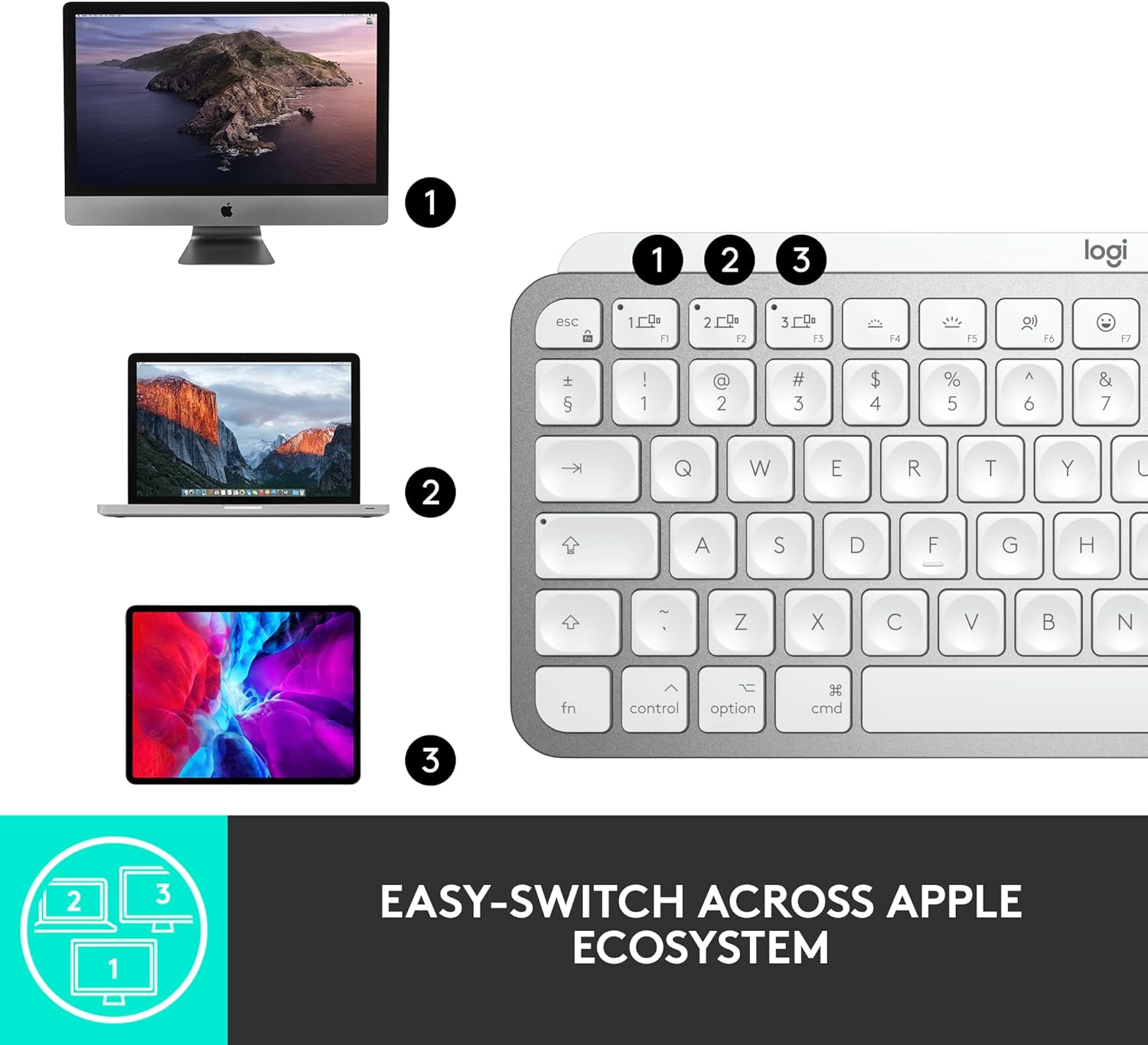
Image: The keyboard shown with an iMac, MacBook, and iPad, demonstrating its multi-device connectivity.
3. Installing Logitech Options Software (Optional but Recommended)
For full customization of Smart Keys and other advanced features, download and install the Logitech Options software from the official Logitech website. This software is available for macOS.
Кіраванне клавіятурай
Perfect Stroke Keys
The MX Keys Mini for Mac features spherically-dished keys designed to match the shape of your fingertips, providing a fluid, efficient, and responsive typing experience.

Выява: Падрабязны view of the keyboard's keys, highlighting their unique concave design for comfortable typing.
Разумныя ключы
The keyboard includes dedicated Smart Keys to enhance your workflow:
- Клавіша дыктавання: Press to activate talk-to-text functionality.
- Ключ эмодзі: Імгненна адкрывае акно з эмодзі.
- Mic Mute/Unmute Key: For seamless control during video calls.
Smart Illumination (Backlighting)
The keys light up the moment your hands approach and automatically adjust to suit changing lighting conditions, conserving battery life. You can manually adjust backlight brightness using the dedicated keys (F5 and F6).
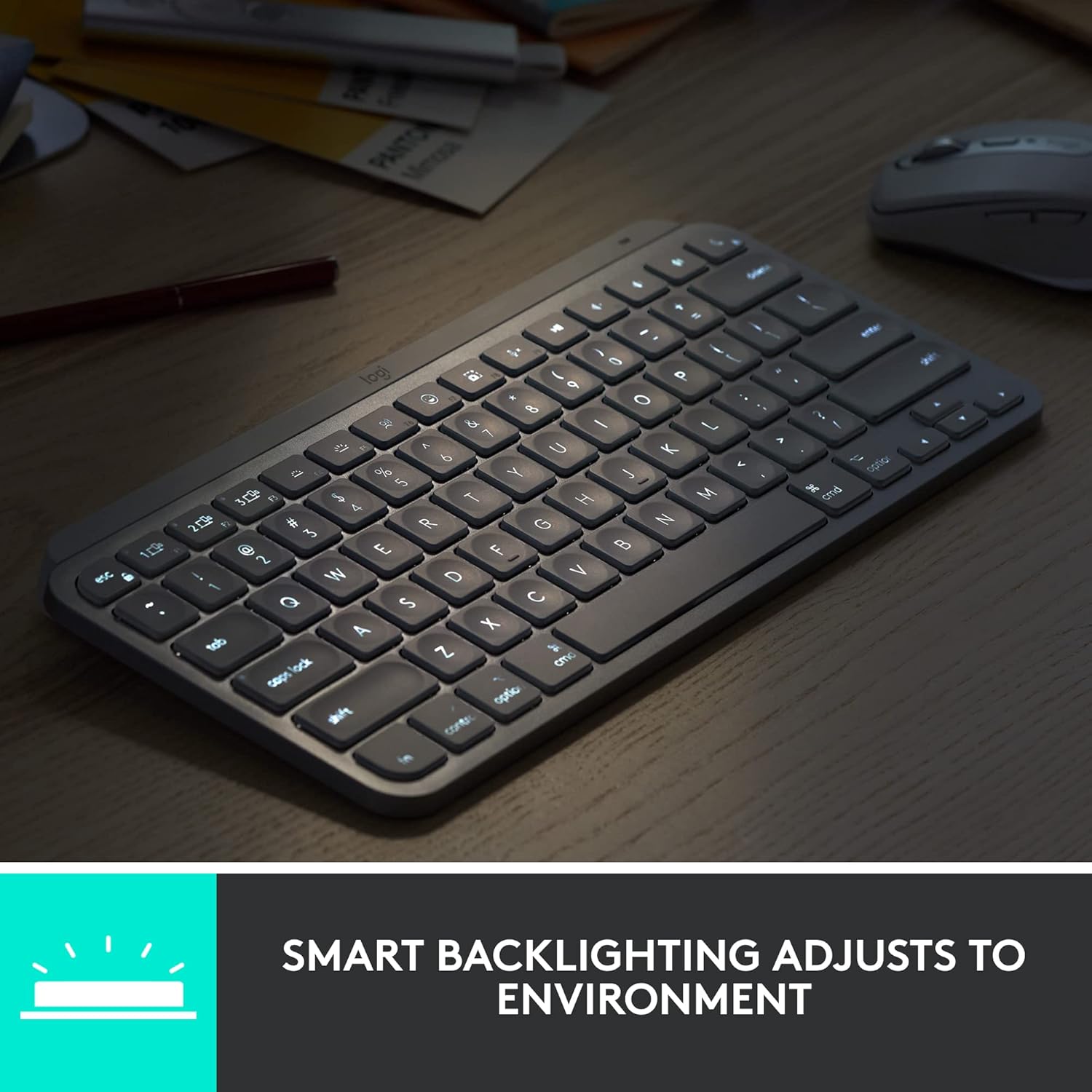
Image: The keyboard with its smart backlighting illuminated, demonstrating its visibility in low-light conditions.
Пераключэнне некалькіх прылад
Easily switch between up to three paired devices by pressing the F1, F2, or F3 Easy-Switch keys. The keyboard will instantly connect to the selected device.
Сумяшчальнасць з Logitech Flow
When paired with a Flow-enabled Logitech mouse (e.g., MX Master 3 for Mac or MX Anywhere 3 for Mac), you can type on multiple devices in one fluid workflow. This allows you to transfer files, documents, and images across Apple devices by simply moving your cursor from one screen to another.

Image: A user at a desk with the keyboard and mouse, illustrating a seamless multi-device creative workflow.
Тэхнічнае абслугоўванне
Уборка
To clean your keyboard, use a soft, lint-free cloth. For stubborn dirt, slightly dampПрацярыце тканіну вадой або мяккім неабразіўным ачышчальнікам. Пазбягайце празмернай вільгаці і агрэсіўных хімічных рэчываў.
Сыход за батарэяй
The MX Keys Mini for Mac is equipped with a LiPo rechargeable battery. Battery life can last up to 10 days on a full charge with backlighting enabled, or up to 5 months with backlighting turned off. To prolong battery life, avoid extreme temperatures and store the keyboard in a cool, dry place when not in use for extended periods.
Ліквідацыю непаладак
Клавіятура не падключаецца праз Bluetooth
- Пераканайцеся, што клавіятура ўключана і цалкам зараджана.
- Пераканайцеся, што Bluetooth уключаны на вашай прыладзе.
- Try re-pairing the keyboard by holding an Easy-Switch key until it blinks, then re-selecting it in your device's Bluetooth settings.
- Перамясціце клавіятуру бліжэй да прылады, каб пазбегнуць праблем з дыяпазонам.
- Перазагрузіце клавіятуру і прыладу.
Падсветка не працуе або цьмяная
- Check the battery level; low battery can disable backlighting.
- Пераканайцеся, што датчык навакольнага асвятлення не перакрыты.
- Manually adjust the brightness using the F5 (dimmer) and F6 (brighter) keys.
Клавішы не рэагуюць
- Пераканайцеся, што клавіятура падключана да правільнай прылады (праверце індыкатар клавішы Easy-Switch).
- Ачысціце вакол пашкоджаных клавіш, каб выдаліць смецце.
- Перазагрузіце клавіятуру і падлучаную прыладу.
Тэхнічныя характарыстыкі
| Асаблівасць | Дэталь |
|---|---|
| Нумар мадэлі | 920-010389 |
| Тэхналогія падлучэння | Bluetooth з нізкім энергаспажываннем |
| Сумяшчальныя прылады | MacBook Pro, MacBook Air, iMac, iPad (macOS, iOS, iPadOS) |
| Апісанне клавіятуры | Мембрана |
| Колькасць ключоў | 64 |
| Падсвятленне | Smart Illumination (Single Color) |
| Крыніца харчавання | Працуе ад батарэі (1 літый-палімерная батарэя, у камплекце) |
| Тэрмін службы батарэі | Up to 10 days (with backlighting), up to 5 months (without backlighting) |
| Порт для зарадкі | USB-C |
| Памеры (ДхШхВ) | 5.19 х 7.72 х 0.83 цалі (131.95 х 295.99 х 20.97 мм) |
| Вага прадмета | 1.5 фунта (506.4 г) |
| Колер | Бледна-шэры |
| Матэрыял | Plastic parts include certified post-consumer recycled plastic (Pale Gray: 12%) |
Гарантыя і падтрымка
Logitech products are manufactured to high quality standards and are subject to a limited hardware warranty. Specific warranty details, including duration and terms, are typically provided in the user documentation included with your product or can be found on the official Logitech support webсайт.
For technical support, FAQs, and additional resources, please visit the Logitech support website. You can also find downloadable user manuals and software updates there.
Інтэрнэт-падтрымка: support.logi.com
Ask a question about this manual
Ask about setup, troubleshooting, compatibility, parts, safety, or missing instructions. Manuals+ will review the question and use this page’s manual context to help answer it.