
Уводзіны
The LUMI Original White Noise Machine (Model SA03) is designed to create a peaceful environment for sleep and focus. It features 30 soothing sounds, a 7-color night light with adjustable brightness, and a sleep timer. This device is portable, USB-rechargeable, and suitable for all ages, providing a natural remedy for deeper, more restful sleep.

Image: The LUMI Original White Noise Machine, showcasing its compact design and illuminated top panel.
Асаблівасці прадукту
- 30 заспакаяльных гукаў: Includes white noise, fan sounds, and nature sounds like rain, ocean waves, heartbeat, womb sounds, shushing, meditation tones, and lullabies.
- Цёплы начны святло: Offers 7 color options and 5 brightness levels, usable with or without sound.
- Дадатковы таймер сну: Set for 30, 60, or 90 minutes, or continuous play.
- Функцыя памяці: Remembers the last sound and light settings.
- Партатыўны і акумулятарны: Compact design with a built-in rechargeable battery providing up to 20 hours of playtime. USB-C charging cable included.
- Customizable Volume Levels: Adjustable from 48 to 98 dB.

Image: Key features of the device, including sound options, night light, timer, and portability.
Змест пакета
Калі ласка, пастаўце галачку для наступных пунктаў:
- LUMI Original White Noise Machine
- Зарадны кабель USB-C
- Кіраўніцтва карыстальніка

Image: The white noise machine, USB-C cable, and user manual as included in the package.
Настройка
1. Зарадка прылады
Before first use, fully charge the device using the provided USB-C cable. Connect the cable to the device's USB-C port and a compatible USB power adapter (not included). The device can be used while charging. A full charge provides up to 20 hours of playtime.

Image: The USB-C charging cable connected to the device.
2. Пачатковае ўключэнне
Націсніце Кнопка харчавання (marked with a power symbol) located on the control panel to turn on the device.
Інструкцыя па эксплуатацыі
Уключэнне/выключэнне харчавання
- Каб уключыць прыладу, націсніце Кнопка харчавання.
- Каб выключыць прыладу, націсніце Кнопка харчавання зноў.
Sound Selection and Volume Adjustment
- To select a sound, press the Кнопка выбару гуку (marked with sound wave icons).
- Выкарыстоўвайце Navigation/Adjustment Buttons (left and right arrows) to cycle through the 30 available sounds.
- Наладзьце гучнасць, націснуўшы Navigation/Adjustment Buttons. The volume ranges from 48 to 98 dB.
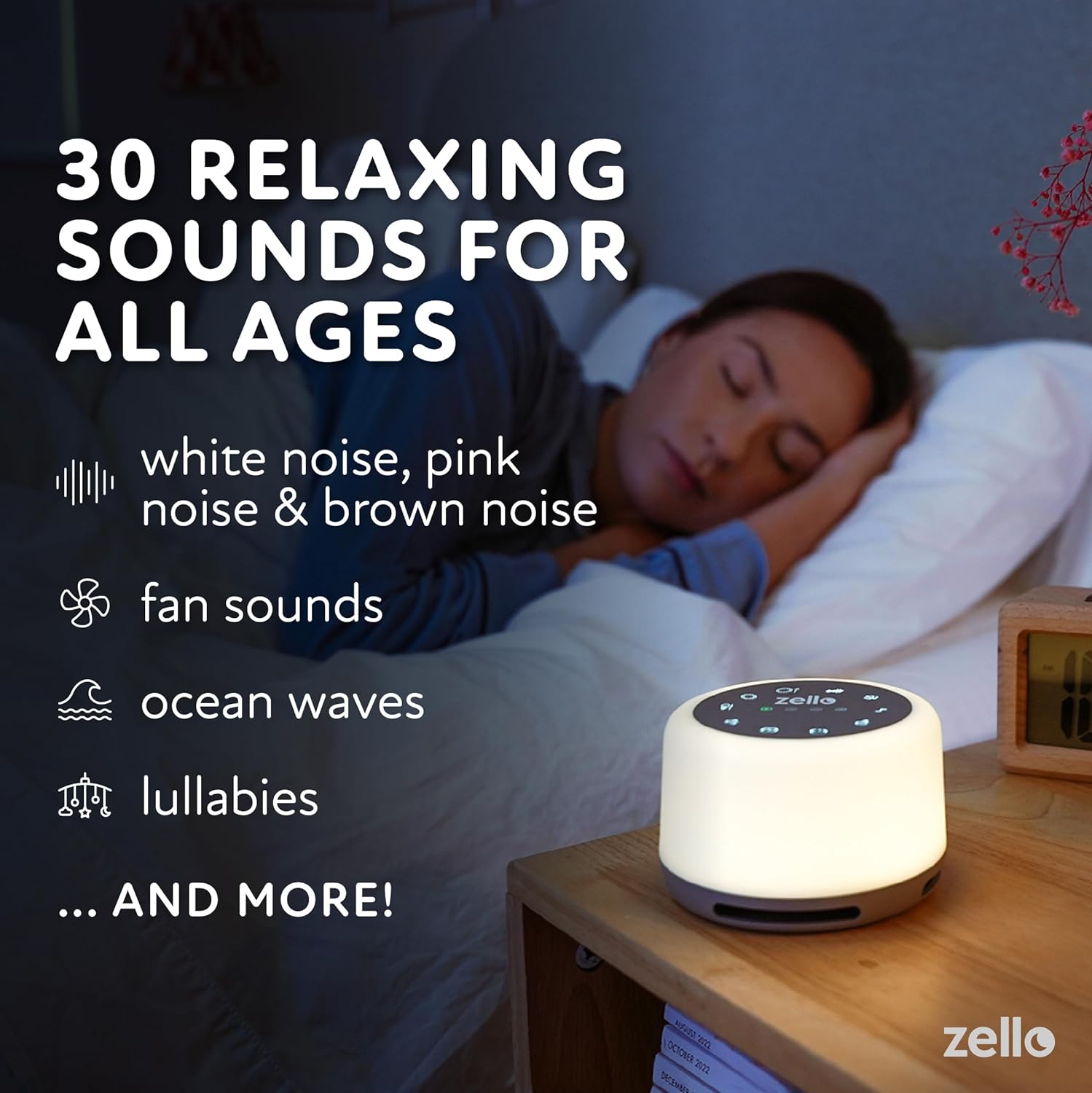
Image: The device providing relaxing sounds for sleep.
Аперацыя начнога святла
- To activate the night light, press the Светлавая кнопка (marked with a light bulb icon).
- Выкарыстоўвайце Navigation/Adjustment Buttons to cycle through the 7 color options and 5 brightness levels.

Image: The device displaying its colored night light feature.
Функцыя таймера
- To set the timer, press and hold the Кнопка таймера (marked with 30, 60, 90 minute indicators) for 3 seconds.
- Выкарыстоўвайце Navigation/Adjustment Buttons to select the desired timer length: 30, 60, or 90 minutes.
- A light indicator will show the active timer setting. The device will automatically shut off after the selected time.
- For continuous play, select the continuous play option using the Кнопка таймера.

Image: Setting the sleep timer on the device.
Функцыя памяці
The device automatically remembers your last selected sound and light settings when powered off and on.
Інфармацыя па бяспецы
- Do not use the device in the bath or near water.
- Avoid high volume levels to prevent potential hearing damage.
- Do not use the device if the charging cord is damaged or if the device falls into water.
- Keep out of reach of small children if not supervised, especially the charging cable.
Тэхнічнае абслугоўванне
- Працірайце прыладу мяккай сухой тканінай. Не выкарыстоўвайце абразіўныя ачышчальнікі і не апускайце прыладу ў ваду.
- Захоўвайце прыладу ў прахалодным, сухім месцы, калі яна не выкарыстоўваецца працяглы час.
- Ensure the USB-C port is free from dust and debris for optimal charging.
Ліквідацыю непаладак
- Прылада не ўключаецца: Ensure the device is fully charged. Connect it to a power source using the USB-C cable and allow it to charge for at least 30 minutes before attempting to power on again.
- Sound not playing or device turning off prematurely: Check the timer setting. If a timer is active, the device will turn off after the set duration. Ensure the device is adequately charged. Low battery can cause unexpected shutdowns. If the device consistently turns off after a short period (e.g., 30 seconds) despite a longer timer setting, contact customer support.
- Night light not staying on at dimmest setting: Ensure the device is fully charged. If the issue persists, it may indicate a specific unit characteristic or a potential fault. Contact customer support if this affects usability.
- Кнопкі не рэагуюць: Try restarting the device by holding the power button until it turns off, then turn it back on. Ensure no debris is obstructing the buttons.
- Дрэнная якасць гуку: Adjust the volume. Ensure the device is placed on a stable surface and not obstructed.
Тэхнічныя характарыстыкі
| Памеры прадукту | 4.33 х 4.33 х 3.7 цалі (10.6 х 10.6 х 6.4 см) |
| Вага | 9.88 унцыі (280 г) |
| Нумар мадэлі | SA03 |
| акумулятар | 1 літый-іённы акумулятар (у камплекце) |
| Крыніца харчавання | Працуе ад акумулятара (перазараджваецца USB-C) |
| Час гульні | Да 20 гадзін на адной зарадцы |
| Узроўні гуку | ад 48 да 98 дБ |
| Начнік | 7 колераў, 5 узроўні яркасці |
| Вытворца | Shopped |
| ASIN | B098XX32MB |
Гарантыя і падтрымка
For warranty information and customer support, please refer to the contact details provided with your purchase documentation or visit the official LUMI webсайт. Захоўвайце пацвярджэнне пакупкі для любых гарантыйных прэтэнзій.