
AT&T CL83507
Кіраўніцтва карыстальніка бесправадной тэлефоннай сістэмы AT&T CL83507 DECT 6.0
Model: CL83507 | Brand: AT&T
Уводзіны
The AT&T CL83507 DECT 6.0 5-Handset Cordless Phone System is designed to provide reliable communication for your home or small office. This system features advanced call management capabilities, including Smart Call Blocker, and offers extended range and clear audio quality. It includes a dual keypad base with an integrated digital answering machine, ensuring you stay connected and manage calls efficiently.

Image: The AT&T CL83507 system, showing the main base unit with one handset and four additional charging cradles with handsets.
Што ў скрынцы
Пераканайцеся, што ваш пакет змяшчае наступныя элементы:
- Базавая адзінка
- 5 бесправадных тэлефонаў
- 4 зарадныя прылады
- 5 адаптараў пераменнага току
- Тэлефонны шнур
- 5 батарэі
- Насценны кранштэйн
- Кароткае кіраўніцтва
Настройка
1. Усталёўка і зарадка акумулятара
Each handset requires a battery pack for operation. Carefully open the battery compartment on the back of each handset, connect the battery pack connector, and place the battery inside. Close the compartment cover securely.
Place each handset in its respective charging cradle or the main base unit. Ensure the "Charge" indicator on the handset lights up, confirming proper connection. Allow at least 10 hours for the initial charge before first use.
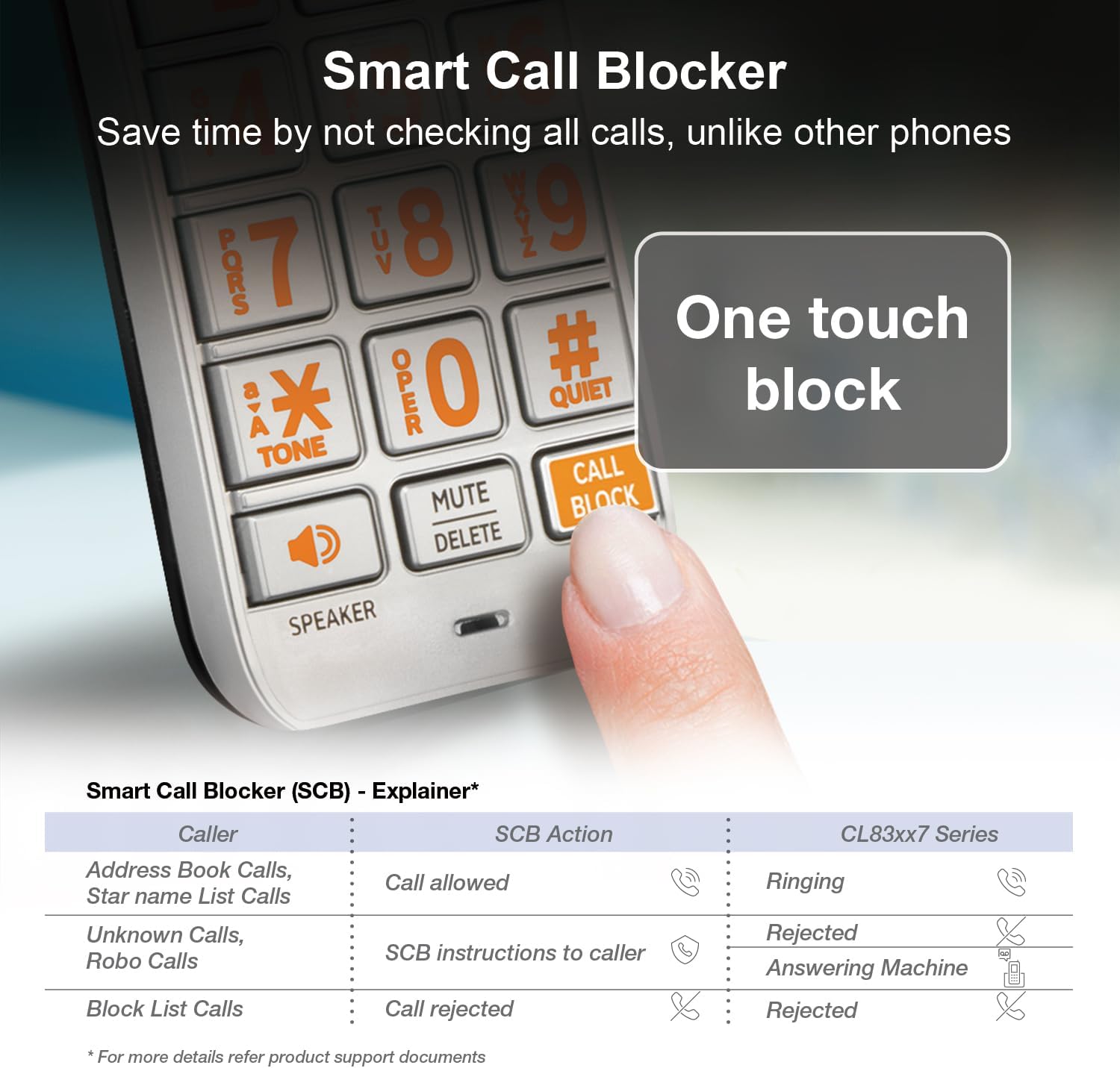
Image: A cordless handset being placed into its charging cradle, illustrating the charging process.
2. Падключэнне базавага блока
- Падключыце адзін канец тэлефоннага шнура да раздыма TEL LINE на задняй панэлі базавага блока.
- Падключыце другі канец тэлефоннага шнура да тэлефоннай разеткі.
- Plug the small end of the AC adapter into the POWER jack on the back of the base unit.
- Plug the large end of the AC adapter into a standard electrical outlet.
3. Рэгістрацыя трубкі
Handsets are typically pre-registered to the base unit. If a handset displays "To register HS" or similar, you may need to manually register it. Refer to the full user manual for detailed registration instructions.
Відэа: Прадукт большыview video demonstrating the AT&T CL83507 5-Handset Cordless Phone System, including setup and key features.
Operating the Phone System
Здзяйсненне і прыём званкоў
- Каб патэлефанаваць, націсніце ТЭЛЕФОН or СПІКЕР, а затым набярыце нумар.
- Каб адказаць на званок, націсніце ТЭЛЕФОН or СПІКЕР калі званіць тэлефон.
- Каб завяршыць выклік, націсніце ВЫКЛ.
Смарт-блакаванне выклікаў
The Smart Call Blocker feature helps filter unwanted calls. Robocalls are automatically blocked from ringing through. You can also permanently blacklist any number with a single touch.
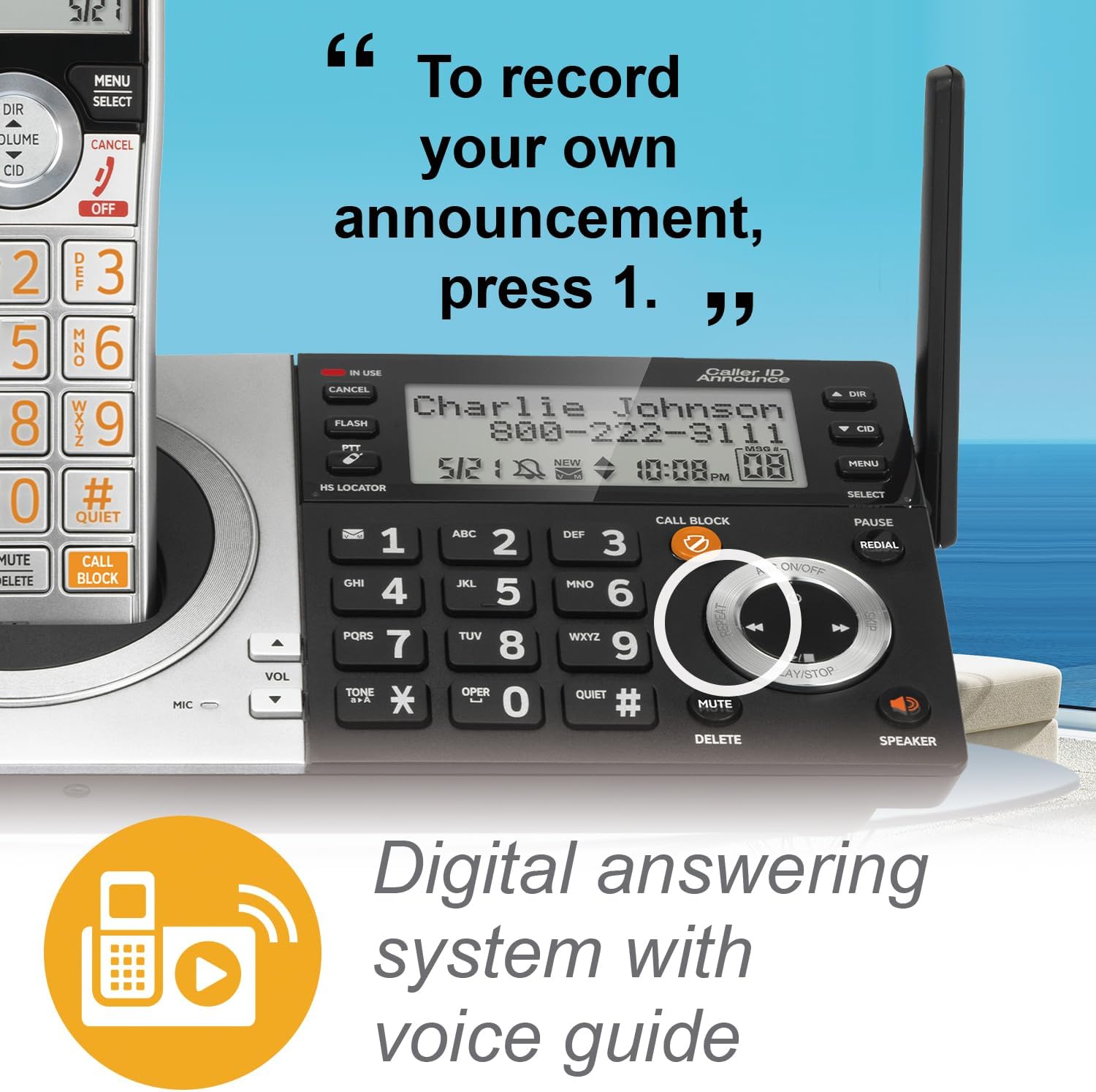
Image: Detail of the handset keypad, showing the dedicated 'CALL BLOCK' button for easy access to the call blocking feature.

Image: The base unit's keypad, with the 'CALL BLOCK' button prominently displayed, indicating its functionality.
Лічбавая сістэма адказаў
The integrated digital answering machine can record up to 22 minutes of messages. You can access and manage messages directly from the base unit or any handset.

Image: A close-up of the base unit's controls, highlighting the digital answering system's playback and recording functions.
Caller ID Announce
The system announces the name of the caller, allowing you to screen calls without needing to look at the display.
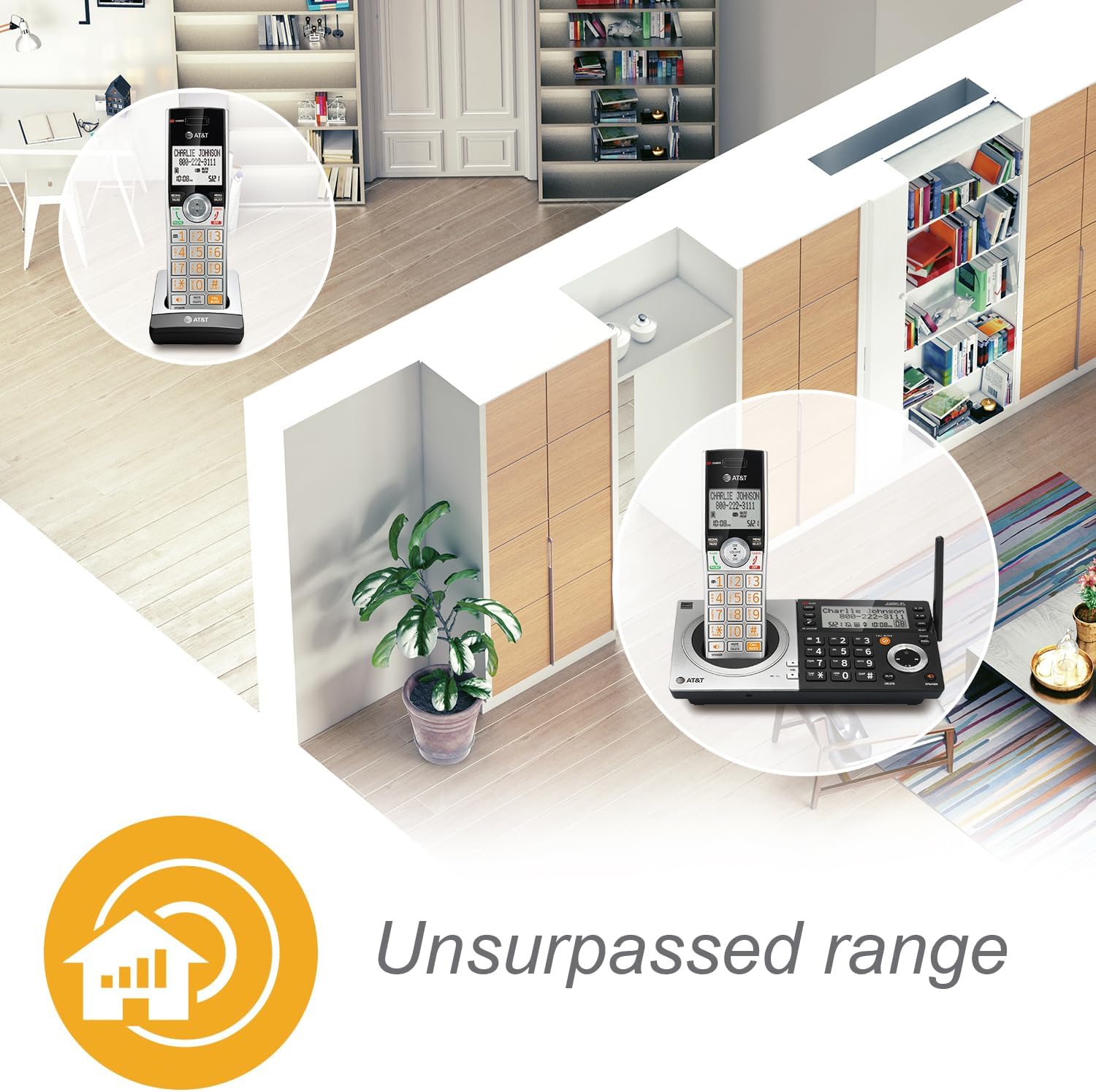
Image: A handset displaying "Mr. Johnson is calling...", illustrating the Caller ID Announce feature.
Intercom and Push-to-Talk
Communicate instantly between handsets or between a handset and the base unit using the intercom feature. The Push-to-Talk button allows for quick, walkie-talkie style communication.

Image: A woman holding a handset, with a circle highlighting the 'PUSH TO TALK' button on the side of the phone.
Гучныя сувязі
Both the handset and base unit feature simulated full-duplex speakerphones, allowing for clear, hands-free conversations where both parties can speak and be heard simultaneously.

Image: A woman in a kitchen chopping vegetables, with a handset on the counter emitting sound waves, demonstrating the speakerphone function.
Дысплей і клавіятура
The handsets feature a high-contrast backlit LCD and a lighted keypad for easy readability and dialing, even in low-light conditions. The extra-large display and big buttons enhance user experience, especially for those with visual impairments.
Image: A close-up of the handset's screen, showing clear text for caller information, demonstrating the high-contrast backlit LCD.

Image: A hand pressing a large, clearly labeled button on the phone's keypad, highlighting the "Big buttons" feature.
Unsurpassed Range
Benefit from extended range coverage and clarity, thanks to a unique antenna design and advanced noise-filtering technology.

Image: An overhead diagram of a house with phone icons indicating coverage throughout different rooms, illustrating the "Unsurpassed range" feature.
HD Audio with Equalizer
Enjoy enhanced sound quality with HD audio and a customizable equalizer, allowing you to adjust audio settings for optimal clarity.

Image: A woman holding a handset, with a graphic overlay of an audio equalizer, representing the HD audio and customizable sound features.
Ціхі рэжым
Activate Quiet Mode to silence the ringer on all handsets and the base unit for a specified period, providing undisturbed peace.
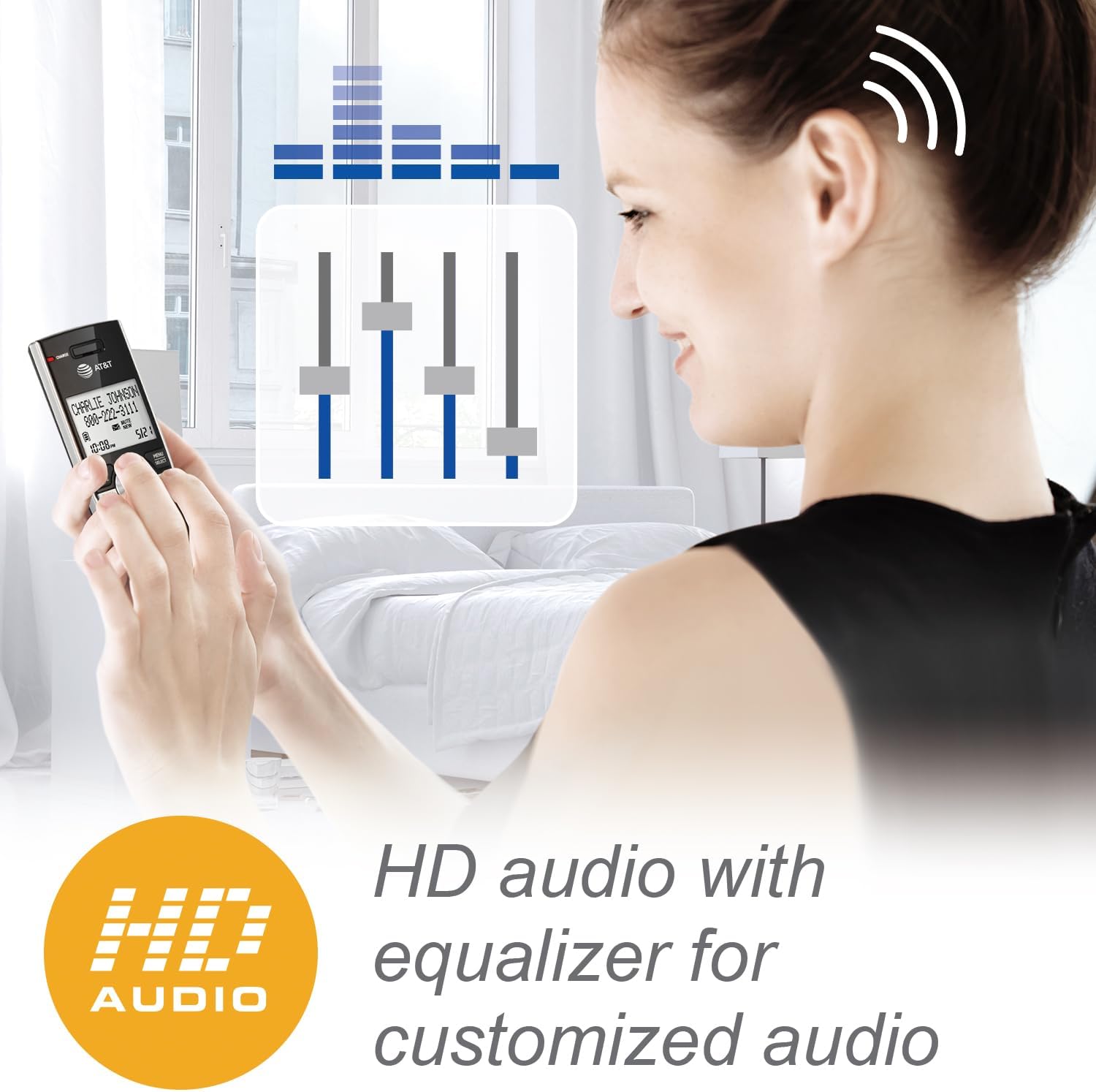
Image: A close-up of the phone's keypad, highlighting the '#QUIET' button, with a person meditating in the background, symbolizing the quiet mode feature.
Тэхнічнае абслугоўванне
Cleaning Your Phone
Wipe the phone and charging cradles with a soft, slightly damp тканінай. Не выкарыстоўвайце ачышчальныя спрэі або агрэсіўныя хімікаты, бо яны могуць пашкодзіць пакрыццё або электрычныя кампаненты.
Сыход за батарэяй
- To maintain optimal battery performance, keep the handsets in their chargers when not in use.
- If the phone will not be used for an extended period, remove the battery from the handset to prevent leakage.
- Замяняйце батарэйкі, калі яны больш не трымаюць зарад эфектыўна.
Ліквідацыю непаладак
If you experience issues with your AT&T CL83507 phone system, try the following basic troubleshooting steps:
- Няма сігналу набору: Пераканайцеся, што тэлефонны шнур надзейна падключаны як да базавай прылады, так і да разеткі. Праверце, ці працуюць іншыя тэлефоны на той жа лініі.
- Няма харчавання: Пераканайцеся, што адаптар пераменнага току правільна падключаны да базавай прылады і спраўнай электрычнай разеткі.
- Тэлефон не зараджаецца: Ensure the handset is correctly seated in its charging cradle and the charge indicator light is on. Clean the charging contacts on both the handset and cradle.
- Нельга рабіць/прымаць званкі: Ensure the handset is registered to the base unit. Ensure there is no interference from other electronic devices.
- Call Blocker Not Working: Review your Smart Call Blocker settings. Ensure the feature is enabled and numbers are correctly added to your block list or allowed list.
For more detailed troubleshooting or complex issues, please refer to the comprehensive user manual available on the AT&T support webсайт.
Тэхнічныя характарыстыкі
| Асаблівасць | Дэталь |
|---|---|
| Нумар мадэлі | CL83507 |
| Тып тэлефона | Бесправадная сувязь (DECT 6.0) |
| Колькасць тэлефонаў | 5 (пашыраецца да 12) |
| Тып аўтаадказчыка | Digital (22 minutes recording time) |
| Тып дазвону | Dual Keypad (Base and Handset) |
| Колер | Silver/Black Keypad Base |
| Крыніца харчавання | Правадная электрычная |
| Вага прадмета | 3.8 фунта (1.73 кілаграма) |
| Вытворца | VTech |
Гарантыя і падтрымка
For warranty information and customer support, please refer to the documentation included with your product or visit the official AT&T webсайт. Захоўвайце чэк аб куплі як пацвярджэнне пакупкі для гарантыйных прэтэнзій.
Ask a question about this manual
Ask about setup, troubleshooting, compatibility, parts, safety, or missing instructions. Manuals+ will review the question and use this page’s manual context to help answer it.