
Уводзіны
This manual provides comprehensive instructions for the proper use, setup, and maintenance of your BlueParrott B650-XT Mono Bluetooth Wireless Headset. Please read this guide thoroughly to ensure optimal performance and longevity of your device. The B650-XT is designed for clear communication in high-noise environments, offering advanced noise cancellation and robust features for professional use.
Што ў скрынцы
Праверце, ці ёсць усе прадметы ў ўпакоўцы вашага прадукту:
- B650-XT Headset
- Амбушюры са скуразамяняльніка
- кабель USB
- Зарадная прылада для аўтамабіля
- Two mic windscreens
- Кароткае кіраўніцтва

Настройка
1. Зарадка гарнітуры
Before initial use, fully charge your B650-XT headset. Use the provided USB cable and vehicle charger. A full charge provides up to 36 hours of talk time and 90 hours of standby time.
2. Нашэнне гарнітуры
The B650-XT features an over-ear design for comfort during extended use. Adjust the headband and microphone boom for a secure and optimal fit. The microphone should be positioned approximately two finger-widths from the corner of your mouth.

3. Спалучэнне з прыладай
- Пераканайцеся, што гарнітура зараджана і выключана.
- Націсніце і ўтрымлівайце кнопку харчавання прыблізна 4 секунд, пакуль святлодыёдны індыкатар не пачне міргаць сінім і чырвоным колерамі, што паказвае на рэжым спалучэння.
- На мабільнай прыладзе ўключыце Bluetooth і знайдзіце даступныя прылады.
- Select 'BlueParrott B650-XT' from the list. If prompted, enter '0000' for the PIN.
- Once paired, the LED will show a solid blue light. The headset can pair with up to 7 devices and connect to 2 devices simultaneously.
Інструкцыя па эксплуатацыі
1. Элементы кіраванняview
The B650-XT features intuitive controls for managing calls and audio:
- Кнопка харчавання: On/Off, Pairing mode.
- Кнопкі рэгулявання гучнасці (+/-): Адрэгулюйце гучнасць гуку.
- BlueParrott Button: Customizable for various functions (mute, speed dial, Push-to-Talk).

2. Здзяйсненне і прыём званкоў
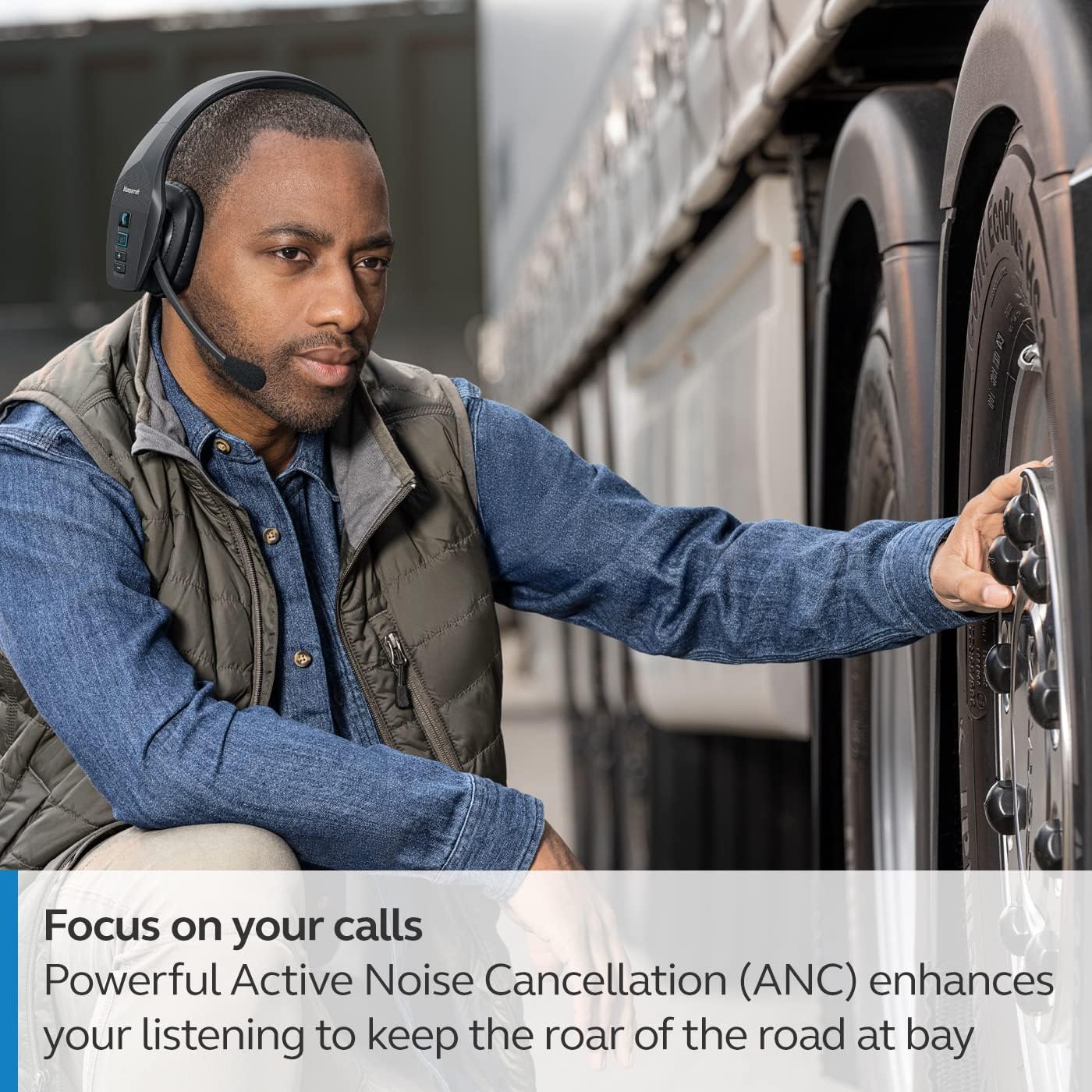
The headset's microphone features 96% noise cancellation, ensuring your voice is clear even in loud environments. Active Noise Cancellation (ANC) in the earcup reduces ambient noise for improved listening.

3. Галасавое кіраванне
The B650-XT supports 100% hands-free voice control for managing calls, GPS directions, music, and voice assistants. This feature allows you to operate the headset without taking your hands off the wheel or your eyes off the task.

4. BlueParrott Button Customization
The BlueParrott Button can be programmed for quick access to your most-used functions, such as mute, speed dial, or Push-to-Talk. Customize this feature via the BlueParrott app on your smartphone.

Тэхнічнае абслугоўванне
1. Уборка
Regularly wipe the headset with a soft, dry cloth. For deeper cleaning, use a slightly damp cloth. Avoid using harsh chemicals or abrasive materials. Ensure the charging port is free of dust and debris.
2. Захоўванне
Store the headset in a cool, dry place away from extreme temperatures and direct sunlight. The B650-XT is IP54-rated for protection against dust and water, but proper storage helps maintain its condition.

Ліквідацыю непаладак
If you encounter issues with your BlueParrott B650-XT headset, try the following steps:
- Няма харчавання: Пераканайцеся, што гарнітура цалкам зараджана.
- Немагчыма спалучыць: Make sure the headset is in pairing mode (flashing blue/red LED) and your device's Bluetooth is enabled. Try restarting both devices.
- Дрэнная якасць гуку: Check microphone positioning. Ensure there are no obstructions between the headset and your connected device.
- Праблемы з галасавым кіраваннем: Verify that voice control is enabled and configured correctly through the BlueParrott app.
For persistent issues, refer to the official BlueParrott support webсайт або звярніцеся ў службу падтрымкі.
Тэхнічныя характарыстыкі
| Асаблівасць | Дэталь |
|---|---|
| Назва мадэлі | B650-XT |
| Нумар мадэлі тавару | 204330 |
| Тэхналогія падлучэння | Bluetooth 5.1 |
| Далёкасць бесправадной сувязі | Да 100 метраў (300 футаў) |
| Час размовы | Да 36 гадзін |
| Час чакання | 90 гадзіны |
| Шумапрыглушэнне мікрафона | 96% |
| Кантроль шуму | Актыўны шумапрыглушэння (ANC) |
| Рэйтынг IP | IP54 (пыла- і воданепранікальнасць) |
| Размяшчэнне вушэй | Над вухам |
| Памер аўдыё драйвера | 40 міліметра |
| Вага прадмета | 7.5 унцыі (0.47 фунта) |
| Памеры прадукту | 6.4 х 2.5 х 6.4 цалі |
| UPC | 615822015981 |
Гарантыя і падтрымка
For warranty information and detailed support, please visit the official BlueParrott webсайт або звярніцеся ў службу падтрымкі кліентаў. Захоўвайце пацвярджэнне пакупкі для любых гарантыйных прэтэнзій.
Інтэрнэт-падтрымка: www.blueparrott.com/support