
1. Уводзіны
This manual provides essential information for the safe and efficient operation of your Hisense 100L9G Laser TV Projector. Please read it thoroughly before using the product and retain it for future reference.
Змест пакета
Праверце, ці ўсе пералічаныя ніжэй прадметы ўваходзяць у вашу ўпакоўку:
- Hisense 100L9G Laser TV Console
- 100-inch Ambient Light Rejecting (ALR) Screen
- Шнур харчавання
- Пульт дыстанцыйнага кіравання
- Набор для ачысткі

Image 1.1: Hisense 100L9G Laser TV Projector and 100-inch ALR Screen setup.
Відэа 1.1: Афіцыйнае скончанаеview of the Hisense L9G Laser TV features and capabilities.
2. Інфармацыя па бяспецы
Выконвайце наступныя меры бяспекі, каб прадухіліць пашкоджанне вырабу і забяспечыць бяспеку карыстальніка:
- Лазерная бяспека: Do not look directly into the projector lens when the unit is operating. The laser light can cause eye damage.
- Вентыляцыя: Забяспечце належную вентыляцыю вакол праектара. Не блакуйце вентыляцыйныя адтуліны.
- крыніца харчавання: Use only the provided power cord and connect to a grounded outlet.
- Ўздзеянне вадкасці: Трымайце праектар далей ад вады або іншых вадкасцей.
- Уборка: Use a soft, dry cloth for cleaning. Refer to the Maintenance section for detailed cleaning instructions.
3. Настройка
3.1 Размяшчэнне праектара
The Hisense 100L9G is an Ultra Short Throw (UST) projector. Place the projector on a stable, flat surface directly below the intended projection area on the screen. The distance from the wall will determine the image size. For a 100-inch screen, refer to the projector's quick setup guide for precise placement measurements.
3.2 ALR Screen Assembly
Follow the separate assembly instructions provided with your 100-inch Ambient Light Rejecting (ALR) screen. Ensure the screen is securely mounted and perfectly flat for optimal image quality.
3.3 Злучэнні
Connect your devices to the projector using the appropriate ports on the rear panel.

Image 3.1: Rear panel connections including HDMI, USB, LAN, and audio ports.
- HDMI: Connect your external devices (e.g., Blu-ray player, gaming console, cable box) to the HDMI ports. HDMI 2 (eARC) supports Audio Return Channel for compatible sound systems.
- USB: Падключыце USB-назапашвальнікі для прайгравання медыяфайлаў або абнаўлення праграмнага забеспячэння.
- LAN: Падключыце кабель Ethernet для праваднога падключэння да Інтэрнэту.
- Лічбавы аўдыёвыхад (аптычны): Падключыце знешні аўдыёпрыёмнік або саўндбар.
- Аўдыёвыхад (3.5 мм): Connect to headphones or external speakers.
- Магутнасць: Connect the power cord to the AC IN port and then to a power outlet.
4. Пачатковая ўстаноўка і канфігурацыя
4.1 Уключэнне
After connecting all cables, press the power button on the projector or the remote control to turn on the unit. The Hisense logo will appear on the screen.
4.2 Майстар першапачатковай налады
Upon first power-on, the projector will guide you through an initial setup wizard. This includes:
- Выбар мовы
- Сеткавае падключэнне (Wi-Fi або Ethernet)
- Уваход у ўліковы запіс Google (для функцый Android TV)
- Channel scan (if connecting an antenna)
- Image alignment and focus adjustment
4.3 Налады выявы
Access the picture settings menu to adjust brightness, contrast, color, and sharpness to your preference. The 100L9G features TriChroma laser technology for enhanced color accuracy and brightness.

Image 4.1: The Hisense 100L9G provides a bright picture suitable for various room lighting conditions.
5. Operating Your Laser TV
5.1 Пульт дыстанцыйнага кіравання
Use the provided remote control to navigate menus, adjust settings, and control playback. Familiarize yourself with the button layout for common functions like power, input, volume, and smart TV access.
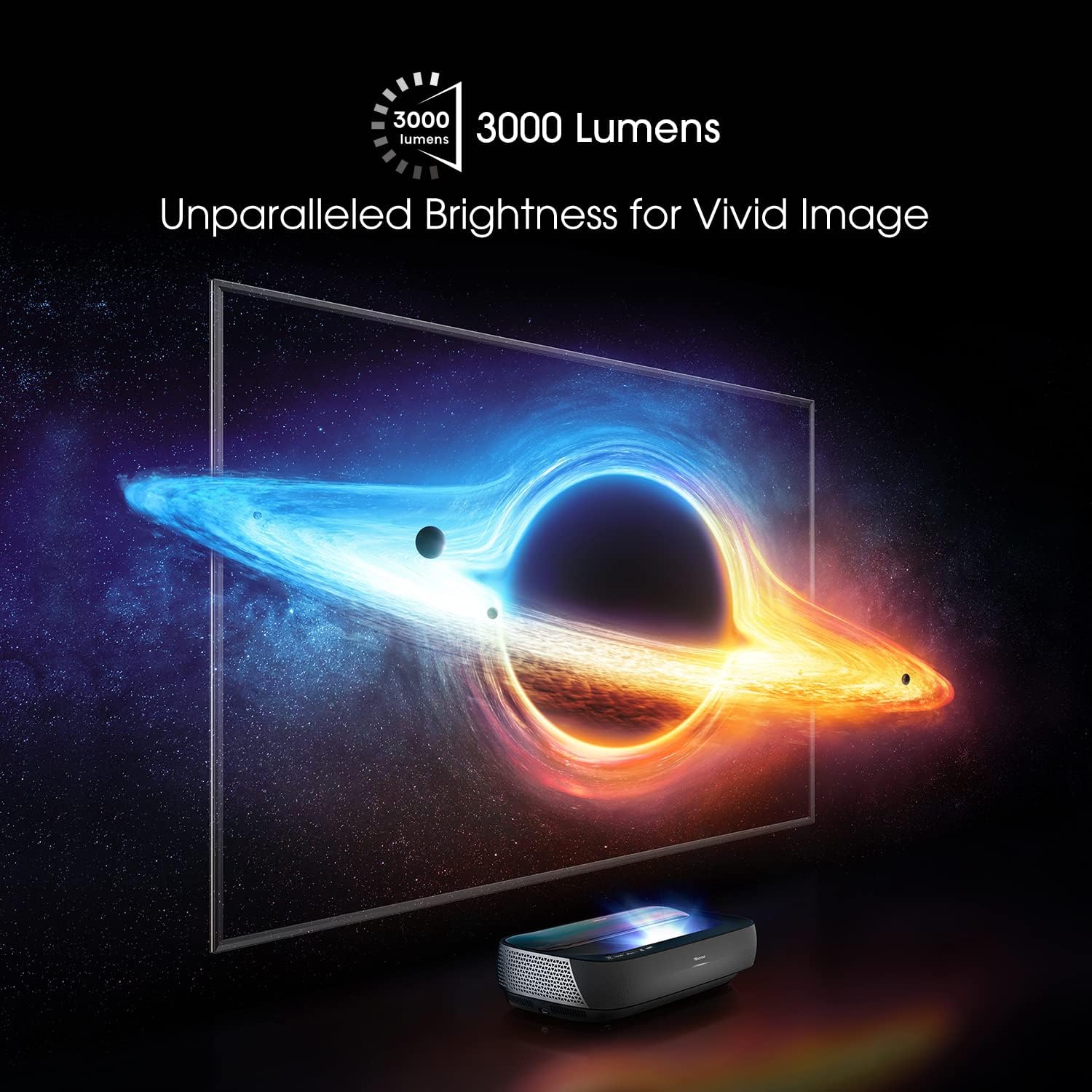
Image 5.1: The remote control for the Hisense 100L9G Laser TV.
5.2 Выбар уводу
Press the 'Input' button on the remote to switch between connected HDMI devices, built-in apps, or other sources.
5.3 Функцыі Smart TV (Android TV)
The 100L9G runs on Android TV, providing access to a wide range of streaming apps, Google Assistant, and Chromecast built-in. Navigate the Android TV interface using the remote control.
5.4 Налады гуку (Dolby Atmos)
The projector features built-in 40W Dolby Atmos sound. Access the audio settings menu to customize sound modes, equalizer settings, and ensure Dolby Atmos is enabled for compatible content.

Image 5.2: The Hisense 100L9G features integrated Dolby Atmos sound for immersive audio.
6. Пашыраныя магчымасці
6.1 TriChroma Laser Engine
The 100L9G utilizes a TriChroma laser engine with pure red, green, and blue lasers, achieving 107% of the BT.2020 color space for a wide and accurate color reproduction.

Image 6.1: TriChroma laser technology uses three distinct lasers for superior color performance.
6.2 Filmmaker Mode
Activate Filmmaker Mode to experience movies and TV shows as the creators intended, with original aspect ratios, colors, and frame rates preserved.
6.3 HDR10/HLG Support
The projector supports HDR10 and HLG formats, delivering enhanced contrast and color detail with compatible content.
6.4 MEMC Technology
Motion Estimation, Motion Compensation (MEMC) technology provides smooth motion for fast-paced content, reducing blur and judder.
7. Тэхнічнае абслугоўванне
7.1 Чыстка праектара
Regularly clean the exterior of the projector with a soft, dry, lint-free cloth. Do not use abrasive cleaners or solvents. For the lens, use a specialized lens cleaning cloth and solution, following the instructions in the provided cleaning kit.
7.2 Cleaning the ALR Screen
Gently wipe the ALR screen surface with a soft, dry microfiber cloth. Avoid applying pressure or using harsh chemicals, as this can damage the screen's special coating. Refer to the screen's specific cleaning instructions.
7.3 Крыніца лазернага святла
The laser light source has an estimated operating life of 25,000 hours. No user maintenance is required for the laser module itself.
8. Выпраўленне непаладак
If you encounter issues with your Hisense 100L9G Laser TV, refer to the following common problems and solutions:
| праблема | Магчымае рашэнне |
|---|---|
| Няма ўлады | Праверце, ці надзейна падключаны шнур харчавання да праектара і разеткі. Пераканайцеся, што разетка спраўная. |
| Няма выявы | Verify the correct input source is selected. Check HDMI cable connections. Ensure the projector lens is not obstructed. |
| Дрэнная якасць выявы | Adjust focus and keystone correction. Check picture settings (brightness, contrast, color). Ensure the screen is clean and flat. |
| Няма гуку | Check volume levels. Ensure external audio devices are correctly connected and selected. Verify audio output settings. |
| Пульт дыстанцыйнага кіравання не працуе | Replace batteries. Ensure there are no obstructions between the remote and the projector. |
If the problem persists after trying these solutions, please contact Hisense customer support.
9. Тэхнічныя характарыстыкі
| Асаблівасць | Спецыфікацыя |
|---|---|
| Нумар мадэлі | 100L9G-CINE100 |
| Дазвол дысплея | 3840 x 2160 (4K UHD) |
| Яркасць | 3000 люмен |
| Крыніца святла | Лазер TriChroma |
| Тэрмін службы крыніцы святла | 25,000 гадзін |
| Пакрыццё каляровай прасторы | 107% BT.2020 |
| Памер экрана | 100 Inches (with ALR Screen) |
| Аўдыёвыхад | 40W with Dolby Atmos |
| Аперацыйная сістэма | Android TV |
| Сувязь | HDMI (3x, including eARC), USB (2x), LAN, Digital Audio Out, Audio Out, 802.11 ac/b/g/n Wi-Fi, Bluetooth |
| Энергаспажыванне | 320 ват |
| Dimensions (Projector) | 610mm (W) x 346mm (D) x 155mm (H) (Approximate, based on image) |
10. Гарантыя і падтрымка
10.1 Інфармацыя аб гарантыі
The Hisense 100L9G Laser TV Projector comes with a 2-year manufacturer's warranty. Please retain your proof of purchase for warranty claims. The warranty covers defects in materials and workmanship under normal use.
10.2 Падтрымка кліентаў
For technical assistance, troubleshooting beyond this manual, or warranty service, please contact Hisense customer support. Visit the official Hisense website for contact details and the most up-to-date support information.
Hisense Official Webсайт: www.hisense-usa.com