
1. Уводзіны
Thank you for choosing Kinganda Q71 Bluetooth Earbuds. This manual provides detailed instructions for setting up, operating, and maintaining your new wireless earbuds. Please read this manual carefully before use to ensure proper functionality and to maximize your listening experience.
2. Інфармацыя па бяспецы
- Не падвяргайце навушнікі або зарадны футляр уздзеянню экстрэмальных тэмператур, вільготнасці або агрэсіўнага асяроддзя.
- Пазбягайце праслухоўвання на высокім узроўні гучнасці на працягу доўгага часу, каб прадухіліць пашкоджанне слыху.
- Захоўвайце прыладу далей ад дзяцей і хатніх жывёл.
- Не спрабуйце разбіраць або мадыфікаваць выраб. Гэта прывядзе да анулявання гарантыі.
- Чысціце навушнікі і зарадны футляр толькі мяккай сухой тканінай.
3. Змесціва ўпакоўкі
Калі ласка, праверце наяўнасць усіх прадметаў у вашай упакоўцы:
- Kinganda Q71 Bluetooth Earbuds (Left and Right)
- Чахол для зарадкі
- USB-кабель для зарадкі
- Розныя памеры вушных насадак
- Кіраўніцтва карыстальніка
4. Прадукт скончыўсяview
Familiarize yourself with the components of your Kinganda Q71 Bluetooth Earbuds.
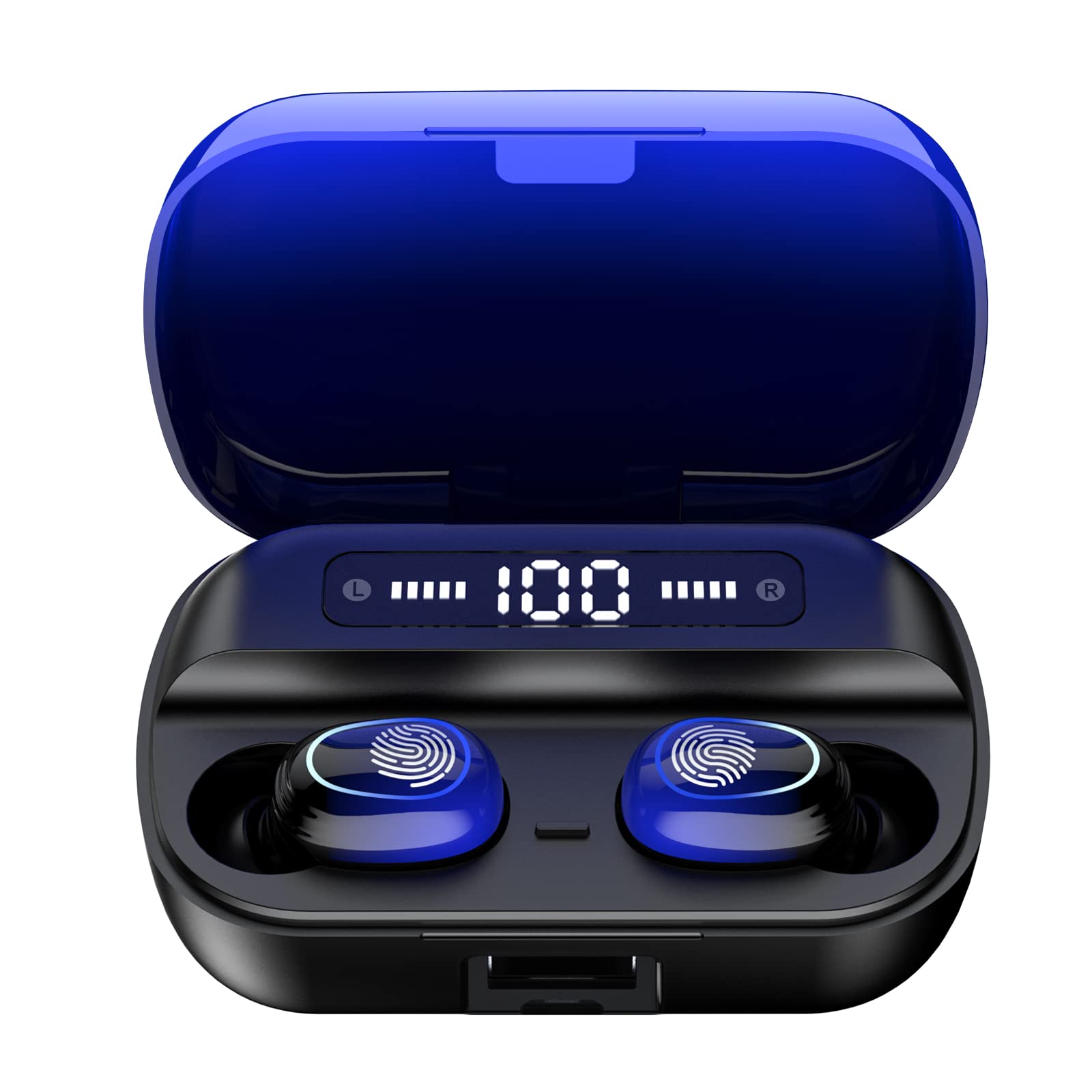
Выява 4.1: Канецview of Kinganda Q71 Bluetooth Earbuds and key features including Bluetooth 5.1, low latency, low power consumption, touch control, clear calls, 10mm speakers, compatibility with iOS and Android, and a 33-foot signal range.
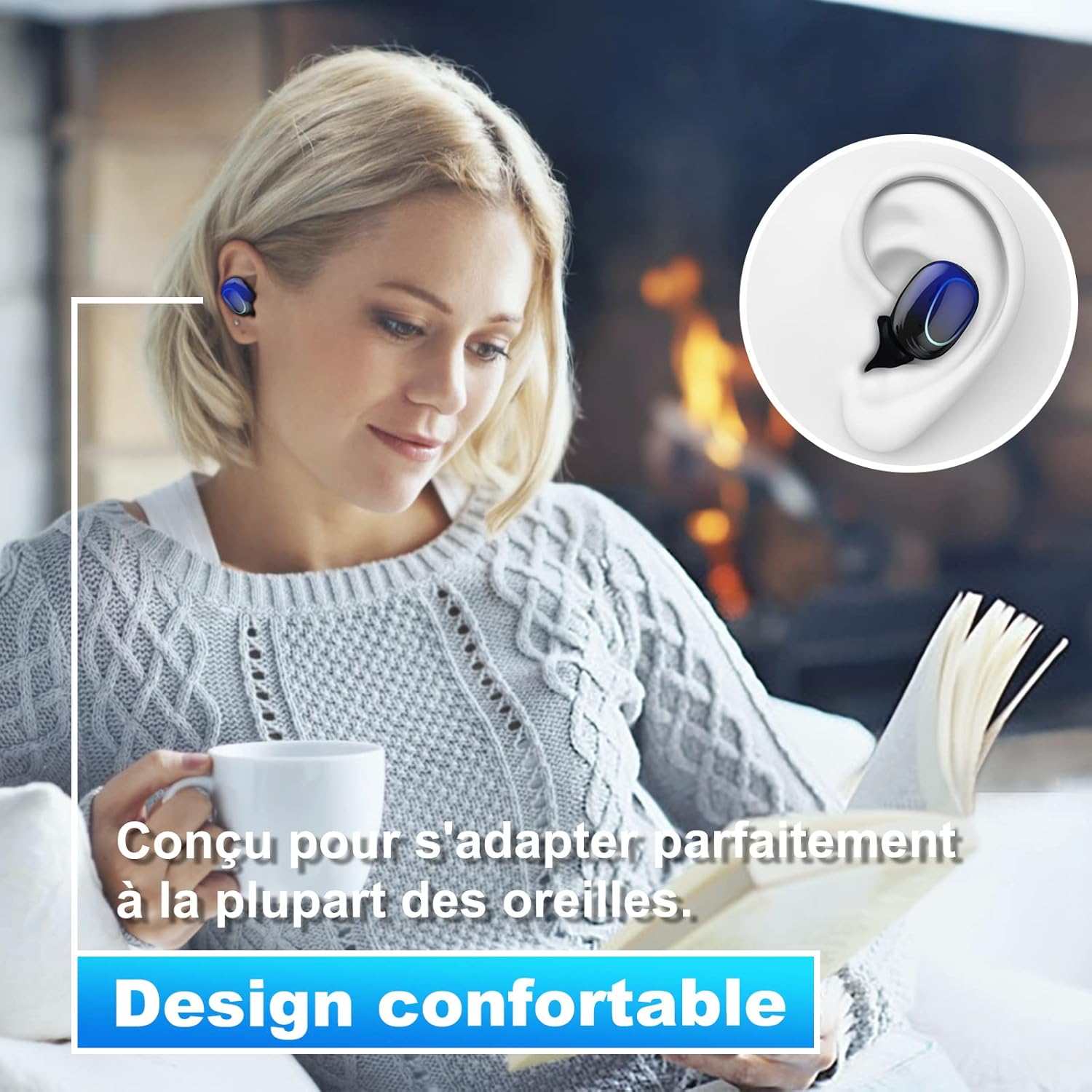
Image 4.2: The Kinganda Q71 earbuds are designed for a comfortable and secure fit in most ears.
5. Настройка
5.1 Зарадка навушнікаў і футляра
Перад першым выкарыстаннем цалкам зарадзіце зарадны футляр і навушнікі.
- Змесціце навушнікі ў зарадны футляр. Пераканайцеся, што яны правільна ўсталяваныя.
- Падключыце кабель зарадкі USB да порта зарадкі на корпусе і да крыніцы харчавання (напрыклад, да разеткі USB, USB-адаптара або USB-порта кампутара).
- Індыкатары на чахле паказваюць стан зарадкі. Пасля поўнай зарадкі індыкатары паказваюць завяршэнне або выключаюцца.

Image 5.1: The charging case has a 3500mAh battery. Earbuds provide approximately 5 hours of playback, and the case extends total usage to about 150 hours. A full recharge takes approximately 1.5 hours.
5.2 Спалучэнне з прыладай Bluetooth
The earbuds use Bluetooth 5.1 for a stable connection.
- Адкрыйце зарадны кейс. Навушнікі аўтаматычна ўключацца і пяройдуць у рэжым спалучэння.
- На вашай прыладзе (смартфоне, планшэце і г.д.) уключыце Bluetooth.
- Пошук available Bluetooth devices and select "Kinganda Q71" (or similar name) from the list.
- Пасля падключэння вы пачуеце гук пацверджання, і індыкатары на навушніках зменяцца.
5.3 Нашэнне навушнікаў
For optimal sound quality and comfort, choose the correct ear tip size and ensure a snug fit.
- Select the ear tips that best fit your ear canals.
- Gently insert each earbud into your ear, twisting slightly until it feels secure and comfortable.
6. Інструкцыя па эксплуатацыі
The Kinganda Q71 earbuds feature touch controls for easy operation.

Image 6.1: Touch controls for various functions including power, music playback, call management, and voice assistant activation.
6.1 Асноўныя функцыі
- Уключэнне/выключэнне харчавання: Earbuds power on automatically when removed from the case and power off when placed back in the case. Alternatively, long-press the touch area for manual power on/off.
- Прайграванне/Паўза: Адзін націск на любы навушнік.
- Наступны трэк: Двойчы націсніце на правы навушнік.
- Папярэдні трэк: Двойчы націсніце левы навушнік.
- Адказ/завяршэнне выкліку: Адно націсканне на любы навушнік падчас уваходнага званка.
- Адхіліць выклік: Доўга націсніце на любы з навушнікаў падчас уваходнага званка.
- Актывацыя галасавога памочніка (Siri): Тройчы націсніце на любы навушнік.
6.2 Рэжымы выкарыстання
The Kinganda Q71 earbuds support various listening modes.

Image 6.2: The earbuds can be used in mono mode (single earbud) to stay aware of surroundings, TWS stereo mode for immersive sound, or twin mode to share music with another person.
- Мона рэжым: Use a single earbud (left or right) to listen to audio while keeping the other ear open to your surroundings. Simply remove one earbud from the case.
- TWS Stereo Mode: Use both earbuds for a full stereo audio experience. Both earbuds will automatically connect to each other and your device when removed from the case.
- Двайны рэжым: Share your music with a friend by giving them one earbud. Both earbuds will play the same audio.
7. Тэхнічнае абслугоўванне
7.1 Ачыстка
Рэгулярная ўборка дапамагае падтрымліваць якасць гуку і гігіену.
- Выкарыстоўвайце мяккую, сухую тканіну без ворса, каб праціраць навушнікі і зарадны футляр.
- Remove ear tips and clean them with mild soap and water if necessary, then dry thoroughly before reattaching.
- Не выкарыстоўвайце агрэсіўныя хімікаты або абразіўныя матэрыялы.
7.2 Захоўванне
Калі навушнікі не выкарыстоўваюцца, захоўвайце іх у зарадным чахле, каб абараніць і падтрымліваць зараджанасць.
8. Выпраўленне непаладак
Калі ў вас узніклі праблемы, паспрабуйце наступныя рашэнні:
- Навушнікі не спалучаюцца: Ensure both earbuds are charged. Place them back in the case, close it, then open it again to re-initiate pairing mode. Check your device's Bluetooth settings and try reconnecting.
- Працуе толькі адзін навушнік: Place both earbuds back in the charging case, close the lid, wait a few seconds, then open the lid and remove them simultaneously. This should force them to re-sync.
- Няма гуку: Праверце ўзровень гучнасці на прыладзе і пераканайцеся, што навушнікі правільна падключаны.
- Праблемы з зарадкай: Пераканайцеся, што зарадны кабель надзейна падключаны як да корпуса, так і да крыніцы сілкавання. Паспрабуйце іншы зарадны кабель або адаптар сілкавання.
- Дрэнная якасць гуку: Ensure the earbuds are clean and properly seated in your ears. Try different ear tip sizes for a better seal.
9. Тэхнічныя характарыстыкі
| Назва мадэлі | Q71 |
| Марка | Кінганда |
| Тэхналогія падлучэння | Бесправадная сувязь (Bluetooth 5.1) |
| Далёкасць бесправадной сувязі | Да 33 футаў (10 метраў) |
| Тып аўдыё драйвера | Дынамічны драйвер (10 мм) |
| Метад кантролю | Сэнсарнае кіраванне |
| Матэрыял | Пластык, сілікон |
| Узровень воданепранікальнасці | Воданепранікальны (IPX7) |
| Тэрмін службы батарэі навушнікаў | Прыбл. 5 гадзіны |
| Тэрмін службы батарэі зараднага кейса | Approx. 150 hours (with case) |
| Ёмістасць зараднага кейса | 3500 мАг |
| Час падзарадкі | Прыбл. 1.5 гадзіны |
| Сумяшчальныя прылады | Bluetooth-enabled devices (iOS, Android) |
| Асаблівасць | Лёгкі |

Image 9.1: The 10mm immersive drivers deliver enhanced sound quality with deeper bass.

Image 9.2: With an IPX7 waterproof rating, the earbuds are protected against sweat and water splashes, making them suitable for sports.
10. Гарантыя і падтрымка
Kinganda products are designed for reliability and performance. This product comes with a standard manufacturer's warranty. For specific warranty details, please refer to the warranty card included in your package or contact Kinganda customer support.
If you have any questions, require technical assistance, or need to claim warranty service, please contact our customer support team through the contact information provided on the Kinganda official webсайт або ваша платформа для пакупак.