
1. Уводзіны
Thank you for choosing the ACT AC5105 Wireless Optical Mouse. This device is designed for comfortable and efficient use at home, in the office, or while traveling. It features a compact Nano USB receiver and an intelligent power-saving mode to extend battery life. This manual provides detailed instructions for setup, operation, and maintenance of your new wireless mouse.
2. Змесціва ўпакоўкі
- ACT AC5105 Wireless Optical Mouse
- Nano USB-прыёмнік
- 1x батарэя АА (у камплекце)
3. Кіраўніцтва па наладцы
- Устаўце батарэю:
Open the battery compartment cover located on the underside of the mouse. Insert the included AA battery, ensuring correct polarity (+/-). Close the battery compartment cover securely.

Figure 3.1: Battery and Nano Receiver Storage
This image illustrates the underside of the mouse with the battery compartment open, showing where to insert the AA battery and store the Nano USB receiver. The on/off switch is also visible.
- Connect the Nano USB Receiver:
Remove the Nano USB receiver from its storage slot inside the battery compartment. Plug the receiver into an available USB-A port on your computer. Your operating system will automatically detect and install the necessary drivers.
- Уключэнне мышы:
Locate the On/Off switch on the underside of the mouse and slide it to the "ON" position. The mouse is now ready for use.
4. Інструкцыя па эксплуатацыі
4.1 Асноўныя функцыі
- Пстрычка левай кнопкай мышы: Primary function, typically for selecting items or opening links.
- Пстрыкніце правай кнопкай мышы: Secondary function, typically for opening context menus.
- Кола пракруткі: Пракручвайце дакументы ўверх або ўніз і web pages. The scroll wheel can also be pressed for a middle-click function.

Figure 4.1: Mouse Features Overview
This diagram highlights key features such as silent click buttons, the scroll wheel, the USB-A wireless receiver, the 1600 DPI optical sensor, and the use of recycled materials in its construction.
4.2 Рэгуляванне DPI
The ACT AC5105 mouse features an adjustable DPI (Dots Per Inch) setting, allowing you to change the cursor speed and sensitivity. You can cycle through 800, 1200, and 1600 DPI settings by pressing the DPI switch button located behind the scroll wheel.
- 800 DPI: Павольнейшы рух курсора, падыходзіць для дакладных задач.
- 1200 DPI: Стандартны рух курсора, прыдатны для агульнага выкарыстання.
- 1600 DPI: Faster cursor movement, suitable for quick navigation across large screens.
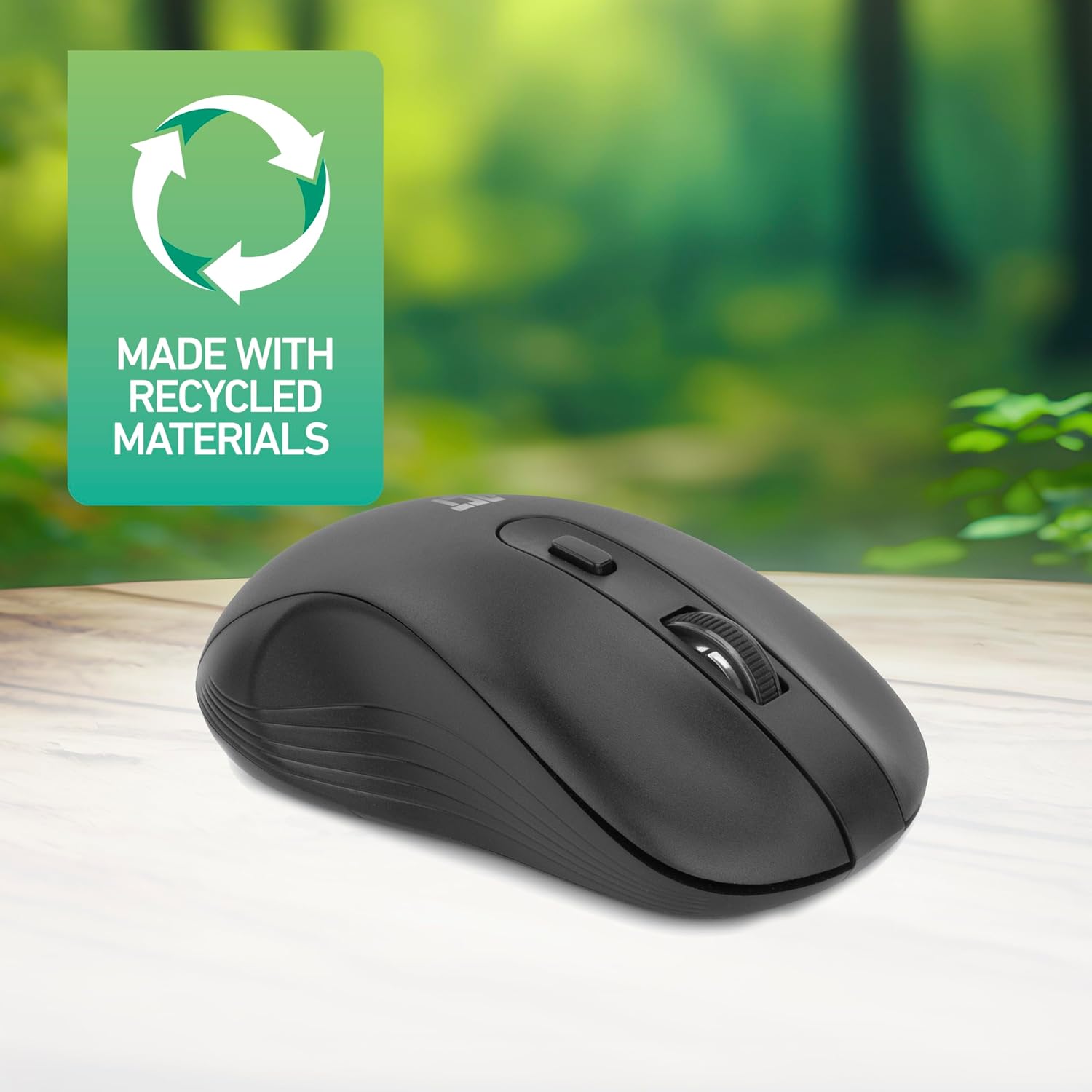
Figure 4.2: DPI Switch Location
This image shows the mouse in use on a desk, highlighting the DPI switch button for adjusting sensitivity between 800, 1200, and 1600 DPI.
4.3 Рэжым энергазберажэння
The mouse is equipped with an intelligent power-saving feature. If the mouse is inactive for a period, it will automatically enter standby mode to conserve battery power. To wake the mouse, simply move it or click any button.
For extended periods of non-use, it is recommended to switch the mouse off using the On/Off switch on the underside of the device.
5. Тэхнічнае абслугоўванне
- Уборка: Для чысткі мышы выкарыстоўвайце мяккую сухую тканіну. Пазбягайце выкарыстання агрэсіўных хімічных рэчываў або абразіўных матэрыялаў.
- Замена батарэі: When the mouse performance degrades or it stops responding, replace the AA battery with a new one. Follow the steps in Section 3.1.
- захоўванне: When not in use, especially during travel, you can store the Nano USB receiver inside the mouse's battery compartment to prevent loss.
6. Выпраўленне непаладак
| праблема | Рашэнне |
|---|---|
| Мышка не рэагуе |
|
| Рух курсора няўстойлівы або павольны |
|
| Праблемы з бесправадным злучэннем |
|
7. Тэхнічныя характарыстыкі
| Асаблівасць | Дэталь |
|---|---|
| Нумар мадэлі | AC5105 |
| Тэхналогія падлучэння | 2.4GHz Radio Frequency Wireless |
| Далёкасць бесправадной сувязі | Да 10 метраў |
| Тэхналогія выяўлення руху | Аптычны |
| Налады DPI | 800 / 1200 / 1600 DPI (рэгуляванае) |
| Колькасць кнопак | 4 (Left, Right, Scroll Wheel Click, DPI Switch) |
| Рука арыентацыі | Амбідэкструс (падыходзіць як для ляўшэй, так і для правшей) |
| Крыніца харчавання | 1x АА батарэя |
| Памеры прадукту (Д х Ш х У) | 10.5 х 6.5 х 3.5 см |
| Вага | 60 г |
| Сумяшчальныя прылады | PC |
| Аперацыйная сістэма | ChromeOS, Linux Mint 22 (minimum required version) |
| Асаблівасці | Wireless, Intelligent Power Saving, Silent Click |

Малюнак 7.1: Памеры мышы
This image provides a top-down and side view of the mouse, clearly indicating its physical dimensions: 105mm in length, 65mm in width, and 35mm in height.
8. Гарантыя і падтрымка
ACT products are manufactured to high quality standards. This product comes with a 2-year warranty from the date of purchase against defects in materials and workmanship.
For technical support, warranty claims, or further assistance, please refer to the official ACT webсайт або звярніцеся да мясцовага прадаўца.
Калі ласка, захавайце пацвярджэнне пакупкі для гарантыйных мэт.