
Avision AD340G

Avision AD340G Compact High Speed Duplex Document Scanner User Manual
Model: AD340G
Уводзіны
This manual provides comprehensive instructions for the setup, operation, maintenance, and troubleshooting of your Avision AD340G Compact High Speed Duplex Document Scanner. Please read this manual thoroughly before using the scanner to ensure proper and safe operation.
Інфармацыя па бяспецы
Выконвайце наступныя меры бяспекі, каб пазбегнуць траўмаў і пашкоджання сканера:
- Выкарыстоўвайце толькі адаптар сілкавання, які пастаўляецца са сканерам.
- Не падвяргайце сканер уздзеянню вады або празмернай вільготнасці.
- Размясціце сканер на ўстойлівай, роўнай паверхні.
- Keep the scanner away from direct sunlight and heat sources.
- Unplug the scanner before cleaning or if it will not be used for an extended period.
Змест пакета
Праверце наяўнасць усіх прадметаў у камплекце:
- Avision AD340G Document Scanner
- Адаптар сілкавання
- Кабель USB
- Кароткае кіраўніцтва
- CD з праграмным забеспячэннем (або інструкцыя па загрузцы)
Прадукт скончаныview
Familiarize yourself with the main components of the Avision AD340G scanner.
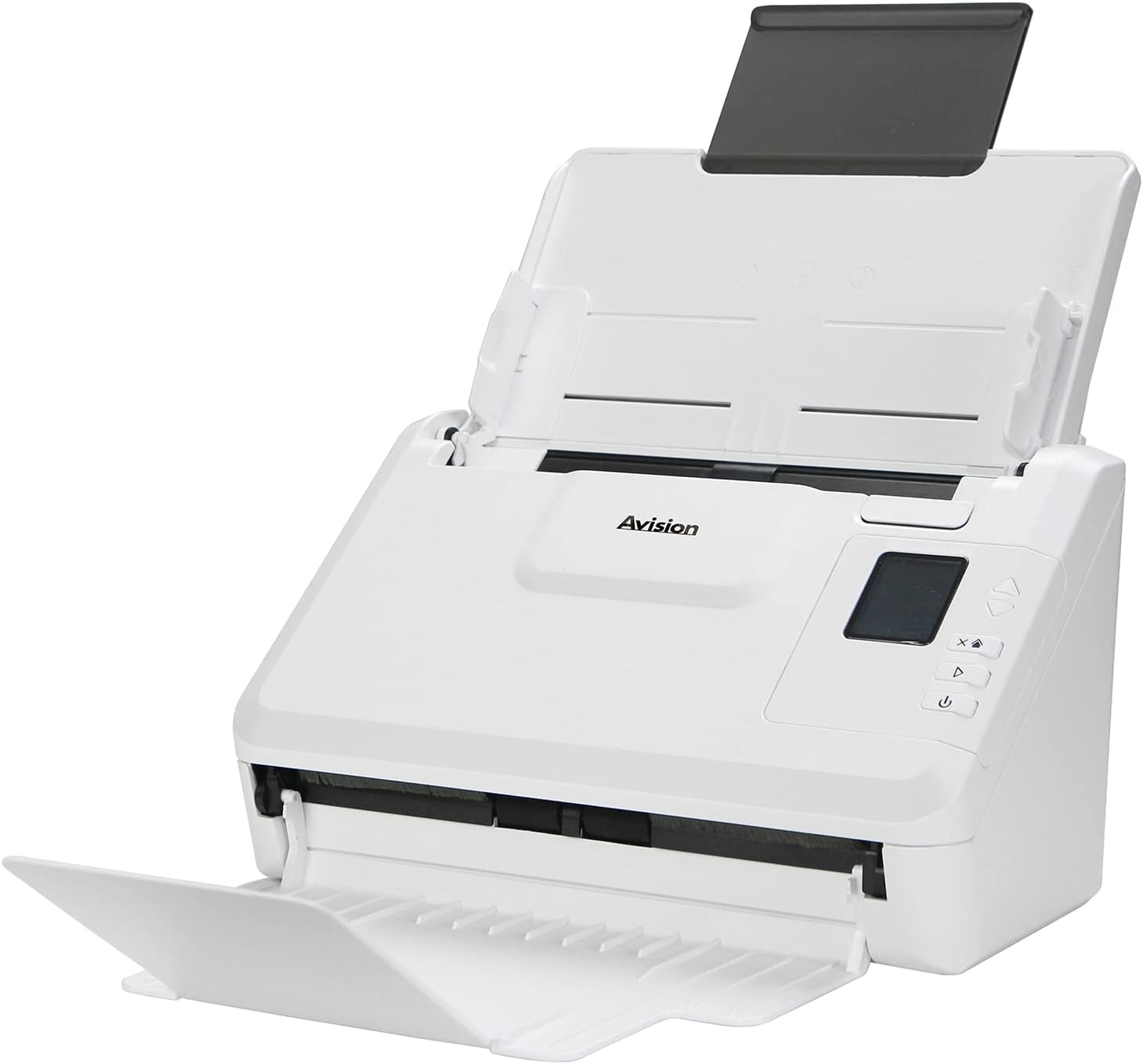
выява: The Avision AD340G scanner shown with its input and output trays extended, ready for document feeding. This view highlights the compact design and accessible paper path.
- Document Feeder Tray: Куды загружаюцца дакументы для сканавання.
- Вывадны латок: Куды выкідваюцца адсканаваныя дакументы.
- Панэль кіравання: Buttons and display for scanner operation.
- Порт USB: Для падлучэння да кампутара.
- Порт харчавання: Для падлучэння адаптара сілкавання.
Настройка
1. Фізічная ўстаноўка
- Распакуйце сканер: Асцярожна выміце сканер і ўсе аксэсуары з упакоўкі.
- Размясціце сканер: Position the scanner on a flat, stable surface with adequate space for the input and output trays.
- Падключыце харчаванне:
- Connect the power adapter to the scanner's power port.
- Падключыце адаптар сілкавання да электрычнай разеткі.
- Падключыцеся да кампутара:
- Connect one end of the USB cable to the scanner's USB port.
- Падключыце іншы канец кабеля USB да вольнага порта USB на вашым кампутары.
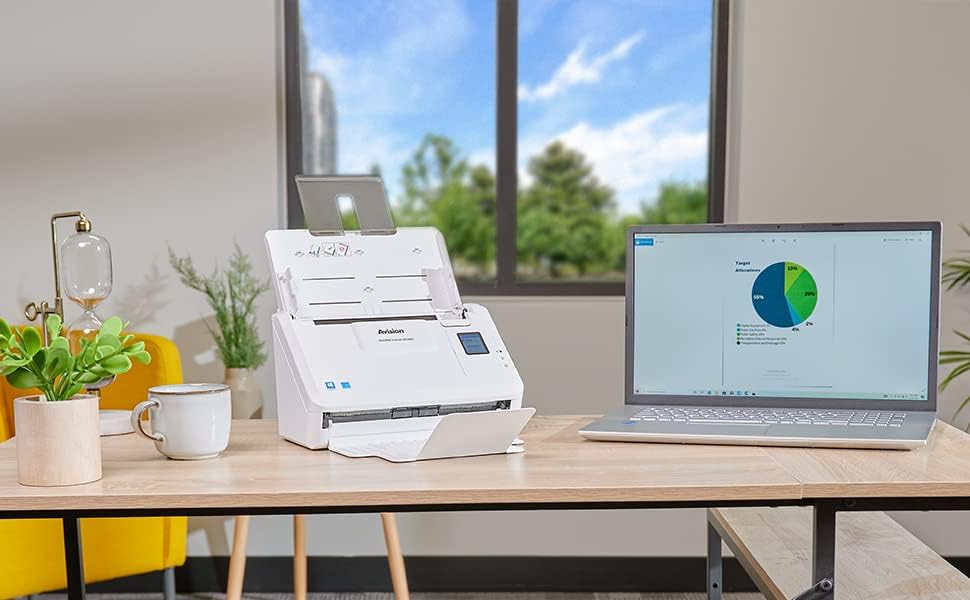
выява: The Avision AD340G scanner set up on a desk next to a laptop, illustrating a typical connected environment. This shows the scanner's compact footprint when in use.
2. Ўстаноўка праграмнага забеспячэння
Install the necessary drivers and scanning software from the provided CD or by downloading them from the official Avision webсайт.
- Insert the software CD into your computer's CD/DVD drive, or navigate to the Avision support website to download the latest drivers and utilities for the AD340G model.
- Follow the on-screen instructions to complete the installation. This typically includes installing the TWAIN/ISIS drivers and the Avision scanning utility software.
- Перазагрузіце кампутар, калі будзе прапанавана.
Эксплуатацыя сканера
1. Загрузка дакументаў
- Open the document feeder tray and extend the output tray.
- Адрэгулюйце накіроўвалыя паперы ў адпаведнасці з шырынёй вашых дакументаў.
- Place the documents face-down in the input tray, ensuring they are neatly stacked and aligned. The scanner supports up to 50 sheets.

выява: A hand carefully placing a stack of documents into the input tray of the Avision AD340G scanner, demonstrating the correct loading procedure.
2. Scanning Procedure
- Уключыце сканер, націснуўшы кнопку харчавання.
- Launch the Avision scanning software on your computer.
- Выберыце патрэбнага спецыяліста па сканаванніfile (e.g., color, grayscale, black & white, resolution). The AD340G supports duplex scanning (both sides simultaneously).
- Націсніце кнопку «Сканаваць» у праграме або націсніце кнопку сканавання на панэлі кіравання сканера.
- The scanner will feed and process the documents. Once scanning is complete, the images will appear in the software.
- Review the scanned images, make any necessary adjustments (e.g., rotate, crop), and save them to your desired location and format (e.g., PDF, JPEG, TIFF).
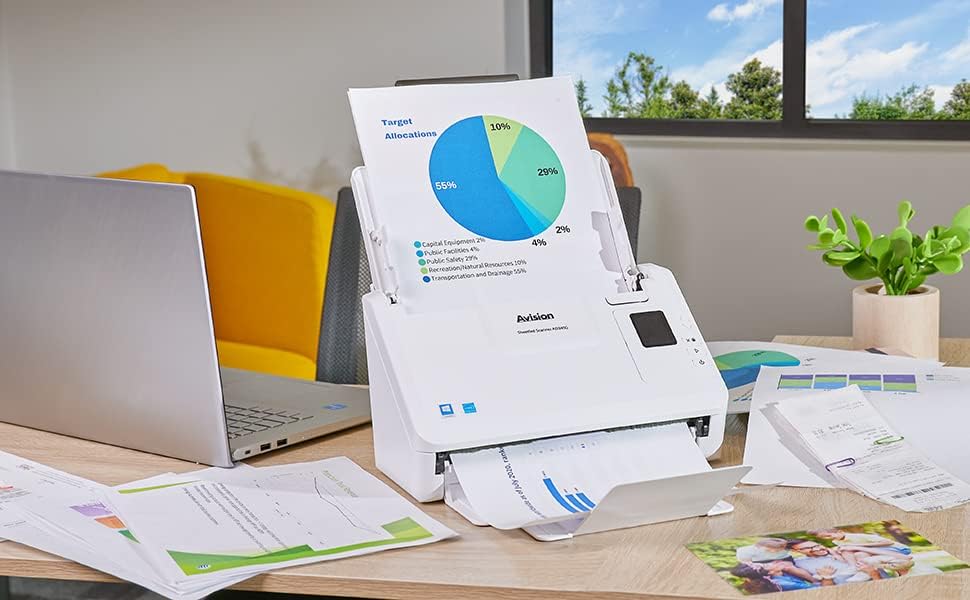
выява: The Avision AD340G scanner in operation, feeding a document with a pie chart. This illustrates the scanner's ability to handle various document types efficiently.
Тэхнічнае абслугоўванне
Ачыстка сканэра
Рэгулярная чыстка забяспечвае аптымальную прадукцыйнасць і падаўжае тэрмін службы вашага сканера.
- Выключэнне і адключэнне: Always turn off the scanner and disconnect the power adapter and USB cable before cleaning.
- Чысты знешні выгляд: Wipe the exterior of the scanner with a soft, lint-free cloth lightly dampвадой або мяккім неабразіўным ачышчальнікам.
- Clean Interior (Rollers and Glass):
- Open the scanner cover to access the rollers and glass scanning surfaces.
- Gently wipe the feed rollers with a clean, lint-free cloth. If necessary, use a small amount of isopropyl alcohol on the cloth for stubborn residue.
- Clean the glass scanning strips with a soft cloth and glass cleaner (non-ammonia based).
- Allow all components to dry completely before closing the cover and reconnecting power.
Ліквідацыю непаладак
| праблема | Магчымая прычына | Рашэнне |
|---|---|---|
| Сканер не ўключаецца. | Кабель харчавання не падключаны; праблема з разеткай. | Пераканайцеся, што кабель харчавання надзейна падключаны. Паспрабуйце іншую разетку. |
| Documents jam frequently. | Misaligned paper guides; worn rollers; dirty rollers. | Adjust paper guides. Clean the feed rollers. If problem persists, rollers may need replacement. |
| Адсканаваныя выявы размытыя або маюць лініі. | Dirty scanning glass; incorrect resolution settings. | Clean the scanning glass. Adjust scanning resolution in the software. |
| Сканер не выяўлены камп'ютарам. | USB-кабель адключаны; драйвер не ўсталяваны або пашкоджаны. | Check USB cable connection. Reinstall scanner drivers. Try a different USB port. |
Тэхнічныя характарыстыкі
Key technical specifications for the Avision AD340G Document Scanner:
- мадэль: AD340G
- Тып сканера: ADF Duplex Document Scanner
- Падключэнне: USB
- дазвол: 600 dpi (аптычнае)
- Хуткасць сканавання: 40 ppm (pages per minute) / 80 ipm (images per minute)
- Глыбіня колеру: 48 bits input / 24 bits output
- Стандартная ёмістасць лістоў: 50 лістоў
- Тэхналогія аптычнага датчыка: СНД (датчык кантактнага малюнка)
- Памеры прадукту: 11 х 6.1 х 6.5 цалі
- Вага прадмета: 8 фунта
- Мінімальныя сістэмныя патрабаванні: Windows XP/7/8/10
Гарантыя і падтрымка
For warranty information, technical support, or service inquiries, please refer to the warranty card included with your product or visit the official Avision webсайт. Кантактную інфармацыю службы падтрымкі кліентаў звычайна можна знайсці на сайце вытворцы webсайт.
Avision Official Webсайт: www.avision.com