
1. Уводзіны
Thank you for choosing the DEKCO 2K Solar Security Camera. This wireless outdoor camera provides comprehensive surveillance with its 2K resolution, 360° pan and tilt capabilities, and solar-powered design. Equipped with advanced features like motion detection, two-way audio, and enhanced night vision, it offers reliable home security. This manual provides detailed instructions for installation, operation, and maintenance to ensure optimal performance of your device.
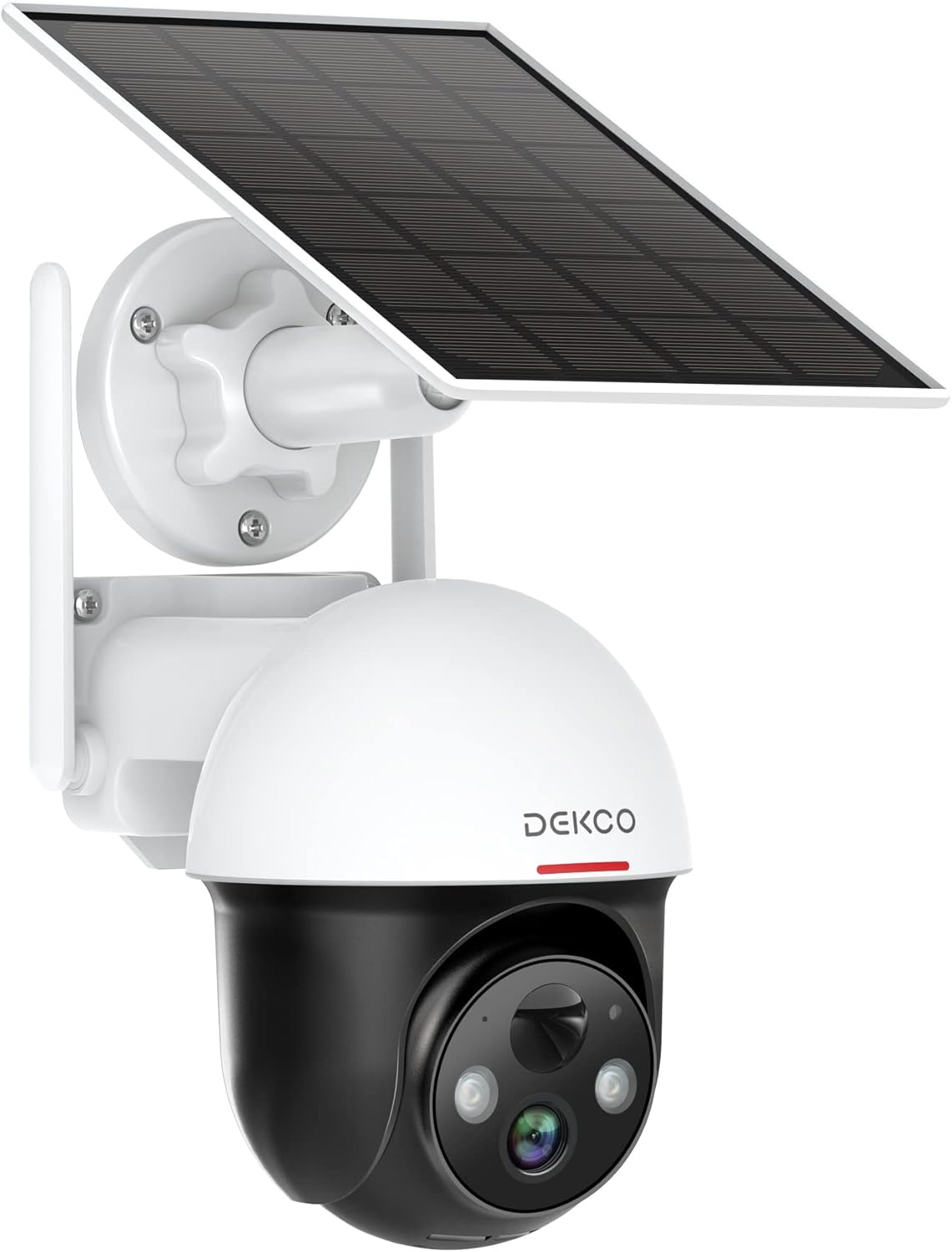
Figure 1.1: DEKCO 2K Solar Security Camera with integrated solar panel.
2. Змесціва ўпакоўкі
Please check the package contents upon opening to ensure all components are present and undamaged. If any items are missing or damaged, please contact DEKCO customer support.

Figure 2.1: Included items in the product package.
- DEKCO 2K Solar Security Camera
- Solar Panel (pre-attached or separate, depending on model variant)
- Мантажны кранштэйн
- USB-кабель для зарадкі
- Мантажныя шрубы і насценныя анкеры
- Кіраўніцтва карыстальніка
- Кароткае кіраўніцтва
3. Прадукт скончыўсяview
Familiarize yourself with the main components of your DEKCO solar security camera.

Figure 3.1: Key features of the DEKCO Solar Security Camera.
Кампаненты камеры:
- Аб'ектыў камеры: Захоплівае відэа footage.
- Інфрачырвоныя святлодыёды: Забяспечваюць палепшанае начное бачанне.
- Пражэктар: Illuminates the area for color night vision and acts as a deterrent.
- Мікрафон: Запісвае гук для двухбаковай сувязі.
- Дакладчык: Выводзіць гук для двухбаковай сувязі і сірэну.
- Датчык руху PIR: Detects heat signatures for accurate motion detection.
- Антэны: For stable 2.4GHz Wi-Fi connectivity.
- Панэль сонечных батарэй: Зараджае ўнутраную батарэю з дапамогай сонечнага святла.
- Кнопка скіду: Выкарыстоўваецца для скіду камеры да заводскіх налад.
- Слот для карты Micro SD: For local video storage (supports 8-128GB, not included).
4. Настройка
4.1 Першапачатковая зарадка
Before first use, fully charge the camera's internal battery using the provided USB cable and a 5V/2A power adapter (not included). The charging indicator light will turn solid blue when fully charged.
4.2 Загрузка і рэгістрацыя праграмы
- Scan the QR code below or search for "CloudEdge" in your mobile app store (App Store for iOS, Google Play for Android).
- Download and install the CloudEdge app.
- Open the app and register for a new account using your email address. Follow the on-screen instructions to complete registration.

Figure 4.1: The CloudEdge app is compatible with both Android and iOS devices.
4.3 Падключэнне Wi-Fi
Пераканайцеся, што ваша сетка Wi-Fi працуе на частаце 2.4 ГГц. Гэтая камера не падтрымлівае Wi-Fi на частаце 5 ГГц.
- Power on the camera. The indicator light will flash red, indicating it's ready for pairing.
- У праграме CloudEdge націсніце значок «+», каб дадаць новую прыладу.
- Select "Battery Camera" and follow the prompts.
- Enter your 2.4GHz Wi-Fi network name (SSID) and password.
- Place the QR code generated by the app in front of the camera lens (approx. 15-20 cm / 6-8 inches away) until you hear a prompt sound from the camera.
- Пасля падключэння індыкатар будзе гарэць сінім колерам.
4.4 Мантаж камеры
Choose a location with strong 2.4GHz Wi-Fi signal and direct sunlight exposure for the solar panel.
- Mark the drilling positions using the mounting bracket as a template.
- Drill holes and insert wall anchors if mounting on masonry or concrete.
- Замацуеце мантажны кранштэйн да сцяны шрубамі.
- Прымацуеце камеру да мантажнага кранштэйна.
- Adjust the camera angle and solar panel orientation to maximize sunlight exposure.

Figure 4.2: The camera is designed for wire-free installation, powered by its solar panel.
5. Інструкцыя па эксплуатацыі
5.1 У прамым эфіры View
Open the CloudEdge app and select your camera to view the live feed. You can pinch to zoom in on the live view.
5.2 Кіраванне паваротам і нахілам
З прамога эфіру view screen, use the directional controls to remotely pan (horizontal rotation up to 360°) and tilt (vertical rotation up to 90°) the camera lens to monitor different areas.

Figure 5.1: The camera offers a 360° all-around field of view with pan and tilt functions.
5.3 Двухбаковае аўдыё
Tap the microphone icon in the app to speak through the camera's speaker. Tap again to end. This allows for real-time communication with visitors or to deter intruders.

Figure 5.2: Premium 2-Way Audio allows clear communication.
5.4 Выяўленне руху і абвесткі
The camera uses advanced PIR motion detection to identify human shapes, reducing false alarms. When motion is detected, you will receive instant notifications on your phone.
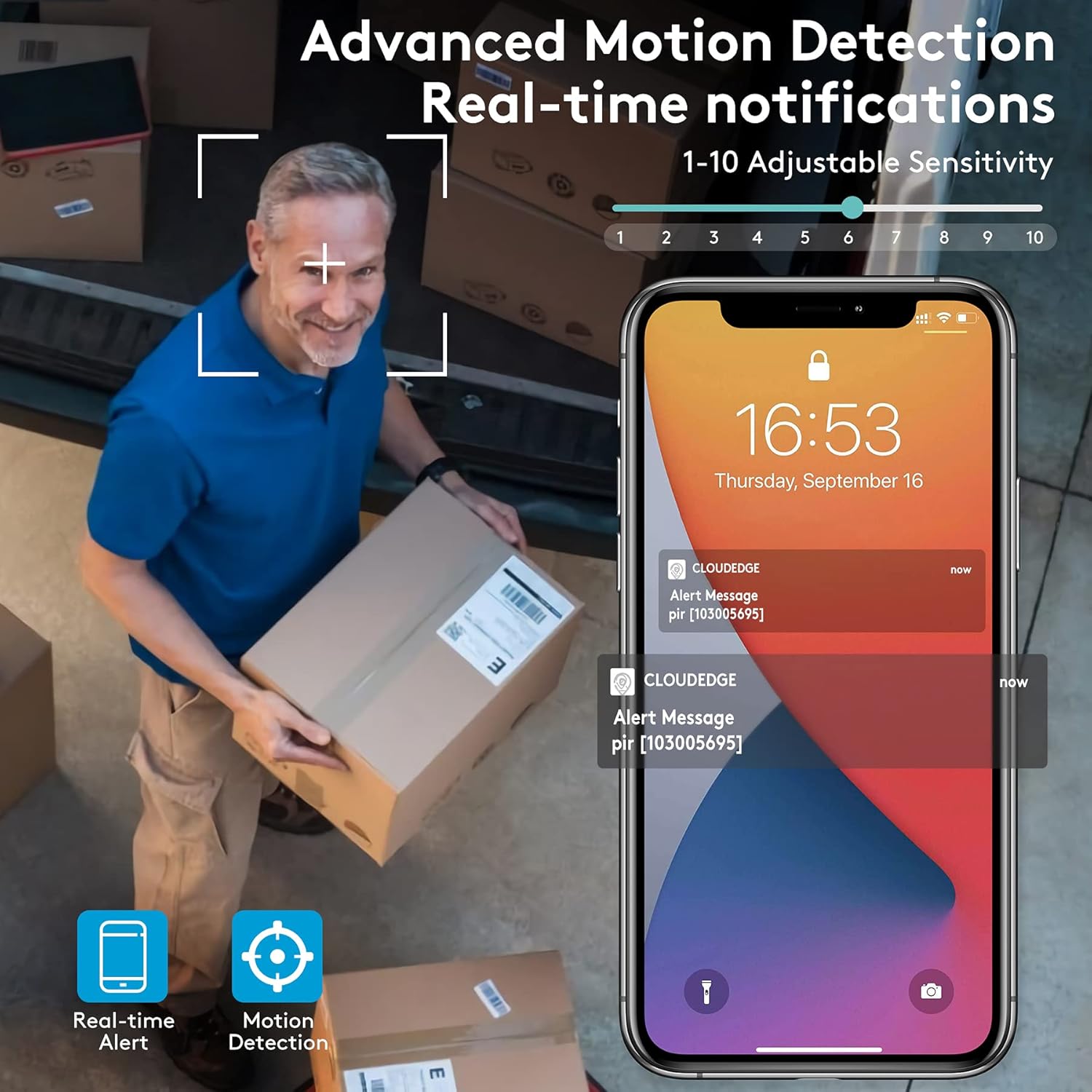
Figure 5.3: Advanced Motion Detection provides real-time notifications with adjustable sensitivity.
- Адчувальнасць: Adjust motion detection sensitivity (1-10) in the app settings.
- Зоны актыўнасці: Define specific areas for motion detection to focus on.
- Siren/Spotlight: Configure the camera to activate its siren and/or spotlight upon motion detection for deterrence.

Figure 5.4: The camera can ward off intruders with a motion-activated alarm, including a flashing light and siren.
5.5 Запіс і прайграванне
The camera records events triggered by motion detection. You can access these recordings via the CloudEdge app.
- Воблачнае сховішча: Enjoy a free 7-day trial for cloud storage. Subscription plans are available for extended storage.
- Micro SD-карта: Insert a Micro SD card (up to 128GB, not included) for local storage. Recordings will loop once the card is full.

Figure 5.5: The camera supports both cloud and local Micro SD card storage.
5.6 Начное бачанне
The camera features upgraded infrared LEDs for clear night vision up to 66ft. When sufficient ambient light is present, it can provide full-color night vision.

Figure 5.6: 2K HD quality with enhanced night vision capabilities.
6. Тэхнічнае абслугоўванне
6.1 Ачыстка
- Рэгулярна працірайце аб'ектыў камеры і сонечную панэль мяккай сурвэткайamp тканінай, каб выдаліць пыл і смецце. Пазбягайце абразіўных ачышчальнікаў.
- Ensure the solar panel is clean for optimal charging efficiency.
6.2 Сыход за акумулятарам
- The camera is designed for continuous power via solar charging. In areas with limited sunlight, occasional manual charging via USB may be required.
- Avoid exposing the camera to extreme temperatures outside its operating range to preserve battery life.
6.3 Абнаўленне прашыўкі
Periodically check the CloudEdge app for available firmware updates. Keeping your camera's firmware updated ensures optimal performance, new features, and security enhancements.
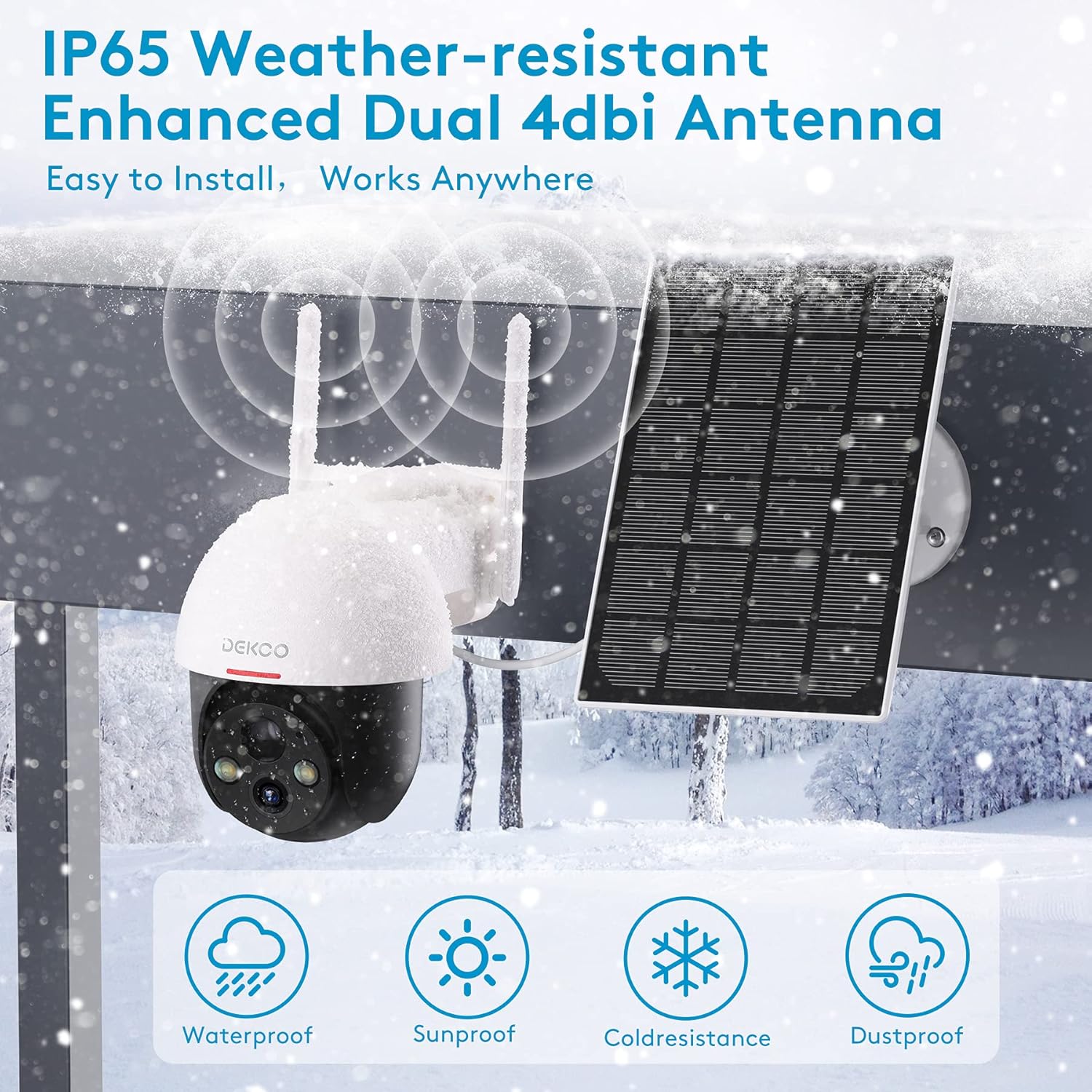
Figure 6.1: The camera is IP65 weather-resistant, designed to withstand various outdoor conditions.
7. Выпраўленне непаладак
| праблема | Магчымая прычына | Рашэнне |
|---|---|---|
| Камера не ўключаецца | Low battery; Power button off | Charge the camera fully; Ensure power button is in ON position. |
| Немагчыма падключыцца да Wi-Fi | Няправільны пароль Wi-Fi; сетка Wi-Fi 5 ГГц; слабы сігнал | Verify password; Ensure 2.4GHz network; Move camera closer to router or use a Wi-Fi extender. |
| Выяўленне руху не працуе | PIR sensitivity too low; Incorrect activity zone settings; Obstructions | Increase PIR sensitivity in app; Adjust activity zones; Clear any obstructions in the camera's view. |
| Дрэнная якасць выявы | Dirty lens; Poor lighting; Network bandwidth issues | Clean the lens; Ensure adequate lighting; Check network speed. |
| Праблемы з двухбаковым гукам | Microphone/speaker blocked; App permissions | Ensure microphone/speaker are clear; Grant microphone permissions to the app. |
| Camera offline frequently | Weak Wi-Fi signal; Router issues | Relocate camera or router; Restart router. |
8. Тэхнічныя характарыстыкі
| Асаблівасць | Дэталь |
|---|---|
| мадэль | 5059648201190 |
| Дазвол відэазахопу | 3 МП (2K QHD) |
| Тэхналогія падлучэння | Бесправадная сувязь (Wi-Fi) |
| Бесправадная сувязь | 2.4 ГГц Wi-Fi |
| Крыніца харчавання | На сонечнай энергіі, на батарэйках |
| Тып батарэі | Літый-іённы (у камплекце) |
| Сярэдні тэрмін службы батарэі | Approx. 5 months (without solar charging) |
| Дыяпазон начнога бачання | Да 66 футаў |
| Асаблівасці | Battery Powered, Motion Sensor, Night Vision, Solar Powered, Spotlights, Two-Way Audio |
| Выкарыстанне ў памяшканні/на вуліцы | Outdoor (IP65 Weather-resistant) |
| Сумяшчальныя прылады | Смартфон, планшэт (Android, iOS) |
| Параметры захоўвання | Micro SD Card (8-128GB, not included), Cloud Storage |
| Дыяпазон павароту/нахілу | Панарамаванне 360°, нахіл 90° |
| Матэрыял | Метал |
9. Гарантыя і падтрымка
DEKCO products are designed for reliability and performance. This product comes with a standard manufacturer's warranty. For specific warranty terms and conditions, please refer to the warranty card included in your package or visit the official DEKCO webсайт.
If you encounter any issues or have questions regarding your DEKCO 2K Solar Security Camera, please contact our customer support team:
- электронная пошта: Refer to your product packaging or the CloudEdge app for support contact information.
- Інтэрнэт-падтрымка: Visit the DEKCO official webсайт з часта задаванымі пытаннямі, кіраўніцтвамі па ліквідацыі непаладак і кантактнымі формамі.
Калі ласка, падрыхтуйце нумар мадэлі (5059648201190) і інфармацыю аб пакупцы перад зваротам у службу падтрымкі.