
1. Сардэчна запрашаем
Welcome to the BYYBUO SmartPad T10 user manual. This guide provides detailed instructions on setting up, operating, maintaining, and troubleshooting your new Android 12 tablet. Please read this manual thoroughly to ensure optimal performance and longevity of your device.
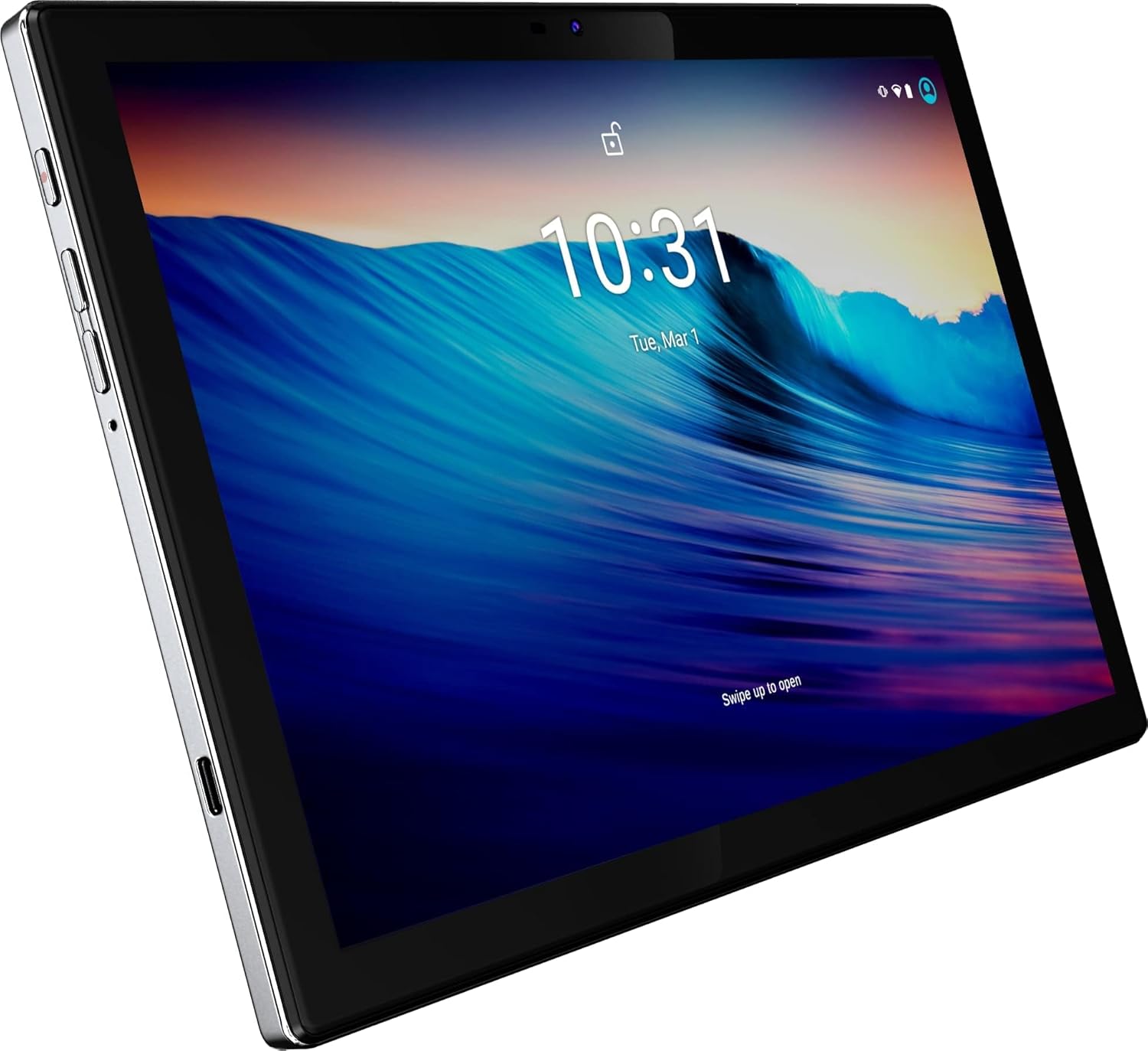
Малюнак 1: Спераду view of the BYYBUO SmartPad T10 Tablet.
2. Прадукт скончыўсяview
2.1 Кампаненты
- 10.1-цалевы дысплей Full HD IPS: High-resolution touchscreen for clear visuals.
- Пярэдняя камера: Для відэазванкоў і сэлфі.
- Задняя камера: Для здымкі фота і відэа.
- Кнопка харчавання: Каб уключыць/выключыць прыладу або перавесці яе ў спячы рэжым.
- Кнопкі гучнасці: Каб рэгуляваць узровень гуку.
- Порт USB-C: Для зарадкі і перадачы дадзеных.
- Гняздо для навушнікаў 3.5 мм: Для выхаду гуку.
- Слот для карты MicroSD/TF: Для пашыранага захоўвання.
- Падвойныя дынамікі: Для палепшанага гучання.

Малюнак 2: бок view highlighting ports and buttons.
2.2 Асноўныя магчымасці
- High-Performance Octa-Core Processor: Ensures smooth operation and efficient multitasking.
- Аперацыйная сістэма Android 12: Provides a user-friendly interface and access to the latest apps.
- Ёмістасць акумулятара 7000 мАг: Offers extended usage time for entertainment and productivity.
- 64GB Internal Storage (Expandable to 512GB): Ampмесца для праграм, фота і відэа.
- 1920x1200 IPS Display: Delivers vibrant colors and sharp details for an immersive viewвопыту.
- Двухдыяпазонны Wi-Fi (2.4G+5G): For fast and stable internet connectivity.
- Bluetooth 4.2: Для падключэння бесправадных аксесуараў.
- Убудаваны GPS: Для навігацыі і паслуг на аснове месцазнаходжання.
- Dual Cameras (5MP Front, 13MP Rear): For capturing memories and video calls.
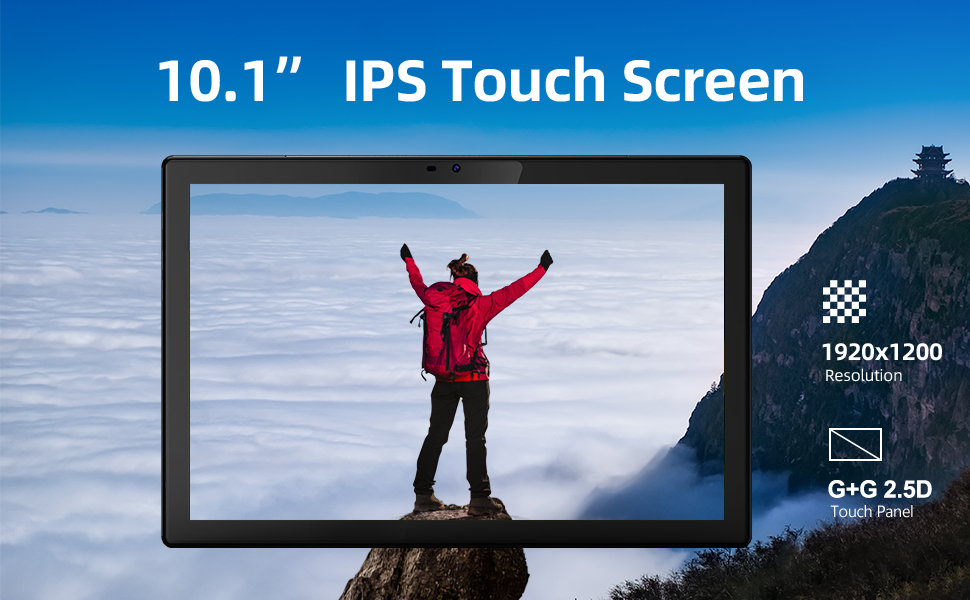
Малюнак 3: Візуальнае адлюстраванне ключавых асаблівасцей.
3. Кіраўніцтва па наладцы
3.1 Першапачатковая плата
Before first use, fully charge your SmartPad T10 using the provided USB-C cable and charger. The battery indicator on the screen will show charging progress.

Figure 4: The tablet's large battery capacity ensures long usage.
3.2 Уключэнне/выключэнне сілкавання
- Каб уключыць: Press and hold the Power button on the side of the tablet until the BYYBUO logo appears.
- Каб выключыць: Націсніце і ўтрымлівайце кнопку харчавання, пакуль не з'явіцца меню. Выберыце «Выключыць харчаванне» і пацвердзіце.
- Каб заснуць/прачнуцца: Каротка націсніце кнопку харчавання.
3.3 Падключэнне Wi-Fi
- Перайдзіце ў раздзел «Налады» > «Сетка і інтэрнэт» > «Wi-Fi».
- Уключыце Wi-Fi.
- Выберыце патрэбную сетку Wi-Fi са спісу.
- Увядзіце пароль, калі будзе прапанавана, і націсніце «Падключыцца».
3.4 Налада ўліковага запісу Google
Upon first power-on or after a factory reset, you will be guided through the initial setup process, including connecting to Wi-Fi and signing in with your Google account. A Google account is required to download apps from the Google Play Store.
3.5 Пашырэнне сховішча
The SmartPad T10 supports MicroSD/TF cards up to 512GB for expanded storage. Locate the card slot on the side of the tablet. Use the provided tool to open the tray, insert the card, and close the tray securely.

Figure 5: Expandable storage for more content.
4. Operating Your SmartPad
4.1 Навігацыя
The SmartPad T10 features a highly responsive touchscreen. Use standard Android gestures such as tap, swipe, pinch-to-zoom, and long-press to navigate the interface and interact with apps.

Figure 6: The Android 12 interface on the SmartPad T10.
4.2 Кіраванне праграмамі
- Загрузка праграм: Open the 'Play Store' app, search for your desired app, and tap 'Install'.
- Выдаленне праграм: Long-press the app icon on the home screen or app drawer, then drag it to 'Uninstall' or select 'Uninstall' from the pop-up menu. Alternatively, go to 'Settings' > 'Apps' > select the app > 'Uninstall'.
4.3 Выкарыстанне камеры
Access the camera app from the home screen or app drawer. You can switch between the front (5MP) and rear (13MP) cameras. Tap the shutter button to take photos or switch to video mode to record.
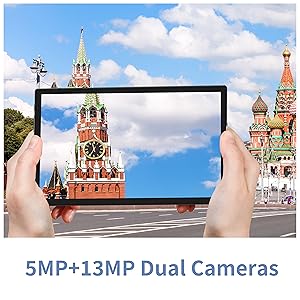
Figure 7: The tablet features dual cameras for versatile photography.
4.4 Прайграванне медыяфайлаў
Enjoy videos and music on your SmartPad T10. The 1920x1200 IPS display provides a clear viewing experience, and dual speakers offer quality audio. You can download streaming apps like Netflix and YouTube from the Play Store.

Figure 8: The Full HD display is ideal for media consumption.
Відэа 1: Афіцыйнае відэа пра прадуктasing the BYYBUO SmartPad T10's features and usage scenarios.
4.5 Спалучэнне па Bluetooth
- Перайдзіце ў раздзел «Налады» > «Падлучаныя прылады» > «Bluetooth».
- Уключыце Bluetooth.
- Пераканайцеся, што ваша прылада Bluetooth знаходзіцца ў рэжыме спалучэння.
- Select the device from the 'Available devices' list and follow on-screen prompts to pair.
4.6 Функцыянальнасць GPS
The built-in GPS allows for accurate location tracking and navigation. Use pre-installed map applications or download your preferred navigation apps from the Google Play Store.
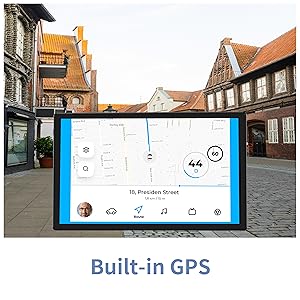
Figure 9: Built-in GPS for reliable navigation.
5. Тэхнічнае абслугоўванне і догляд
5.1 Ачыстка
Выкарыстоўвайце мяккую тканіну без ворса для чысткі экрана і корпуса планшэта. Пазбягайце выкарыстання агрэсіўных хімічных рэчываў або абразіўных матэрыялаў, якія могуць пашкодзіць паверхню.
5.2 Сыход за акумулятарам
- Пазбягайце экстрэмальных тэмператур, бо яны могуць пагоршыць тэрмін службы батарэі.
- Не дапускайце частай поўнай разрадкі акумулятара.
- Выкарыстоўвайце толькі зарадную прыладу, якая ўваходзіць у камплект, або сертыфікаваную сумяшчальную зарадную прыладу.
5.3 Абнаўленне праграмнага забеспячэння
Periodically check for system updates to ensure your tablet has the latest features and security patches. Go to 'Settings' > 'System' > 'System update'.
5.4 Кіраванне сховішчам
Рэгулярна прыбірайце непатрэбнае files, cache data, and uninstall unused apps to free up storage space and maintain optimal performance. You can manage storage in 'Settings' > 'Storage'.
6. Ліквідацыю распаўсюджаных праблем
| праблема | Магчымае рашэнне |
|---|---|
| Прылада не ўключаецца | Пераканайцеся, што акумулятар зараджаны. Падключыце зарадную прыладу і пачакайце некалькі хвілін, перш чым зноў уключыць прыладу. |
| Праблемы з падключэннем да Wi-Fi | Restart the tablet and your Wi-Fi router. Check Wi-Fi settings to ensure correct network and password. Try forgetting and re-connecting to the network. |
| Збоі або завісанні праграм | Clear the app's cache and data (Settings > Apps > [App Name] > Storage). If the issue persists, uninstall and reinstall the app. Ensure sufficient free storage space. |
| Павольнае выкананне | Зачыніце невыкарыстоўваныя фонавыя праграмы. Ачысціце кэш і часовую памяць. files. Consider a factory reset if performance issues persist after other troubleshooting steps. |
| Акумулятар хутка разраджаецца | Reduce screen brightness. Disable unused features like Bluetooth or GPS. Close background apps. Check for apps consuming excessive battery in Settings > Battery. |
7. Тэхнічныя характарыстыкі
| Асаблівасць | Спецыфікацыя |
|---|---|
| Марка | BYYBUO |
| Назва мадэлі | Т10 |
| Памер экрана | 10.1 цалі |
| Дазвол экрана | 1920 x 1200 пікселяў (Full HD IPS) |
| Працэсар | Octa-Core 2.0 GHz (MediaTek) |
| АЗП | 4 ГБ |
| Унутраная памяць | 64 ГБ |
| Сховішча з магчымасцю пашырэння | Up to 512 GB (MicroSD/TF) |
| Аперацыйная сістэма | Android 12 |
| Ёмістасць батарэі | 7000 мАг (літый-палімерны) |
| Сярэдні тэрмін службы батарэі | 12 гадзін |
| Бесправадны тып | 802.11b/g/ac (2.4G+5G WiFi) |
| Bluetooth | Bluetooth 4.2 |
| Камеры | Rear: 13 MP, Front: 5 MP |
| Вага прадмета | 1.23 фунта |
| Памеры (ДхШхВ) | 0.01 х 0.31 х 0.01 цалі |
8. Гарантыя і падтрымка
8.1 Інфармацыя аб гарантыі
For specific warranty details, please refer to the warranty card included in your product packaging or contact BYYBUO customer support directly. Keep your proof of purchase for warranty claims.
8.2 Падтрымка кліентаў
If you encounter any issues or have questions not covered in this manual, please contact BYYBUO customer support. You can find contact information on the official BYYBUO website or through your purchase platform. BYYBUO offers 24-hour online support.
Visit the official BYYBUO Store: BYYBUO Amazon Store
For community support and updates, you may also check the BYYBUO Facebook page: BYYBUO Facebook