
AT&T GL2101-2
AT&T GL2101-2 DECT 6.0 Cordless Phone System User Manual
Model: GL2101-2
Уводзіны
This user manual provides comprehensive instructions for the AT&T GL2101-2 DECT 6.0 2-Handset Cordless Home Phone System. This system is designed to offer reliable communication with advanced features for your home or office.
The GL2101-2 system includes a base unit and two cordless handsets, providing flexibility and convenience for multiple locations within your premises.

Figure 1: AT&T GL2101-2 Cordless Phone System
Што ў скрынцы
- Базавая адзінка
- 2 бесправадных тэлефонаў
- 1 зарадная прылада
- 2 адаптара
- 2 батарэі
- Тэлефонны шнур
- Кароткае кіраўніцтва
Настройка
1. Усталёўка і зарадка акумулятара
Before initial use, install the included battery packs into each cordless handset. Ensure correct polarity. Place the handsets on the base unit and charger to allow the batteries to fully charge for at least 16 hours. A full charge is essential for optimal battery performance and talk time.

Figure 2: Handsets on Base Unit and Charger
2. Падключэнне базавага блока
Connect the telephone line cord to the base unit and then to your telephone wall jack. Plug the power adapter into the base unit and an electrical outlet. Ensure all connections are secure.
3. Пачатковая налада
Once the handsets are charged, you may need to set the date and time. Refer to the Quick Start Guide for specific instructions on initial setup procedures.
Інструкцыя па эксплуатацыі
Тэхналогія DECT 6.0
The phone system utilizes DECT 6.0 technology, providing clear, interference-free sound and an extended operating range of up to 1000 feet outdoors. This ensures reliable communication throughout your home or office environment.
Відэа 1: Прадукт скончаныview demonstrating key features and DECT 6.0 technology.
Call Block Feature
Effectively manage unwanted calls by utilizing the Call Block feature. You can save up to 20 names and numbers in the call block directory to prevent them from ringing your phone. A Caller ID subscription from your service provider is required for this feature to function.

Figure 3: Call Block Directory Interface
Поўнадуплексны дынамік тэлефона
Engage in natural, hands-free conversations with the built-in full-duplex speakerphone. This feature allows both parties to speak and be heard simultaneously, enhancing the clarity and flow of your calls.
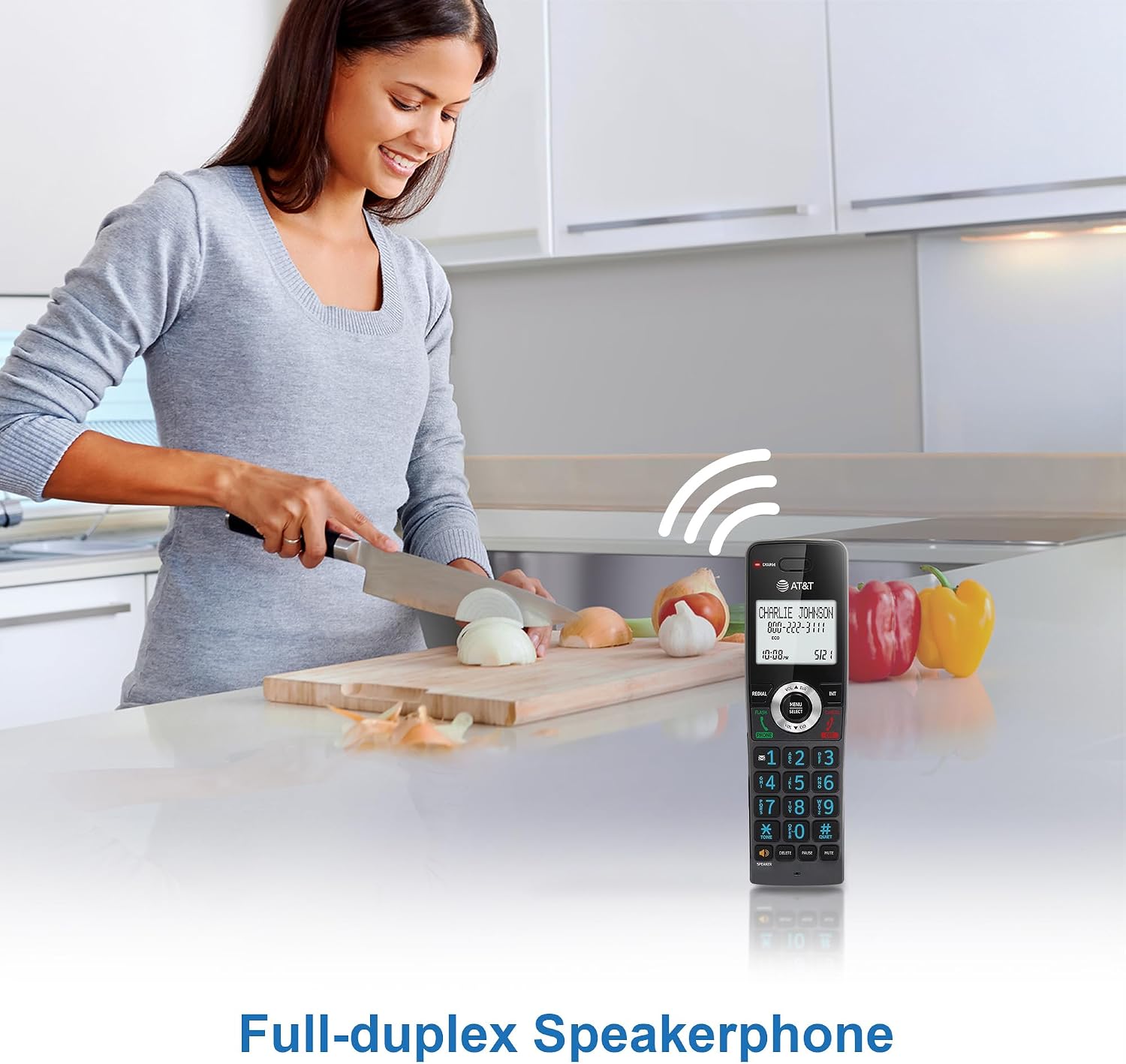
Figure 4: Full-Duplex Speakerphone in Use
АОН і чаканне выкліку
The 2-inch white backlit display clearly shows Caller ID entries and call history. This allows you to identify incoming callers even in low-light conditions. The system also supports Call Waiting, provided you have subscribed to the service through your telephone provider.
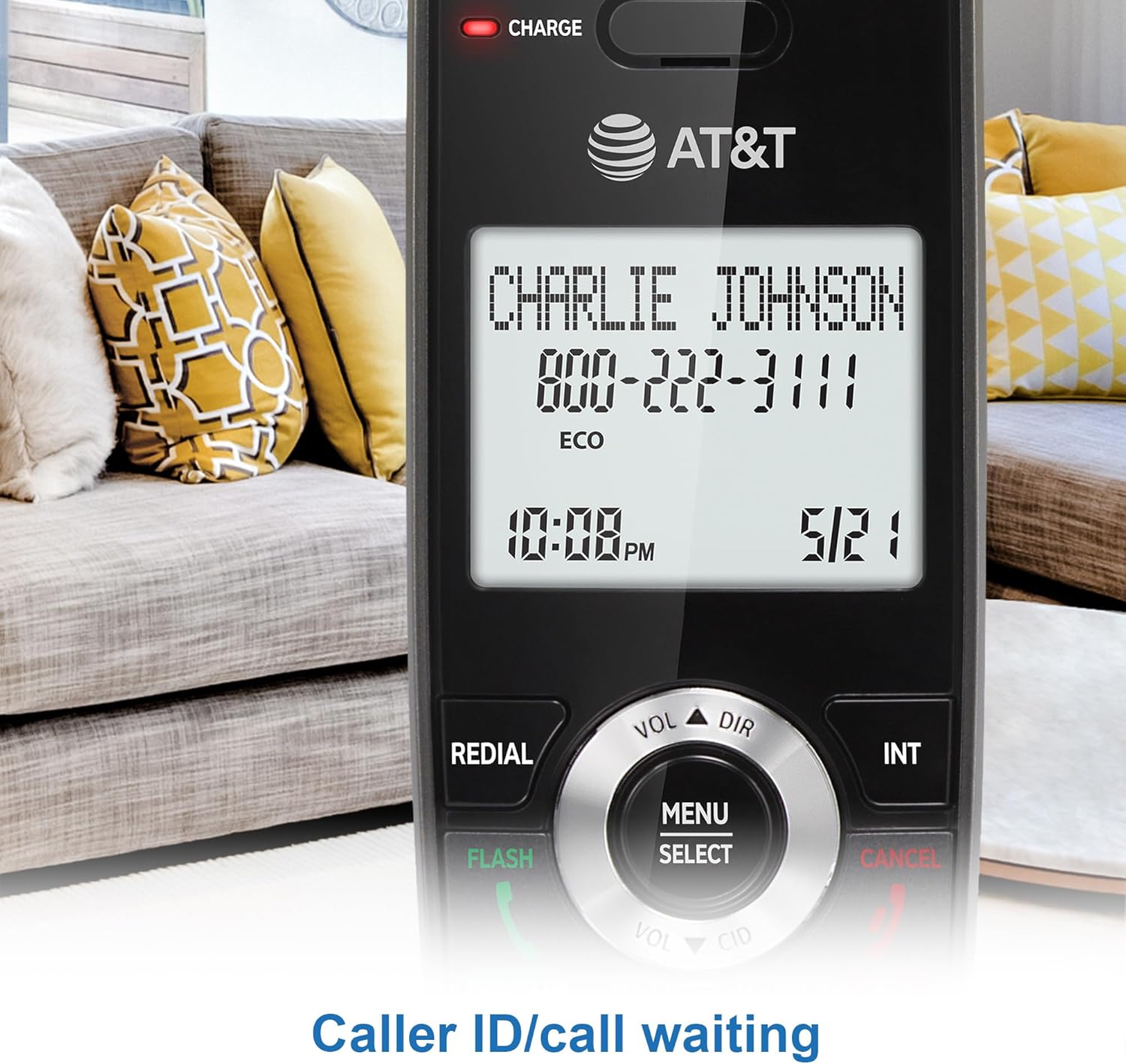
Figure 5: Caller ID Display

Figure 6: 2-inch White Backlit Display
Lighted Keypad with Big Buttons
The handset features a lighted keypad with large, easy-to-read buttons, facilitating dialing and navigation even in dimly lit environments.

Figure 7: Lighted Keypad
Тэлефонная кніга
Store frequently called numbers in the phonebook directory, which can hold up to 50 names and numbers for quick access.

Figure 8: Phonebook Directory
Дамафон паміж трубкамі
Communicate between handsets using the intercom feature, ideal for internal household or office communication without using the landline.

Figure 9: Handset Intercom Functionality
Ціхі рэжым
Activate Quiet Mode to silence the ringer on all handsets and the base unit for a specified period, providing uninterrupted peace.

Figure 10: Quiet Mode Activation
Іншыя асаблівасці
- Паўторны набор 10 апошніх нумароў
- Функцыя адключэння гуку
- Any key answer
- Voicemail waiting indication (network dependent)
- Рэгулятар гучнасці
- Multilingual prompts (English/Spanish/French)
Тэхнічнае абслугоўванне
Сыход за батарэяй
The rechargeable handset battery provides up to 10 hours of talk time or 5 days of standby time on a single charge. The ECO mode optimizes power consumption for longer battery life. To maintain battery health, always return the handset to the base unit or charger when not in use. Avoid exposing batteries to extreme temperatures.

Figure 11: Battery Life Indicators
Уборка
Чысціце паверхні тэлефона мяккай губкайamp тканіна. Не выкарыстоўвайце абразіўныя ачышчальнікі або растваральнікі. Перад чысткай пераканайцеся, што тэлефон адключаны ад сеткі.
Ліквідацыю непаладак
| праблема | Рашэнне |
|---|---|
| Няма сігналу набору | Ensure the telephone line cord is securely connected to the base unit and the wall jack. Check if the power adapter is properly plugged in. |
| Handset displays "Out of range" | Move closer to the base unit. Ensure the base unit is not placed near large metal objects or other electronic devices that may cause interference. |
| Дрэнная якасць гуку | Check for interference from other electronic devices. Ensure the handset battery is fully charged. |
| Немагчыма рабіць або прымаць званкі | Verify that your telephone service is active. Check all connections. If the issue persists, contact your telephone service provider. |
| Call Block not working | Ensure you have a Caller ID subscription from your telephone service provider. Verify that the numbers are correctly entered into the call block directory. |
Тэхнічныя характарыстыкі
| Асаблівасць | Дэталь |
|---|---|
| Нумар мадэлі | GL2101-2 |
| Памеры вырабу (аснова) | 4.25 х 3.23 х 7.24 цалі (Д х Ш х У) |
| Product Dimensions (Handset) | 7.28 x 2.99 x 2.83 inches (H x W x L) |
| Вага прадмета | 1.37 фунта (уся ўпакоўка) |
| Батарэі | Патрабуецца 2 батарэя для канкрэтнага прадукту (у камплекце) |
| Тэхналогіі | DECT 6.0 |
| Колер | Графіт |
| Матэрыял | Пластыкавыя |
| Крыніца харчавання | Правадная электрычная |
| Тып дазвону | Адзіная клавіятура |
| Аўтаадказчык | няма |
| Вытворца | VTech |

Figure 12: Handset Dimensions
Гарантыя і падтрымка
For warranty information and technical support, please refer to the warranty card included in your product packaging or visit the official AT&T support webсайт. Захоўвайце чэк аб куплі як пацвярджэнне пакупкі для гарантыйных прэтэнзій.
For additional assistance, you may contact AT&T customer service directly. Contact details are typically available on the manufacturer's webсайце або ў прыкладзенай дакументацыі.
Для вырашэння распаўсюджаных праблем таксама могуць быць даступныя анлайн-рэсурсы і часта задаваныя пытанні.
Ask a question about this manual
Ask about setup, troubleshooting, compatibility, parts, safety, or missing instructions. Manuals+ will review the question and use this page’s manual context to help answer it.