
1. Уводзіны
This manual provides instructions for the installation, operation, and maintenance of your WiZ Smart LED Imageo Spotlight Plate. This smart lighting system offers versatile illumination with adjustable white and colored light, motion detection via SpaceSense technology, and voice control capabilities.

Малюнак 1: WiZ Smart LED Imageo Spotlight Plate with three GU10 bulbs and its product packaging.
2. Змесціва ўпакоўкі
- 1x WiZ Smart LED Imageo Spotlight Plate (White)
- 3x GU10 5W Smart LED Bulbs
- Installation Hardware (screws, wall plugs)
- Кіраўніцтва карыстальніка (гэты дакумент)
3. Інфармацыя па бяспецы
- Перад устаноўкай або абслугоўваннем пераканайцеся, што электрычнасць адключана.
- Калі вы не ўпэўненыя, усталёўку павінен выконваць кваліфікаваны электрык.
- Не падвяргайце выраб уздзеянню вады або празмернай вільгаці.
- Use only GU10 bulbs as specified.
4. Ўстаноўка
- Выключэнне: Перад пачаткам усталёўкі адключыце асноўнае электрасілкаванне з дапамогай аўтаматычнага выключальніка.
- Мантаж пласціны: Secure the circular ceiling plate to your desired location using the provided screws and wall plugs. Ensure the mounting surface is suitable to support the fixture's weight.
- Праводка: Connect the electrical wires from your ceiling to the terminal block on the spotlight plate. Follow local electrical codes and ensure proper grounding.
- Уставіць лямпы: Gently insert the three GU10 smart LED bulbs into the spotlight sockets.
- Адрэгулюйце пражэктары: Adjust the direction of each spotlight as needed.
- Уключэнне: Restore power at the circuit breaker. The lights should turn on.

Малюнак 2: Visual guide for installing WiZ smart lights and downloading the app.
5. Пачатковая налада і падключэнне праграмы
- Спампаваць праграму WiZ: Download the WiZ app from the Apple App Store or Google Play Store.
- Стварыць уліковы запіс: Open the app and follow the on-screen instructions to create a new WiZ account or log in to an existing one.
- Спалучэнне: In the app, select "Add Device" and follow the pairing process. Ensure your Wi-Fi network is active and your phone is connected to the 2.4GHz band during setup.
- Прызначэнне пакоя: Assign your new spotlight plate to a room within the app for organized control.
6. Operating Your WiZ Smart LED Spotlight
6.1. Basic Control (WiZ App)
- Укл/Выкл: Уключайце або выключайце святло непасрэдна з праграмы.
- Зацямненне: Adjust the brightness level using the dimmer slider in the app.
- Рэгуляванне белага святла: Change the white light from warm (yellowish) to cool (bluish) tones to suit your preference or time of day.
- Выбар колеру: Choose from millions of colors to create various ambiances.
- Папярэдне зададзеныя сцэны: Utilize pre-programmed lighting scenes for different activities or moods.

Малюнак 3: The WiZ spotlight plate can produce light from warm white to cool white.

Малюнак 4: The WiZ spotlight plate offers millions of color options for personalized lighting.
6.2. SpaceSense Motion Detection
The WiZ SpaceSense technology uses Wi-Fi signals to detect movement in a room without requiring additional sensors. This allows your lights to turn on automatically when you enter and off when you leave.
- Актывацыя: Enable SpaceSense in the WiZ app for the desired room.
- Рэгуляванне адчувальнасці: Adjust the sensitivity settings in the app to fine-tune motion detection. You can set it to detect all movement or only human movement, ignoring pets.
- No Extra Sensors: This feature works using the existing WiZ lights and your Wi-Fi network, eliminating the need for separate motion sensors or batteries.
Відэа 1: Demonstration of WiZ SpaceSense technology, showing lights automatically turning on and off based on movement detection.
6.3. Галасавое кіраванне
The WiZ Smart LED Spotlight Plate is compatible with popular voice assistants, allowing for hands-free control.
- Падтрымліваюцца платформы: Works with Amazon Alexa, Apple HomeKit, and Google Home.
- Настройка: Link your WiZ account to your preferred voice assistant app (e.g., Alexa app, Google Home app).
- Каманды: Use voice commands such as "Alexa, turn on the living room lights," "Hey Google, dim the kitchen spotlights to 50%," or "Siri, set the bedroom lights to blue."
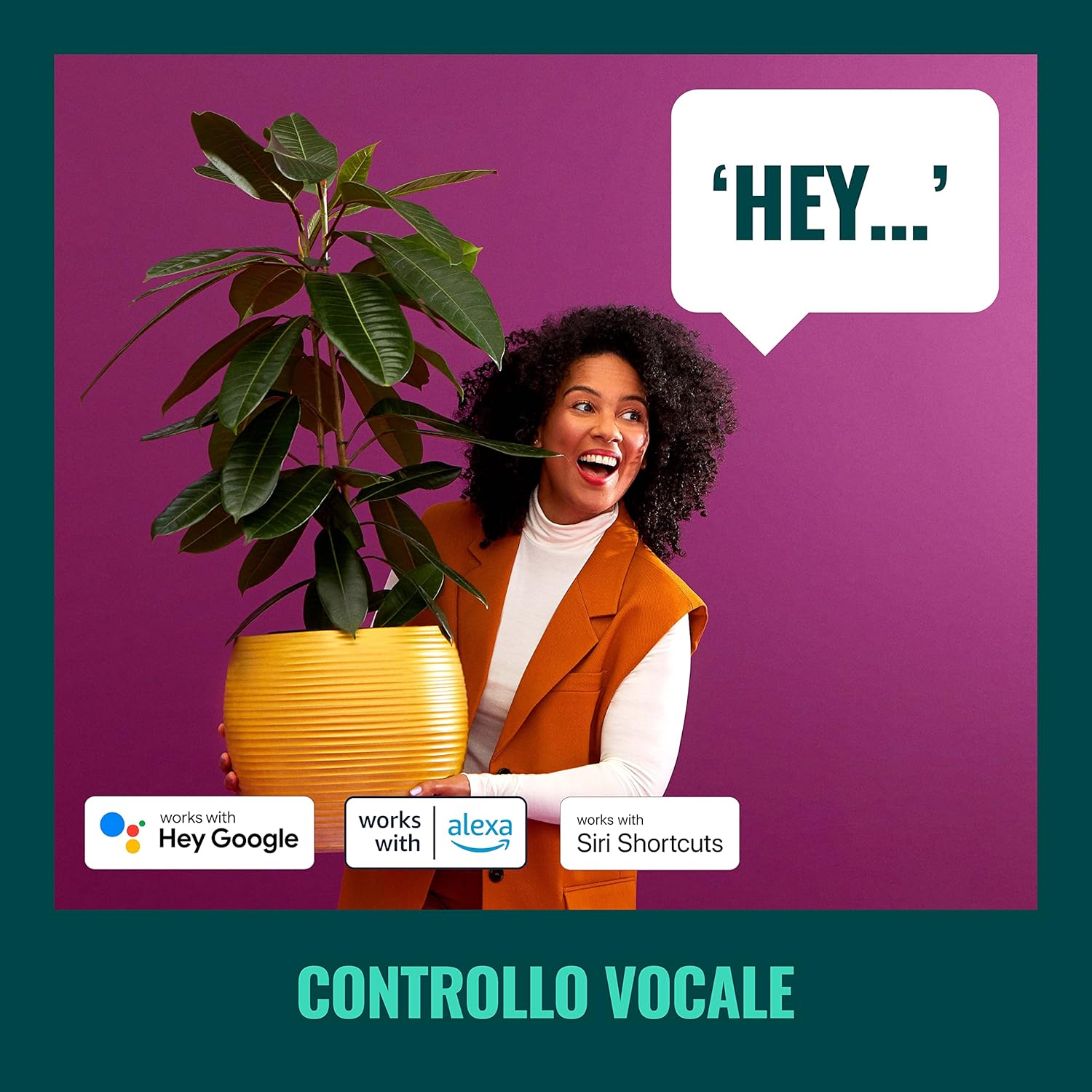
Малюнак 5: The WiZ system supports voice control via popular smart home platforms.
6.4. Schedules and Routines
Automate your lighting to fit your daily routine.
- Планаванне: Set specific times for lights to turn on/off, change brightness, or alter color.
- Сутачны рытм: Enable Circadian Rhythm to automatically adjust light color and brightness throughout the day to mimic natural light patterns, promoting well-being.

Малюнак 6: Скончанаview of advanced control features including scene personalization, remote control, scheduling, and circadian rhythm.
7. Тэхнічнае абслугоўванне
- Уборка: Адключыце сілкаванне перад чысткай. Працярыце прыбор мяккай сухой тканінай. Не выкарыстоўвайце абразіўныя ачышчальнікі або растваральнікі.
- Замена лямпачкі: Ensure power is off. Allow bulbs to cool before handling. Twist and pull to remove old GU10 bulbs, then insert new ones by aligning and twisting.
- Абнаўленні праграмнага забеспячэння: Regularly check the WiZ app for firmware updates to ensure optimal performance and access to new features.
8. Выпраўленне непаладак
- Фары не рэагуюць:
- Check if the main power switch is on.
- Пераканайцеся, што ваша сетка Wi-Fi актыўная і стабільная.
- Verify that the WiZ app is connected to the correct Wi-Fi network.
- Try power cycling the spotlight plate (turn off for 10 seconds, then on).
- Складанасць спалучэння:
- Пераканайцеся, што ваш тэлефон падключаны да сеткі Wi-Fi 2.4 ГГц падчас спалучэння.
- Move closer to your Wi-Fi router.
- Reset the bulbs by turning them on/off three times (on for 1-2 seconds, off for 1-2 seconds) until they flash.
- SpaceSense Not Detecting Movement:
- Increase the sensitivity setting in the WiZ app.
- Ensure there are at least two WiZ lights in the room for optimal detection.
- Check for obstructions that might block Wi-Fi signals.
- Праблемы з галасавым кіраваннем:
- Confirm that your WiZ account is correctly linked to your voice assistant.
- Праверце падключэнне да Інтэрнэту.
- Ensure the device name in the WiZ app matches the name used in voice commands.
9. Тэхнічныя характарыстыкі
| Асаблівасць | Спецыфікацыя |
|---|---|
| Марка | WiZ |
| Нумар мадэлі | 929003210801 |
| Памеры прадукту | 12 х 11 х 26 см |
| Вага | 1 кг |
| Колер | Белы |
| Матэрыял | Metal (fixture), Plastic (shade) |
| стыль | Сучасны |
| Колькасць агнёў | 3 |
| Тып лямпы | святлодыёд |
| Падстава лямпачкі | GU10 |
| Ватtage (на лямпачку) | 5 ват |
| Светлавы струмень | 1350 lumens (total) |
| тtage | 230 вольт (пераменнага току) |
| Рэйтынг IP | IP20 |
| Сярэдняя працягласць жыцця | 15,000 гадзін |
| Асаблівасці | Dimmable, Energy Saving, SpaceSense Technology, Voice Control |
10. Гарантыя і падтрымка
For warranty information and technical support, please refer to the official WiZ webсайт або звярніцеся ў службу падтрымкі кліентаў. Захоўвайце чэк аб куплі як пацверджанне пакупкі.
Інтэрнэт-рэсурсы: Наведайце ст WiZ Brand Store для атрымання дадатковай інфармацыі аб прадукце і падтрымкі.