
Parsonver LW45
Кіраўніцтва карыстальніка разумных гадзін Parsonver LW45
Model: LW45 | Brand: Parsonver
Уводзіны
This manual provides detailed instructions for the Parsonver LW45 Smart Watch. Please read this guide thoroughly to understand the watch's functions, setup, and maintenance, ensuring optimal performance and longevity of your device.
Змест пакета
Пасля адкрыцця ўпакоўкі пераканайцеся, што ўсе прадметы наяўныя:
- Разумныя гадзіны Parsonver LW45
- Зарадны кабель
- Кіраўніцтва карыстальніка
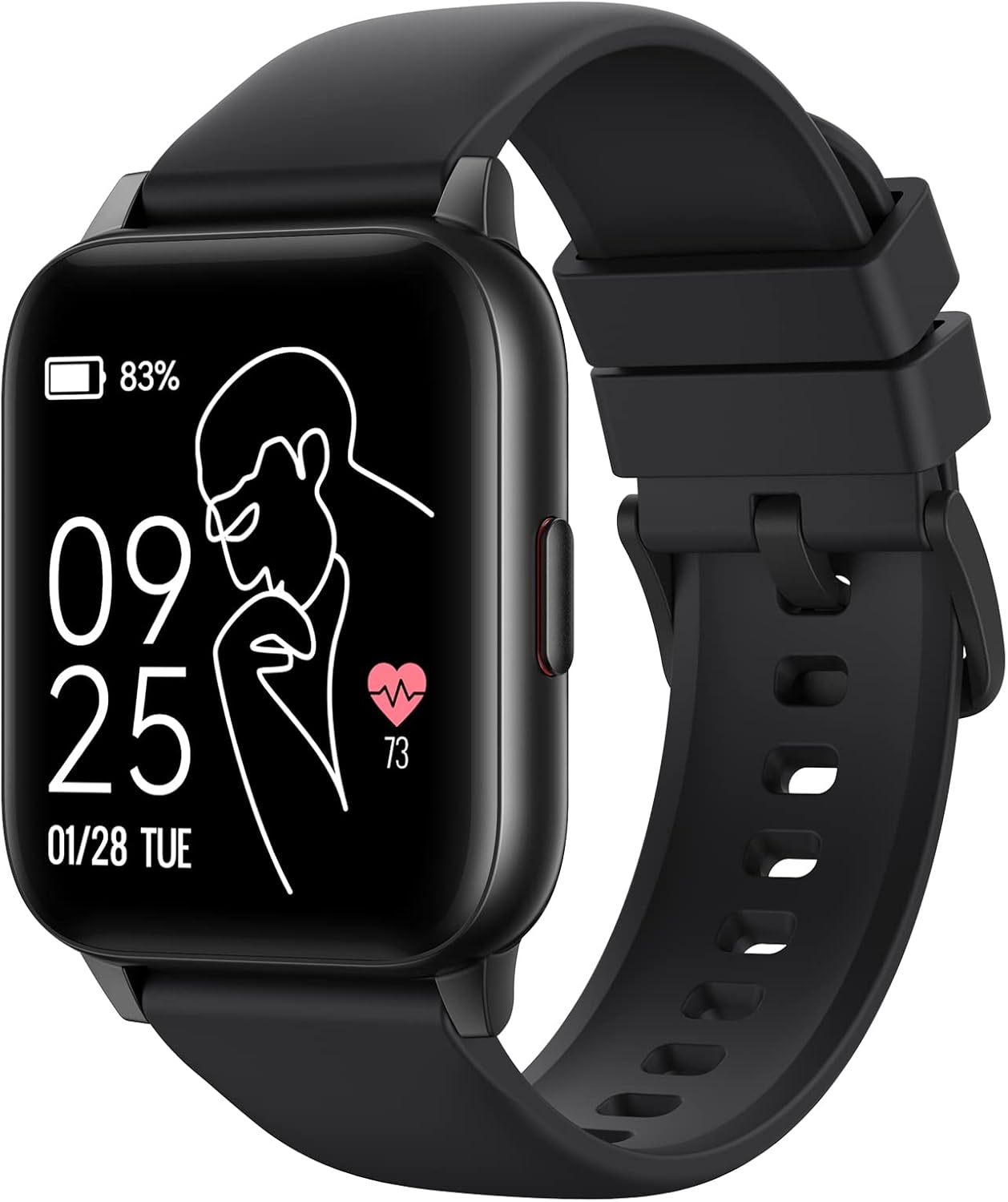
Image: The Parsonver LW45 Smart Watch, black model, displaying time and health metrics.
Кіраўніцтва па ўстаноўцы
1. Зарадка прылады
Before initial use, fully charge the smart watch. Connect the charging cable to the charging port on the back of the watch and to a USB power source. The watch display will indicate charging status.
2. Усталёўка праграмы і спалучэнне
- Download the official Parsonver app from your smartphone's app store (compatible with iOS 10.0/Android 5.0 or above).
- Пераканайцеся, што Bluetooth уключаны на вашым смартфоне.
- Адкрыйце праграму і выконвайце інструкцыі на экране, каб стварыць уліковы запіс або ўвайсці.
- Select "Add Device" or similar option within the app to search for your LW45 Smart Watch.
- Пацвердзіце запыт на спалучэнне як на смартфоне, так і на гадзінніку.
Заўвага: The watch connects via Bluetooth 5.0. Maintain proximity between the watch and your smartphone for a stable connection.

Image: A smartphone displaying the Parsonver app, illustrating the device connection process.
Інструкцыя па эксплуатацыі
Базавая навігацыя
- Сэнсарны экран: Правядзіце пальцам улева/управа, уверх/уніз, каб перамяшчацца па меню і атрымліваць доступ да функцый. Націсніце, каб выбраць.
- Бакавая кнопка: Націсніце, каб вярнуцца на галоўны экран або абудзіць прыладу.
Спартыўныя рэжымы
The LW45 Smart Watch features 16 default sports modes. Over 100 additional sports modes can be customized and added via the companion app. These include activities such as walking, running, cycling, swimming, yoga, and strength training.
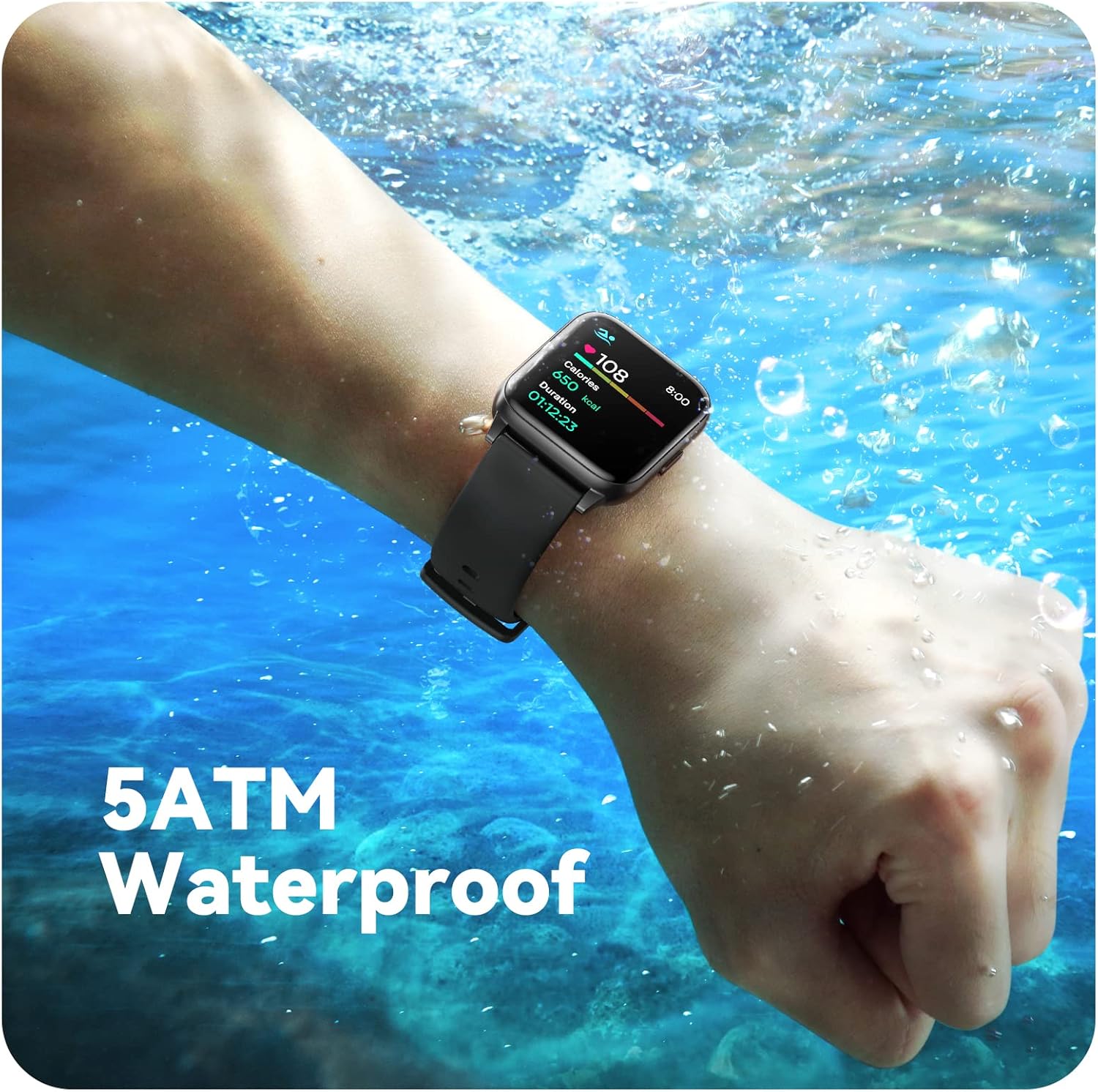
Image: A person engaged in soccer, wearing the smart watch, demonstrating its use during sports activities.

Image: A smartphone screen displaying a wide selection of sports modes within the Parsonver application.
Маніторынг здароўя
- Маніторынг сардэчнага рытму: Provides 24/7 real-time heart rate data.
- Маніторынг кіслароду ў крыві: Вымярае ўзровень кіслароду ў крыві.
- Адсочванне сну: Automatically monitors sleep patterns, including deep sleep, light sleep, and awake times (from 9:00 PM to 12:00 PM the next day).
- Hydration and Sedentary Alerts: The watch can provide reminders for hydration and prolonged inactivity.
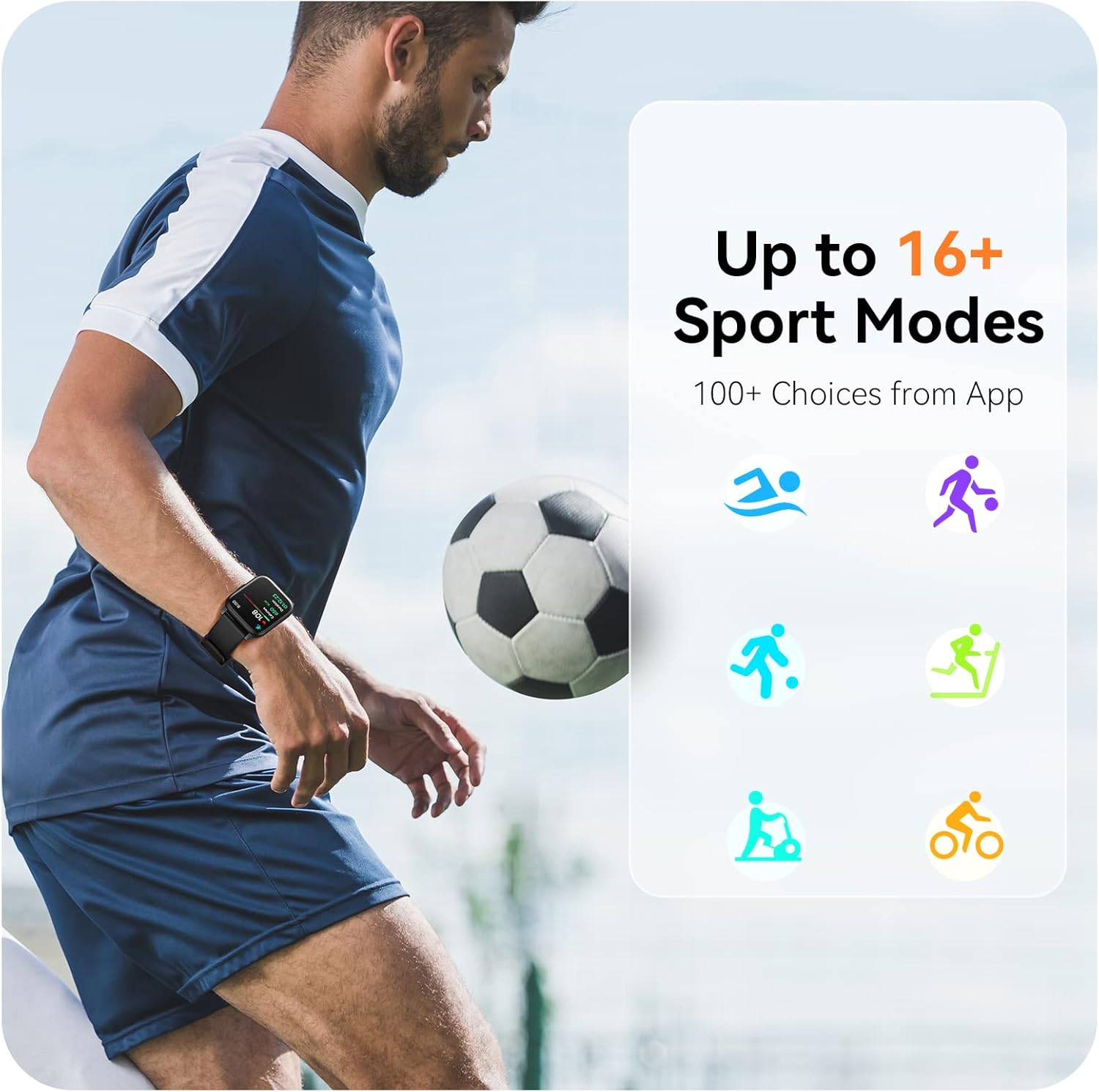
Image: A man running, with the smart watch on his wrist showing real-time fitness data.

Image: A person sleeping, with the smart watch tracking sleep and displaying data on a connected phone.
Апавяшчэнні
Receive notifications for incoming calls, SMS messages, emails, and alerts from social media applications (WhatsApp, LinkedIn, Instagram, Twitter) when connected to your smartphone. You can reject calls directly from the watch, but cannot answer or reply to messages.
Image: The smart watch screen showing icons for different types of notifications.
Дадатковыя функцыі
The 1.69-inch high-definition touch screen provides access to various features:
- Прагнозы надвор'я
- Будзільнік
- Таймер і секундамер
- Пульт кіравання камерай
- Кіраванне прайграваннем музыкі
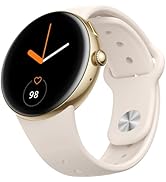
Image: The smart watch screen showing a weather forecast display.
Налада
Персаналізуйце свой гадзіннік:
- Гадзіннік: Choose from a variety of pre-installed watch faces or download more via the app.
- Custom Backgrounds: Set your own photos as watch face backgrounds through the app.
- Time and Unit Formats: Adjust time display (12/24 hour) and measurement units (Metric/Imperial, Celsius/Fahrenheit) in the app settings.
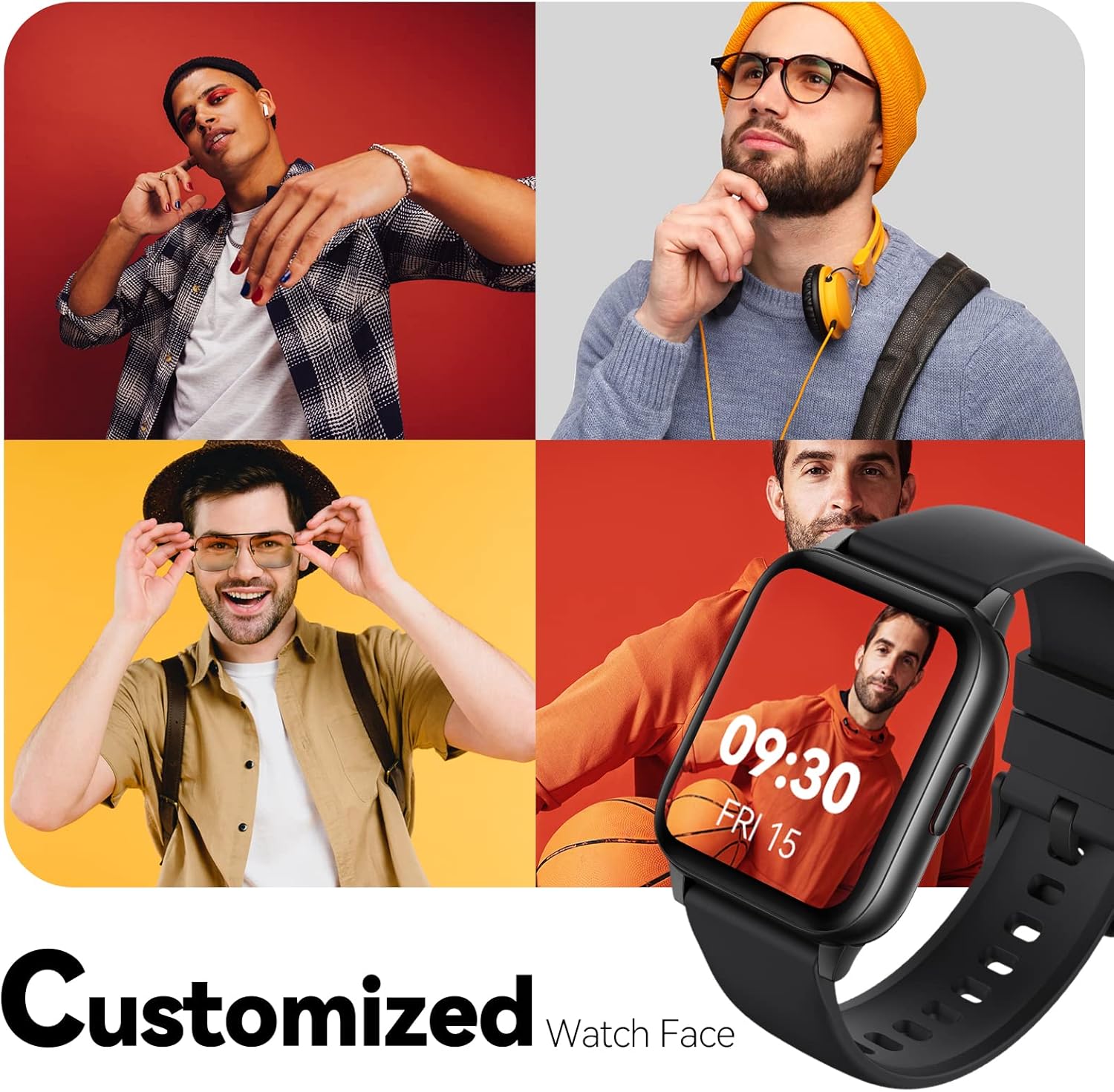
Image: Multiple watch face designs shown on the smart watch, highlighting customization.

Image: A visual guide demonstrating how to adjust time formats, units, and customize watch faces via the companion app.
Воданепранікальнасць
The Parsonver LW45 Smart Watch is rated 5ATM waterproof, meaning it is water-resistant up to 50 meters. This allows for use during swimming, showering, and in various weather conditions like rain or snow. Important: Do not press any buttons while the watch is submerged in water.

Image: The smart watch submerged in water, illustrating its 5ATM waterproof capability.
Тэхнічнае абслугоўванне
- Уборка: Regularly clean the watch and strap with a soft, dry cloth. For stubborn dirt, use a slightly damp тканінай і мяккім мылам, затым старанна прамыйце і высушыце.
- Кантакты для зарадкі: Каб забяспечыць належную зарадку, падтрымлівайце зарадныя кантакты на задняй панэлі гадзінніка чыстымі і без смецця.
- захоўванне: Захоўвайце гадзіннік у прахалодным, сухім месцы, калі ён не выкарыстоўваецца.
- Пазбягайце хімічных рэчываў: Do not expose the watch to strong chemicals, solvents, or detergents, as these can damage the materials.
Ліквідацыю непаладак
| выпуск | Магчымае рашэнне |
|---|---|
| Гадзіннік не ўключаецца або не зараджаецца | Ensure the charging cable is securely connected to both the watch and a working USB power source. Clean the charging contacts. Try a different USB port or adapter. |
| Немагчыма спалучыць са смартфонам | Ensure Bluetooth is enabled on your phone. Restart both the watch and phone. Make sure the watch is within Bluetooth range. Check if other Bluetooth devices are interfering. Uninstall previous watch apps if present. |
| Апавяшчэнні не атрыманы | Verify that notification permissions are enabled for the Parsonver app in your phone's settings. Ensure the watch is connected via Bluetooth. Check app settings for specific notification toggles. |
| Inaccurate step count or sleep data | Ensure the watch is worn snugly on your wrist. Calibrate the watch through the app if available. Note that some activities (like driving) might register as steps. Sleep tracking is active from 9:00 PM to 12:00 PM the next day. |
Тэхнічныя характарыстыкі
| Асаблівасць | Дэталь |
|---|---|
| Назва мадэлі | LW45 |
| Памер экрана | 1.69 цалі |
| Воданепранікальнасць | 5 атм (да 50 метраў) |
| Вага | 40 грам |
| Сумяшчальнасць аперацыйнай сістэмы | iOS 10.0/Android 5.0 or above |
| Сувязь | Bluetooth 5.0 |
| Ёмістасць батарэі | 300 Міліamp Гадзіны |
| Ёмістасць памяці | 128 Мб |
| GPS | Праз смартфон |
| Уключаныя кампаненты | Разумны гадзіннік |
Падтрымка і гарантыя
For technical assistance or warranty inquiries, please contact Parsonver customer service. Refer to the product packaging or the official Parsonver webсайт для атрымання самай актуальнай кантактнай інфармацыі.
Адрас электроннай пошты службы падтрымкі: support@parsonver.com

Image: The official Parsonver brand logo.

Image: A graphic indicating 24/7 online customer support availability.
Важная інфармацыя па бяспецы
- Не спрабуйце разабраць або мадыфікаваць гадзіннік.
- Keep the watch away from extreme temperatures.
- Consult a medical professional before starting any new exercise regimen, especially if you have pre-existing health conditions. The health monitoring features are for informational purposes and not for medical diagnosis.
- Утылізуйце прыладу і яе акумулятар у адпаведнасці з мясцовымі правіламі.