
1. Уводзіны
Thank you for choosing the iWALK DBL5000PC Portable USB-C Power Bank. This compact and powerful device is designed to provide convenient and fast charging for your USB-C compatible smartphones and other devices, ensuring you stay connected wherever you go. Please read this manual carefully before use to ensure optimal performance and safety.
2. Інфармацыя па бяспецы
- Не падвяргайце знешні акумулятар уздзеянню экстрэмальных тэмператур, прамых сонечных прамянёў або агню.
- Пазбягайце падзення, удараў або разборкі прылады.
- Захоўваць у месцах, недаступных дзецям.
- Do not use the power bank if it is damaged or appears to be swelling.
- Выкарыстоўвайце толькі сертыфікаваныя зарадныя кабелі і адаптары.
- Утылізуйце знешні акумулятар адказна ў адпаведнасці з мясцовымі правіламі.
3. Прадукт скончыўсяview
The iWALK DBL5000PC is a compact 4,800mAh power bank featuring an integrated USB-C connector for direct device charging and 18W PD fast charging capabilities. It includes a digital display to show the remaining battery percentage.

Image: The iWALK DBL5000PC portable USB-C power bank in pink, showcasinг яго кампактны дызайн.
3.1 Асноўныя магчымасці
- Built-in USB-C Connector: Directly plugs into your device for cable-free charging.
- Ёмістасць 4,800 мАг: Provides significant power for smartphones.
- Хуткая зарадка 18 Вт PD: Падтрымлівае хуткую зарадку як для паўэрбанка, так і для падлучаных прылад.
- Лічбавай дысплей: Shows precise battery percentage.
- Кампактны і лёгкі: Распрацаваны для партатыўнасці і зручнасці пераноскі.
3.2 Сумяшчальнасць
This power bank is compatible with a wide range of USB-C devices, including:
- iPhone 15/16/17 Series (Pro/Max/Plus)
- Samsung Galaxy S25/S24/S23/S22/S21/S20/S10, Note 22/21/10/9, Z Flip/Fold series
- Google Pixel 8/7/6/5
- LG G7/V30/V40
- Motorola, OnePlus, and other USB-C phones
- iPad Pro/Air/Mini (USB-C models)

Image: A detailed compatibility chart illustrating various smartphone and tablet models that can be charged with the iWALK power bank.
4. Змесціва ўпакоўкі
Upon opening your iWALK DBL5000PC package, you should find the following items:
- iWALK 4,800mAh Power Bank (x1)
- Кабель USB-C — USB-C (1 шт.)
- Кіраўніцтва па эксплуатацыі (x1)

Image: The iWALK power bank, a USB-C charging cable, and the welcome guide, as included in the product package.
5. Налада і зарадка паўэрбанка
Before using your iWALK power bank to charge other devices, it is recommended to fully charge the power bank itself.
- Падключыце кабель USB-C: Use the provided USB-C to USB-C cable. Plug one end into the USB-C input port on the side of the power bank.
- Падключэнне да крыніцы харчавання: Plug the other end of the USB-C cable into a compatible USB wall adapter (not included) or a computer's USB-C port.
- Зарадка манітора: Лічбавы дысплей на знешнім акумулятары будзе паказваць прагрэс зарадкі, паказваючы працэнты зарада батарэі.tage.
- Індыкацыя поўнай зарадкі: The display will show 100% when the power bank is fully charged. A full recharge takes approximately 1.5 hours with 18W PD fast recharging.

Image: Illustration of the iWALK power bank being recharged, showing both a direct plug into a wall adapter and a wired connection via USB-C cable.
6. Operating Instructions (Charging Your Device)
The iWALK DBL5000PC offers convenient, cable-free charging for your USB-C devices.
- Зняць ахоўны каўпачок: Gently remove the protective cap from the built-in USB-C connector.
- Падключэнне да прылады: Plug the built-in USB-C connector directly into your smartphone or other compatible device's USB-C port.
- Пачаць зарадку: The power bank should automatically begin charging your device. The digital display will show the power bank's remaining charge.
- Стан зарадкі: На экране вашай прылады будзе паказана, што яна зараджаецца.
- Адключыць: Once your device is charged, or you wish to stop charging, simply unplug the power bank from your device and replace the protective cap.
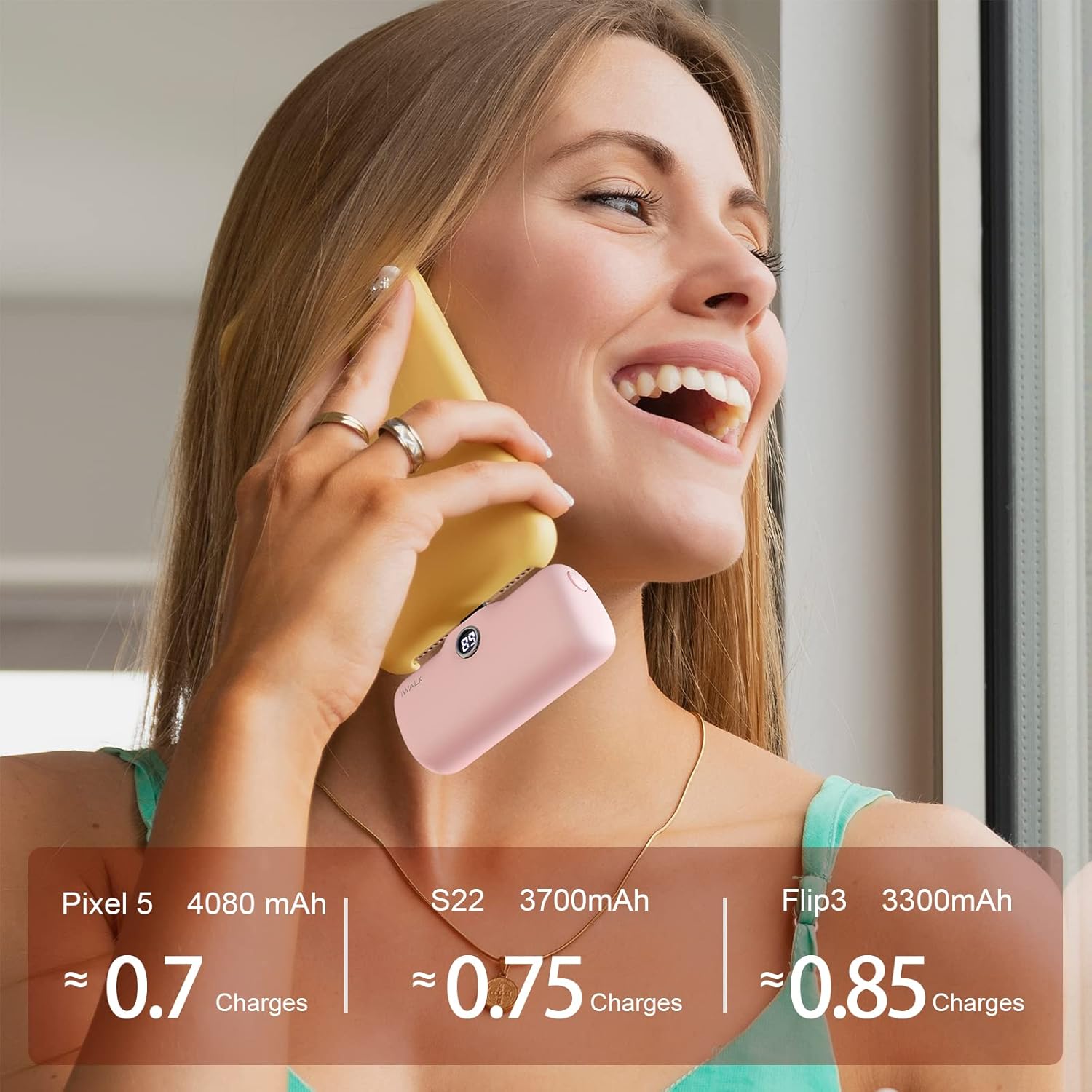
Image: A pink iWALK power bank directly plugged into the bottom of a smartphone, actively charging the device.

Image: A woman holding a smartphone with the iWALK power bank attached, demonstrating how the compact design allows for continued phone use during charging.
7. Лічбавы дысплей
The iWALK DBL5000PC features a clear digital display that shows the remaining battery percentage of the power bank. This allows you to easily monitor its charge level and know when it needs to be recharged.

Выява: буйны план view of the iWALK power bank, highlighting its digital display which shows the current battery percentage.
8. Тэхнічнае абслугоўванне і догляд
- Працірайце знешні акумулятар мяккай сухой тканінай. Не выкарыстоўвайце агрэсіўныя хімічныя рэчывы або абразіўныя матэрыялы.
- Store the power bank in a cool, dry place away from direct sunlight and moisture.
- Калі знешні акумулятар не выкарыстоўваецца працяглы час, зараджайце яго хаця б раз на тры месяцы, каб падтрымліваць яго ў працоўным стане.
- Ensure the protective cap is always on the USB-C connector when not in use to prevent dust and damage.
9. Выпраўленне непаладак
| праблема | Магчымая прычына | Рашэнне |
|---|---|---|
| Power bank не зараджаецца | Low battery; faulty cable/adapter; loose connection | Ensure cable is securely connected; try a different cable/adapter; allow sufficient time for charging. |
| Прылада не зараджаецца | Power bank low/empty; device incompatibility; loose connection | Recharge power bank; verify device compatibility; ensure power bank is firmly plugged into device. |
| Павольная зарадка | Non-PD compatible adapter; device drawing high power | Use an 18W PD compatible wall adapter for faster charging; avoid using the device heavily while charging. |
| Лічбавы дысплей не працуе | Power bank completely discharged; internal fault | Charge the power bank for a few minutes; if issue persists, contact customer service. |
10. Тэхнічныя характарыстыкі
| Асаблівасць | Дэталь |
|---|---|
| Нумар мадэлі | DBL5000PC |
| Ёмістасць батарэі | 4800 Міліamp Гадзіны |
| Тып раздыма | USB Type C (Built-in) |
| Хуткасць зарадкі | Хуткая зарадка PD магутнасцю 18 Вт |
| Памеры прадукту | 1.02 х 2.3 х 1.02 цалі |
| Вага прадмета | 0.24 унцыі |
| Асаблівасці | Auto Shut-Off, Digital Display, Fast Charging, Pocket Size, Slim |
| Вытворца | U2O GLOBAL CO., LTD. |
11. Гарантыя і падтрымка
Your iWALK DBL5000PC Power Bank comes with a standard manufacturer's warranty. For specific warranty details, please refer to the documentation included in your product packaging or visit the official iWALK webсайт.
For any questions, technical support, or customer service inquiries, please contact iWALK customer service. The product includes 7x24 customer service.
Кантактная інфармацыя:
- Refer to your product packaging for the most up-to-date contact details.
- Visit the official iWALK webсайт з рэсурсамі падтрымкі і часта задаванымі пытаннямі.