
Уводзіны
This manual provides detailed instructions for the setup, operation, maintenance, and troubleshooting of your GOODTEL G10 10-inch Android tablet. Please read this guide thoroughly to ensure proper use and to maximize your device's performance and longevity.
Настройка
1. Змесціва ўпакоўкі
Пасля распакавання пераканайцеся, што ўсе элементы наяўныя:
- Планшэт GOODTEL G10
- Stylus for touchscreen
- Ахоўны футляр
- Зарадная прылада
- Кіраўніцтва карыстальніка
2. Зарадка планшэта
Before first use, fully charge the tablet. Connect the provided charger to the USB Type-C port on the tablet and plug it into a power outlet. The charging indicator will show the charging status.
3. Уключэнне / выключэнне харчавання
- Каб уключыць: Націсніце і ўтрымлівайце кнопку харчавання, пакуль не загарыцца экран.
- Каб выключыць: Press and hold the power button, then select 'Power off' from the options on the screen.
4. Устаўка карты MicroSD
The tablet supports MicroSD/TF cards from 4GB to 256GB for expanded storage. Locate the MicroSD card slot, gently insert the card with the gold contacts facing down until it clicks into place.
5. Падключэнне да Wi-Fi
- Перайсці да Налады > Сетка і інтэрнэт > Wi-Fi.
- Уключыць/выключыць Wi-Fi On.
- Выберыце патрэбную сетку Wi-Fi са спісу.
- Увядзіце пароль, калі будзе прапанавана, а затым націсніце Злучыцца.
6. Спарванне Bluetooth
- Перайсці да Налады > Падключаныя прылады > Bluetooth.
- Пераключыць Bluetooth On.
- The tablet will scan for available devices. Select the device you wish to pair with from the list.
- Пацвердзіце код спалучэння, калі будзе запытана.

This detailed diagram illustrates the location and function of all external ports and buttons on the GOODTEL G10 tablet, such as the USB Type-C charging port, headphone jack, and MicroSD card slot.
Інструкцыя па эксплуатацыі
1. Android 12 OS Navigation
Your GOODTEL G10 tablet runs on Android 12, offering an intuitive user interface. Swipe up from the bottom of the screen to access the app drawer, swipe down from the top for quick settings and notifications. The 10-inch IPS display provides wide viewing angles and responsive touch sensitivity.
2. Выкарыстанне камеры
The tablet features a 5MP front camera and an 8MP rear camera. Open the Camera application to capture photos and videos. Tap the screen to focus and press the shutter button to take a picture.
3. Audio and Multimedia
The tablet is equipped with dual speakers for audio output. For private listening, connect headphones to the 3.5mm headphone jack. The device supports various multimedia applications for streaming videos and music.
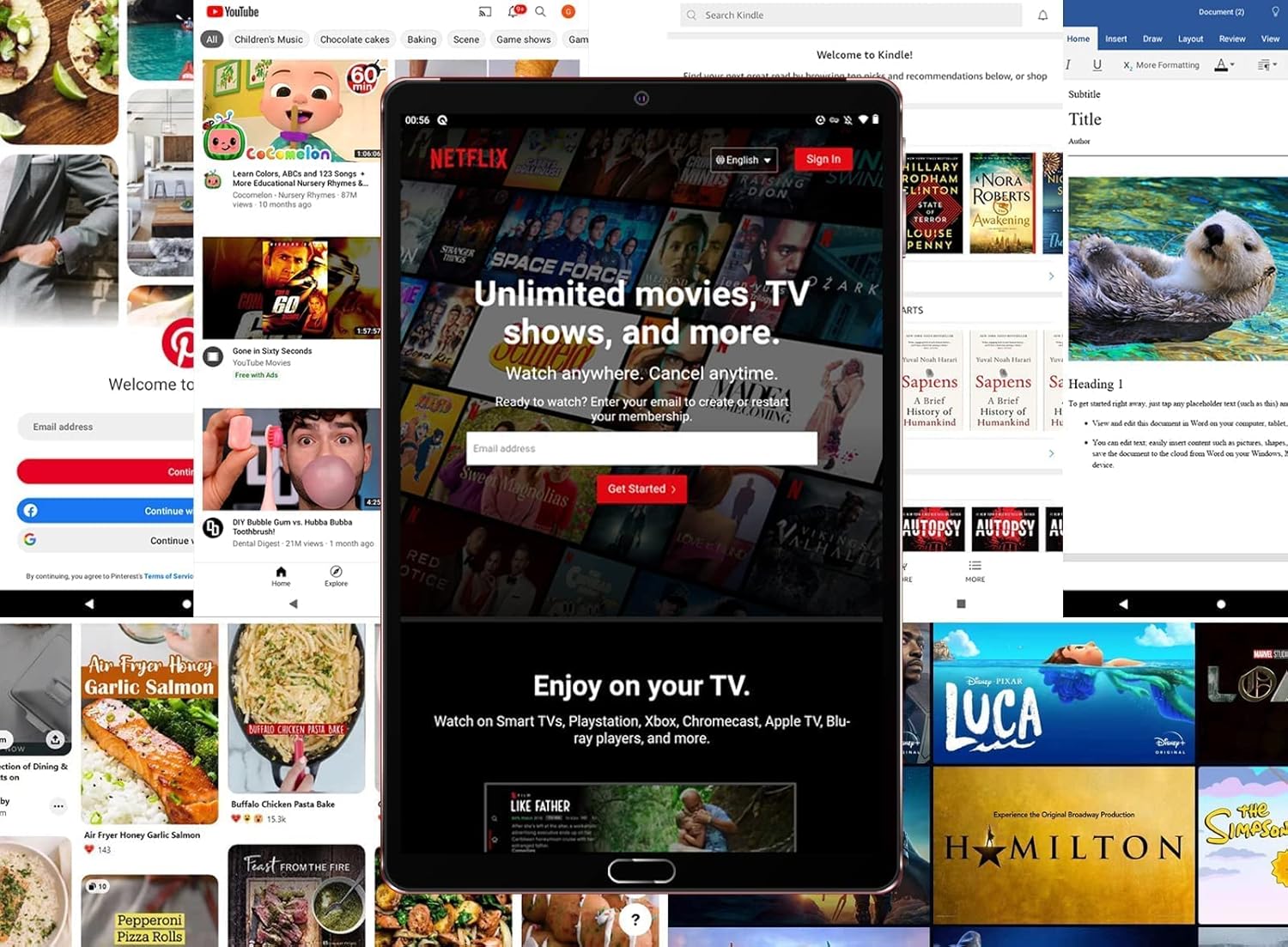
The tablet is shown running the Netflix application, illustrating its suitability for streaming video content and entertainment.
4. Захоўванне і прадукцыйнасць
With 4GB RAM and 64GB internal storage (ROM), the tablet provides ampпрастора для прыкладанняў і files. The Octa-Core processor ensures smooth performance for multitasking and running various applications. Expand storage up to 256GB using a MicroSD card.

This image highlights the main technical specifications and features of the GOODTEL G10 tablet, including its operating system, memory, connectivity options, and display characteristics.
5. Productivity and Communication
The G10 tablet is compatible with WPS Office and other office applications (WORD, EXCEL, PPT, PDF) for document editing and management. It supports voice and video calls, making it suitable for connecting with family, friends, and colleagues via applications like ZOOM.
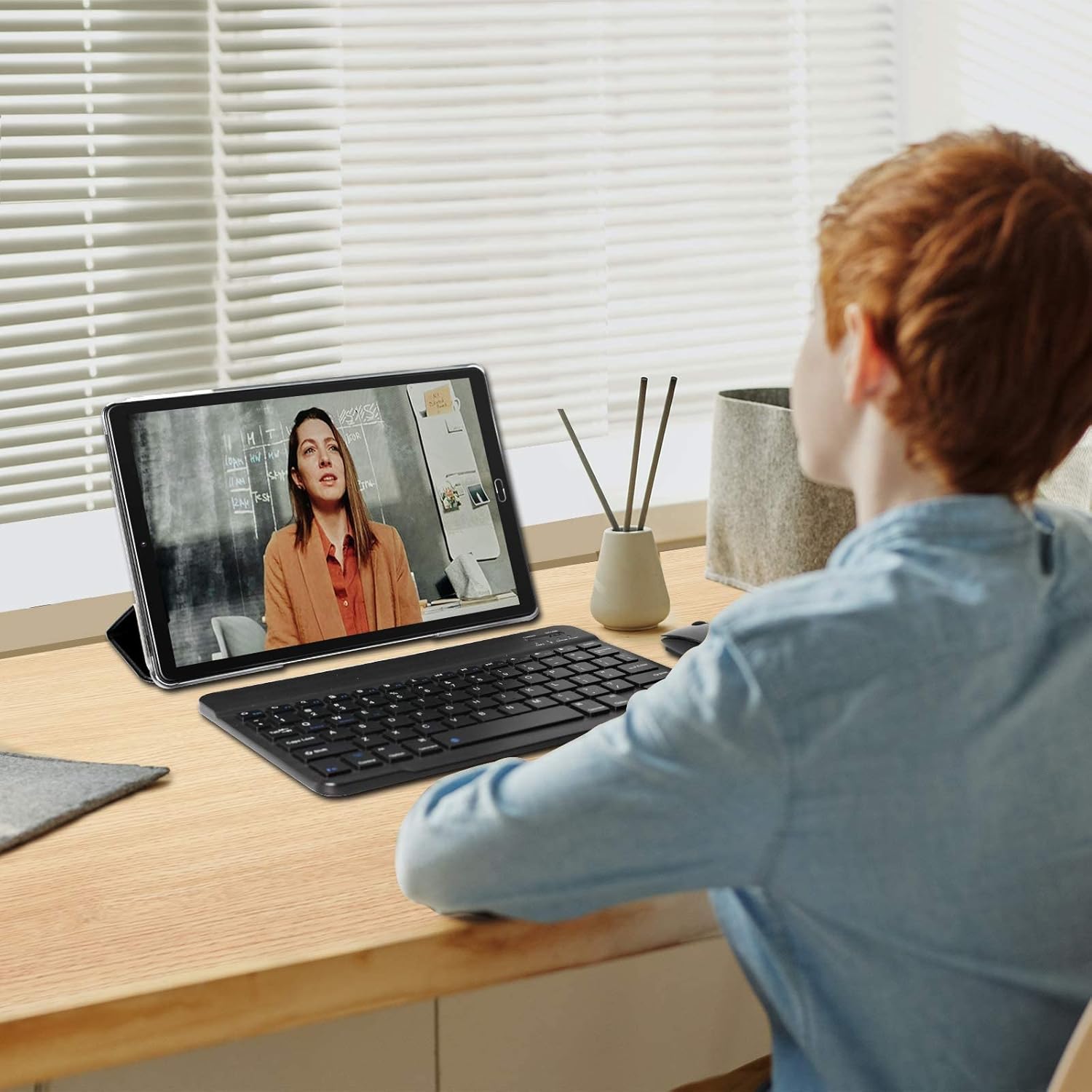
The tablet is depicted in a work or study environment, paired with an external keyboard, demonstrating its use for educational purposes or office applications.
6. Бацькоўскі кантроль
The tablet includes Google's Family Link parental control feature, allowing remote device management, usage time limits, and content filtering via the Family Link application.
7. Дадатковыя магчымасці
The G10 supports gravity detection, FM radio, quick screenshot capture, and screen recording functionalities.

This image shows the tablet's user interface, featuring the Android home screen with common applications, indicating ease of access and navigation.
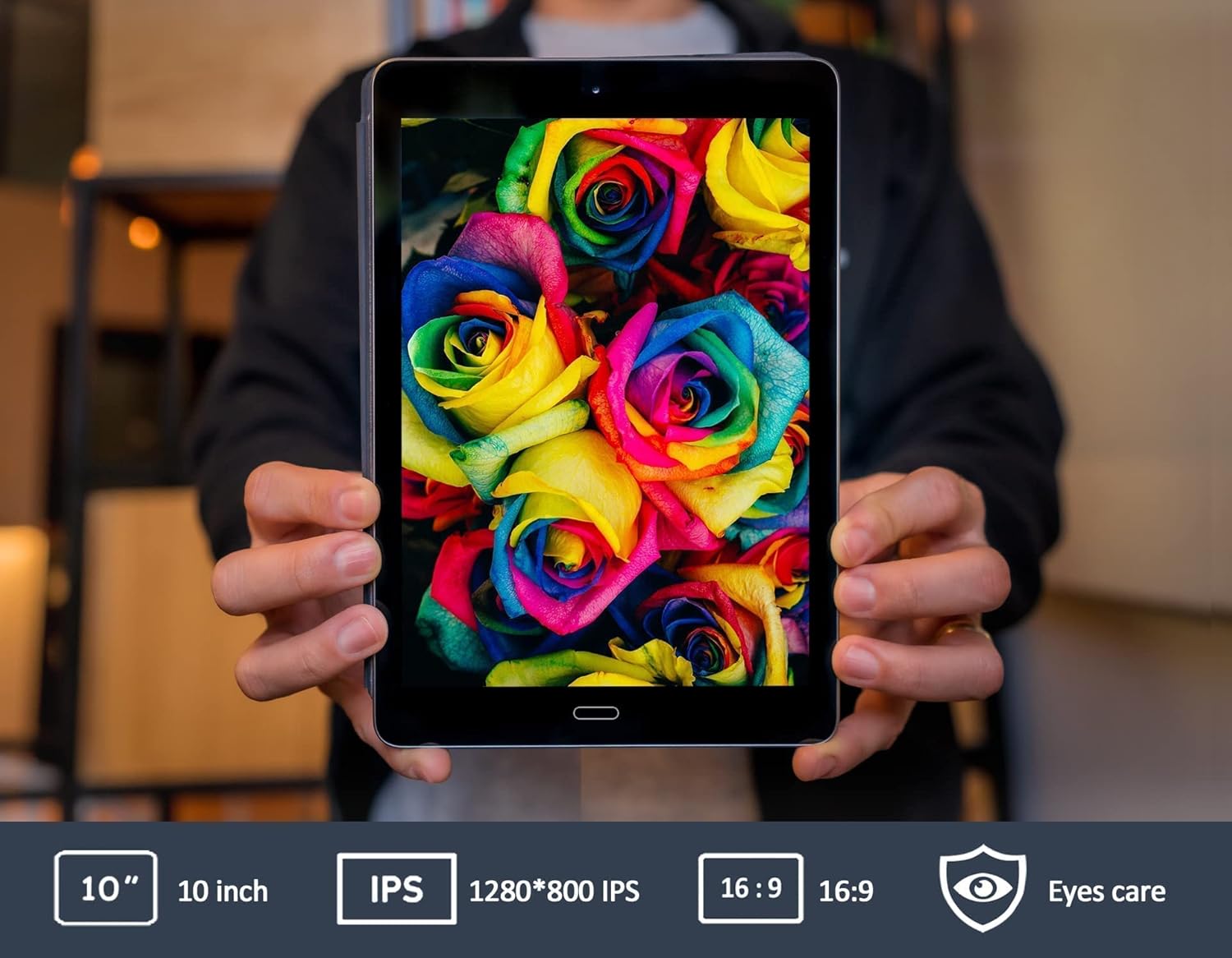
This image emphasizes the tablet's 10-inch IPS screen, known for its wide viewing angles and vivid color reproduction.

The GOODTEL G10 tablet is shown in a home setting, demonstrating its use for entertainment and interaction with smart home devices.
Тэхнічнае абслугоўванне
1. Сыход за батарэяй
The 8000mAh battery provides extended usage. To prolong battery life:
- Пазбягайце экстрэмальных тэмператур.
- Не дапускайце частай поўнай разрадкі акумулятара.
- Use the original charger provided.
2. Ачыстка планшэта
Выкарыстоўвайце мяккую тканіну без ворса для чысткі экрана і корпуса планшэта. Пазбягайце выкарыстання агрэсіўных хімічных рэчываў або абразіўных матэрыялаў, якія могуць пашкодзіць паверхню.
3. Абнаўленне праграмнага забеспячэння
Рэгулярна правярайце наяўнасць абнаўленняў сістэмы ў Налады > сістэма > Абнаўленне сістэмы to ensure your tablet has the latest features and security patches. While specific software update guarantees are not available, keeping your device updated is recommended.
Ліквідацыю непаладак
Агульныя праблемы і рашэнні:
- Планшэт не ўключаецца: Ensure the tablet is sufficiently charged. Connect the charger and wait a few minutes before attempting to power on again.
- Праблемы з падключэннем да Wi-Fi: Праверце, ці ўключаны Wi-Fi у наладах. Перазапусціце маршрутызатар Wi-Fi. Калі праблема не знікне, паспрабуйце забыць сетку і падключыцца зноў.
- Applications are slow or unresponsive: Close unused applications running in the background. Restart the tablet. If the problem continues, consider clearing the cache of problematic apps or performing a factory reset as a last resort (note: a factory reset will erase all data on the tablet).
- Touchscreen is unresponsive: Перазагрузіце планшэт. Пераканайцеся, што экран чысты і без смецця.
If you encounter issues not covered here, please refer to the support section for assistance.
Тэхнічныя характарыстыкі
| Марка | GOODTEL |
| Назва мадэлі | G10 |
| Нумар мадэлі | G2 |
| Аперацыйная сістэма | АС Android 12 |
| Працэсар | Octa-Core, 1.6 GHz |
| АЗП | 4 ГБ |
| Унутраная памяць (ROM) | 64 ГБ |
| Сховішча з магчымасцю пашырэння | MicroSD/TF (4-256 GB) |
| Памер экрана | 10 цалі |
| Тып экрана | IPS |
| Ёмістасць батарэі | 8000 мАг |
| Задняя камера | 8 МП |
| Пярэдняя камера | 5 МП |
| Сувязь | WiFi, Bluetooth, AGPS, Hotspots |
| Бесправадныя тэхналогіі | 802.11b, 802.11g |
| Парты | USB тыпу C, раз'ём для навушнікаў 3.5 мм |
| Вага | 450 грам |
Інфармацыя аб гарантыі
Specific warranty details for the GOODTEL G10 tablet are not provided in the product information. Please refer to the warranty card included in your package or contact the seller/manufacturer directly for comprehensive warranty terms and conditions. Information regarding spare parts availability and guaranteed software updates is also not available.
Падтрымка
For further assistance, technical support, or inquiries regarding your GOODTEL G10 tablet, please contact our service team. GOODTEL provides a friendly and professional service and technical team dedicated to offering prompt and excellent pre-sales and after-sales support.
Please refer to the contact information provided with your purchase documentation or visit the official GOODTEL webсайт для варыянтаў падтрымкі.