
1. Прадукт скончыўсяview
The elemage ZS-GQ3 is a 2K outdoor security camera designed for reliable surveillance. It features 2K (2560 x 1440) HD resolution, PIR motion detection, two-way audio communication, and advanced night vision capabilities up to 15 meters. With an IP65 waterproof rating, it is suitable for various outdoor conditions. The camera operates on a built-in battery and connects via 2.4 GHz WiFi (5 GHz WiFi is not supported).
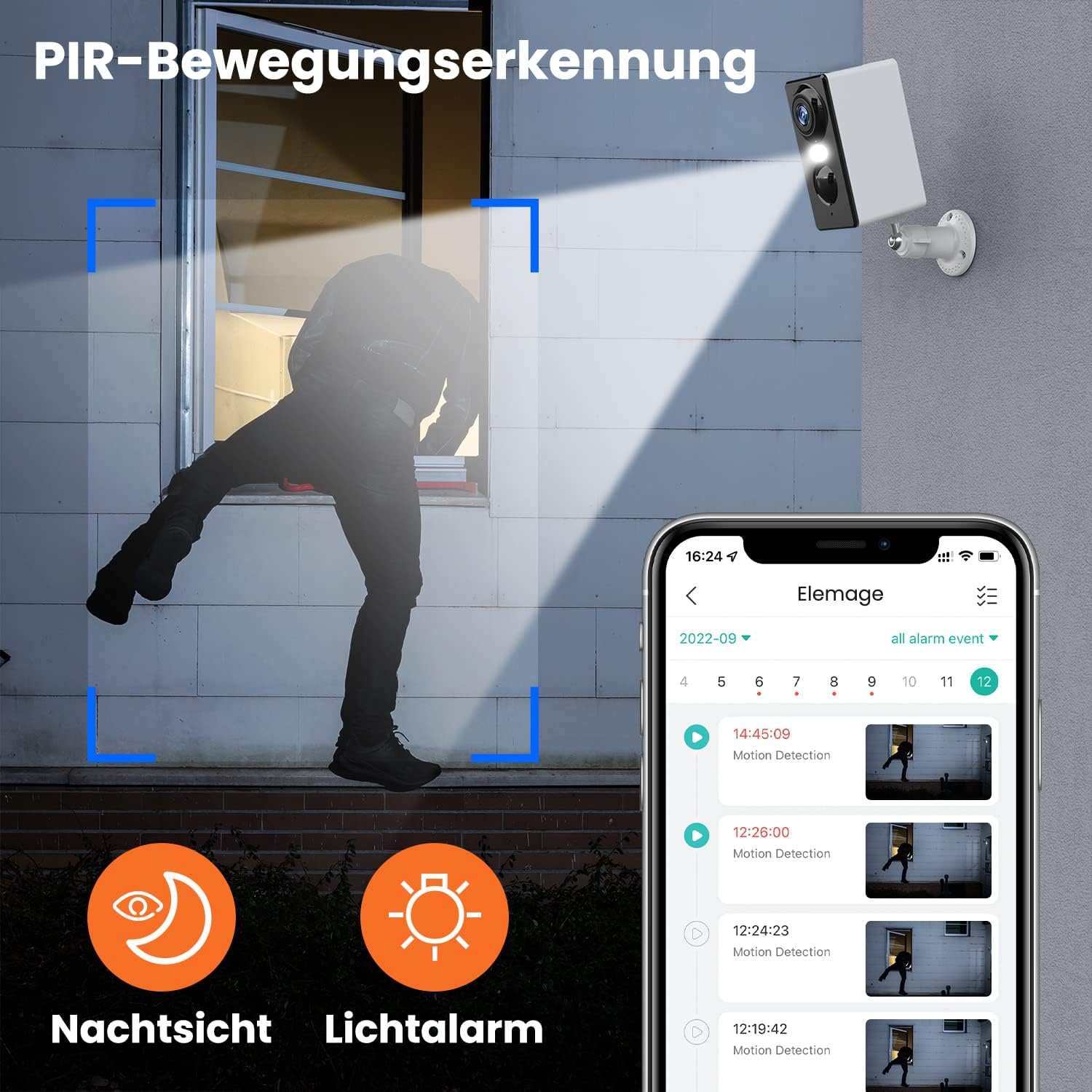
Малюнак 1.1: The elemage ZS-GQ3 camera features PIR motion detection, night vision, and a light alarm for enhanced security.
2. Змесціва ўпакоўкі
Калі ласка, пераканайцеся, што ўсе пералічаныя ніжэй прадметы ўваходзяць у ваш пакет:
- elemage 2K Outdoor Security Camera (ZS-GQ3)
- Насценны кранштэйн
- USB-кабель для зарадкі
- Мантажныя шрубы і дзюбелі
- Кіраўніцтва карыстальніка

Малюнак 2.1: The complete package contents of the elemage ZS-GQ3 security camera.
3. Кіраўніцтва па наладцы
3.1 Першапачатковая зарадка
Before first use, fully charge the camera's built-in battery using the provided USB cable and a standard 5V USB power adapter (not included). A full charge ensures optimal performance and battery life.
3.2 Усталёўка прыкладання
Спампаваць і ўсталяваць 'elemage Cam' application on your smartphone. The app is available for both iPhone and Android devices. Пошук 'elemage Cam' in your device's app store.
3.3 Camera Pairing and WiFi Connection
- Open the 'elemage Cam' app and create an account or log in.
- Выконвайце інструкцыі ў праграме, каб дадаць новую прыладу.
- Пераканайцеся, што ваш смартфон падлучаны да Сетка WiFi 2.4 Ггц. The camera does not support 5 GHz WiFi.
- During the pairing process, you will be prompted to connect the camera to your home WiFi network. Enter your WiFi credentials carefully.
- Once connected, the camera's status indicator will confirm successful pairing.
3.4 Мантаж камеры
Камера прызначана для мацавання на сцяне. Выберыце месца, якое забяспечвае патрэбны viewing angle and is within range of your 2.4 GHz WiFi network. Use the included wall mount bracket, screws, and wall plugs for secure installation.
- Mark the drilling points using the mount bracket as a template.
- Прасвідруйце адтуліны і ўстаўце дзюбелі ў сцяну.
- Secure the mount bracket to the wall with the screws.
- Attach the camera to the mount bracket and adjust the angle as needed.

Малюнак 3.1: The camera is IP65 waterproof, allowing for outdoor installation in various weather conditions.
4. Інструкцыя па эксплуатацыі
4.1 У прамым эфіры View
Access the 'elemage Cam' app on your smartphone to view the live feed from your camera anytime, anywhere. The live view provides real-time monitoring of your property.
4.2 Інфрачырвоны датчык руху
The camera is equipped with PIR (Passive Infrared) motion detection. When motion is detected, the camera will automatically begin recording and send push notifications to your smartphone. You can review recorded events within the app.
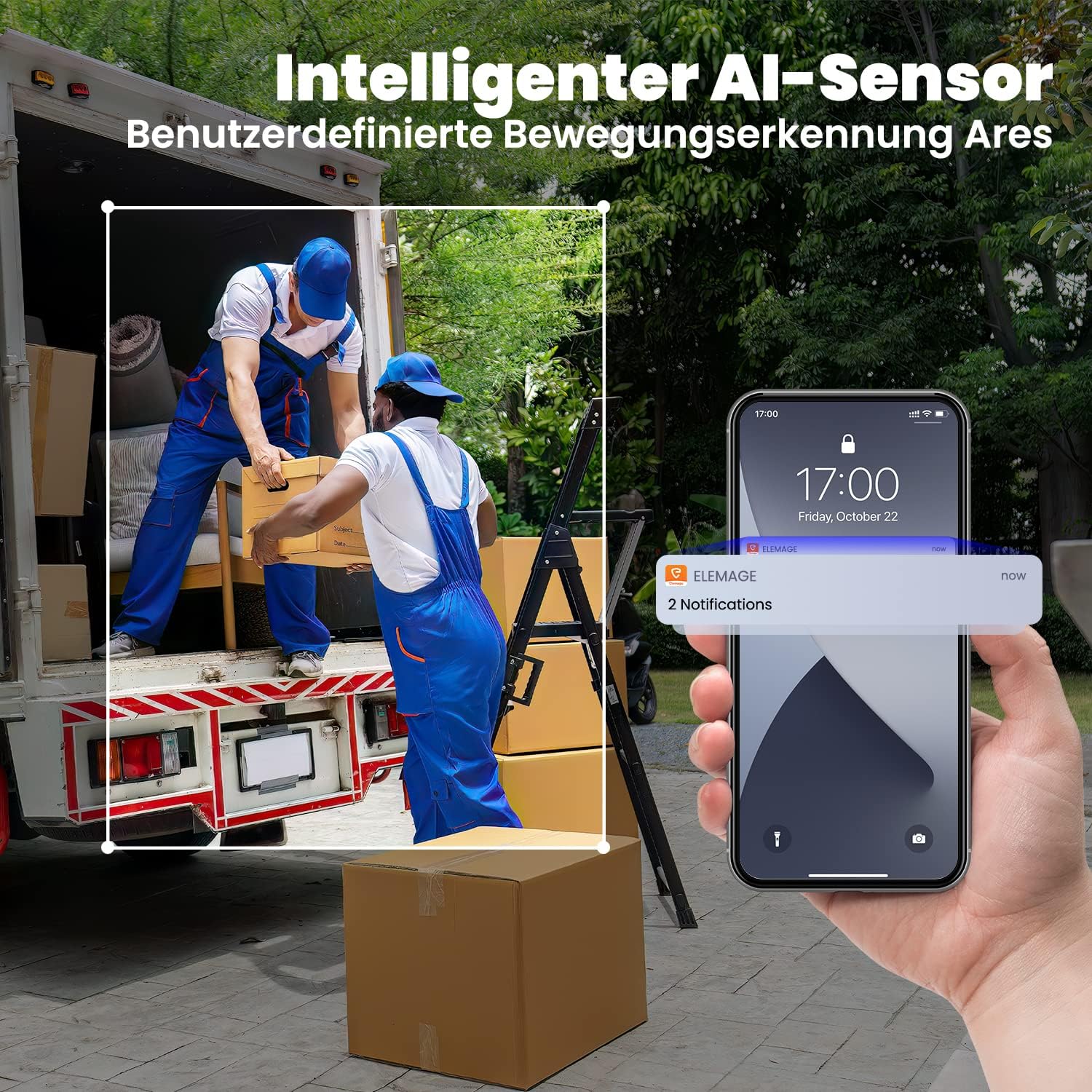
Малюнак 4.1: Intelligent AI sensor provides user-defined motion detection and sends notifications to your phone.
4.3 Двухбаковае аўдыё
Utilize the built-in microphone and speaker for two-way communication. Through the 'elemage Cam' app, you can speak to visitors or deter intruders directly from your smartphone.

Малюнак 4.2: Engage in real-time conversation with two-way audio functionality.
4.4 Начное бачанне
The camera offers advanced night vision, providing clear surveillance even in low-light conditions. It supports both black-and-white and colored night vision, with an effective range of up to 15 meters.

Малюнак 4.3: Experience clear color night vision with a long-distance view.
4.5 Варыянты захоўвання
The camera supports local storage via a MicroSD card (2GB to 128GB, not included) and cloud storage options (subscription may be required). Recorded footagда яго можна атрымаць доступ і зноўviewed through the 'elemage Cam' app.
4.6 Multi-Device Viewінж
You can share access to your camera's live feed with multiple users. After sharing, several phones can view the security camera simultaneously through the 'elemage Cam' app.

Малюнак 4.4: View the camera feed from multiple phones, anytime and anywhere.
5. Тэхнічнае абслугоўванне
5.1 Кіраванне батарэяй
The 'elemage Cam' app will send a reminder when the camera's battery level drops below 20%. Recharge the camera promptly to ensure continuous operation. Battery life varies based on usage, motion detection frequency, and environmental factors.
5.2 Ачыстка
Although the camera is IP65 waterproof, regularly clean the lens and camera body with a soft, damp тканінай, каб выдаліць пыл, бруд або плямы ад вады, якія могуць перашкаджаць view. Do not use harsh chemicals or abrasive materials.
5.3 Абнаўленне прашыўкі
Periodically check the 'elemage Cam' app for available firmware updates. Keeping your camera's firmware up-to-date ensures optimal performance, security, and access to new features.
6. Выпраўленне непаладак
- Камера не падключаецца да Wi-Fi: Ensure your WiFi network is 2.4 GHz. Verify the WiFi password is correct. Move the camera closer to the router to improve signal strength.
- No motion detection notifications: Check the motion detection settings in the 'elemage Cam' app. Ensure notifications are enabled for the app on your smartphone. Verify the camera's battery level.
- Дрэнная якасць выявы: Ачысціце аб'ектыў камеры. Пераканайцеся, што ў полі зроку камеры няма перашкод. viewПраверце хуткасць падключэння да Інтэрнэту.
- Кароткі тэрмін службы батарэі: Reduce the sensitivity of motion detection or the duration of recorded events. Ensure the camera is not in an area with excessive motion.
- Праблемы з двухбаковым аўдыё: Ensure your phone's microphone and speaker are enabled for the 'elemage Cam' app. Check the camera's audio settings in the app.
For more detailed troubleshooting or specific issues, refer to the help section within the 'elemage Cam' application or contact customer support.
7. Тэхнічныя характарыстыкі
| Асаблівасць | Спецыфікацыя |
|---|---|
| Нумар мадэлі | ZS-GQ3 |
| Дазвол запісу відэа | 2K (2560 x 1440) |
| Эфектыўнае дазвол відэа | 1080 Pixels (Note: Product title states 2K, this might be a base resolution) |
| Viewing кут | 120 Radians (approx. 68.75 degrees) |
| Частата кадраў | 15 кадраў у секунду |
| Тэхналогія бесправадной сувязі | Wi-Fi (толькі 2.4 ГГц) |
| Крыніца харчавання | Battery Powered, Solar Powered (optional accessory) |
| Тып батарэі | Lithium-ion (1 CR2032 battery included for internal clock/memory, main battery is built-in rechargeable) |
| Рэйтынг IP | Воданепранікальны IP65 |
| Захоўванне | MicroSD card (2-128GB, not included), Cloud Storage |
| Тып мацавання | Насценнае мацаванне |
| Колер | Белы |
| Вага | 136 грам |
| Сертыфікаты | CE, FCC, MSDS, RoHS, UN38.3 |
8. Гарантыя і падтрымка
For warranty information, please refer to the documentation provided at the time of purchase or contact elemage customer support directly. If you encounter any issues or have questions regarding your elemage ZS-GQ3 camera, please reach out to the manufacturer's support team for assistance. Contact details are typically available on the product packaging or the official elemage webсайт.