
Уводзіны
This manual provides essential information for the installation, operation, and maintenance of your Hikvision DS-2CD1043G0-IUF 4MP IP Bullet Camera. Please read it thoroughly before using the product to ensure correct and safe operation.
The Hikvision DS-2CD1043G0-IUF is a 4-megapixel IP bullet camera designed for both indoor and outdoor surveillance. It features a 2.8mm lens, built-in microphone, 30-meter night vision, and Power over Ethernet (PoE) capability for simplified installation.
Інфармацыя па бяспецы
- Пераканайцеся, што аб'ём блока харчаванняtage is correct before connecting the camera.
- Do not expose the camera to extreme temperatures, dust, or moisture.
- Avoid pointing the lens directly at strong light sources.
- Use only Hikvision-approved accessories.
- Звяртайцеся да кваліфікаванага персаналу.
Змест пакета
Праверце наяўнасць і спраўнасць усіх прадметаў:
- Hikvision DS-2CD1043G0-IUF IP Bullet Camera
- Мантажныя шрубы і дзюбелі
- Воданепранікальны раз'ём для сеткавага кабеля
- Кароткае кіраўніцтва па запуску (калі ёсць)
Прадукт скончаныview
The DS-2CD1043G0-IUF camera features a robust metal enclosure, suitable for various environments.
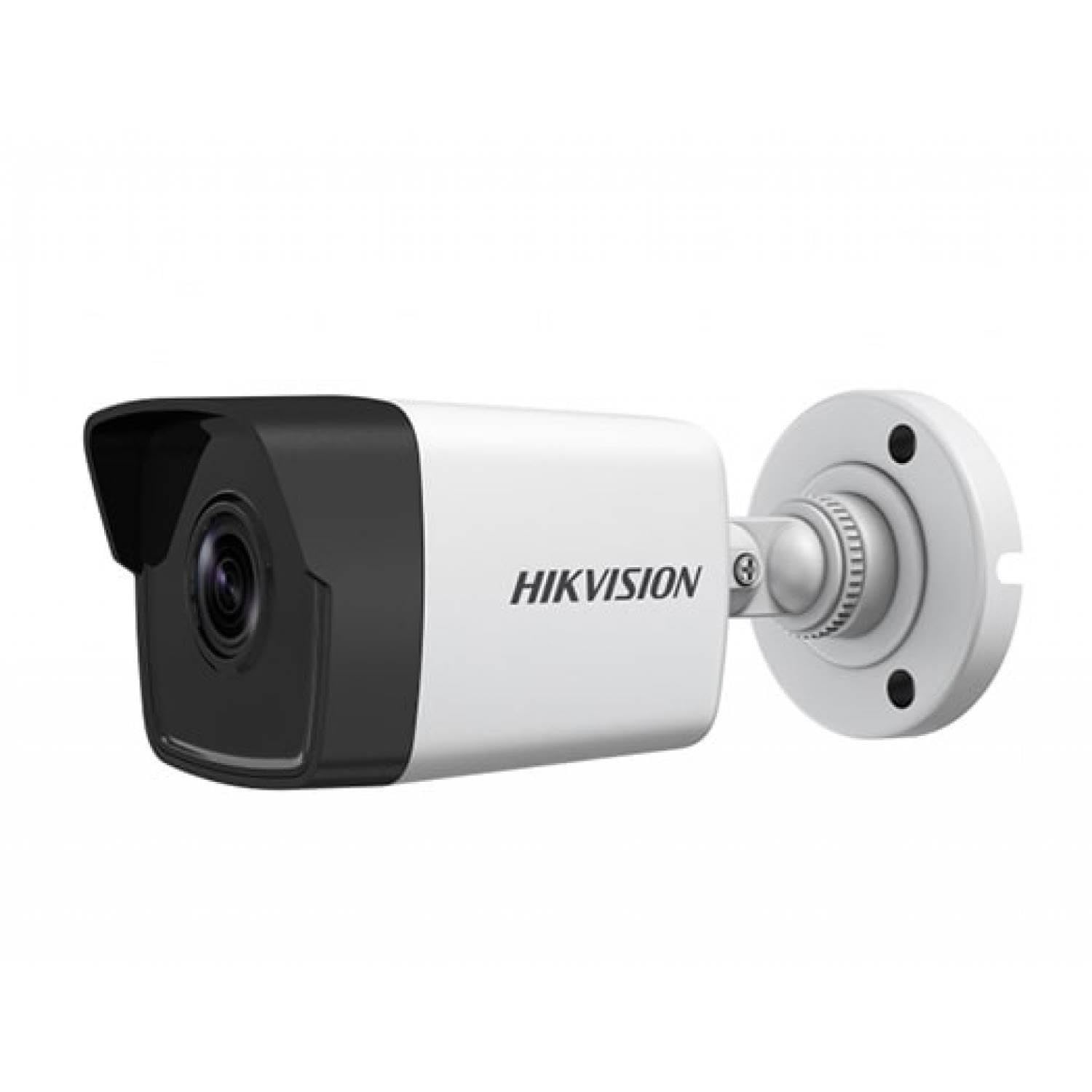
Figure 1: Hikvision DS-2CD1043G0-IUF 4MP IP Bullet Camera. This image shows the front view of the bullet-style camera, highlighting its lens and robust casing.
Ключавыя кампаненты:
- Аб'ектыў: 2.8mm fixed lens for wide-angle viewінж.
- Інфрачырвоныя святлодыёды: For night vision up to 30 meters.
- Мікрафон: Built-in for audio capture.
- Сеткавы порт (RJ45): Supports Power over Ethernet (PoE).
- Спажываная магутнасць: For optional 12V DC power supply (if not using PoE).
Настройка
1. Мантаж камеры
The camera is designed for both indoor and outdoor use and has an IP67 waterproof rating. Choose a suitable location that provides the desired surveillance coverage.
- Mark the positions for drilling using the provided mounting template (if included).
- Прасвідруйце адтуліны і ўстаўце дзюбелі ў сцяну, калі мацуеце на мур.
- Замацуйце аснову камеры на мантажнай паверхні з дапамогай прадугледжаных шруб.
- Адрэгулюйце кут камеры для аптымальнага viewінж.
2. Падключэнне да харчавання і сеткі
The camera supports Power over Ethernet (PoE) for simplified installation, allowing both power and data to be transmitted over a single Ethernet cable. Alternatively, it can be powered via a 12V DC power adapter (sold separately).
- Падключэнне PoE: Connect an Ethernet cable from a PoE-enabled switch or NVR to the camera's network port.
- Падключэнне без PoE: Connect a 12V DC power adapter to the camera's power input and an Ethernet cable from your router/switch to the camera's network port.
- Use the waterproof connector for the network cable when installing outdoors to protect against moisture.
3. Пачатковая канфігурацыя
After connecting the camera, you will need to activate and configure it using the Hikvision client software or mobile application.
- Download and install the Hik-Connect app or iVMS-4200 client software on your device.
- Ensure your device is on the same local network as the camera.
- Follow the on-screen instructions in the app/software to discover and activate the camera. You will be prompted to set a strong password.
- Once activated, you can access the live view і наладзіць розныя параметры.
Кіраванне камерай
жыць View
Access the live video feed through the Hik-Connect app or iVMS-4200 software. This allows real-time monitoring of the camera's view.
Запіс
The camera can record video to a Network Video Recorder (NVR) or a MicroSD card (if supported by the specific model and installed). Configure recording schedules and modes (continuous, motion-triggered) via the client software or app.
Начное бачанне
The camera automatically switches to night vision mode in low-light conditions, utilizing its infrared LEDs to provide clear black-and-white images up to 30 meters. The "Night Color" feature, if enabled and supported, may provide enhanced color images in very low light.
Дэтэктар руху
Configure motion detection settings to trigger alerts and recordings only when movement is detected within the camera's field of view. Adjust sensitivity and detection zones to minimize false alarms.
Убудаваны мікрафон
The integrated microphone allows for audio monitoring of the surveillance area. Ensure local regulations permit audio recording before enabling this feature.
Тэхнічнае абслугоўванне
Уборка
Рэгулярна чысціце аб'ектыў і корпус камеры мяккай сухой тканінай. Для ўстойлівых забруджванняў выкарыстоўвайце мяккі мыйны сродак іamp cloth, then wipe dry. Do not use strong chemicals or abrasive cleaners.
Абнаўленне прашыўкі
Перыядычна правярайце афіцыйны сайт Hikvision webна сайце або ў кліенцкім праграмным забеспячэнні, каб даведацца пра даступныя абнаўленні прашыўкі. Абнаўленне прашыўкі камеры забяспечвае аптымальную прадукцыйнасць, бяспеку і доступ да новых функцый.
Ліквідацыю непаладак
| праблема | Магчымая прычына | Рашэнне |
|---|---|---|
| Няма стужкі малюнкаў/відэа | No power; Network connection issue; Incorrect IP address | Check power supply/PoE connection; Verify network cable and router; Ensure correct IP settings. |
| Дрэнная якасць выявы | Dirty lens; Insufficient lighting; Incorrect camera settings | Clean the lens; Ensure adequate lighting or enable night vision; Adjust image settings (brightness, contrast). |
| Выяўленне руху не працуе | Detection zone not configured; Sensitivity too low; Firmware outdated | Configure detection zones; Increase sensitivity; Update firmware. |
| Cannot connect to camera via app | Network issues; Camera not activated; Incorrect login credentials | Verify network connectivity; Activate the camera; Double-check username/password. |
Тэхнічныя характарыстыкі
| Асаблівасць | Дэталь |
|---|---|
| мадэль | DS-2CD1043G0-IUF |
| Дазвол відэазахопу | 4 МП |
| Аб'ектыў | 2.8 мм |
| Тэхналогія падлучэння | Wireless (IP), Corded Electric (PoE) |
| Выкарыстанне ў памяшканні/на вуліцы | У памяшканні, на адкрытым паветры |
| Дыяпазон начнога бачання | 30 метраў |
| Асаблівасць | Night Vision, Built-in Microphone |
| Крыніца харчавання | Правадное электрычнае (PoE) |
| Рэйтынг воданепранікальнасці | IP67 |
| Матэрыял корпуса | Метал |
| Тып абвесткі | Толькі рух |
| Метад кантролю | дадатак |
| Тэхналогія фотадатчыка | CMOS |
Гарантыя і падтрымка
Каб атрымаць інфармацыю аб гарантыі і тэхнічнай падтрымцы, звярніцеся да афіцыйнага прадстаўніка Hikvision. webсайт або звярніцеся да аўтарызаванага дылера Hikvision. Захоўвайце чэк аб куплі як пацвярджэнне пакупкі для гарантыйных прэтэнзій.
Інтэрнэт-рэсурсы: Visit the official Hikvision support page for FAQs, software downloads, and additional documentation.