
1. Уводзіны
Дзякуй за пакупкуasing the BYINTEK R17 Pro Portable Smart 3D DLP Projector. This manual provides essential information for safe and effective use of your device. Please read it thoroughly before operation and retain it for future reference.
The BYINTEK R17 Pro is a versatile portable projector featuring Android 9.0 OS, 4K decoding support, 3D capabilities, and a built-in battery, making it ideal for various entertainment and presentation needs. It also supports multiple languages including English, Russian, Arabic, Korean, Japanese, French, German, Italian, Spanish, Chinese, Vietnamese, Polish, and Traditional Chinese.
2. Інфармацыя па бяспецы
- Не глядзіце непасрэдна ў аб'ектыў праектара, калі ён уключаны.amp уключаны.
- Keep the projector away from water or other liquids to prevent electric shock.
- Не закрывайце вентыляцыйныя адтуліны, каб прадухіліць перагрэў.
- Выкарыстоўвайце толькі адаптар сілкавання, прадастаўлены вытворцам.
- Пазбягайце размяшчэння праектара на няўстойлівых паверхнях.
- Не спрабуйце разбіраць або рамантаваць праектар самастойна. Звярніцеся да кваліфікаванага абслугоўваючага персаналу.
- Захоўвайце праектар у прахалодным сухім месцы, калі ён не выкарыстоўваецца.
3. Змесціва ўпакоўкі
Калі ласка, праверце змесціва пакета пасля распакавання, каб пераканацца ў наяўнасці ўсіх прадметаў:
- BYINTEK R17 Pro Projector
- Адаптар сілкавання
- Пульт дыстанцыйнага кіравання
- Кіраўніцтва карыстальніка (гэты дакумент)
- Кабель HDMI (можа адрознівацца ў залежнасці ад рэгіёна)

Выява: Падрабязны бок view of the BYINTEK R17 Pro projector, highlighting its compact and portable design.
4. Кіраўніцтва па наладцы
4.1 Уключэнне/выключэнне
- Падключыце харчаванне: Plug the power adapter into the projector's DC input port and then into a power outlet.
- Уключэнне: Націсніце кнопку харчавання на праектары або пульце дыстанцыйнага кіравання. Індыкатар уключыцца.
- Выключэнне: Зноў націсніце кнопку харчавання. Пацвердзіце выключэнне, калі будзе запытана.
4.2 Размяшчэнне і праекцыя
Position the projector on a stable, flat surface. Ensure there are no obstructions in front of the lens. The ideal projection distance ranges from 1 to 8 meters, producing a screen size of 30 to 300 inches.
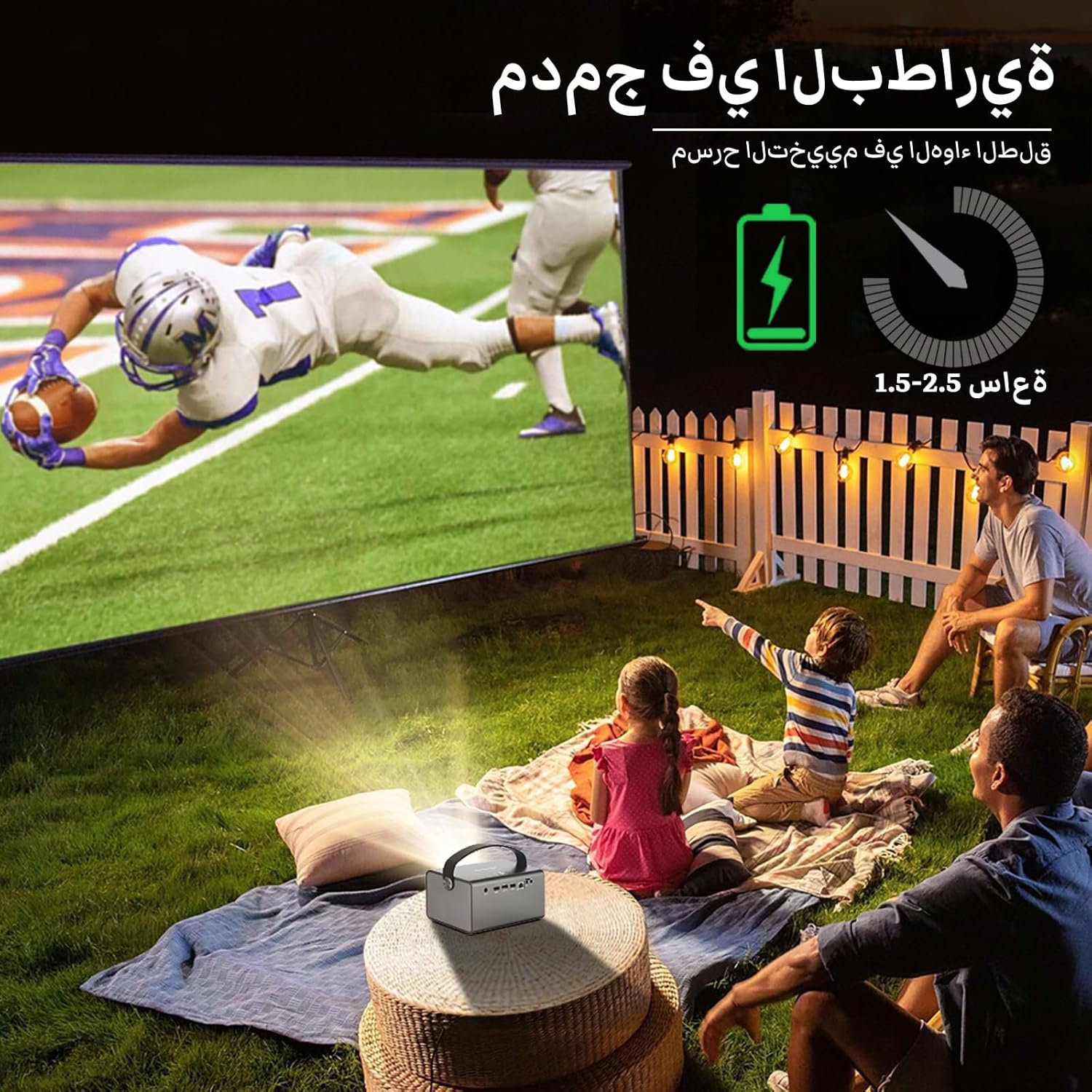
Image: The BYINTEK R17 Pro projector in an outdoor setting, demonstrating its portable use for entertainment. The image shows a football game projected onto a large screen, with people watching comfortably. This highlights the projector's battery life and suitability for outdoor events.
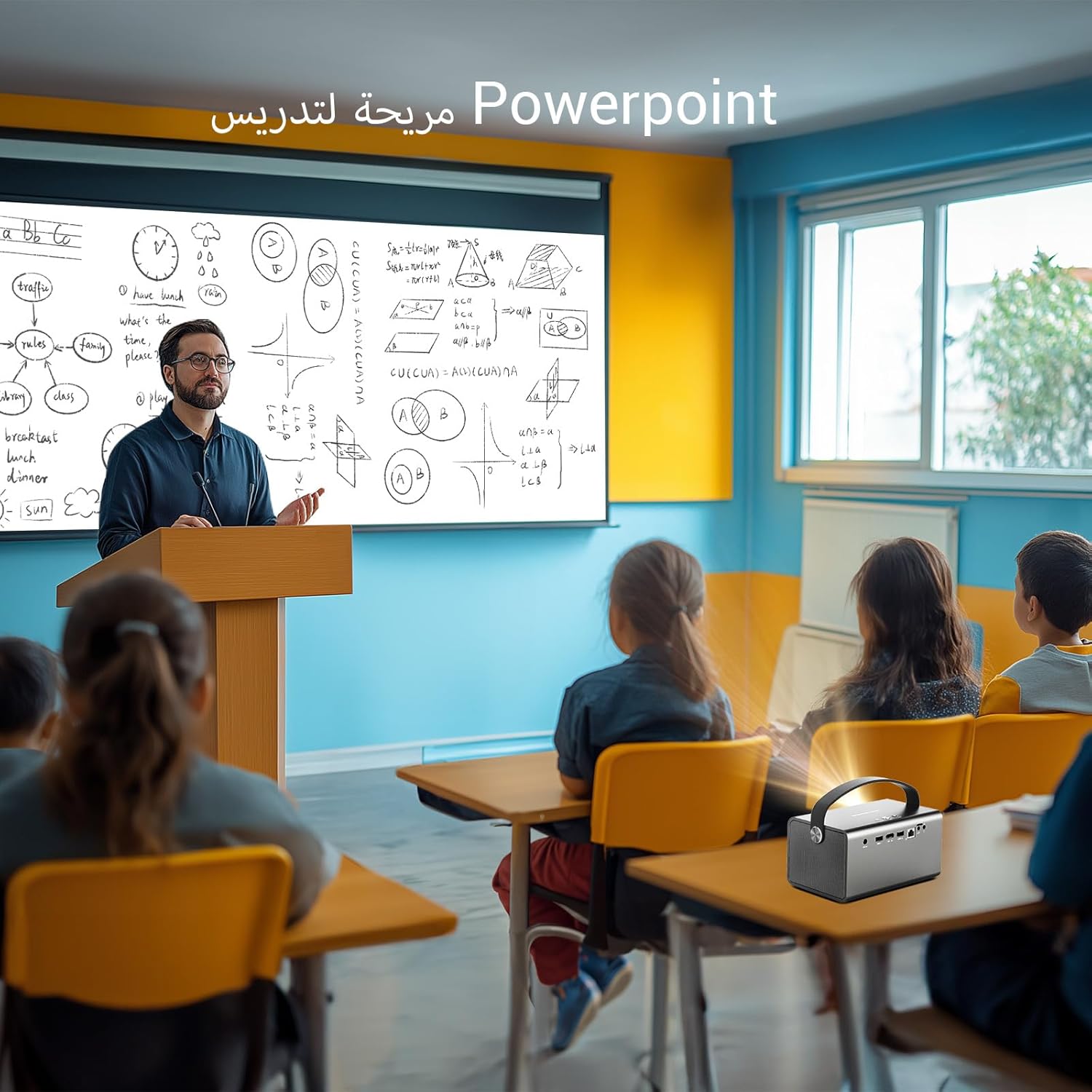
Image: The BYINTEK R17 Pro projector being used in a classroom to display a PowerPoint presentation. This illustrates its utility for educational purposes and presentations in various environments.
4.3 Фокус і карэкцыя трапецападобнага скажэння
- Электрычны фокус: Use the remote control to adjust the focus until the image is clear.
- Аўтаматычная карэкцыя трапецічнага дыяметра: The projector supports automatic vertical keystone correction.
- Ручная карэкцыя трапецеідальных скажэнняў: For side projections or specific adjustments, use the manual keystone correction feature via the settings menu. This includes corner keystone correction.
5. Аперацыя
5.1 Навігацыя па сістэме Android 9.0
The BYINTEK R17 Pro runs on Android 9.0, providing a smart interface. Use the remote control or a connected air mouse to navigate through menus, launch applications, and adjust settings.
- Галоўны экран: Access pre-installed apps and system settings.
- App Store: Download additional applications for streaming, productivity, or gaming.
- Налады: Configure Wi-Fi, Bluetooth, display, sound, and other system preferences.
5.2 Прайграванне медыяфайлаў
The projector supports various media formats and sources:
- USB-назапашвальнік: Connect a USB drive or SSD (up to 32GB) to play videos, music, or view фатаграфіі.
- Інтэрнэт-трансляцыя: Use pre-installed or downloaded streaming apps via Wi-Fi.
- 3D-кантэнт: The projector supports Blu-ray 3D. Ensure your 3D content and glasses are compatible.

Image: A couple enjoying a Blu-ray 3D movie projected by the BYINTEK R17 Pro. The image showcases the projector's ability to display immersive 3D content with vivid colors.
5.3 Screen Mirroring (Wi-Fi Display)
Mirror your smartphone, tablet, or computer screen wirelessly to the projector using Airplay, Miracast, or DLNA (Eshare app is pre-installed).
- Ensure both your device and the projector are connected to the same Wi-Fi network.
- Open the Eshare app on the projector.
- On your mobile device, activate screen mirroring (e.g., Airplay for iOS, Smart View/Screen Cast for Android).
- Выберыце праектар са спісу даступных прылад.

Image: The BYINTEK R17 Pro projector wirelessly displaying a racing game from a smartphone. This demonstrates the screen mirroring feature for gaming and mobile content.
6. Сувязь
The BYINTEK R17 Pro offers multiple connectivity options:
- HDMI 2.0: Connect external devices like game consoles (e.g., PS4), computers, Blu-ray players, or TV boxes. Supports up to 4K input.
- USB 2.0 / USB 3.0: For connecting USB storage devices, external mice, game controllers, or 2.4GHz air mice.
- Аўдыёвыхад: Падключыце знешнія дынамікі або навушнікі для паляпшэння гуку.
- Wi-Fi (2.4 ГГц/5 ГГц): For internet access and wireless screen mirroring.
- Bluetooth 5.0: For connecting Bluetooth speakers, headphones, or other compatible accessories.
7. Тэхнічнае абслугоўванне
7.1 Ачыстка аб'ектыва
Use a soft, lint-free cloth specifically designed for optical lenses. Do not use abrasive cleaners or excessive force, as this can scratch the lens.
7.2 Ачыстка корпуса праектара
Wipe the exterior of the projector with a soft, dry cloth. Avoid using chemical cleaners that may damage the finish.
7.3 Захоўванне
When not in use for extended periods, store the projector in its original packaging or a protective case in a cool, dry, dust-free environment.
8. Выпраўленне непаладак
| праблема | Магчымая прычына | Рашэнне |
|---|---|---|
| Не адлюстроўваецца выява | Power not connected; input source incorrect; lens cap on. | Check power connection; select correct input source (HDMI, USB, etc.); remove lens cap. |
| Відарыс размыты | Focus not adjusted; projector too far/close. | Adjust electric focus using the remote; reposition the projector within optimal distance. |
| Выява скажоная (трапецыяпадобная) | Keystone correction needed. | Use auto or manual keystone correction in settings. |
| Няма гуку | Volume too low; external speakers not connected/configured; audio output muted. | Increase volume; check external speaker connection; unmute audio. |
| Праблемы з падключэннем да Wi-Fi | Няправільны пароль; па-за зонай дзеяння; праблемы з маршрутызатарам. | Verify password; move closer to router; restart router and projector. |
| Праектар нечакана выключаецца | Overheating; low battery. | Ensure ventilation is clear; charge the battery or connect to power. |
9. Тэхнічныя характарыстыкі
| Асаблівасць | Дэталь |
|---|---|
| Марка | BYINTEK |
| мадэль | R17 Pro |
| Лёгкі рухавік | TI 0.47 inch DMD WVGA |
| Крыніца святла | OSRAM RGB 3LED |
| Светлае жыццё | 50,000 гадзіны |
| Яркасць | 750 прасветаў ANSI |
| Каэфіцыент кантраснасці | 10,000:1 |
| Роднае дазвол | 1280 x 800 (supports up to 4K input) |
| Суадносіны бакоў | 16:10 / 16:9 / 4:3 |
| Пазавосевы | 100% |
| Каэфіцыент выкіду | 1.2:1 |
| Памер праекцыі | 30 - 300 цалі |
| Адлегласць праекцыі | 1 - 8 метраў |
| Рэжым факусоўкі | Electric Motor Focus |
| маштабаванне | Remote Electric Zoom |
| Карэкцыя Keystone | Auto/Manual Vertical, Manual Corner |
| Аперацыйная сістэма | Android 9.0 |
| працэсар | MTK Contex A53 Quad-core |
| графічны працэсар | Малі-G52 |
| АЗП | 2 ГБ DDR3 |
| ПЗУ | 32 ГБ EMMC |
| Wi-Fi | Двухдыяпазонны 2.4 ГГц / 5 ГГц |
| Bluetooth | Bluetooth 5.0 |
| Дысплей Wi-Fi | Airplay, Miracast, DLNA (Eshare pre-installed) |
| акумулятар | Built-in 11.1V 5200mAh (15600mAh equivalent) Lithium-ion, 1.5-2.5 hours life |
| Выступоўцы | 2 х стэрэадынамікі 5 Вт |
| Уваходныя парты | HDMI 2.0 (supports 4K input), USB 2.0, USB 3.0 |
| Выхадныя парты | Аўдыёвыхад |
| Памеры прадукту | 19.3 х 12.3 х 10 см |
| Вага прадмета | 2.34 кг |
| Асаблівасці | Auto Focus, Built-in Wi-Fi Receiver, Built-in 3D Display, Portable, Built-in Speaker |
10. Гарантыя і падтрымка
BYINTEK products come with a standard manufacturer's warranty. Please refer to the warranty card included in your package for specific terms and conditions. For technical support, service, or warranty claims, please contact BYINTEK customer service or visit the official BYINTEK webсайт.
BYINTEK has a service center in Saudi Arabia to provide professional after-sales service. For more information, please visit the BYINTEK Store on Amazon.