
Уводзіны
This manual provides detailed instructions for the setup, operation, maintenance, and troubleshooting of your Timex UFC Redemption 50mm Digital Watch. Please read this guide thoroughly to ensure proper use and longevity of your timepiece.

Выява: спераду view of the Timex UFC Redemption 50mm Digital Watch, displaying its digital time, date, and various function indicators. The watch features a black case with red accents and a black strap.
Настройка
Пачатковая ўстаноўка часу і даты
Your watch is equipped with multiple buttons for navigation and setting. While specific button functions may vary slightly, the general procedure for setting time and date on most digital watches involves:
- Accessing Set Mode: Націсніце і ўтрымлівайце РЭЖЫМ button (often located on the left side) until the display begins to flash, indicating it is in setting mode.
- Налады навігацыі: Выкарыстоўвайце РЭЖЫМ button to cycle through different settings such as hours, minutes, year, month, and day.
- Карэкціроўка значэнняў: Выкарыстоўвайце НАЛАДЗІЦЬ or ПУСК/СТОП button (often on the right side) to increase or decrease the flashing value.
- Пацверджанне налад: Пасля таго, як усе патрэбныя параметры будуць настроены, націсніце кнопку РЭЖЫМ button again, or a dedicated НАБОР button, to exit the setting mode and save your changes.
Refer to the watch's side view image to identify the buttons:
Выява: Збоку view of the Timex UFC Redemption 50mm Digital Watch, highlighting the various control buttons on the left and right sides of the watch case.
Інфармацыя аб батарэі
The watch comes with one Lithium Metal battery included. Battery life varies depending on usage of features like the backlight and alarm. When the display dims or functions become erratic, it may be time for a battery replacement.
Кіраванне гадзіннікам
Basic Time Display
The watch primarily displays time in a digital format. It may offer 12-hour or 24-hour formats, which can typically be toggled in the setting mode.
Падсветка Indiglo
Каб падсвятліць цыферблат гадзінніка ва ўмовах нізкай асветленасці, націсніце СВЯТЛО button (usually located on the top right). The Indiglo feature provides even illumination across the entire digital display for easy readability.
Воданепранікальнасць
This watch is water resistant to 50 meters (164 feet). This rating means it can withstand splashes or brief immersion in water. It is не suitable for swimming, bathing, or diving. Avoid pressing buttons while the watch is wet or submerged to prevent water ingress.
Дадатковыя функцыі
Your digital watch may include various functions accessible via the РЭЖЫМ button. These commonly include:
- Секундамер: For timing events. Typically uses ПУСК/СТОП і СКІД кнопкі.
- Будзільнік: To set a daily alarm.
- Таймер: Функцыя таймера зваротнага адліку.
- Другі гадзінны пояс: For tracking time in a different region.
Тэхнічнае абслугоўванне
Уборка
Каб пачысціць гадзіннік, працярыце яго мяккай тканінайamp cloth. Avoid using harsh chemicals or abrasive materials, which can damage the case, strap, or acrylic lens.
Замена батарэі
Battery replacement should ideally be performed by a qualified watch technician to ensure proper sealing and maintain water resistance. If replacing yourself, ensure the correct battery type (CR2025 Cell, as indicated on the back case) is used and the gasket is properly seated.
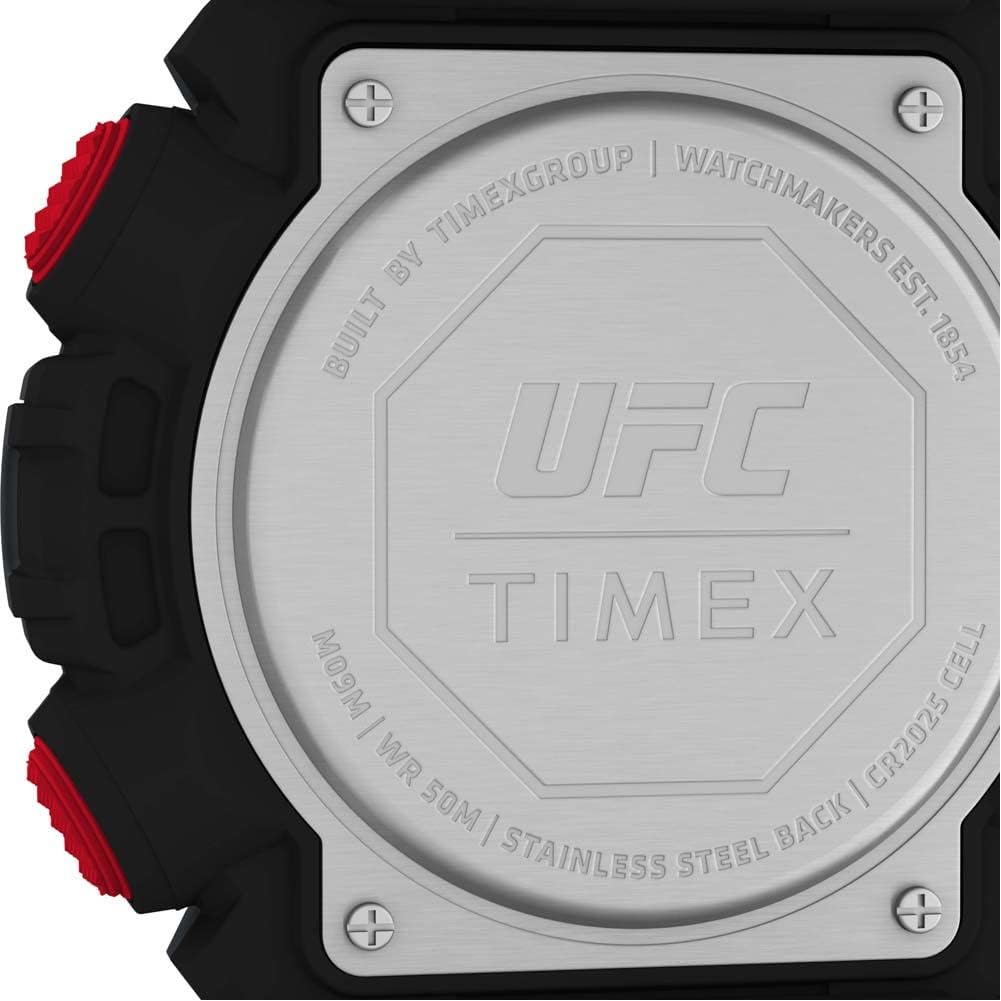
Выява: Крупны план view of the watch's stainless steel back case, showing the UFC and Timex logos, water resistance rating (WR 50M), and battery type (CR2025 Cell).
Сыход за раменьчыкам
The watch features a durable black strap. Clean the strap regularly to remove dirt and sweat, which can prolong its life and prevent skin irritation.

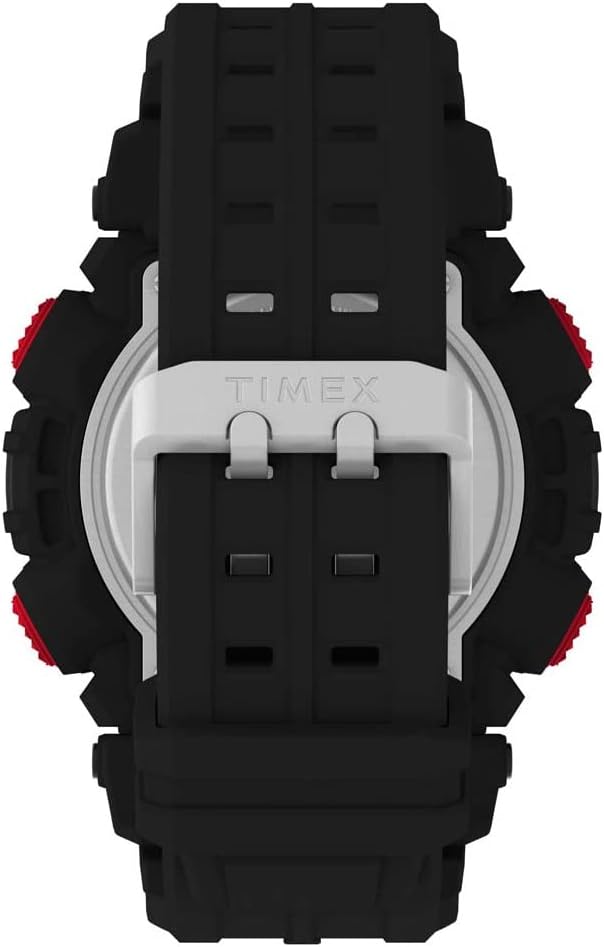
Выява: Спіна view of the Timex UFC Redemption 50mm Digital Watch, showing the black strap and the stainless steel case back with the Timex logo.
Ліквідацыю непаладак
- Дысплей пусты або цьмяны: Магчыма, батарэя разраджаная або разраджаная. Заменіце батарэю.
- Час няправільны: Re-enter the time setting mode and adjust the time and date as described in the Setup section.
- Кнопкі не рэагуюць: Ensure the watch is not in a locked mode (if applicable) or that no water is interfering with button operation. If the issue persists, a reset may be necessary (consult Timex support).
- Вада ўнутры гадзінніка: Immediately cease use and seek professional service. Water damage is typically not covered under warranty.
For more complex issues, please contact Timex customer support or visit their official webсайт для атрымання падрабязных інструкцый па канкрэтнай мадэлі.
Тэхнічныя характарыстыкі
| Асаблівасць | Дэталь |
|---|---|
| Нумар мадэлі | TW5M53700JT |
| Памер корпуса | 50 мм |
| Памеры прадукту | 1.57 х 3.94 х 2.36 цалі |
| Вага | 4.76 унцыі |
| Воданепранікальнасць | 50 м (164 футы) |
| Матэрыял лінзы | Акрыл |
| Матэрыял папружкі | Resin/Silicone (Black 8 inch strap) |
| Тып батарэі | 1 Lithium Metal (CR2025 Cell) |
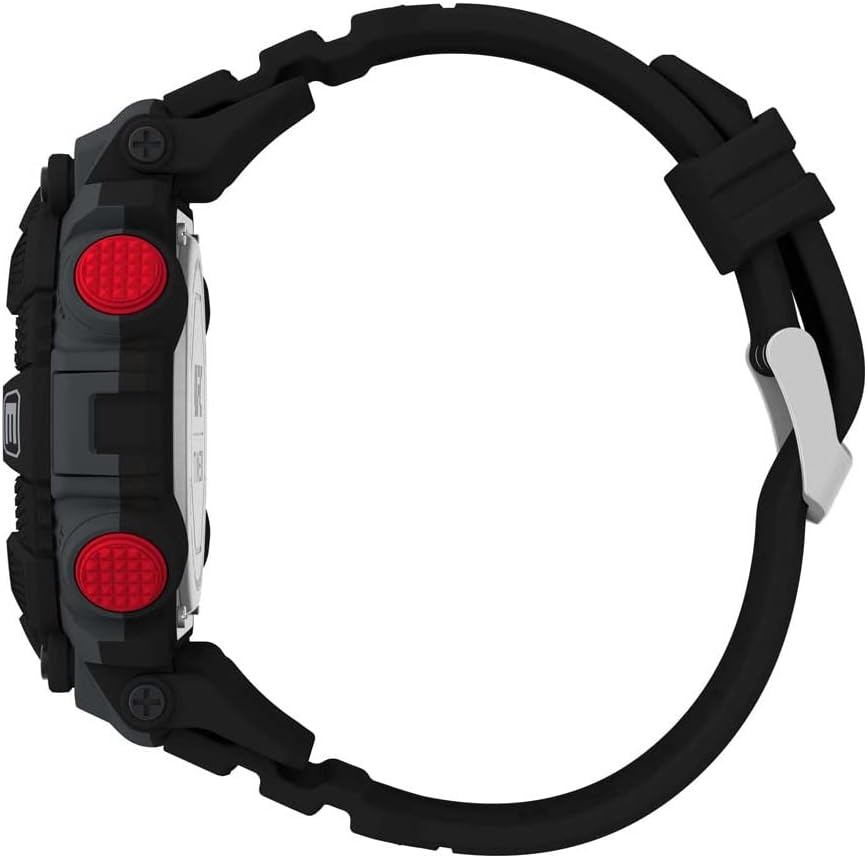
Выява: Side profile view of the Timex UFC Redemption 50mm Digital Watch, illustrating its thickness and the curvature of the strap.
Гарантыя і падтрымка
Інфармацыя аб гарантыі
Timex watches typically come with a limited warranty covering manufacturing defects. The duration and terms of the warranty may vary by region. Please retain your proof of purchase. For specific warranty details, visit the official Timex webсайт або звярніцеся ў службу падтрымкі кліентаў.
Падтрымка кліентаў
For further assistance, technical support, or warranty claims, please contact Timex customer service through their official website or the contact information provided with your purchase. When contacting support, please have your watch model number (TW5M53700JT) and purchase details readily available.