
BIGTREETECH KINGPRINTER-1040000036
BIGTREETECH 7-inch HDMI Touch Screen Display User Manual
Model: KINGPRINTER-1040000036
1. Прадукт скончыўсяview
The BIGTREETECH 7-inch HDMI Touch Screen Display is a versatile monitor designed for various applications, including compatibility with Sovol-SV08, Raspberry Pi 4B/3B, Banana Pi, and Windows 10/8/7 PCs. It features a 1024x600 resolution IPS panel with a 160° wide viewing angle, offering excellent image quality and responsive touch control.
This manual provides detailed instructions for setting up, operating, and maintaining your display, ensuring optimal performance and longevity.
Асноўныя характарыстыкі:
- 7-inch IPS Capacitive Touch Screen
- 1024x600 Resolution
- 160° у шырыню Viewing кут
- HDMI Input for broad compatibility
- Support for 5-point touch
- Adjustable Brightness and Display Direction
- Built-in Audio Decoding Circuit with 3.5mm Headphone Jack
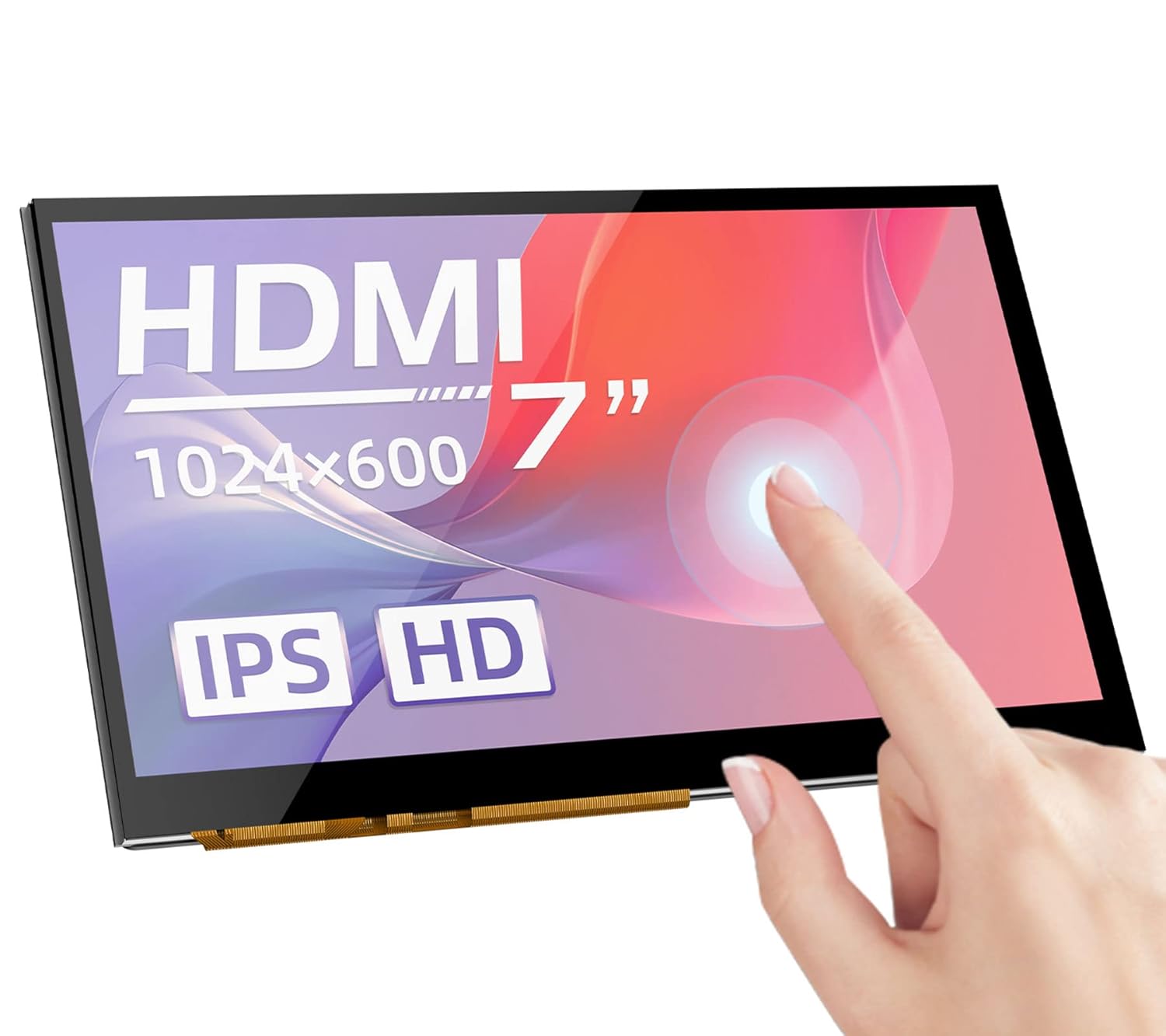
Малюнак 1: Спераду view of the BIGTREETECH 7-inch HDMI Touch Screen Display.
2. Усталёўка і падключэнне
Follow these steps to connect your BIGTREETECH HDMI7 display to your desired device.
2.1 Connecting to Display Output Device
- Using Type-C Data Cable: Connect the HDMI7 display to your display output device (e.g., Sovol-SV08, Raspberry Pi, PC, or other HDMI-compatible devices) using the provided Type-C data cable.
- When connecting to a PC, the PC will typically load the necessary drivers automatically. Once drivers are loaded, the touch functionality will be recognized.
- Выкарыстанне кабеля HDMI: Alternatively, connect the HDMI7 display to your display output device using an HDMI cable. The LCD should display content normally within 5 seconds after connection.
Малюнак 2: Задняя частка view of the display showing connection ports (HDMI, Type-C, Audio Out).
3. Інструкцыя па эксплуатацыі
3.1 Power Indicator and Status
Калі мацярынская плата ўключана:
- The power indicator, D11 (Power) red light, will illuminate, indicating normal power supply.
- The working status indicator, D12 (Status) green light, will flash, indicating that the screen is operating normally.
3.2 Аўдыёвыхад
To enable audio output, plug a 3.5mm earphone or speaker into the AUDIO interface on the display.

Figure 3: Illustration of connecting a 3.5mm audio device to the display.
3.3 Рэгуляванне яркасці экрана
The BIGTREETECH HDMI7 V1.0 supports brightness adjustment:
- Increase brightness using the Кс1 кнопка.
- Decrease brightness using the Кс3 кнопка.
3.4 Рэгуляванне кірунку дысплея
The BIGTREETECH HDMI7 V1.0 allows for horizontal display direction adjustment:
- Adjust the display direction using the Кс2 кнопка.
3.5 Touch Screen Functionality
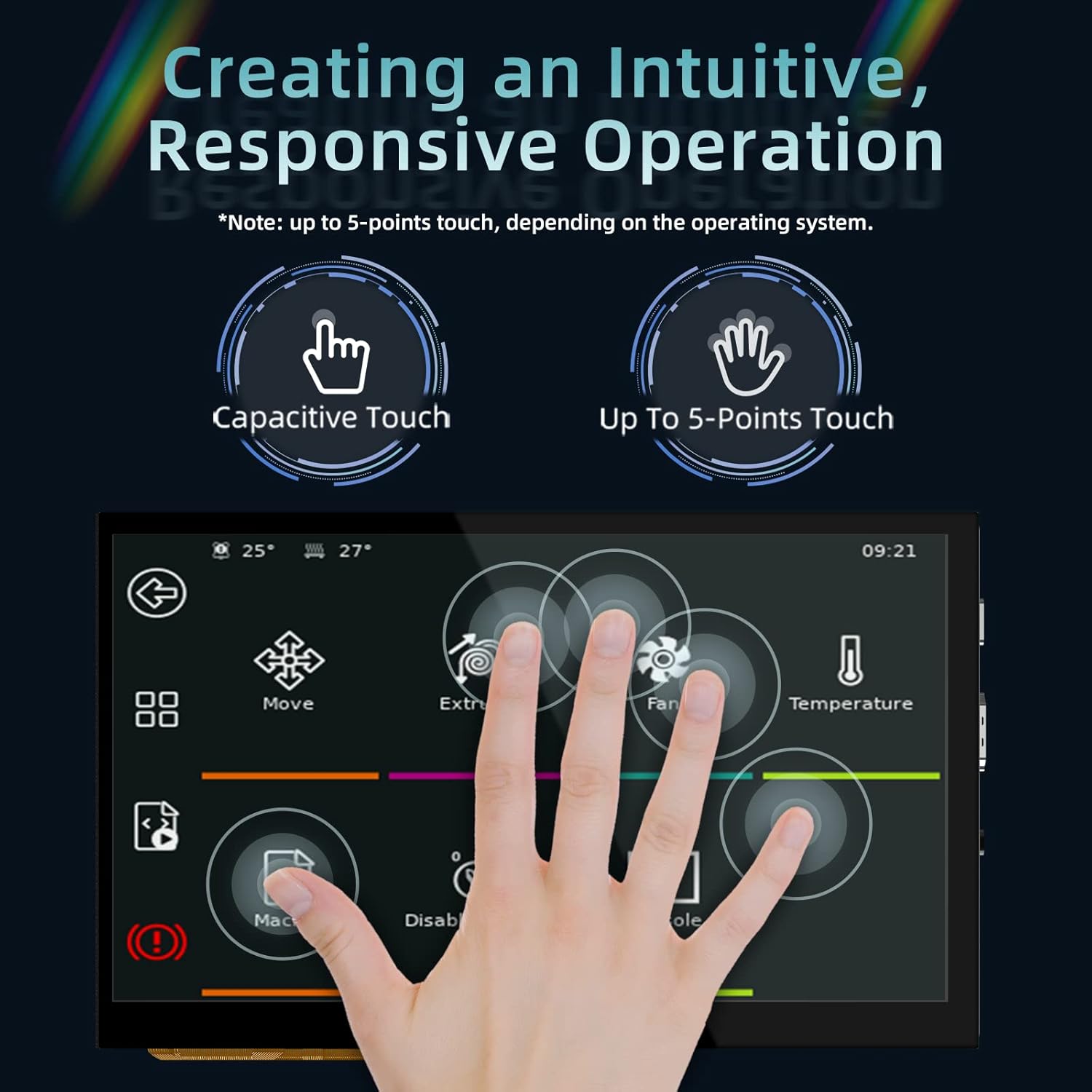
The display features a responsive capacitive touch screen that supports up to 5-point multi-touch, depending on the operating system of the connected device. This allows for intuitive interaction with your applications.

Figure 4: Demonstrating the responsive multi-touch capability of the display.
4. Тэхнічнае абслугоўванне
Proper maintenance ensures the longevity and optimal performance of your display.
- Уборка: Выкарыстоўвайце мяккую безворсовую тканіну, злёгку dampened with water or a screen-safe cleaner to wipe the display surface. Avoid abrasive materials or harsh chemicals.
- захоўванне: When not in use for extended periods, store the display in a cool, dry place away from direct sunlight and extreme temperatures.
- Апрацоўка: Always handle the display by its edges. Avoid applying excessive pressure to the screen surface.
- Вентыляцыя: Ensure proper ventilation around the display to prevent overheating, especially during prolonged operation.
5. Выпраўленне непаладак
If you encounter issues with your display, refer to the following troubleshooting tips:
5.1 No Display/Black Screen
- Праверце магутнасць: Ensure the D11 (Power) red indicator light is on. If not, verify the power input (DC 5V) connection.
- Check Signal Cable: Confirm that the HDMI or Type-C cable is securely connected to both the display and the output device. Try a different cable if available.
- Output Device Settings: Verify that your connected device (PC, Raspberry Pi, etc.) is configured to output video to the correct HDMI port and at a compatible resolution (1024x600).
- Перазапуск прылад: Power cycle both the display and the connected output device.
5.2 Сэнсарная функцыянальнасць не працуе
- USB-злучэнне: For touch functionality, ensure the Type-C data cable is connected, as it carries the touch data.
- Ўстаноўка драйвера: If connecting to a PC, confirm that the touch screen drivers have been successfully loaded. This usually happens automatically, but manual installation might be required in some cases.
- Падтрымка аперацыйнай сістэмы: Verify that your operating system supports touch input for external displays.
- Каліброўка: Some operating systems may require touch screen calibration. Refer to your OS settings.
5.3 Няма аўдыёвыхаду
- Аўдыякабель: Ensure your 3.5mm earphone/speaker is correctly plugged into the AUDIO interface.
- Налады гучнасці: Check the volume settings on your connected output device.
- Крыніца гуку: Confirm that the output device is sending audio through the HDMI/Type-C connection.
6. Тэхнічныя характарыстыкі
| Параметр | Каштоўнасць |
|---|---|
| Памер прадукту | 100 х 165 мм |
| Увод магутнасці | 5 В пастаяннага току |
| Logic Voltage | 3.3 В пастаяннага току |
| Памер экрана | 7-цалевы дысплей IPS |
| Дазвол экрана | 1024x600 |
| Экран Viewing кут | 160° |
| Нумар мадэлі тавару | KINGPRINTER-1040000036 |
| Вытворца | BIGTREETECH |
| Першая даступная дата | 27 жніўня 2022 г |

Figure 5: High-definition IPS display panel for excellent image quality.

Figure 6: The display offers a wide 160° viewкут агляду для атрымання выразных малюнкаў з розных ракурсаў.
7. Гарантыя і падтрымка
For warranty information and technical support, please contact BIGTREETECH directly or refer to their official webсайт. Захоўвайце чэк аб куплі як пацверджанне пакупкі.
вытворца: BIGTREETECH
Для атрымання дадатковай дапамогі наведайце Крама BIGTREETECH на Amazon.