
1. Прадукт скончыўсяview
The GENBOLT 128GB TF Card (microSDXC) is designed for reliable data storage, particularly suited for continuous recording in devices such as security cameras. It offers high durability and performance for capturing Full HD video.
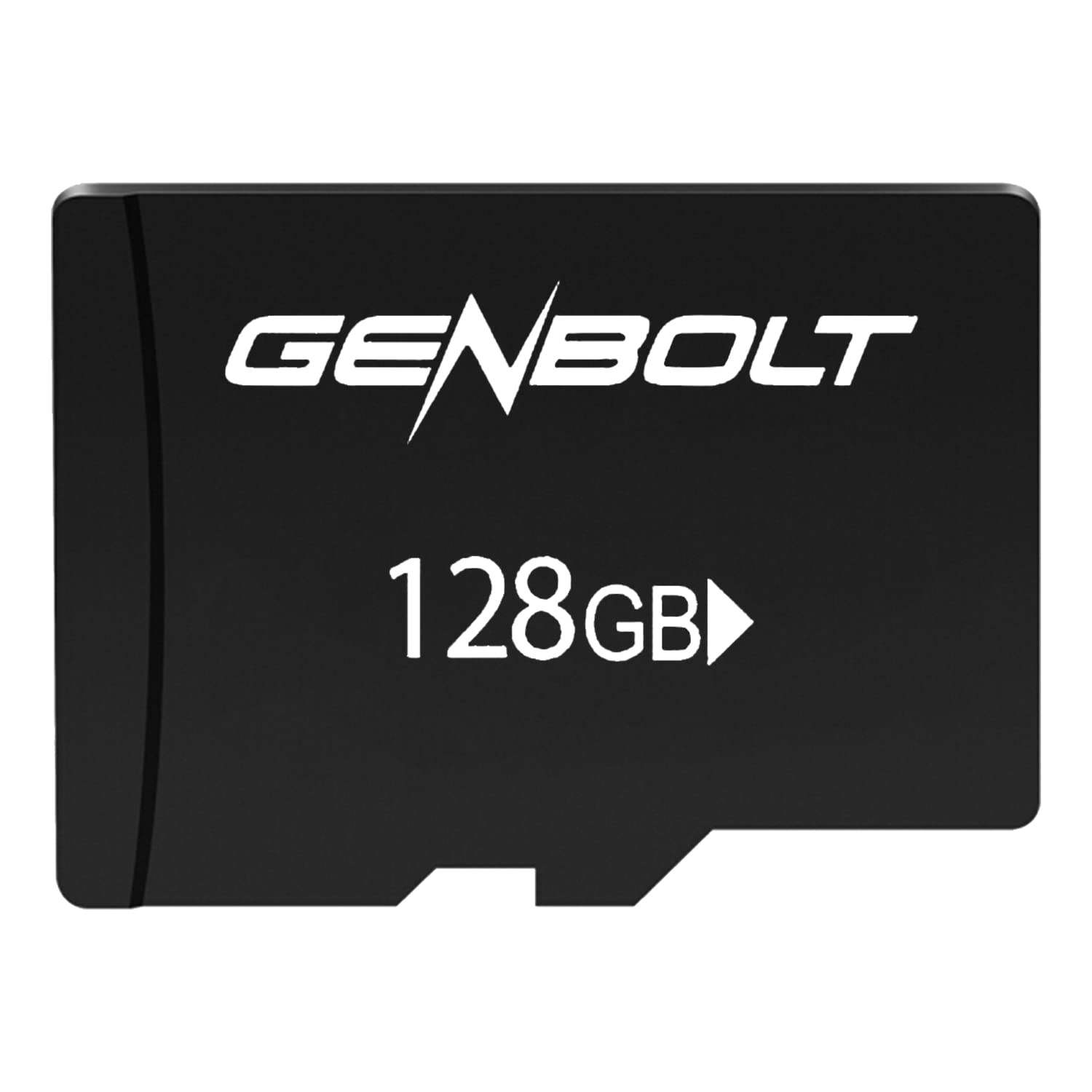
Image: GENBOLT 128GB TF Card. This card is a compact storage solution for various electronic devices.
Асноўныя характарыстыкі:
- Ёмістасць: 128GB (approximately 119GB user-accessible).
- Фармат: Pre-formatted to FAT32 for broad compatibility.
- хуткасць: UHS Speed Class 3 and Video Speed Class 10, optimized for Full HD video recording.
- Трываласць: Engineered to be waterproof, temperature resistant, shockproof, and X-ray proof.
2. Настройка і ўстаноўка
Follow these steps to properly install your GENBOLT TF Card into a compatible device.
- Прылада адключэння: Ensure the device (e.g., security camera, smartphone, tablet) is powered off before inserting the card to prevent data corruption or damage.
- Знайдзіце слот для карты памяці: Identify the microSD card slot on your device. Refer to your device's manual if unsure.
- Уставіць картку: Gently insert the GENBOLT TF card into the slot with the gold contacts facing down (or as indicated by your device's manual) until it clicks into place. Do not force the card.
- Прылада ўключэння: Уключыце прыладу. Яна павінна аўтаматычна выявіць новае сховішча.
- Format (If Necessary): Some devices may prompt you to format the card upon first use. If prompted, follow the on-screen instructions. Formatting erases all data on the card, so ensure it is empty or backed up if used previously. The card is pre-formatted to FAT32, which is compatible with most devices.
3. Інструкцыя па эксплуатацыі
Once installed, the GENBOLT TF Card functions as an extended storage medium for your device.
- Запіс відэа: For security cameras or other video recording devices, the card will automatically store video footage according to the device's settings. Its UHS Speed Class 3 and Video Speed Class 10 ratings ensure smooth Full HD video recording without dropped frames.
- Storing Photos and Files: For smartphones, tablets, or digital cameras, the card can be set as the default storage location for photos, videos, and other files through the device's settings menu.
- Доступ да дадзеных: Data stored on the card can be accessed directly through your device's file manager or by connecting the device to a computer. Alternatively, you can remove the card and use a compatible card reader to access its contents on a computer.
- Перадача дадзеных: Пры пераносе вялікіх files, ensure a stable connection and avoid interrupting the process to prevent data corruption.
4. Тэхнічнае абслугоўванне і догляд
Proper care ensures the longevity and reliability of your TF card.
- Фізічная апрацоўка: Пазбягайце згінання, кідання і празмернага прымянення сілы да карты.
- Уборка: If the gold contacts appear dirty, gently wipe them with a clean, dry, lint-free cloth. Do not use liquids or abrasive materials.
- Ахова навакольнага асяроддзя: While the card is waterproof, temperature resistant, shockproof, and X-ray proof, prolonged exposure to extreme conditions (e.g., direct sunlight, extreme cold, strong magnetic fields) should be avoided to maximize lifespan.
- Бяспечнае выдаленне: Always safely eject the card from your device or computer before physically removing it to prevent data loss or corruption.
- Regular Backup: Periodically back up important data from the TF card to another storage medium (e.g., computer hard drive, cloud storage) to prevent permanent data loss.
5. Выпраўленне непаладак
If you encounter issues with your GENBOLT TF Card, consider the following common solutions:
- Картка не распазнаецца:
- Пераканайцеся, што карта цалкам і правільна ўстаўлена ў слот прылады.
- Перазапусціце прыладу.
- Try the card in another compatible device or a card reader to determine if the issue is with the card or the original device.
- Check if your device supports microSDXC cards and the 128GB capacity.
- Recording Errors or Slow Performance:
- Ensure the card is not full. Delete unnecessary fileабо перанесці іх у іншае сховішча.
- Format the card using your device's formatting function or a computer. Warning: Formatting will erase all data on the card.
- Verify that your device's firmware is up to date.
- Пашкоджанне дадзеных:
- Заўсёды бяспечна выміце карту перад выманнем.
- Avoid powering off the device during read/write operations.
- If data is corrupted, try data recovery software (third-party) or reformat the card.
6. Тэхнічныя характарыстыкі
| Асаблівасць | Дэталь |
|---|---|
| Марка | ГЕНБОЛТ |
| Нумар мадэлі | GBTF128GB |
| Тып флэш-памяці | SDXC Card (microSDXC) |
| Ёмістасць памяці | 128 GB (approx. 119GB user area) |
| Падтрымоўваны фармат | FAT32 |
| SD Association Speed Class | 10 клас |
| Клас хуткасці UHS | UHS-I Speed Class 3 (U3) |
| Клас хуткасці відэа | V10 |
| Асаблівасці | Waterproof, Temperature Resistant, Shockproof, X-ray Proof |
| Вага прадмета | 10 г |
| Памеры ўпакоўкі | 15 х 12 х 0.3 см |
| ASIN | B0BCDD4KDH |
| Першая даступная дата | 1 чэрвеня 2021 г |
7. Гарантыя і падтрымка
GENBOLT is committed to providing reliable products. Please review the warranty information and support options below.
Інфармацыя аб гарантыі:
This product is covered by an initial defective return policy. Returns for initial defects are accepted within 30 days from the Amazon purchase date. Please retain your proof of purchase for warranty claims.
Падтрымка кліентаў:
For further assistance, technical support, or warranty inquiries beyond the initial 30-day period, please contact GENBOLT customer service directly. Refer to the GENBOLT official webна сайце або на ўпакоўцы вашага прадукту для атрымання кантактнай інфармацыі.
Вы таксама можаце наведаць в GENBOLT Store on Amazon каб атрымаць дадатковую інфармацыю пра прадукт і рэсурсы падтрымкі.