
Weiser 9GED92600-002
Weiser SmartCode Keypad Deadbolt Instruction Manual
Model: 9GED92600-002
Марка: Вайзер
Прадукт скончаныview
The Weiser SmartCode Keypad Deadbolt provides a secure and convenient keyless entry solution for your home. This electronic deadbolt features a 10-button backlit keypad, allowing access with personalized user codes. It includes SmartKey re-key technology for enhanced security and ease of re-keying. Designed for traditional home decor, this lock offers a motorized deadbolt for quick and quiet operation.

Выява: спераду і ззаду view of the Weiser SmartCode Keypad Deadbolt in Matte Black.
This deadbolt is suitable for various entry points including front doors, side doors, garage doors, and sheds, offering enhanced security and convenience without the need for traditional keys.

Image: The SmartCode Keypad Deadbolt shown installed on an entry door, with illustrations of its suitability for sheds, side doors, and garage doors.
Што ўключана
Перад пачаткам усталёўкі пераканайцеся, што ўсе кампаненты ёсць у камплекце:
- Знешні засов
- Зборка ўнутранага засаўкі
- Рэгуляваная зашчапка
- Страйк пліты
- Каўнер
- Мантажная пласціна
- Мантажныя элементы (шрубы, балты)
- 2 Weiser Keys
- Інструмент SmartKey
- Кіраўніцтва па ўстаноўцы (гэта кіраўніцтва)

Image: A visual representation of all components included in the Weiser SmartCode Keypad Deadbolt package.
Ўстаноўка
The Weiser SmartCode Keypad Deadbolt is designed for easy installation. For a seamless setup experience, it is highly recommended to use the free BILT app, which provides step-by-step interactive 3D instructions with voice and video guidance.
Сумяшчальнасць дзвярэй: This deadbolt is designed to fit standard doors with a thickness of 1-3/8 inches to 1-3/4 inches (35 mm - 44 mm). It features an adjustable backset for both 2-3/8 inches (60 mm) and 2-3/4 inches (70 mm) configurations, making it ideal for most exterior and interior residential doors.
Ensure your door preparation meets these specifications before proceeding with installation.
Аперацыя
Уваход без ключа
The primary method of operation is keyless entry using the keypad. To unlock the door, simply enter your personalized access code on the 10-button keypad. The keypad is backlit for improved visibility in low-light conditions and remains illuminated for 30 seconds after inactivity.
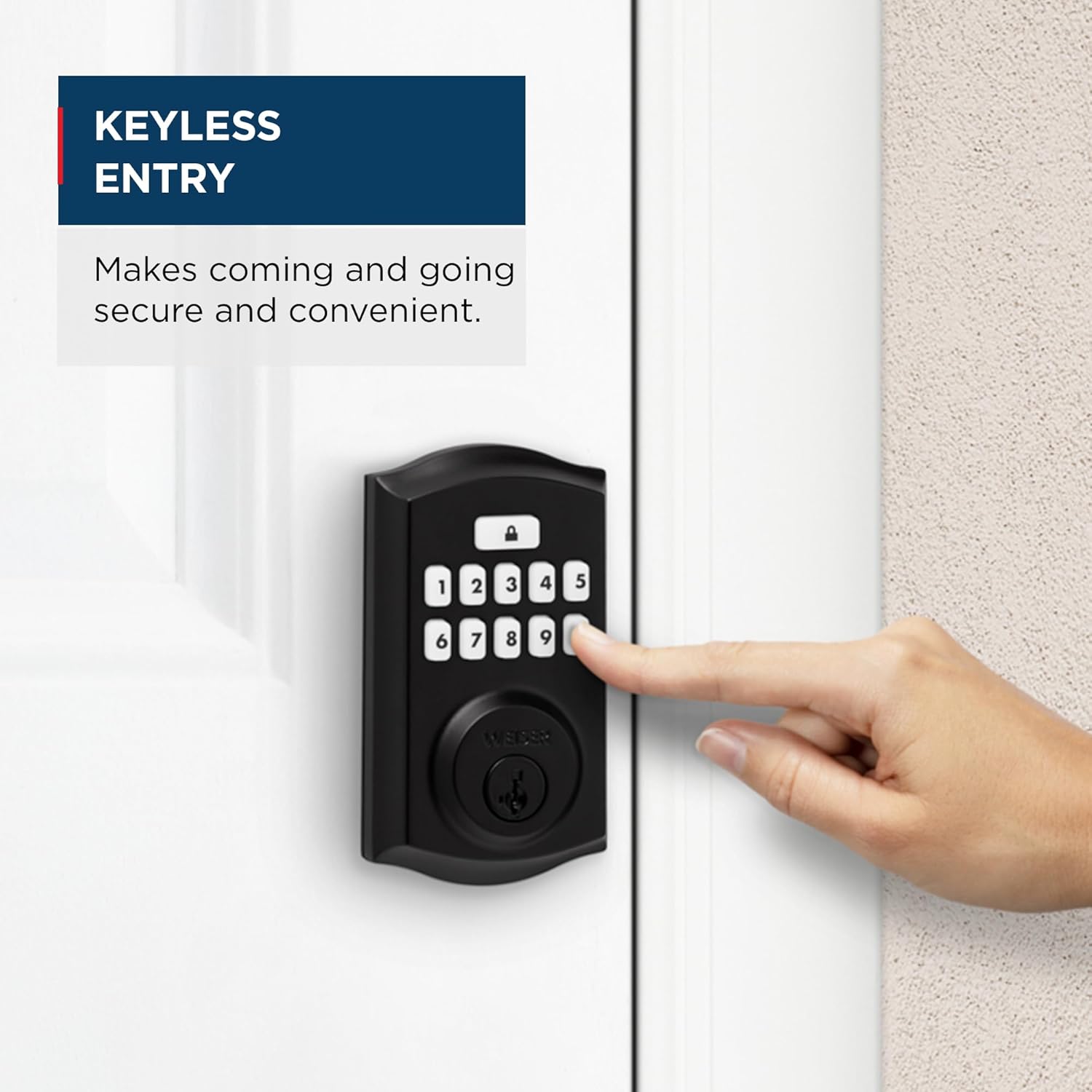
Image: A hand pressing buttons on the keypad for keyless entry, demonstrating the convenience of the system.

Image: The backlit keypad of the SmartCode deadbolt illuminated at night, showing its visibility in low light.
Функцыя аўтаматычнай блакіроўкі
The SmartCode deadbolt includes an auto-lock feature for added security. After a set period of time (configurable), the deadbolt will automatically extend and lock the door. This ensures your door is always secured, even if you forget to lock it manually.

Image: A woman and her dog exiting a house, illustrating the convenience of the auto-lock feature which secures the door with a single touch, eliminating the need for manual turning or twisting.
Multiple User Access Codes
The lock supports up to 50 unique user access codes, allowing you to provide personalized entry for family members, friends, or service providers. It also features one master code option for programming and managing user codes.
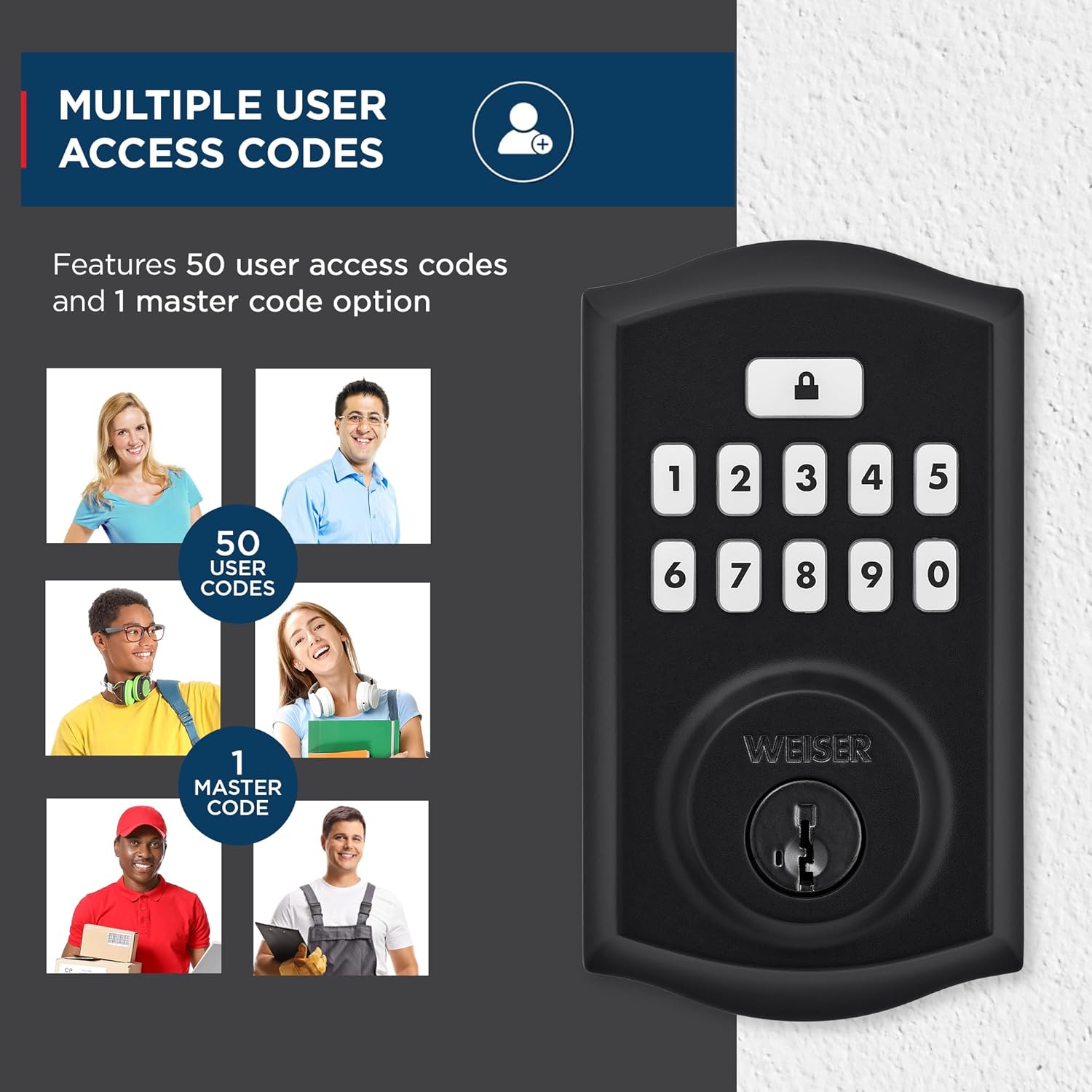
Image: The SmartCode keypad deadbolt with visual representations of various individuals, indicating the capacity for 50 user codes and 1 master code.
Бяспека SmartKey
The Weiser SmartCode deadbolt incorporates SmartKey re-key technology. This feature allows you to re-key your lock in seconds, providing control over your keys and protecting against lost, stolen, or unauthorized keys without needing to remove the lock from your door. It offers advanced protection against common break-in techniques such as kick-in, bump, pick, drill, and saw attacks.

Image: A detailed diagram explaining SmartKey Security, showing how it protects against various break-in methods and allows for easy re-keying.

Image: A visual guide demonstrating the SmartKey re-keying process, showing the key and the reset tool insertion point.
Тэхнічнае абслугоўванне
To ensure optimal performance and longevity of your Weiser SmartCode Keypad Deadbolt, follow these maintenance guidelines:
- Замена батарэі: The lock operates on 4 AA batteries (not included). Replace batteries when the low battery indicator activates or if the lock becomes unresponsive. Use high-quality alkaline batteries for best performance.
- Уборка: Ачысціце клавіятуру і вонкавыя паверхні мяккай губкайamp тканінай. Пазбягайце выкарыстання абразіўных ачышчальнікаў або растваральнікаў, якія могуць пашкодзіць пакрыццё або электронныя кампаненты.
- змазка: Periodically lubricate the mechanical parts of the deadbolt, such as the latch and cylinder, with a silicone-based lubricant. Do not use oil-based lubricants.
- Кіраванне кодам: Рэгулярна пераview and update user codes as needed for security purposes. Delete codes that are no longer required.
Ліквідацыю непаладак
This section addresses common issues you might encounter with your Weiser SmartCode Keypad Deadbolt.
| праблема | Магчымая прычына | Рашэнне |
|---|---|---|
| Замак не рэагуе на ўвод з клавіятуры. | Разраджаныя батарэйкі; няправільны ўведзены код; няспраўнасць клавіятуры. | Replace batteries. Ensure correct code is entered. If issue persists, perform a factory reset (refer to full installation guide). |
| Зашчапка не высоўваецца і не ўцягваецца цалкам. | Misalignment of lock components; obstruction in door frame; low batteries. | Check door alignment and strike plate. Ensure no obstructions. Replace batteries. Re-install lock if necessary. |
| Auto-lock feature is not working. | Feature is disabled; incorrect setting. | Refer to the programming instructions to enable and configure the auto-lock feature. |
| Keypad backlight is not working. | Low batteries; internal issue. | Replace batteries. If the issue continues, contact customer support. |
For more detailed troubleshooting steps or issues not listed here, please consult the comprehensive installation and programming guide provided with your product or visit the official Weiser support webсайт.
Тэхнічныя характарыстыкі

Image: Diagram showing the dimensions of the Weiser SmartCode Keypad Deadbolt, including the exterior keypad and interior unit, and the adjustable latch backset.
| Асаблівасць | Дэталь |
|---|---|
| Нумар мадэлі | 9ГЭД92600-002 |
| Памеры прадукту | 6.99 х 2.86 х 13.97 см (2.75 х 1.13 х 5.5 цалі) |
| Вага прадмета | 454 г (1 фунта) |
| Колер | Матавы чорны |
| стыль | Традыцыйная |
| Матэрыял | Метал |
| Тып аздаблення | Парашковае пакрыццё |
| Тып замка | Deadbolt, Electronic |
| Коды карыстальнікаў | Up to 50 user codes, 1 master code |
| Крыніца харчавання | 4 батарэйкі АА (не ўключаны) |
| Сумяшчальнасць таўшчыні дзвярэй | 1-3/8" to 1-3/4" (35mm - 44mm) |
| Гарнітура | Adjustable 2-3/8" or 2-3/4" (60mm or 70mm) |
| Асаблівасці | Weather Resistant, Anti-Bump, Auto-Lock, One-Touch Lock, Back-Lit Keypad, SmartKey Security |
| ANSI Grade | 2 клас |
| Краіна паходжання | Кітай |
Гарантыя і падтрымка
Гарантыя: The Weiser SmartCode Keypad Deadbolt comes with a 1-year warranty. Please retain your proof of purchase for warranty claims.
Падтрымка кліентаў: For technical assistance, troubleshooting beyond this manual, or warranty inquiries, please contact Weiser customer support. You can find contact information and additional resources on the official Weiser webсайт: www.weiserlock.com/en/support.
Additionally, the free BILT app offers interactive 3D instructions for installation and setup, which can be a valuable resource for users.
Важная інфармацыя па бяспецы
Калі ласка, уважліва прачытайце ўсе інструкцыі перад устаноўкай і выкарыстаннем. Захоўвайце гэтую інструкцыю для далейшага выкарыстання.
- Do not attempt to disassemble or modify the lock beyond what is described in this manual. This may void the warranty and compromise security.
- Ensure all screws are tightened securely during installation to prevent loosening over time.
- Protect your user codes. Do not share them with unauthorized individuals. Change codes regularly, especially after service personnel have accessed your property.
- Заўсёды правярайце працаздольнасць замка пасля ўсталёўкі і любых змяненняў у праграме.
- Do not expose the lock to extreme temperatures or direct water spray.
Звязаныя дакументы - 9ГЭД92600-002
 |
Кіраўніцтва па хуткім запуску электронных замкоў Weiser SmartCode з сэнсарнай панэллю Поўнае кіраўніцтва па ўсталёўцы і праграмаванні электроннага замка Weiser SmartCode з сэнсарнай панэллю, уключаючы спіс дэталяў, інструменты, пакрокавую ўстаноўку, эксплуатацыю, сістэмныя папярэджанні і інструкцыі па праграмаванні. |
 |
Кароткае кіраўніцтва па выкарыстанні электроннага замка з клавіятурай Weiser SmartCode Кароткае кіраўніцтва па ўсталёўцы і праграмаванні электроннага замка з клавіятурай Weiser SmartCode. Ахоплівае дэталі, інструменты, этапы ўсталёўкі, функцыі праграмавання, сістэмныя абвесткі і ліквідацыю непаладак. |
 |
Weiser Catalogue Complet de Quincaillerie de Porte et Serrures Explorez le catalogue Weiser pour une vaste sélection de quincaillerie de porte, serrures électroniques et mécaniques, incluant les technologies SmartKey et Microban. Trouvez spécifications, finitions et prix. |
 |
Электронны засаў Weiser Powerbolt 2: кіраўніцтва па ўсталёўцы і выкарыстанні Падрабязнае кіраўніцтва па электронным засаўцы Weiser Powerbolt 2, якое ахоплівае адкрыццё дзвярэй, даданне і выдаленне кодаў карыстальнікаў. Аснашчана тэхналогіяй SmartKey. |
 |
Інструкцыя па хуткім запуску і ўсталёўцы электронных замкоў Weiser SmartCode з клавіятурай Поўнае кіраўніцтва па ўсталёўцы, праграмаванні і выкарыстанні электронных замкоў Weiser SmartCode з клавіятурай, якое ахоплівае дэталі, інструменты, пакрокавую ўстаноўку, функцыі праграмавання, сістэмныя абвесткі і важныя меры бяспекі. |
 |
Кіраўніцтва па ўсталёўцы і выкарыстанні замка для дзвярэй без ключа Weiser Powerbolt 2 Comprehensive guide for installing and using the Weiser Powerbolt 2 touchpad keyless entry door lock, including setup, programming, troubleshooting, and safety information. |