
Generac GB2000
Generac GB2000 Portable Power Station User Manual
Model: GB2000 (8026)
1. Уводзіны
This user manual provides essential information for the safe and efficient operation, maintenance, and troubleshooting of your Generac GB2000 Portable Power Station. Please read this manual thoroughly before using the device.
The Generac GB2000 is a 2106Wh portable power station designed to provide clean, emission-free power for various applications, including home use, camping, RVs, and outdoor activities. It features a lithium-ion battery, wireless charging, and multiple output ports.
2. Інфармацыя па бяспецы
Заўсёды выконвайце наступныя правілы бяспекі, каб пазбегнуць траўмаў або пашкоджання прылады:
- Не разбірайце, не рамантуйце і не мадыфікуйце прыбор.
- Keep the unit away from fire, heat sources, and direct sunlight.
- Пазбягайце ўздзеяння вады ці іншых вадкасцей.
- Не выкарыстоўвайце прыладу, калі яна пашкоджана або ўпала.
- Забяспечце належную вентыляцыю падчас выкарыстання і зарадкі.
- Захоўваць у месцах, недаступных дзецям.
3. Кампаненты і характарыстыкі прадукту
The Generac GB2000 Portable Power Station is designed for versatility and ease of use. Below is an overview яго ключавых кампанентаў і асаблівасцей.

Малюнак 3.1: Пярэдняя панэль зверхуview of Generac GB2000. This image highlights the multi-color display, LED ON/OFF button, diffused LED light, parallel ports, 12V car port, DC output ON/OFF button, USB-A output receptacles, USB-C output receptacles, AC output ON/OFF button, and NEMA 1-15R AC receptacles.
- Multi-Color 4.7" Display: Provides real-time information on battery level, remaining runtime, and output/input wattage.
- AC Outlets (3x NEMA 1-15R): Для харчавання стандартных бытавых прыбораў.
- Парты USB-A (2x): Для зарадкі прылад, сумяшчальных з USB-A.
- USB-C Ports (2x): Для зарадкі прылад, сумяшчальных з USB-C.
- 12V Car Port: For powering 12V DC devices or charging from a vehicle.
- Бесправадная зарадная панэль (15 Вт): Conveniently charge compatible smartphones by placing them on top of the unit.
- Паралельныя парты: Allows connection of two GB2000 units for increased power output (Parallel Kit sold separately).
- Трывалы дызайн: Lightweight and compact with an ergonomic handle for easy transport.
4. Усталёўка і першапачатковая зарадка
Before first use, fully charge your Generac GB2000 Portable Power Station.
4.1 Распакаванне
Carefully remove the power station and all accessories from the packaging. Verify that all components listed in the packing list are present and undamaged.
4.2 Спосабы зарадкі
The GB2000 offers multiple charging options:
- Wall Outlet (AC): Connect the provided AC charging cable to the AC input port on the unit and then to a standard wall outlet. The unit can achieve 0 to 80% charge in approximately 3.3 hours.
- Solar Panel (DC): Connect compatible solar panels (sold separately) to the DC input port. Ensure the solar panels are positioned for maximum sunlight exposure.
- Car Charger (DC): Use the provided car charging cable to charge the unit from your vehicle's 12V cigarette lighter port.
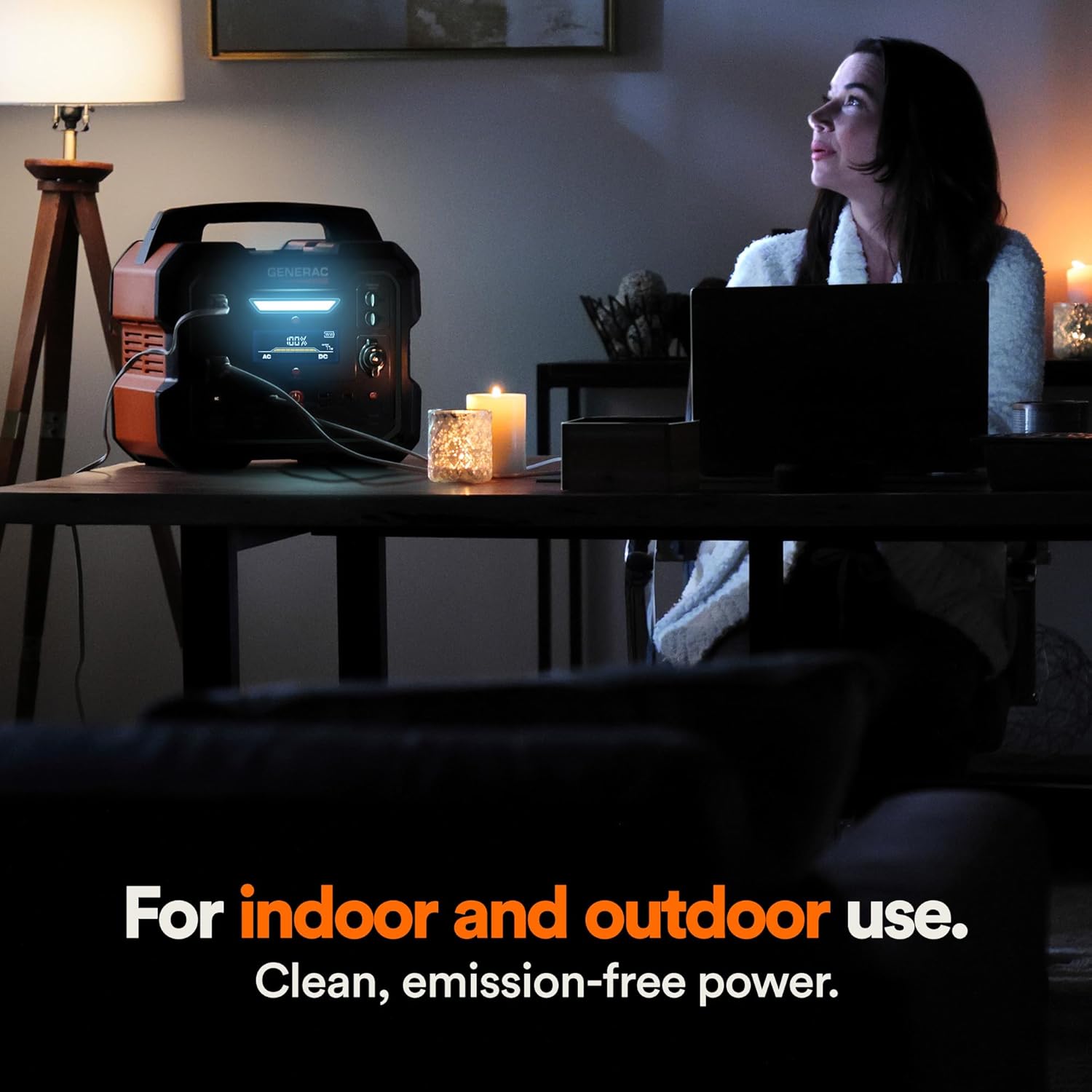
Figure 4.1: Fast Solar Recharging. The Generac GB2000 can be recharged using solar panels (sold separately) for efficient power supply in outdoor environments.
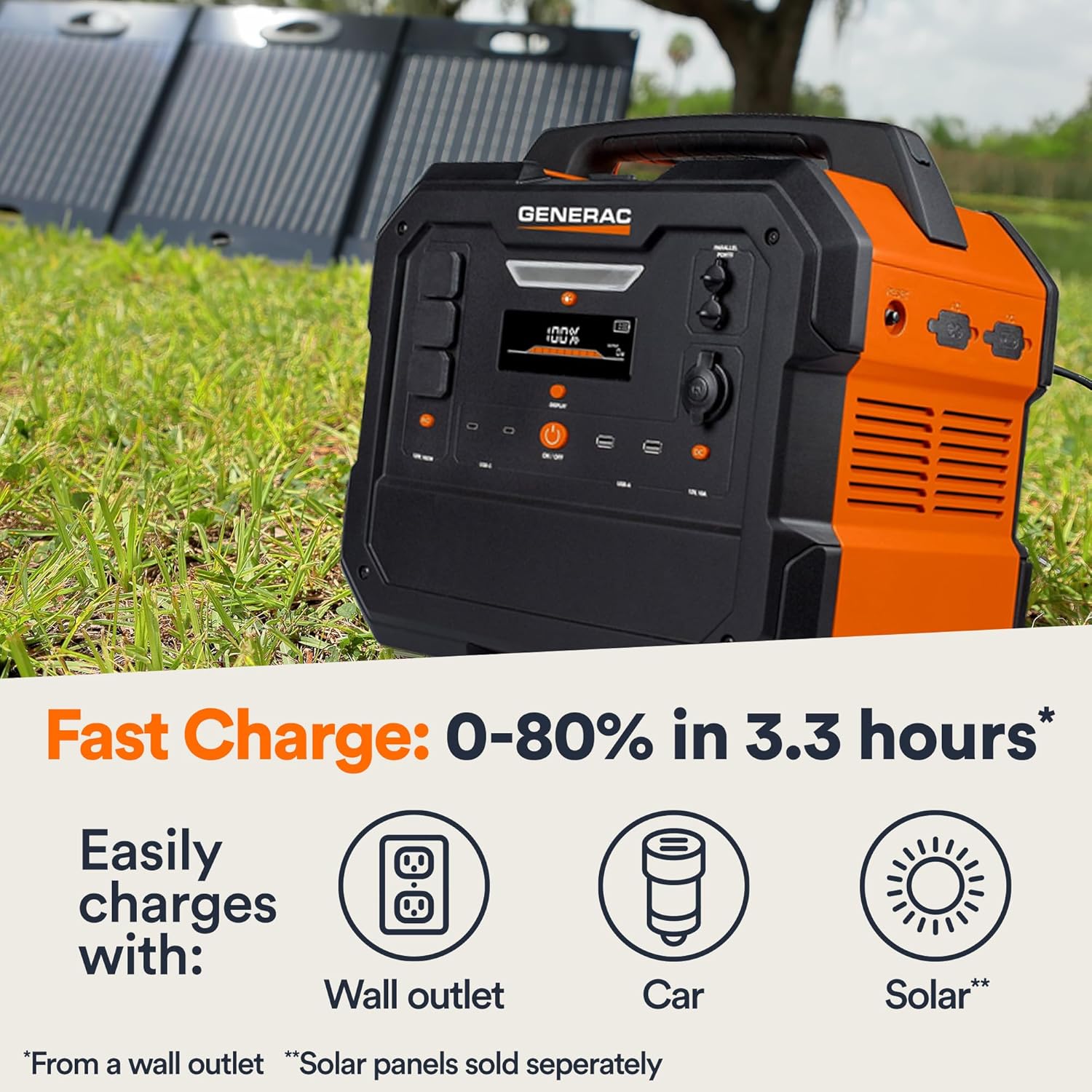
Figure 4.2: Rear Input Ports. This image shows the AC and DC input ports on the back of the Generac GB2000 for various charging methods.
5. Інструкцыя па эксплуатацыі
5.1 Уключэнне/выключэнне
Press and hold the main ВКЛ/ВЫКЛ button located on the front panel to power on or power off the unit. The display will illuminate upon activation.
5.2 Выкарыстанне выходных партоў
To use specific output ports (AC, DC, USB), press the corresponding ON/OFF button for that section. The indicator light next to the button will illuminate when active.
- Выхад пераменнага току: Connect your devices to the NEMA 1-15R outlets. Ensure the total wattage of connected devices does not exceed 1600W continuous output or 3200W surge.
- Выход пастаяннага току: Use the 12V car port for compatible DC devices.
- Выхад USB: Plug your USB-A or USB-C cables into the respective ports for charging smartphones, tablets, and other USB-powered devices.
- Бесправадная зарадка: Place your Qi-compatible device on the wireless charging pad on top of the unit.

Figure 5.1: Indoor Use of Generac GB2000. The power station provides clean, emission-free power, making it safe for indoor use to power essential devices like laptops and lighting.
5.3 Powering Electric Vehicles (EVs)
The Generac GB2000 can provide emergency power to electric vehicles. While not a primary charging solution, it can offer enough charge to reach a charging station.
5.4 Runtime and Capacity
The GB2000 has a 2106Wh capacity. The actual runtime depends on the power consumption of connected devices. Refer to the table below for estimated runtimes for common appliances:
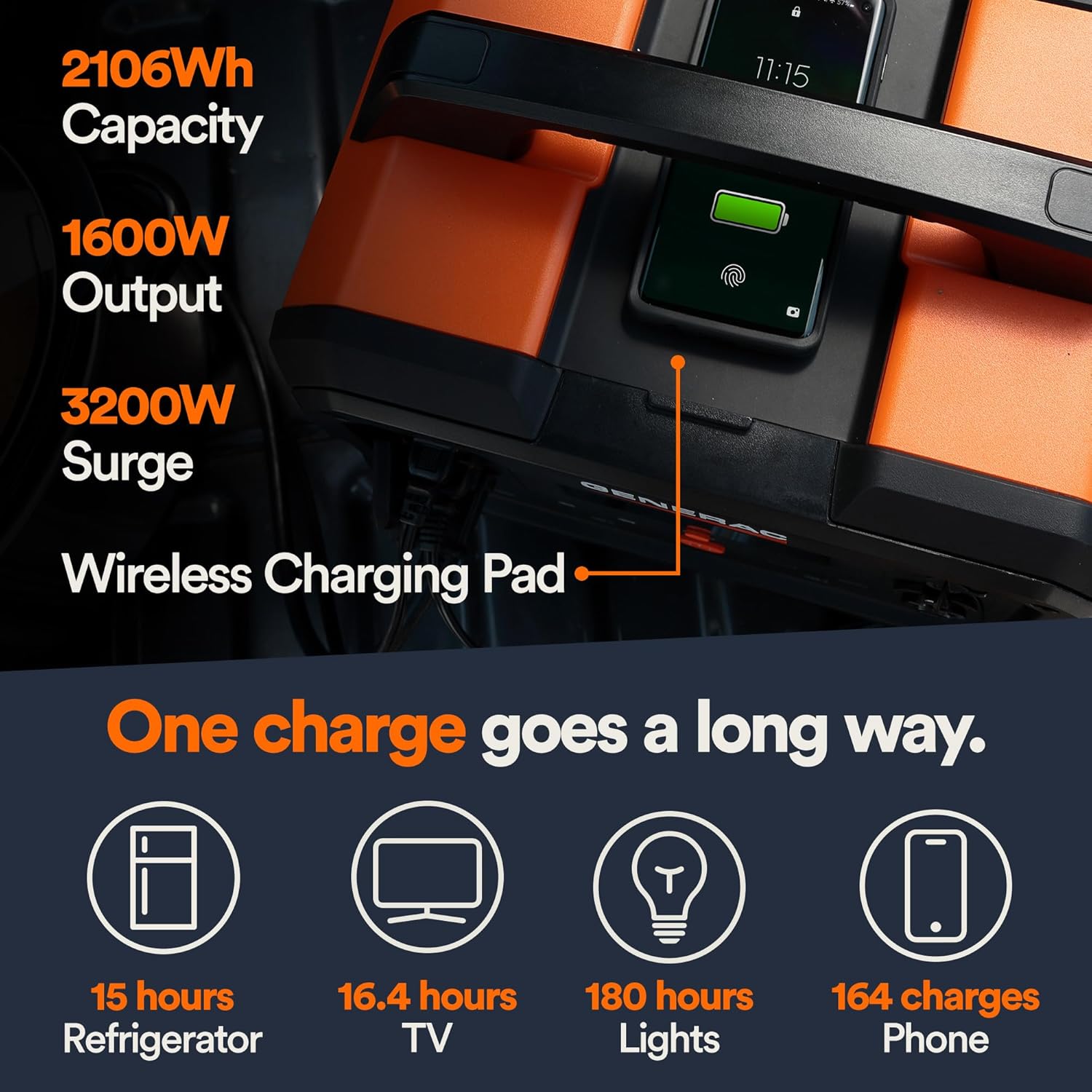
Figure 5.2: Estimated Device Runtimes. This table provides approximate usage durations for various household, jobsite, and recreation devices when powered by the Generac GB1000 and GB2000 models.
| прылада | Running Watts (Approx.) | Estimated Runtime (GB2000) |
|---|---|---|
| Святло | 10 Вт | 180 гадзіны |
| CPAP | 40 Вт | 45 гадзіны |
| Халадзільнік | 120 Вт | 15 гадзіны |
| Мікрахвалевая печ | 1200 Вт | 1.5 гадзіны |
| 50 "тэлевізар | 110 Вт | 16.4 гадзіны |
| Phone (164 charges) | 11 Вт-гадз | 164 зарады |
6. Тэхнічнае абслугоўванне і захоўванне
6.1 Ачыстка
Працірайце прыладу сухой мяккай тканінай. Не выкарыстоўвайце абразіўныя ачышчальнікі або растваральнікі.
6.2 Захоўванне
Store the Generac GB2000 in a cool, dry place, away from direct sunlight and extreme temperatures. For long-term storage, charge the unit to 50-80% every 3-6 months to maintain battery health.
7. Выпраўленне непаладак
| праблема | Магчымая прычына | Рашэнне |
|---|---|---|
| Прылада не ўключаецца | Low battery; Main ON/OFF button not pressed long enough. | Charge the unit; Press and hold the ON/OFF button for 3 seconds. |
| Выхад пераменнага току не працуе | AC output not enabled; Overload protection activated. | Press the AC ON/OFF button; Reduce load, then restart AC output. |
| Бесправадная зарадка не працуе | Device not Qi-compatible; Device not properly aligned. | Ensure device is Qi-compatible; Reposition device on the charging pad. |
| Перагрэў агрэгата | Дрэнная вентыляцыя; празмерная нагрузка. | Ensure clear airflow around the unit; Reduce connected load. |
If issues persist, please contact Generac customer support.
8. Тэхнічныя характарыстыкі
| Спецыфікацыя | Каштоўнасць |
|---|---|
| Назва мадэлі | GB2000 |
| Нумар мадэлі тавару | 8026 |
| Тып батарэі | Літый-іённы |
| Ёмістасць | 2106 Вт-гадз |
| Continuous AC Output | 1600 Вт |
| Peak AC Output (Surge) | 3200 Вт |
| Выхад для бесправадной зарадкі | 15 Вт |
| Памеры (Д х Ш х У) | 16.8" x 10.4" x 15.1" |
| Вага | 48.8 фунта |
| Recharge Time (0-80% Wall Outlet) | 3.3 гадзіны |
9. Даступныя аксэсуары
Enhance the functionality of your Generac GB2000 with these optional accessories:

Figure 9.1: Parallel Kit. Connect two Generac Power Stations together for increased power output.
- Parallel Kit: Connects two Generac power stations to double the output capacity.
- Charge Enhancer: Provides up to 50% faster charging.
- Сонечныя панэлі: For quick and efficient recharging using solar energy.
10. Гарантыя і падтрымка
For warranty information and customer support, please refer to the official Generac webсайт або звярніцеся ў службу падтрымкі кліентаў. Захоўвайце чэк аб куплі для прэтэнзій па гарантыі.
Generac offers protection plans for extended coverage:
- 3-гадовы план абароны
- 4-гадовы план абароны
- Поўная абарона: адзін план пакрывае ўсе адпаведныя мінулыя і будучыя пакупкі.