1. Уводзіны
This manual provides essential information for the setup, operation, and maintenance of your CHiQ L40H7C Smart TV. Please read it thoroughly before using the product to ensure proper functionality and safety.
The CHiQ L40H7C is a 40-inch Full HD Smart TV featuring Android 11, HDR10 technology, DBX-TV audio, a Quad-Core CPU, and a frameless design. It includes dual-band Wi-Fi, Bluetooth 5.0, Google Assistant, and Chromecast built-in, providing access to a wide range of applications and content.
2. Змесціва ўпакоўкі
Пасля распакавання пераканайцеся, што ўсе прадметы наяўныя і не пашкоджаныя:
- CHiQ L40H7C Smart TV Unit
- Пульт дыстанцыйнага кіравання (патрабуюцца 2 батарэйкі тыпу ААА, у камплекце)
- Кіраўніцтва карыстальніка (гэты дакумент)
- Сілавы кабель
- Настольная падстаўка (2 штукі)
- Шрубы для настольнай падстаўкі

Figure 2.1: Package contents and TV dimensions. The image displays the 40-inch TV with its dimensions (898mm width, 560mm height with stand, 515mm height without stand, 180mm stand depth). The remote control is also shown, highlighting voice control capabilities. The VESA mount support is 200 x 200 mm.
3. Настройка
3.1 Усталёўка падстаўкі для тэлевізара
- Асцярожна пакладзеце тэлевізар экранам уніз на мяккую, роўную паверхню, каб пазбегнуць пашкоджанняў.
- Сумясціце дэталі падстаўкі з мантажнымі адтулінамі ў ніжняй частцы тэлевізара.
- Замацуйце падстаўкі з дапамогай прадугледжаных шруб. Пераканайцеся, што яны надзейна зацягнуты.
Alternatively, the TV supports VESA wall mounting (200 x 200 mm). Wall mount hardware is sold separately.
3.2 Падключэнне перыферыйных прылад
Тэлевізар прапануе розныя варыянты падключэння:
- HDMI 1.4 (3 раздымы): Для падключэння знешніх прылад, такіх як Blu-ray прайгравальнікі, гульнявыя прыстаўкі або тэлевізійныя прыстаўкі.
- USB (x2): For media playback from USB drives or connecting USB accessories.
- CI+ (x1): Слот Common Interface Plus для модуляў умоўнага доступу.
- АНУШКА (x2): Antenna inputs for terrestrial/cable and satellite signals.
- Лічбавы аўдыёвыхад (x1): Для падлучэння да знешніх аўдыёсістэм.
- Earphone (x1): 3.5mm jack for headphones.
- Лакальная сетка (x1): Порт Ethernet для праваднога падключэння да Інтэрнэту.
- AV (x1): Composite video and stereo audio input.
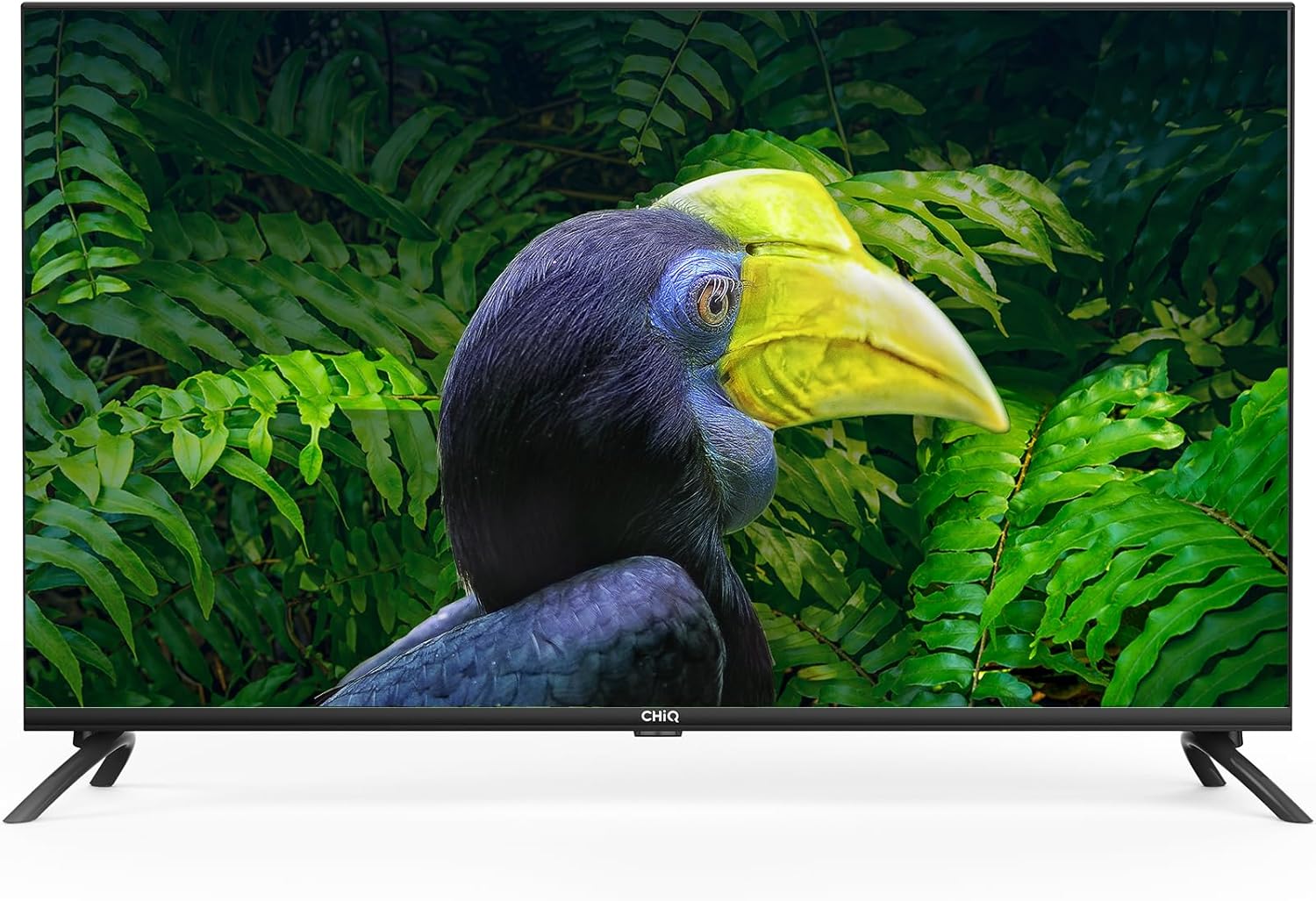
Figure 3.1: Rear and side panel connections. This image illustrates the location of HDMI, USB, CI+, ANT, Digital Audio Out, Earphone, LAN, and AV ports on the television.
3.3 Пачатковае ўключэнне і канфігурацыя сеткі
- Падключыце кабель сілкавання да тэлевізара і разеткі.
- Націсніце кнопку харчавання на пульце дыстанцыйнага кіравання або тэлевізары.
- Follow the on-screen instructions to select your language, region, and connect to your Wi-Fi network (2.4/5G dual-band supported) or via Ethernet.
- Log in with your Google account to access Android TV features and the Google Play Store.
4. Кіраванне Smart TV
4.1 Android 11 TV Interface
Your CHiQ L40H7C runs on Android 11, providing a user-friendly interface for accessing apps, streaming services, and live TV. Navigate using the remote control's directional pad and select button.

Figure 4.1: Key features of the CHiQ L40H7C Smart TV, including Android 11 operating system, HDR10 support for enhanced visuals, DBX-TV for superior audio, and integrated Google Assistant.
4.2 Разумныя функцыі
- Крама Google Play: Download thousands of apps, games, and content.
- Папярэдне ўсталяваныя праграмы: Access popular streaming services like Netflix, Prime Video, and YouTube directly.
- Памочнік Google: Выкарыстоўвайце галасавыя каманды з дапамогай пульта дыстанцыйнага кіравання для пошуку кантэнту, кіравання прыладамі разумнага дома і атрымання інфармацыі.
- Убудаваны Chromecast: Трансліруйце кантэнт са смартфона, планшэта або кампутара непасрэдна на экран тэлевізара.
- Bluetooth 5.0: Падключыце бесправадныя навушнікі, саўндбары або іншыя прылады з падтрымкай Bluetooth.

Figure 4.2: The H7C series offers access to over 5000 apps via Google Play, built-in Chromecast, HDMI 1.4, Wi-Fi, and Bluetooth 5.0 for comprehensive connectivity and entertainment.
4.3 Налады выявы і гуку
- Поўнае HD-дазвол (1920x1080): Забяспечвае выразныя і падрабязныя выявы.
- HDR10 і HLG: Enhances contrast and color accuracy for a more dynamic viewвопыту.
- DBX-TV Audio: Professional audio processing for improved sound quality.
- Dolby Audio: Certified for rich, clear, and powerful sound.

Figure 4.3: Visual comparison demonstrating the enhanced clarity and detail of Full HD (1920x1080) resolution compared to standard HD.

Figure 4.4: Demonstration of HDR10 and HLG technology, illustrating how it provides high contrast and sharp details for a more immersive visual experience.
5. Тэхнічнае абслугоўванне
5.1 Чыстка тэлевізара
- Заўсёды адключайце тэлевізар ад сеткі перад чысткай.
- Выкарыстоўвайце мяккую, сухую тканіну без ворса, каб праціраць экран і корпус.
- Для ўстойлівых плям злёгку пачысціцеampпрацярыце тканіну вадой або спецыяльным сродкам для чысткі экранаў. Ніколі не распыляйце вадкасць непасрэдна на тэлевізар.
- Пазбягайце выкарыстання абразіўных ачышчальнікаў, воску або растваральнікаў, бо яны могуць пашкодзіць пакрыццё.
5.2 Замена батарэйкі пульта дыстанцыйнага кіравання
When the remote control's response becomes sluggish, replace the two AAA batteries. Ensure correct polarity when inserting new batteries.
6. Выпраўленне непаладак
Калі ў вас узніклі праблемы з тэлевізарам, звярніцеся да наступных распаўсюджаных рашэнняў:
| праблема | Магчымае рашэнне |
|---|---|
| Няма ўлады |
|
| Няма выявы, але гук ёсць |
|
| Няма гуку, але выява ёсць |
|
| Пульт дыстанцыйнага кіравання не працуе |
|
| Праблемы з падключэннем да сеткі |
|
7. Тэхнічныя характарыстыкі
| Асаблівасць | Дэталь |
|---|---|
| Марка | CHiQ |
| мадэль | L40H7C |
| Памер экрана | 40 цалі |
| Тып дысплея | святлодыёд |
| дазвол | 1080p (Full HD, 1920x1080) |
| Частата абнаўлення | 60 Гц |
| Аперацыйная сістэма | Android 11 |
| Асаблівасці | Колер Amplifier, Chromecast Built-in, Frameless Design, USB Recording (DVR), HDR10, HLG, DBX-TV, Dolby Audio, Google Assistant |
| Тэхналогія падлучэння | Bluetooth 5.0, HDMI (x3), USB (x2), Wi-Fi (Dual Band 2.4/5G), LAN, CI+, ANT (x2), Digital Audio Out, Earphone, AV |
| Падтрымліваюцца інтэрнэт-паслугі | Amazon Prime Video, Google Assistant, Netflix, YouTube, Google Play Store |
| Тып мацавання | Wall Mount (VESA 200x200mm), Table Stand |
| Памеры вырабу (з падстаўкай) | 89.8 х 18 х 56 см |
| Вага прадукту | 7.62 кг |
| Батарэі для пульта дыстанцыйнага кіравання | 2 AAA (у камплекце) |
8. Падтрымка і гарантыя
For technical assistance, troubleshooting beyond this manual, or warranty inquiries, please contact CHiQ customer support. Refer to the product packaging or the official CHiQ webсайт для атрымання кантактнай інфармацыі, якая адпавядае вашаму рэгіёну.
Warranty information is typically provided with the product at the time of purchase. Please retain your proof of purchase for warranty claims.