
1. Інфармацыя па бяспецы
Your safety is paramount. Please read and understand all safety instructions before operating the WEELMOTION Hoverboard.
UL2272 Certification
Every WEELMOTION hoverboard is UL 2272 certified, having passed rigorous battery and charger safety tests. This certification ensures compliance with electrical safety standards.
Асноўныя характарыстыкі бяспекі:
- No-Fall Technology: Provides enhanced balance support, making it easier and safer for beginners.
- Абарона ад перагрэву: Automatically shuts down the device if internal temperatures exceed safe limits.
- Абарона ад кароткага замыкання: Прадухіляе пашкоджанні ад электрычных замыканняў.
- Вогнеўстойлівая абалонка: Пабудаваны з матэрыялаў, прызначаных для ўстойлівасці да агню.
- Over-Speed Alert: Notifies the rider when exceeding safe speeds.
Важныя заўвагі па бяспецы:
- Always use the original WEELMOTION charger. Using non-compatible or uncertified chargers may prevent charging, damage the battery, or create potential safety risks.
- Wear appropriate safety gear, including a helmet, knee pads, and elbow pads, during operation.
- Do not operate the hoverboard in unsafe conditions, such as on wet surfaces, steep inclines, or in heavy traffic.
- Ensure the hoverboard is fully charged before each use to avoid unexpected power loss.

Image: The WEELMOTION Hoverboard emphasizing its safety features, including advanced chip, smart sensor, no-fall technology, UL2272 certification, overheat protection, non-slip pedal, fire protection shell, and over-speed alert.
2. Прадукт скончыўсяview
The WEELMOTION 6.5 Chrome Hoverboard is designed for a smooth and enjoyable riding experience. It combines powerful performance with advanced safety features and entertainment options.
Асноўныя характарыстыкі:
- Магутныя два рухавікі: Equipped with dual 200W brushless motors for speeds up to 8 km/h.
- Колы для ўсіх праходаў: Features 6.5-inch solid shining tires suitable for various terrains.
- Працяглая батарэя: High-capacity lithium-ion battery provides a range of 6–8 km per charge.
- Vibrant LED Lighting: Includes LED wheel lights, dynamic LED strip lights, and bright front LEDs for visibility and style.
- Integrated Music Speaker: Connects to your device via Bluetooth for music playback during rides.
- Сертыфікаваны па UL 2272: Ensures electrical safety and peace of mind.

Image: The WEELMOTION 6.5 Chrome Hoverboard, showcasing its sleek design and vibrant chrome lemon finish.
Выява: Выбухнула view highlighting the 400W dual motor, maximum 220 lbs load capacity, 12-degree climbing angle, and 10 km/h maximum speed.

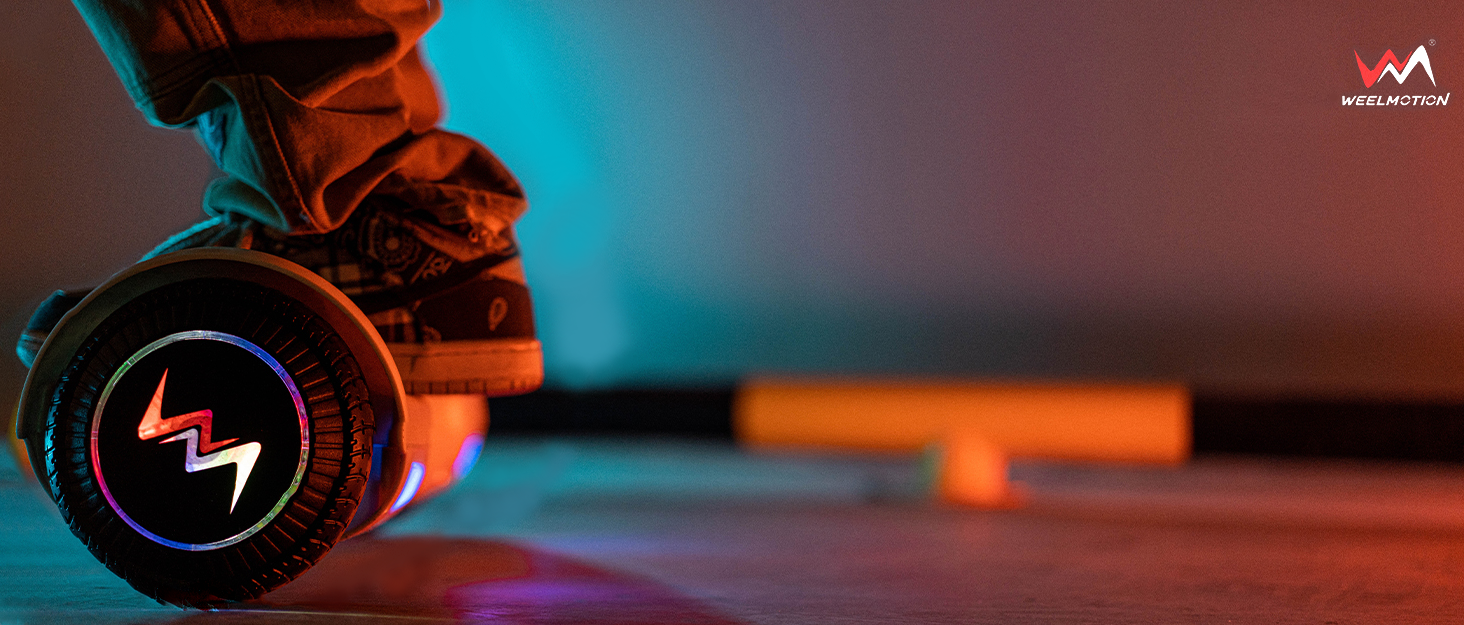
Image: The hoverboard illuminated by its vibrant LED lights, with musical notes indicating the built-in music speaker feature.
3. Настройка
Распакоўка і першапачатковы агляд:
- Акуратна дастаньце ўсе кампаненты з упакоўкі.
- Verify that all included components (hoverboard, charger, manual, bag) are present.
- Inspect the hoverboard for any visible damage. Do not use if damaged.
Charging the Hoverboard:
- Locate the charging port on the hoverboard.
- Connect the original WEELMOTION charger to the charging port.
- Падключыце зарадная прылада да звычайнай электрычнай разеткі.
- Індыкатар на зараднай прыладзе звычайна гарыць чырвоным колерам падчас зарадкі і зялёным пры поўнай зарадцы.
- Allow the hoverboard to charge completely before its first use. Charging time may vary.
Important: Only use the original WEELMOTION charger provided with your hoverboard.

Image: The hoverboard with an icon representing its 72Wh battery, indicating a riding range of up to 6-8 km.
4. Інструкцыя па эксплуатацыі
The WEELMOTION Hoverboard features a built-in gyroscope stabilization system and advanced self-balancing technology for intuitive control.
Riding the Hoverboard:
- Уключэнне: Press the power button located on the hoverboard. The indicator lights will illuminate.
- Мантаж: Place one foot firmly on a footpad. Once the hoverboard stabilizes, quickly step on with your other foot. Maintain a relaxed posture and keep your body centered.
- Moving Forward/Backward: Lean slightly forward to move forward, and lean slightly backward to move backward.
- Паварот: To turn left, press your right foot forward. To turn right, press your left foot forward.
- Паварот на 360 градусаў: To rotate in place, push one foot forward and the other foot backward simultaneously.
- Дэмантаж: Step off the hoverboard one foot at a time, preferably backward, to maintain balance.

Image: A person demonstrating riding the WEELMOTION Hoverboard, highlighting its ease of use.

Image: The hoverboard illustrating its self-balance mode, which is beginner-friendly, and its smart-sensor technology.
Using the Music Speaker:
- Пераканайцеся, што ховерборд уключаны.
- Актывуйце Bluetooth на мабільным прыладзе.
- Пошук available Bluetooth devices and select the WEELMOTION Hoverboard.
- Once paired, you can play music through the hoverboard's built-in speaker.
Video: An official WEELMOTION video demonstrating the WM-02 Hoverboard in use, showcasing its features and smooth operation.
5. Тэхнічнае абслугоўванне
Уборка:
- Turn off the hoverboard before cleaning.
- Выкарыстоўвайце мяккі, damp cloth to wipe down the exterior. Avoid using harsh chemicals or abrasive cleaners.
- Do not spray water directly onto the hoverboard, as this can damage electronic components.
Сыход за батарэяй:
- Charge the battery regularly, even if the hoverboard is not in frequent use, to maintain battery health.
- Пазбягайце поўнай разрадкі акумулятара перад зарадкай.
- Store the hoverboard in a cool, dry place away from direct sunlight and extreme temperatures.
захоўванне:
- If storing for an extended period, ensure the battery is charged to approximately 50-70%.
- Store in a dry environment to prevent moisture damage.
6. Выпраўленне непаладак
If you encounter issues with your WEELMOTION Hoverboard, please refer to the following common solutions:
Hoverboard Not Turning On:
- Пераканайцеся, што акумулятар цалкам зараджаны.
- Праверце кнопку харчавання на правільнасць фіксацыі.
Складанасць балансавання:
- Ensure you are on a flat, even surface.
- Recalibrate the hoverboard if necessary (refer to specific model instructions for calibration).
- Practice mounting and dismounting in a safe, open area.
Bluetooth Speaker Not Connecting:
- Ensure the hoverboard is powered on and Bluetooth is enabled on your device.
- Move your device closer to the hoverboard.
- Try restarting both the hoverboard and your Bluetooth device.
For more complex issues or if troubleshooting steps do not resolve the problem, please contact WEELMOTION customer support.
7. Тэхнічныя характарыстыкі
| Асаблівасць | Дэталь |
|---|---|
| Марка | WEELMOTION |
| Назва мадэлі | Chrome Citron |
| Нумар дэталі | D02 |
| Памеры прадукту | 61.5 х 20.5 х 17 см |
| Вага прадмета | 6.92 кг |
| Памер колы | 6.5 цалі |
| Максімальная хуткасць | 10 кіламетраў у гадзіну |
| Ватtage | 200 watts (Dual Motors) |
| Тып батарэі | Літый-іённы акумулятар (патрабуецца 1 акумулятар, у камплекце) |
| Рэкамендацыя па максімальнай вазе | 220 фунта |
| Узроставы дыяпазон (апісанне) | Дарослы |
| Асаблівасці | LED Light, Light Up Wheel, Long Battery Life, Music Speaker, Rechargeable |
| Матэрыял | Пластык, метал, гума |
| Тормазны стыль | Рэгенератыўнае тармажэнне |
| Уключаныя кампаненты | Bag, Charger, Manual |
8. Гарантыя і падтрымка
For warranty information, product support, or any inquiries, please contact WEELMOTION customer service.
Кантактная інфармацыя вытворцы: support@weelmotion.co
Калі ласка, падрыхтуйце нумар мадэлі (D02) і звесткі аб пакупцы перад зваротам у службу падтрымкі.