
Уводзіны
This manual provides detailed instructions for the setup, operation, and maintenance of your Sharp SPC483 Digital Alarm Clock. Please read this guide thoroughly to ensure proper use and to maximize the clock's features. This battery-operated alarm clock features a tactile rubberized finish, a clear LCD display with an on-demand blue backlight, and an ascending alarm for a gentle wake-up.
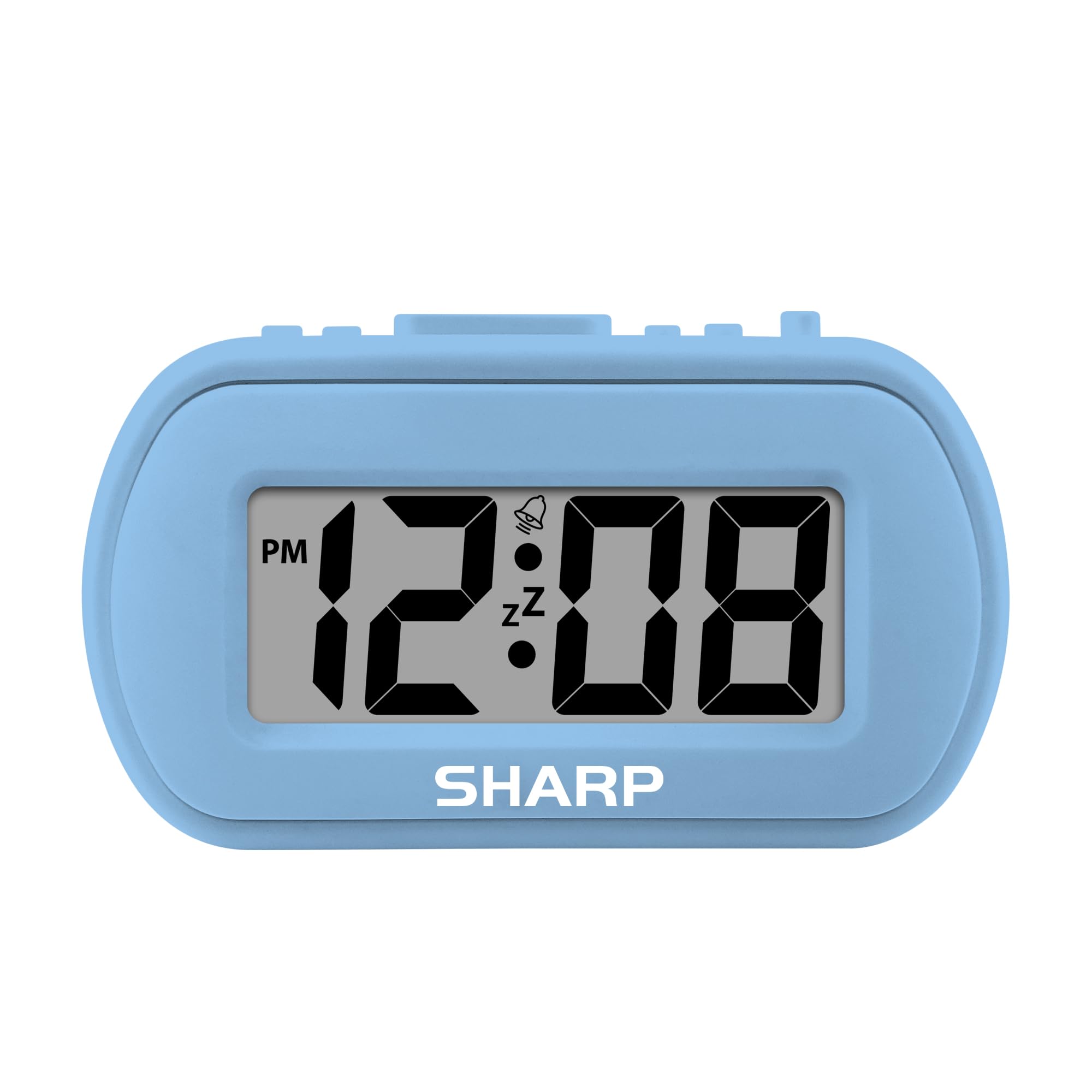
Image: The Sharp SPC483 Digital Alarm Clock, showcasing its compact design and clear digital display.
Прадукт скончаныview
The Sharp SPC483 Digital Alarm Clock is designed for simplicity and portability. Its key features include:
- Tactile Rubberized Case: Provides a comfortable grip and durable protection.
- Вялікі 1-цалевы ВК-дысплей: Ensures easy readability from a distance.
- Працуе ад батарэі: Requires 2 AAA batteries (not included), offering cordless convenience.
- Сіняя падсветка па патрабаванні: Illuminates the display for 5 seconds when activated, ideal for night viewінж.
- Будзільнік па ўзрастанні: Starts softly and gradually increases in volume.
- 5-хвілінны адклад: Allows for additional rest before the alarm sounds again.
- Кампактны памер: Measures approximately 4 inches (L) x 1.7 inches (W) x 2.3 inches (H), making it suitable for travel or small spaces.

Image: Key features of the Sharp SPC483 Digital Alarm Clock, including its display, finish, backlight, and alarm type.
Настройка
1. Устаноўка батарэі
- Знайдзіце вечка батарэйнага адсека на задняй панэлі гадзінніка.
- Зніміце вечка.
- Insert two (2) new AAA batteries, ensuring correct polarity (+ and -) as indicated inside the compartment.
- Замяніце крышку батарэйнага адсека.

Image: Top controls of the Sharp SPC483 Digital Alarm Clock, indicating button functions for time and alarm settings.
2. Усталёўка часу
- Націсніце і ўтрымлівайце УСТАНОВА ЧАСУ button (labeled 'AL. TIME' on the left side) until the hour digits begin to flash.
- Націсніце HR button to adjust the hour. Note the PM indicator for afternoon hours.
- Націсніце МІН кнопка для рэгулявання хвілін.
- Націсніце УСТАНОВА ЧАСУ button again to confirm the time and exit time setting mode.
Інструкцыя па эксплуатацыі
1. Налада сігналізацыі
- Націсніце і ўтрымлівайце ТРЫВОГА button (labeled 'AL. TIME' on the left side, same button as time set but a short press will show alarm time, long press for setting) until the alarm hour digits begin to flash.
- Націсніце HR кнопку, каб наладзіць час будзільніка.
- Націсніце МІН кнопку для налады хвілін будзільніка.
- Націсніце ТРЫВОГА зноў націсніце кнопку, каб пацвердзіць час будзільніка.
- Каб уключыць будзільнік, перасуньце ТРЫВОГА ВКЛ / ВЫКЛ switch (on the right side) to the 'ON' position. An alarm icon will appear on the display.
- To turn off the alarm, slide the ТРЫВОГА ВКЛ / ВЫКЛ switch to the 'OFF' position. The alarm icon will disappear.
2. Функцыя паўтору будзільніка
Калі гучыць будзільнік, націсніце вялікую кнопку АДРЭМ/ПАДЗВЯРЭННЕ button located on the top center of the clock. The alarm will pause for approximately 5 minutes before sounding again. This can be repeated multiple times.
3. On-Demand Blue Backlight
Каб падсвятліць дысплей ва ўмовах нізкай асветленасці, націсніце кнопку АДРЭМ/ПАДЗВЯРЭННЕ button. The blue backlight will activate for 5 seconds and then automatically turn off to conserve battery life.
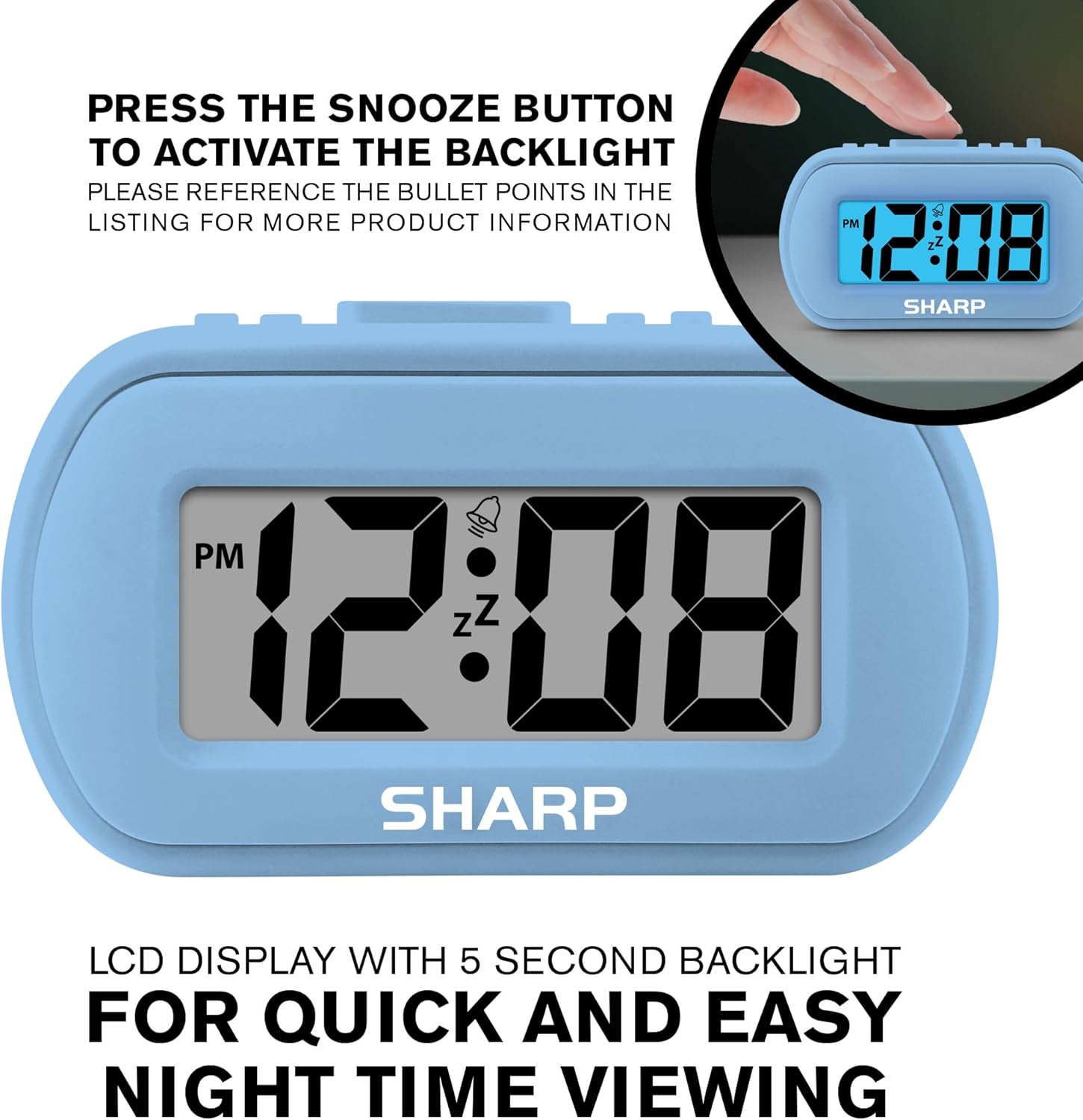
Image: The clock display illuminated by its blue backlight for easy viewу цемры.
4. Афіцыйнае відэа прадукту
Відэа: Афіцыйная відэапрэзентацыя прадуктуasing the Sharp Digital Alarm Clock in Light Blue, demonstrating its features and ease of use.
Тэхнічнае абслугоўванне
To ensure the longevity and optimal performance of your Sharp SPC483 Digital Alarm Clock, follow these maintenance guidelines:
- Уборка: Wipe the clock with a soft, dry cloth. Avoid using abrasive cleaners or solvents, as they may damage the finish or display.
- Замена батарэі: Replace batteries when the display becomes dim or the clock stops functioning. Always replace both batteries at the same time with new AAA batteries.
- захоўванне: Калі гадзіннік захоўваецца працяглы час, выміце батарэйкі, каб пазбегнуць уцечкі і магчымага пашкоджання.
- Асяроддзе: Трымайце гадзіннік далей ад экстрэмальных тэмператур, прамых сонечных прамянёў і высокай вільготнасці.
Ліквідацыю непаладак
| праблема | Рашэнне |
|---|---|
| Дысплей пусты або цьмяны. | Check battery installation. Replace with new AAA batteries if necessary. Ensure correct polarity. |
| Сігналізацыя не гучыць. | Ensure the ALARM ON/OFF switch is in the 'ON' position. Verify the alarm time is set correctly. |
| Час няправільны. | Reset the time using the 'Setting the Time' instructions. Check battery strength. |
| Backlight does not activate. | Ensure batteries are fresh. The backlight is on-demand and only stays on for 5 seconds. |
Тэхнічныя характарыстыкі
- Нумар мадэлі: SPC483
- Тып дысплея: Лічбавы ВК
- Крыніца харчавання: Працуе ад батарэек (2 батарэйкі тыпу AAA, не ўключаны ў камплект)
- Памеры прадукту: 4 цаляў (Д) х 1.7 цаляў (Ш) х 2.3 цаляў (У)
- Асаблівасці: Ascending Alarm, 5-Minute Snooze, On-Demand Blue Backlight
- Матэрыял корпуса: Прагумаваны
- Тып нумара: Bedroom, Travel

Image: Dimensions of the Sharp SPC483 Digital Alarm Clock, illustrating its compact size.
Гарантыя і падтрымка
For warranty information or technical support, please refer to the documentation included with your purchase or visit the official Sharp webсайт. Захоўвайце пацвярджэнне пакупкі для любых гарантыйных прэтэнзій.


