
Уводзіны
Welcome to the user manual for your Homatics Box R 4K Plus Android TV Media Player. This guide provides essential information for setting up, operating, maintaining, and troubleshooting your device.
The Homatics Box R 4K Plus is designed to deliver a high-quality streaming experience with its Android 11 operating system, 4K Ultra HD resolution, and HDR10+ support. It features a powerful Amlogic S905X4-K processor, 4GB RAM, 32GB flash storage, Dual-WiFi 6, Bluetooth 5.0, and Gigabit Ethernet.
Змест пакета
Калі ласка, пераканайцеся, што ўсе прадметы прысутнічаюць у вашай упакоўцы:
- Homatics Box R 4K Plus Device
- Галасавы пульт дыстанцыйнага кіравання
- Адаптар сілкавання 12 В/1 А
- Кабель HDMI
- 2 х ААА батарэі
- Кіраўніцтва карыстальніка (гэты дакумент)

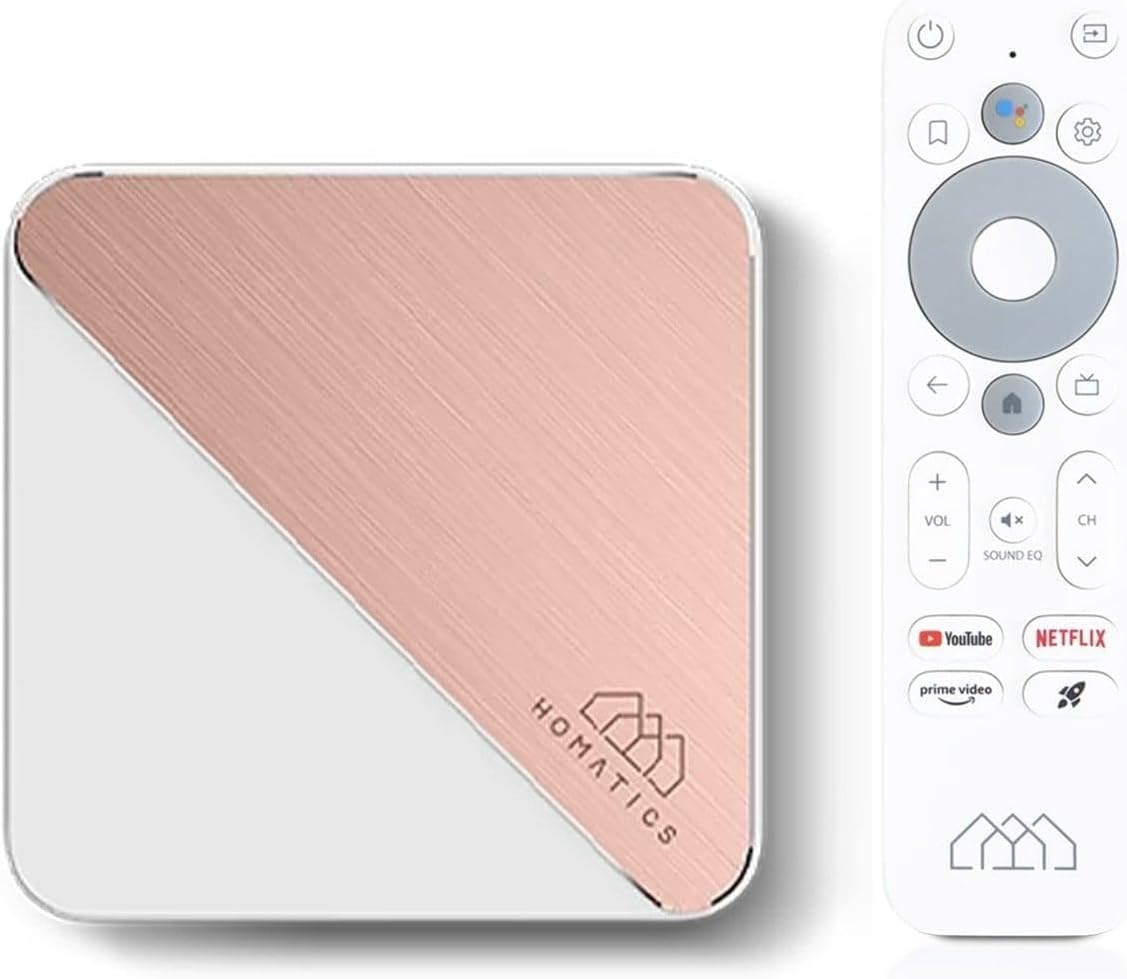
Image: The Homatics Box R 4K Plus device, its voice remote control, and an HDMI cable, illustrating the main components included in the package.
Прылада скончыласяview
Familiarize yourself with the ports and indicators on your Homatics Box R 4K Plus.
Спераду і збоку View

Выява: спераду і збоку view of the Homatics Box R 4K Plus, highlighting the USB ports for connecting external devices.
Тыл View
Выява: Задняя частка view of the Homatics Box R 4K Plus, displaying the power input (DC12V), LAN port, HDMI port, Optical audio output, and a USB-C port.
Настройка
Падключэнне прылады
- Connect the HDMI cable from the Homatics Box R 4K Plus to an HDMI input on your TV.
- Connect the power adapter to the DC12V port on the device and plug it into a power outlet.
- (Optional) For a wired internet connection, connect an Ethernet cable from your router to the LAN port on the device.
- Insert the two AAA batteries into the voice remote control, ensuring correct polarity.
Майстар пачатковага ўключэння і налады
- Уключыце тэлевізар і абярыце правільны ўваход HDMI.
- The Homatics Box R 4K Plus will power on automatically.
- Выконвайце інструкцыі на экране, каб завяршыць пачатковую наладу, якая ўключае ў сябе:
- Выбар мовы.
- Connecting to Wi-Fi (if not using Ethernet).
- Уваход з дапамогай вашага ўліковага запісу Google.
- Pairing the voice remote control via Bluetooth.
- Once setup is complete, you will be directed to the Android TV home screen.
Інструкцыя па эксплуатацыі
Using the Voice Remote Control
The voice remote control allows for easy navigation and voice commands.

Image: The Homatics Box R 4K Plus device alongside its voice remote control, illustrating the compact design of both components.
- Кнопка харчавання: Уключае або выключае прыладу.
- Кнопка Памочніка Google: Activates voice commands. Press and hold to speak your command.
- Navigation Pad (Directional Buttons and OK): Навігацыя па меню і выбар элементаў.
- Кнопка "Назад": Вяртае да папярэдняга экрана.
- Кнопка дадому: Вяртаецца на галоўны экран Android TV.
- Кнопкі гучнасці: Адрэгулюйце гучнасць тэлевізара.
- Кнопкі канала: Navigate channels (if applicable for certain apps).
- Спецыяльныя кнопкі праграмы: Quick access to Google Play, Prime Video, and Netflix.
Доступ да праграм і кантэнту
The Homatics Box R 4K Plus provides access to a wide range of applications through the Google Play Store.
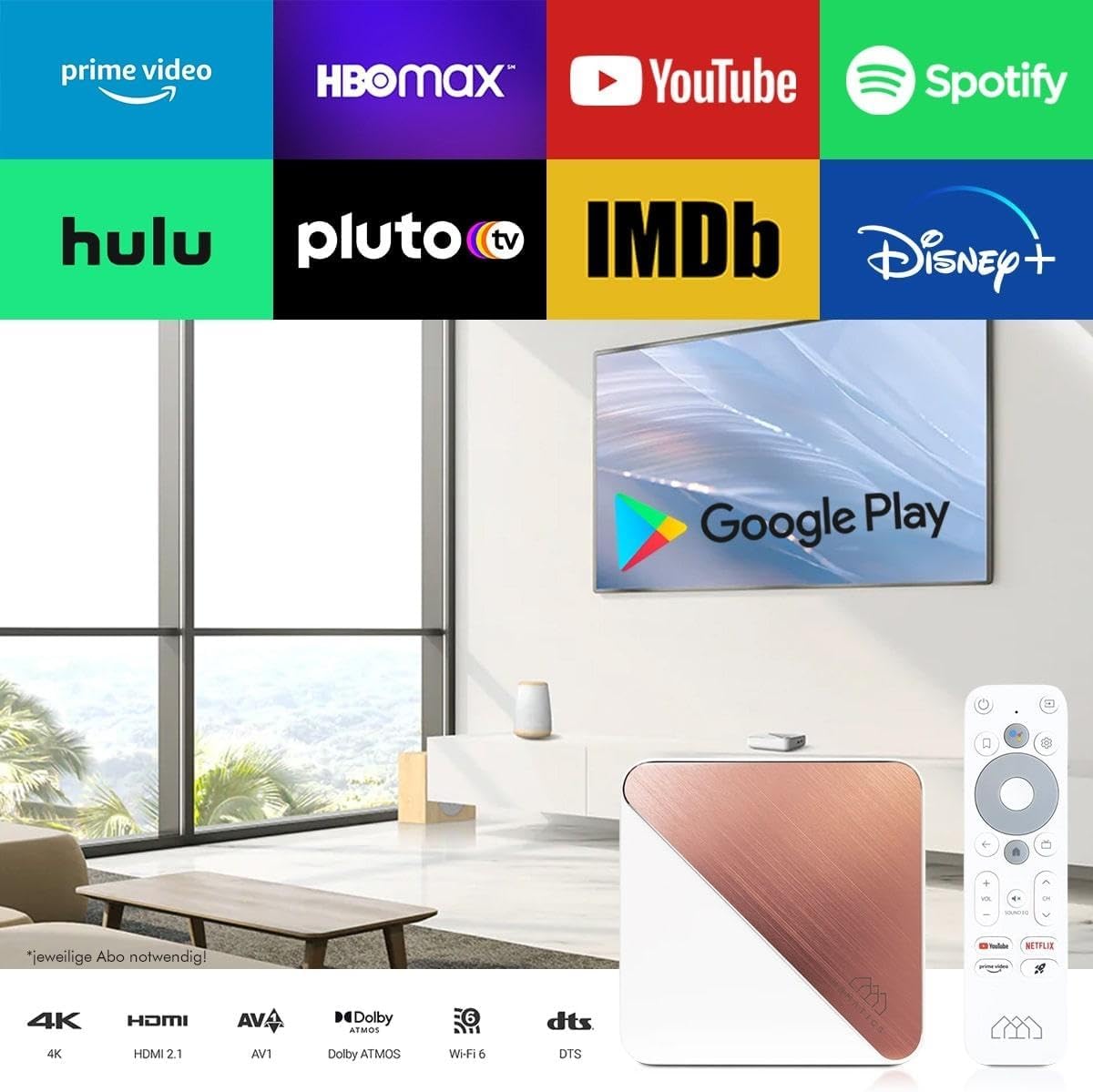
Image: A television screen displaying logos of popular streaming services like Prime Video, HBO Max, YouTube, Spotify, Hulu, Pluto TV, IMDb, Disney+, and the Google Play Store logo, indicating the wide range of available content.
- From the home screen, navigate to the "Apps" section.
- Select the Google Play Store icon to browse and download new applications.
- Popular streaming services like Netflix, Prime Video, and Disney+ are readily available.
Note: Subscriptions may be required for certain streaming services and are not included with the device.
Убудаваны Chromecast
The device features built-in Chromecast functionality, allowing you to cast content from your smartphone, tablet, or computer directly to your TV.

Image: A smartphone displaying an image of a cat, with the same image being mirrored onto a large television screen, demonstrating the Chromecast built-in feature for screen mirroring.
- Ensure your Homatics Box R 4K Plus and your mobile device are connected to the same Wi-Fi network.
- Open a Chromecast-enabled app (e.g., YouTube, Netflix, Google Photos) on your mobile device.
- Націсніце на значок трансляцыі 🖥 у дадатку.
- Select your Homatics Box R 4K Plus from the list of available devices.
- Кантэнт пачне прайгравацца на вашым тэлевізары.
Гульні і падключэнне
The powerful processor and connectivity options support smooth gaming experiences.

Image: A person playing a video game on a large television screen, with the Homatics Box R 4K Plus visible on a shelf below the TV. This illustrates the device's capability for smooth gameplay and rendering graphics, especially when paired with a Bluetooth gamepad.
You can pair Bluetooth gamepads for an enhanced gaming experience. The device's hardware ensures smooth gameplay and fast graphics rendering.
Тэхнічнае абслугоўванне
Уборка
To clean the device, use a soft, dry cloth. Do not use liquid cleaners or aerosol sprays.
Абнаўлення праграмнага забеспячэння
The Homatics Box R 4K Plus receives software updates to improve performance and add new features.
- Go to "Settings" on the Android TV home screen.
- Select "Device Preferences" or "About".
- Choose "System update" to check for and install available updates.
Note: Ensure a stable internet connection during updates. Do not power off the device during an update.
Кіраванне сховішчам
The device comes with 32GB of eMMC flash memory. You can expand storage using the Micro SD card slot (if available, though not explicitly listed in ports, the feature bullet mentions "internal memory expandable thanks to the Micro SD card port").
To manage storage:
- Go to "Settings" on the Android TV home screen.
- Select "Device Preferences" or "Storage".
- View storage usage and manage installed applications.
Ліквідацыю непаладак
| праблема | Магчымая прычына | Рашэнне |
|---|---|---|
| Няма ўлады | Адаптар сілкавання не падключаны або няспраўная разетка. | Пераканайцеся, што адаптар сілкавання надзейна падключаны да прылады і да спраўнай разеткі. |
| Няма выявы на тэлевізары | Incorrect HDMI input selected on TV; loose HDMI cable. | Select the correct HDMI input on your TV. Check HDMI cable connections at both ends. |
| Пульт дыстанцыйнага кіравання не адказвае | Нізкі ўзровень зарада батарэек; пульт не спалучаны. | Replace AAA batteries. Re-pair the remote control in Bluetooth settings if necessary. |
| Немагчыма падключыцца да Wi-Fi | Incorrect password; router issues; device too far from router. | Verify Wi-Fi password. Restart your router. Move the device closer to the router or use a wired Ethernet connection. |
| 4K/HDR content not displaying correctly | TV or media not compatible; HDMI cable limitations. | Ensure your TV supports 4K/HDR and the content is 4K/HDR. Use a high-speed HDMI cable. |
If the problem persists, please contact Homatics customer support.
Тэхнічныя характарыстыкі
| Асаблівасць | Дэталь |
|---|---|
| Назва мадэлі | Box R |
| Нумар мадэлі | 8588003477170 |
| Аперацыйная сістэма | Android TV 11.0 |
| дазвол | 4K Ultra HD (3840 x 2160) @ 60 fps, HDR10+ |
| Працэсар | Amlogic S905X4-K (Quad Core Cortex-A55 CPU) |
| АЗП | 4 ГБ LPDDR4 |
| Унутраная памяць | 32GB eMMC Flash (expandable via Micro SD card port) |
| Сувязь | Dual-WiFi 6 (2.4 & 5GHz), Bluetooth 5.0, Ethernet (1000 Mbit/s) |
| Парты | HDMI, USB, Optical, DC12V, LAN |
| Асаблівасці | Chromecast Built-in, Google Assistant, Google Play Store access |
| Колер | Белы |
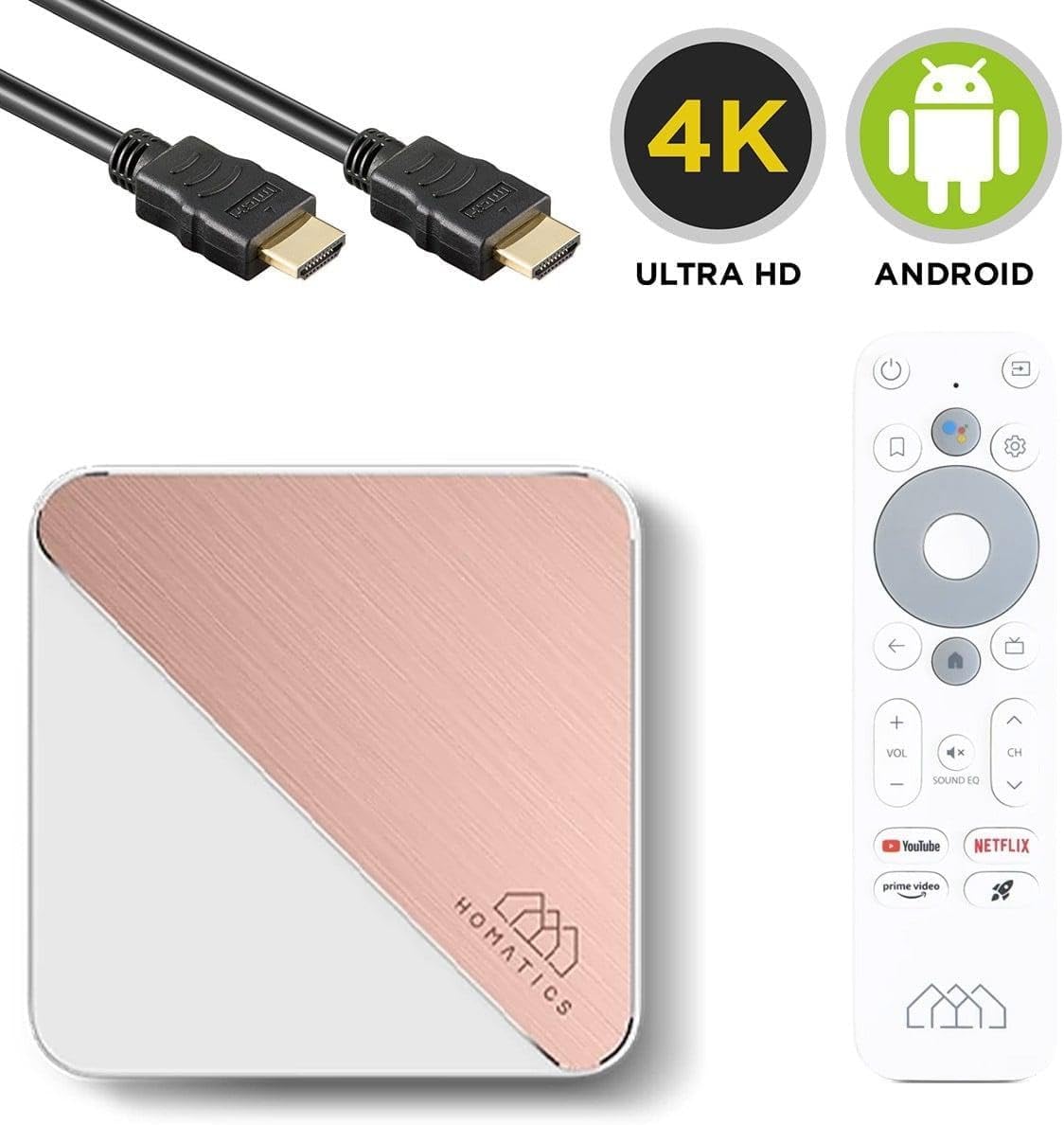
Image: The Homatics Box R 4K Plus device, remote, and HDMI cable, accompanied by "4K Ultra HD" and "Android" logos, emphasizing its core capabilities.
Гарантыя і падтрымка
Інфармацыя аб гарантыі
This product comes with a standard manufacturer's warranty. Please refer to the warranty card included in your package for specific terms and conditions. Keep your proof of purchase for warranty claims.
Падтрымка кліентаў
For technical assistance, troubleshooting beyond this manual, or warranty inquiries, please contact Homatics customer support.
Кантактная інфармацыя: (Please refer to the official Homatics website or product packaging for the most current contact details.)
Інтэрнэт-рэсурсы: Visit the Homatics official webсайт з часта задаванымі пытаннямі, абнаўленнямі праграмнага забеспячэння і дадатковымі рэсурсамі падтрымкі.