
1. Уводзіны
This manual provides detailed instructions for the installation and operation of your Gitank Bluetooth 5.0 aptX-HD Adapter. This device is designed to enable wireless audio streaming in compatible Land Rover, Range Rover, and Jaguar vehicles equipped with a 30-pin iPod connector. Please read this manual thoroughly before use to ensure proper functionality and to maximize your listening experience.
2. Прадукт скончыўсяview
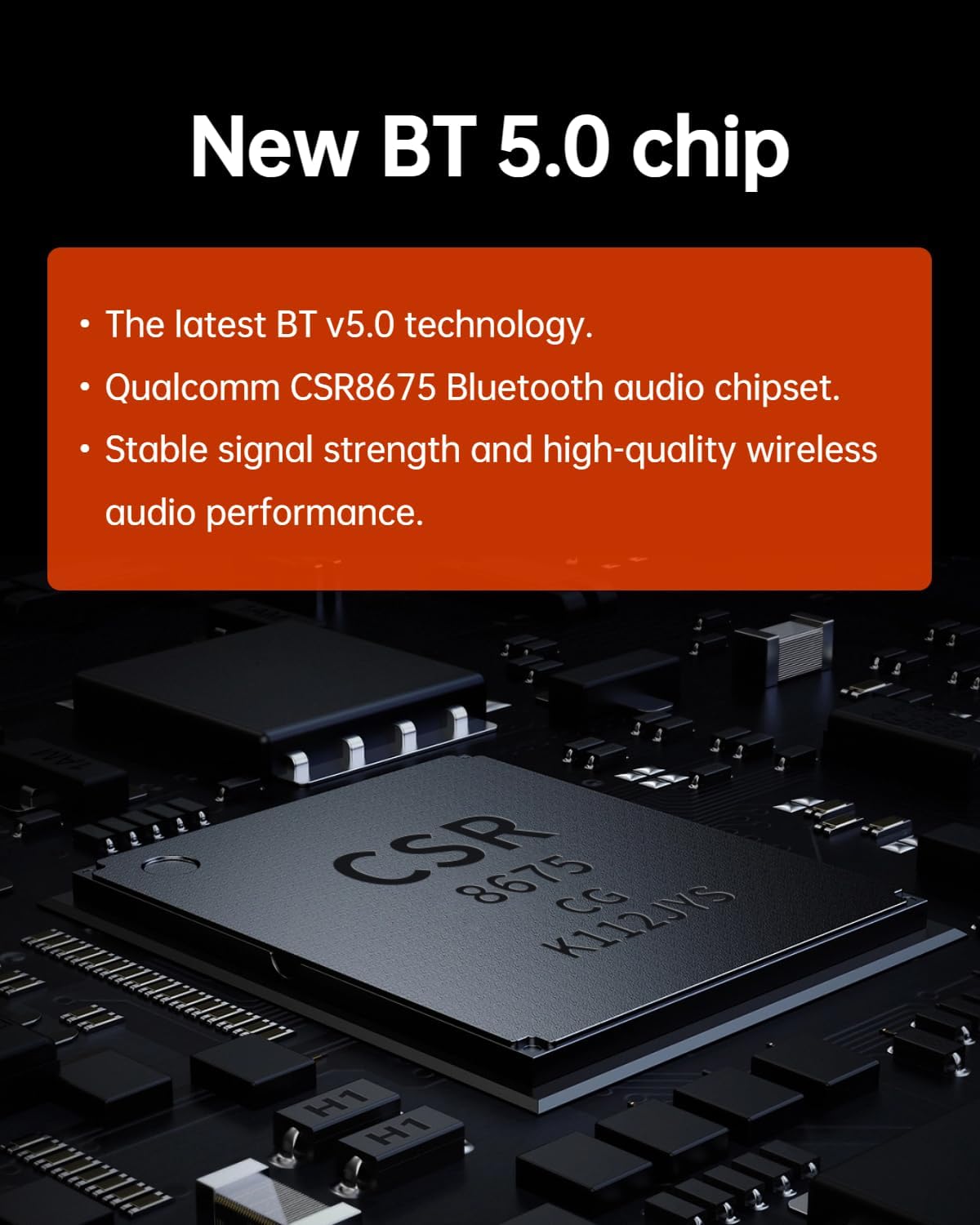
The Gitank Bluetooth 5.0 aptX-HD Adapter upgrades your car's audio system with modern Bluetooth streaming capabilities. It features a Qualcomm CSR8675 chipset for high-quality audio transmission.

Малюнак 2.1: Qualcomm CSR8675 Bluetooth audio chipset, providing stable signal strength and high-quality wireless audio performance.

Малюнак 2.2: The Gitank Bluetooth 5.0 aptX-HD Adapter, designed for seamless integration with your vehicle's 30-pin iPod connector.
3. Сумяшчальнасць
3.1. Рэкамендуемае выкарыстанне
This adapter is compatible with the 30-pin wide old iPod connector found in the following vehicle models:
- Land Rover: LR4 (2010-2011), Defender 90 SVX (2009)
- Рэндж Ровер: All models with 30-pin iPod connector (2004, 2009-2012, HSE 2012)
- Ягуар: XF (2009-2010), XKR (2009, 2011), XK (2010), XKR-S (2013)
3.2. Важныя заўвагі адносна сумяшчальнасці
- Audio Streaming Only: This adapter supports Bluetooth music streaming only. Phone calls are не supported through this device. For phone calls, connect your phone to the car's native Bluetooth phone system if available.
- Not Compatible with USB-only iPod Cables: Ensure your vehicle has a 30-pin iPod connector, not a USB-only iPod cable.
- Apple Music App Playlist Display: Only Apple Music APP playlist display is supported. Spotify/Pandora playlist display and song information are not supported.
- Android Song Information: Display of song information for Android devices is not supported.
Малюнак 3.1: Example of a 30-pin iPod connector, typically found in the center console or glove compartment.
4. Настройка і ўстаноўка
Follow these steps to install and set up your Gitank Bluetooth adapter:
- Locate the iPod Connector: Find the 30-pin iPod connector in your vehicle. This is typically located in the center console, glove compartment, or armrest.
- Падключыце адаптар: Firmly plug the Gitank Bluetooth adapter into the 30-pin iPod connector. Ensure it is securely seated.
- Уключэнне: Turn on your vehicle's ignition. The adapter should power on automatically.
- Спалучэнне Bluetooth:
- On your mobile device (smartphone or tablet), go to the Bluetooth settings.
- Пошук available devices. The adapter will appear as "GITANK".
- Select "GITANK" to pair. Once paired, your device will show "Connected".
- Select iPod Source: On your car's infotainment system, select "iPod" or "Aux" as the audio source. This will route the Bluetooth audio through your car's speakers.

Малюнак 4.1: Bluetooth pairing screen on a mobile device, showing "GITANK" as a connected device.
5. Аперацыя
5.1. Струменевая перадача музыкі
Once paired and the car's audio source is set to iPod/Aux, you can stream music wirelessly from your mobile device to your car's sound system.
5.2. Параметры кіравання
- Элементы кіравання на рулі: Use your vehicle's steering wheel buttons to control music playback, including skipping to the previous or next track.
- Head Unit Radio Controls: Utilize the multi-function buttons on your car's center console to control music playback.
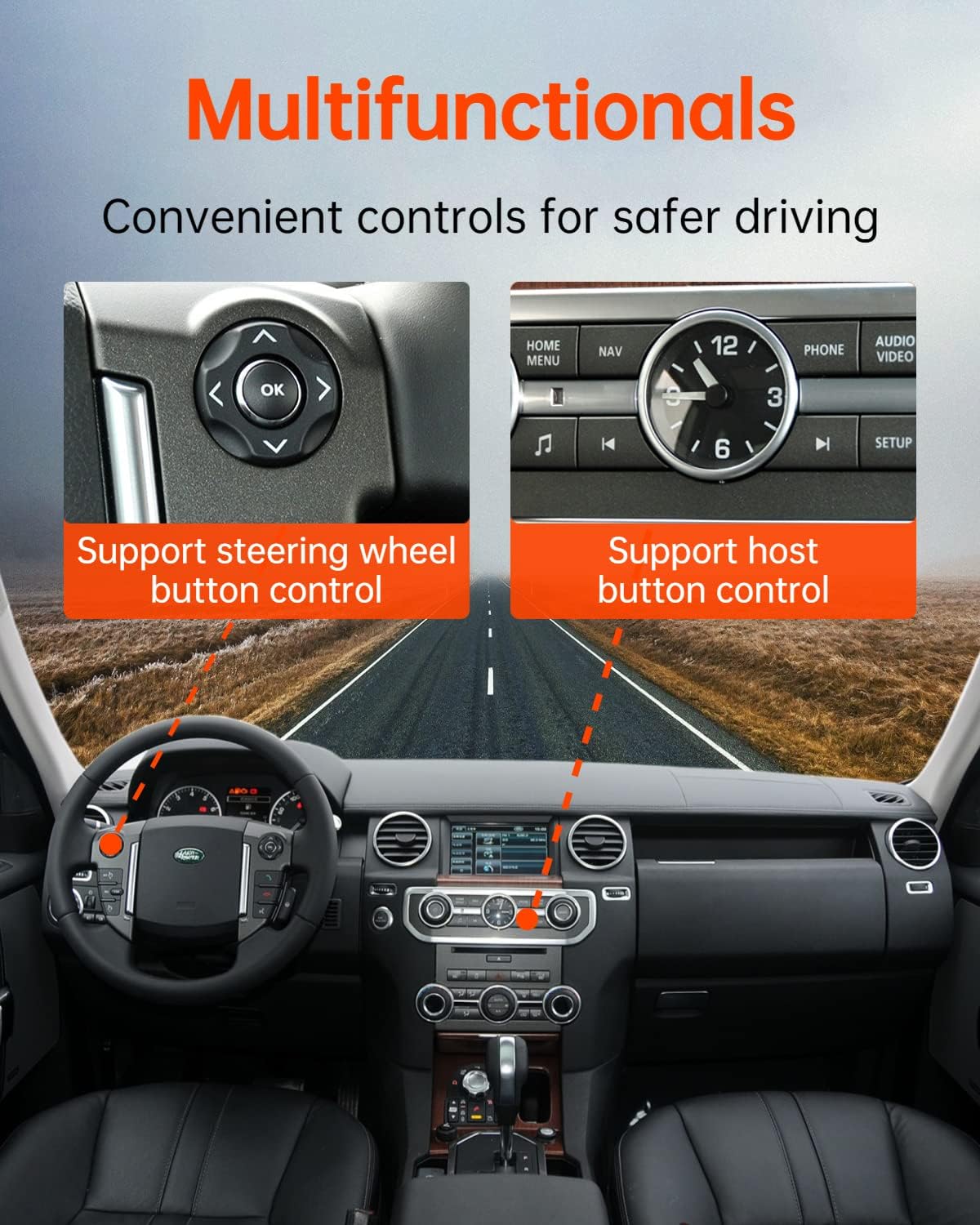
Малюнак 5.1: Illustration of steering wheel and head unit controls that can be used to manage music playback.
5.3. Automatic Reconnection
The adapter is designed to automatically reconnect to the last paired device when the vehicle is started. If a different phone was previously connected, you may need to manually select "GITANK" from your device's Bluetooth settings to reconnect.

Малюнак 5.2: The adapter automatically connects to the last paired device upon vehicle startup.
6. Якасць гуку і функцыі
The Gitank adapter utilizes advanced audio technologies for superior sound:
- Чыпсэт Qualcomm CSR8675: Ensures stable signal and high-quality wireless audio.
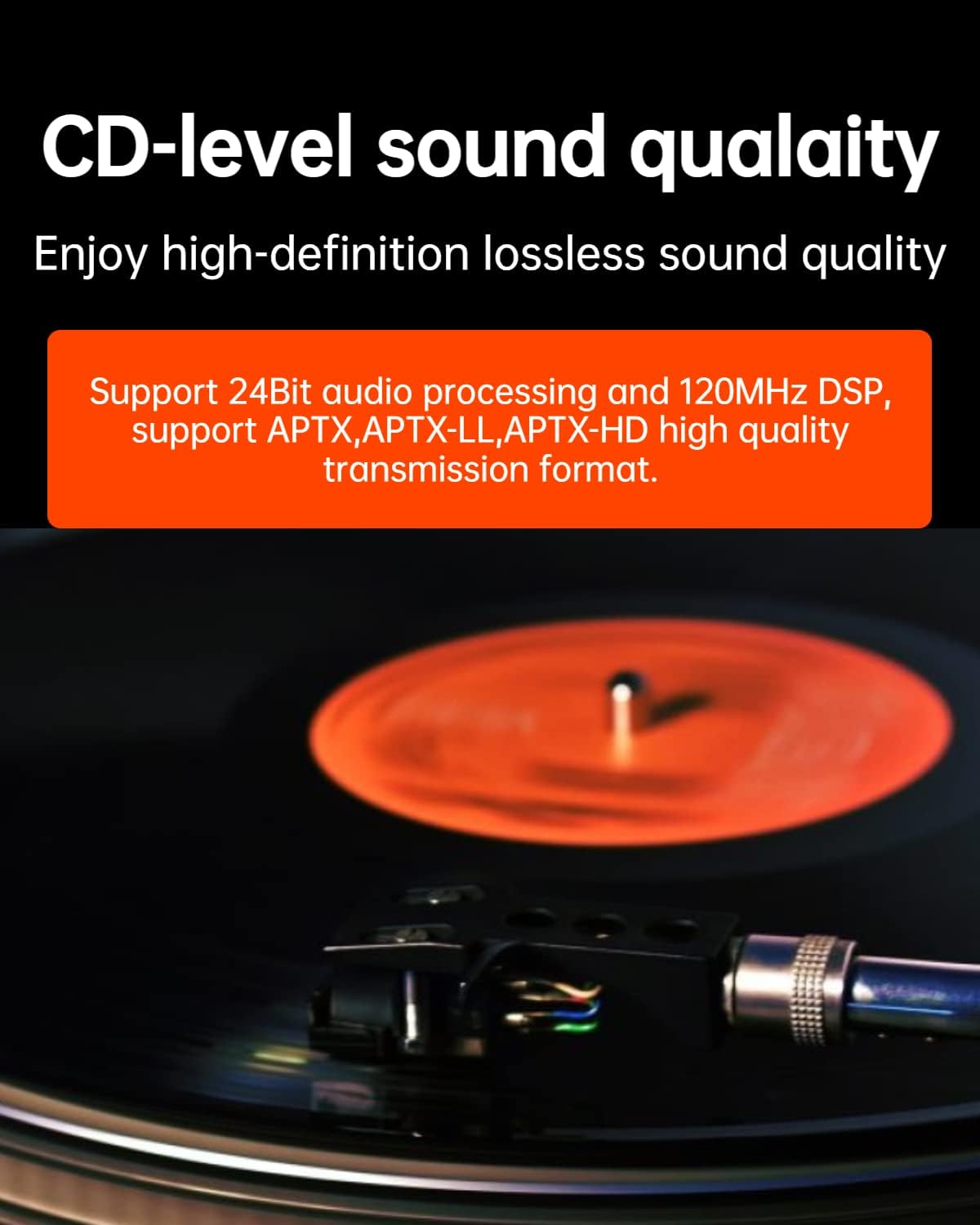
- 24Bit Audio Processing & 120MHz DSP: Delivers high-definition lossless sound quality.
- Support for APTX, APTX-LL, APTX-HD: High-quality audio transmission formats for an enhanced listening experience.
Малюнак 6.1: The adapter supports high-definition lossless sound quality, comparable to CD audio.

Малюнак 6.2: Supported audio codecs including Qualcomm aptX HD, aptX Low Latency, and aptX for superior sound.
7. Выпраўленне непаладак
| праблема | Магчымая прычына | Рашэнне |
|---|---|---|
| Няма аўдыявыхаду. |
|
|
| Cannot pair with the adapter. |
|
|
| Steering wheel/head unit controls not working. |
|
|
| Playlist/song information not displayed. |
|
|
8. Тэхнічныя характарыстыкі
| Асаблівасць | Дэталь |
|---|---|
| Версія Bluetooth | 5.0 |
| Набор мікрасхем | Qualcomm CSR8675 |
| Падтрымліваюцца аўдыякодэкі | APTX, APTX-LL, APTX-HD |
| Апрацоўка гуку | 24Bit audio processing, 120MHz DSP |
| Тып раздыма | 30-pin iPod connector |
| Сумяшчальныя прылады | Cellular Phones, MP3 Players |
| Колер | Серабро |
| Памеры (Д х Ш х У) | 1.78 х 1.77 х 0.39 цалі |
| Вага | 0.9 унцый |
9. Тэхнічнае абслугоўванне
The Gitank Bluetooth adapter requires minimal maintenance:
- Keep the adapter clean and free from dust and debris.
- Пазбягайце ўздзеяння на адаптар экстрэмальных тэмператур або вільгаці.
- Не спрабуйце разбіраць або рамантаваць адаптар самастойна.
10. Гарантыя і падтрымка
Гэты прадукт пастаўляецца з a 1-гадовая абмежаваная гарантыя from the date of purchase. For warranty claims or technical support, please contact Gitank customer service through the retailer where you purchased the product or visit the official Gitank webсайт.
Калі ласка, захавайце пацвярджэнне пакупкі для гарантыйных мэт.