
Уводзіны
This manual provides essential instructions for the safe and effective operation of your VTech RM2751 Smart WiFi Video Baby Monitor. This system allows you to monitor your baby using a dedicated parent unit with a 2.8-inch display or remotely via a smartphone or tablet application. Key features include high-definition video, two-way communication, night vision, and various soothing functions.

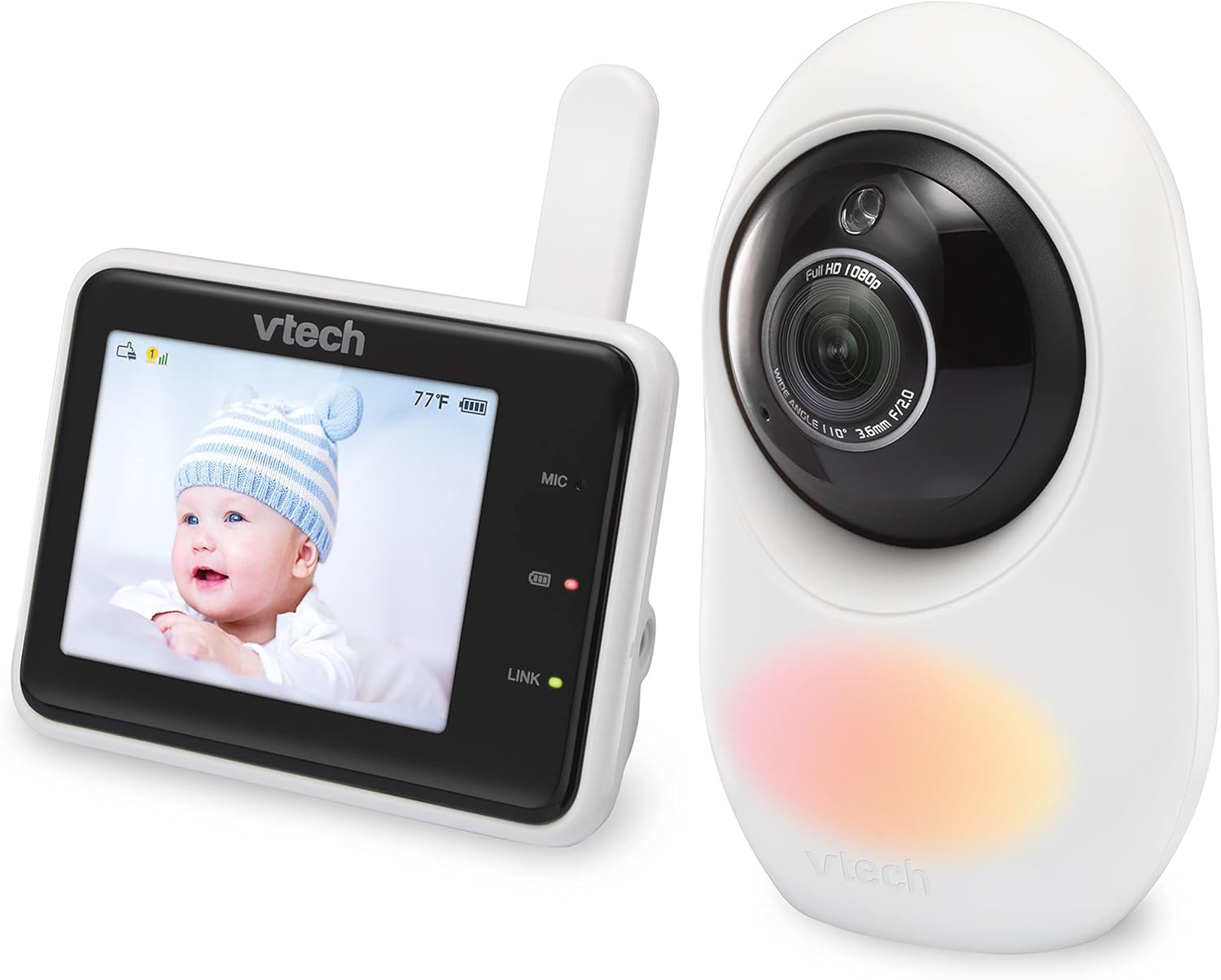
Image: The VTech RM2751 Smart WiFi Video Baby Monitor, showing the parent unit and the baby unit (camera).
Змест пакета
Пераканайцеся, што ўсе прадметы прысутнічаюць у вашай упакоўцы:
- Дзіцячы блок (камера)
- Parent Unit (Monitor with 2.8-inch display)
- Power Adapters (for both Baby Unit and Parent Unit)
- Кіраўніцтва карыстальніка (гэты дакумент)

Выява: спераду view of the VTech RM2751 baby monitor, displaying the parent unit and camera.
Настройка
1. Powering the Baby Unit (Camera)
- Connect the small plug of the power adapter to the baby unit.
- Падключыце вялікі канец адаптара харчавання да разеткі.
- The baby unit will power on automatically.
2. Powering the Parent Unit
- Connect the small plug of the power adapter to the parent unit.
- Падключыце вялікі канец адаптара харчавання да разеткі.
- Press and hold the POWER button on the parent unit to turn it on.
3. Размяшчэнне дзіцячага блока
- Place the baby unit at a distance from your baby that provides a clear view.
- Пераканайцеся, што прылада знаходзіцца па-за дасяжнасцю дзяцей.
- Avoid placing the unit near sources of interference (e.g., microwaves, Wi-Fi routers).
Выява: Збоку view of the VTech RM2751 baby monitor, showing the camera and parent unit.
4. Remote Access via MyBabyPro App
- Download the free MyBabyPro app from your device's app store.
- Create a password-protected account within the app.
- Follow the in-app instructions to pair your baby unit with your smartphone or tablet.
- Wi-Fi can be enabled or disabled anytime in the Parent Unit settings.

Image: A man viewing his baby on the MyBabyPro app on his smartphone, demonstrating remote access.
Інструкцыя па эксплуатацыі
маніторынг Відэа
- The baby unit provides 1080p high-definition video.
- View live video on the Super-slim 2.8-inch color LCD Parent Unit.
- Дыстанцыйнае viewing is available on up to 8 smartphones/tablets via the MyBabyPro app.
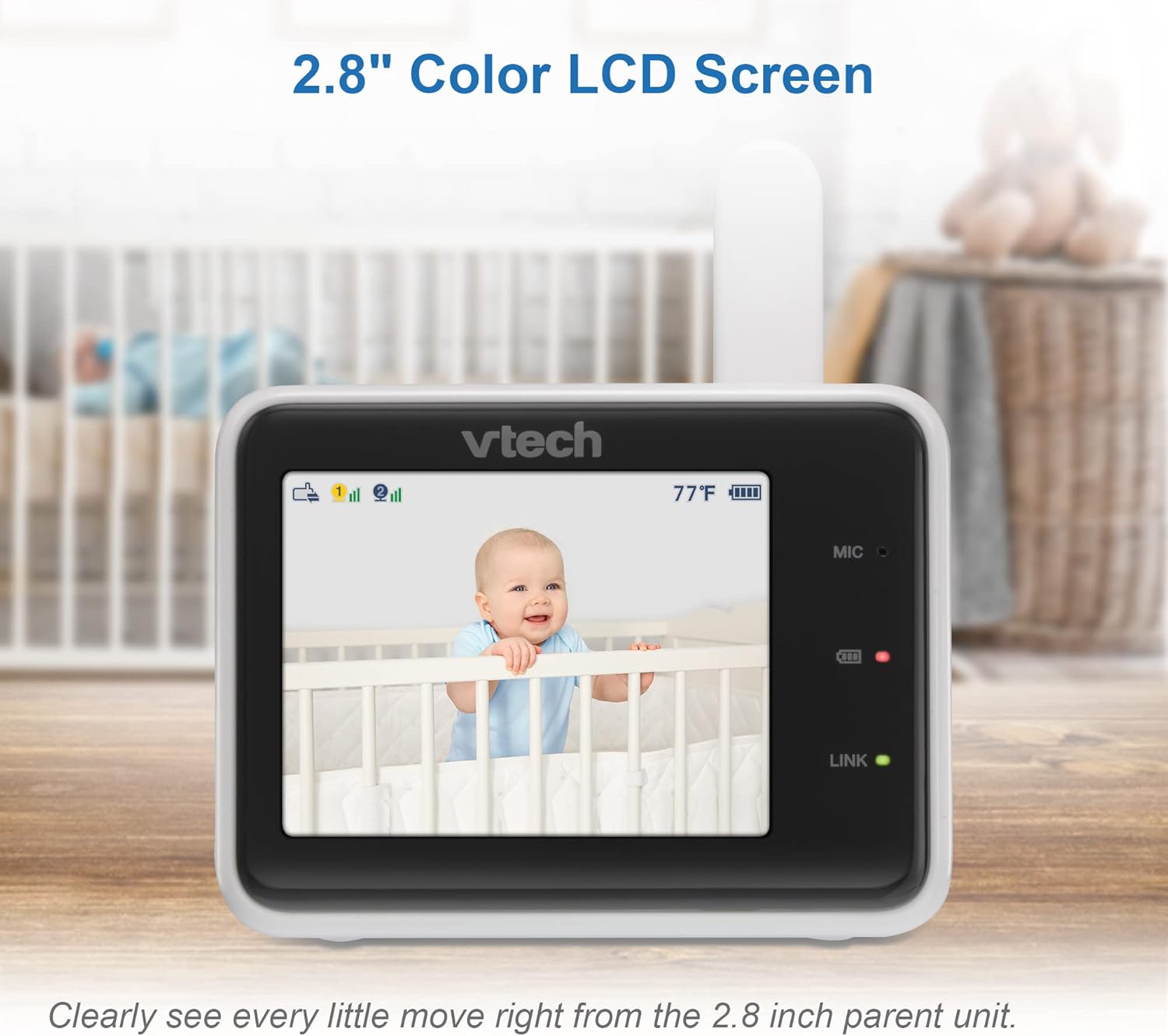
Image: The parent unit displaying a clear live video feed of a baby in a crib.
Two-Way Talk-Back Intercom
- Press and hold the Talk button on the parent unit to speak to your baby.
- You can also use the talk-back feature through the MyBabyPro app.
Лічбавы зум
- The mobile app supports up to 10x digital zoom.
- The parent unit supports up to 2x digital zoom.
- Use the zoom controls on the parent unit or within the app to magnify the view.
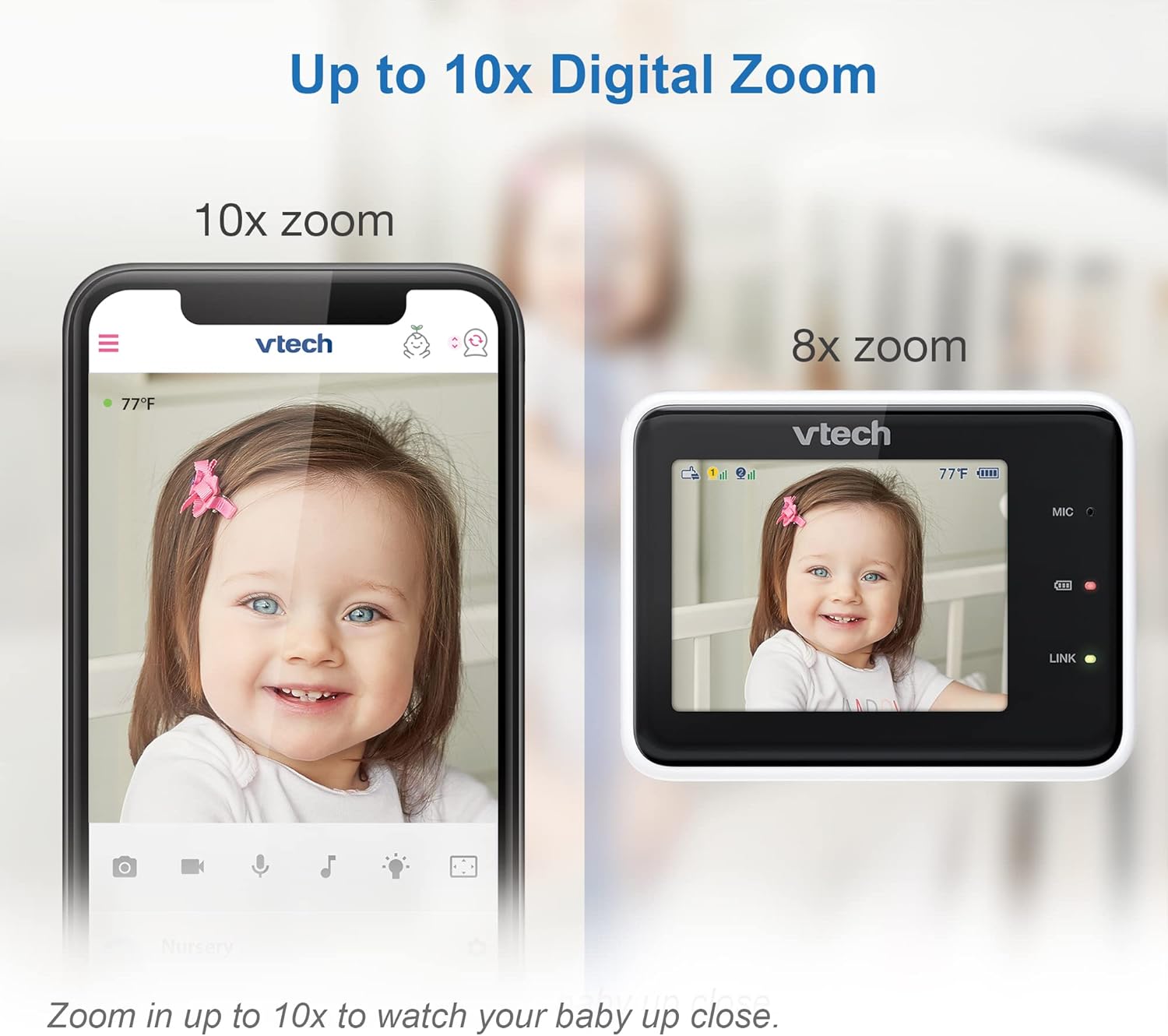
Image: A visual comparison showing the clarity of 10x digital zoom on a mobile app versus 2x zoom on the parent unit.
Начное бачанне
- The baby unit features automatic infrared night vision for clear viewва ўмовах нізкай асветленасці.
- The monitor automatically switches to night vision mode when the room is dark.
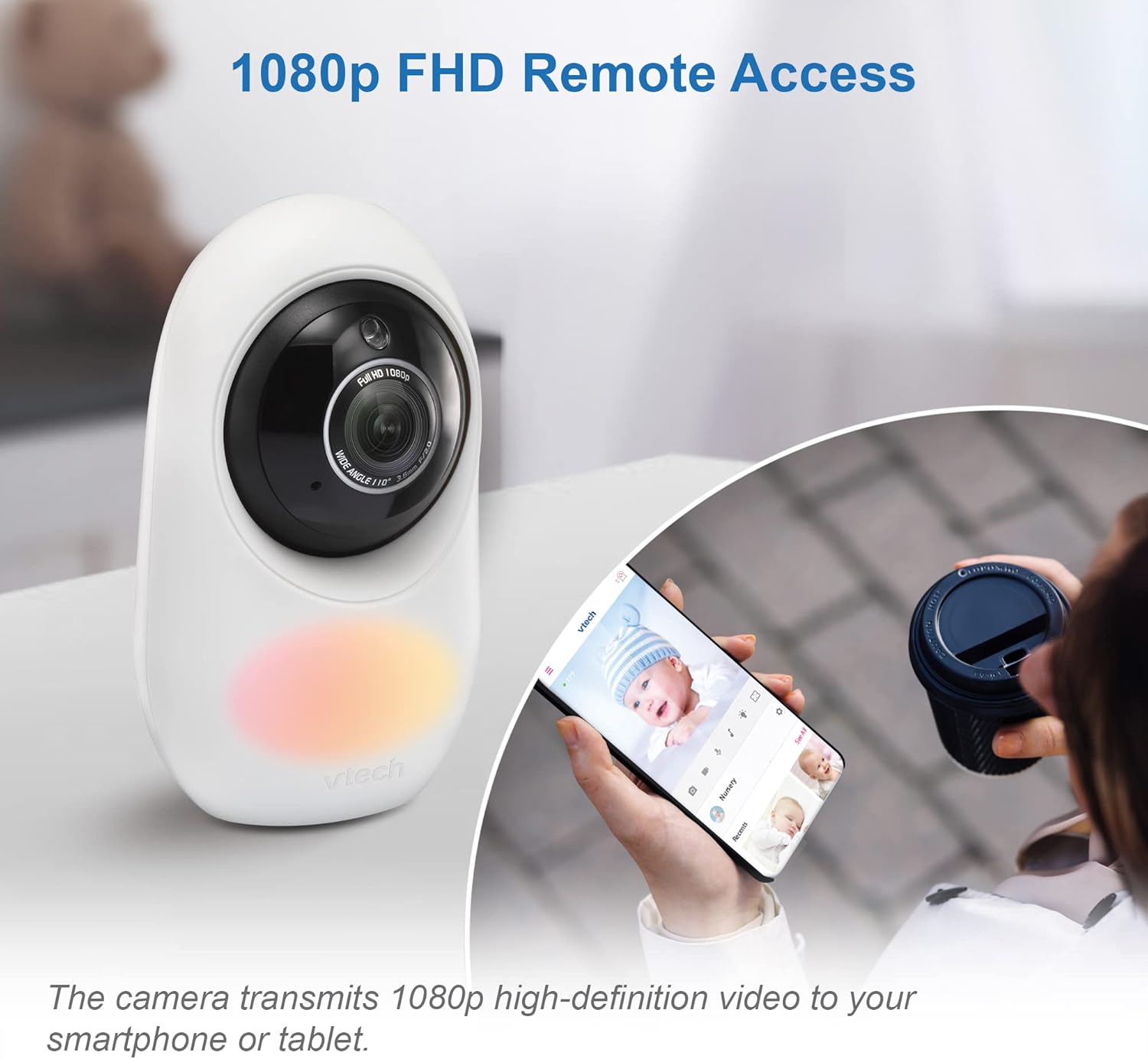
Image: The parent unit screen showing a clear black and white image of a baby sleeping in a crib, demonstrating automatic infrared night vision.
Adaptive Night Light & Soothing Sounds
- The baby unit includes a 7-color adaptive night light that automatically adjusts brightness.
- Five calming melodies and four soft ambient sounds (e.g., trickling stream, white noise) are available to help soothe your baby.
- These features can be controlled via the parent unit or the MyBabyPro app.

Image: The VTech baby monitor camera with its adaptive color night light feature illuminated.
WeeSleep Sound & Light Profile
- Enhance your baby’s sleep environment with the WeeSleep sound & light profile, recommended by experts.
- Access and activate this profile through the monitor settings or the MyBabyPro app.
Long Range Connectivity
- The monitor offers a range of up to 1000 feet for local monitoring with the parent unit.
- Remote access via Wi-Fi extends monitoring capabilities beyond this range.

Image: A diagram showing the VTech baby monitor's long range capability, covering up to 1000 feet within a home environment.
Тэхнічнае абслугоўванне
- Clean the units with a soft, dry cloth.
- Do NOT place units under running water or use spray/liquid cleaners.
- Avoid direct sunlight exposure to prevent damage.
Ліквідацыю непаладак
If you experience issues with your VTech RM2751 monitor, consider the following common solutions:
- No Link/Connection Issues: Ensure both the baby unit and parent unit are powered on and within range. If using Wi-Fi, verify your network connection and ensure the MyBabyPro app is updated. Try restarting both units.
- Няма выявы/гуку: Check power connections for both units. Ensure the parent unit's screen is not in sleep mode. Adjust volume settings.
- Дрэнная якасць відэа: Ensure the camera lens is clean. Check for obstructions between the baby unit and parent unit. Verify strong Wi-Fi signal for remote access.
- Перашкоды: Move the monitor units away from other electronic devices that may cause interference.
Тэхнічныя характарыстыкі
| Асаблівасць | Дэталь |
|---|---|
| Памеры прадукту | 6.5 х 16 х 22 см |
| Вага прадмета | 500 г |
| Батарэі | Патрабуецца 1 батарэя для канкрэтнага прадукту (у камплекце) |
| Склад матэрыялу | Пластыкавыя |
| Дадатковыя функцыі прадукту | 1080p Camera, Dual Mode 2.4GHz FHSS and WiFi (optional), Free App |
| Сумяшчальныя прадукты | Смартфон, планшэт |
| Камунікацыйныя тэхналогіі | Wi-Fi |
| Тып крыніцы харчавання | Правадная электрычная |
| Тып абвесткі | Аўдыё і рух |
Афіцыйныя відэа пра прадукт
Глядзіце гэтыя афіцыйныя відэа для атрымання дадатковых інструкцый і дэманстрацый:
VTimes Baby Monitor, 5" Screen
Відэа: Гэта відэа дае агульнае ўяўленнеview of the VTimes Baby Monitor, highlighting its 5-inch screen and various features. While not the exact model, it demonstrates similar functionalities of a video baby monitor.
Nettey's B2 Kit Baby Monitor Unboxing
Video: An unboxing video for the Nettey's B2 Kit Baby Monitor, showcasing the components and initial setup. This video provides a general idea of what to expect when unboxing a baby monitor system.
Гарантыя і падтрымка
Каб атрымаць інфармацыю аб гарантыі і падтрымцы кліентаў, звярніцеся да афіцыйнага сайта VTech. webсайт або звярніцеся непасрэдна ў службу падтрымкі кліентаў.
- вытворца: VTech
- Інтэрнэт-падтрымка: Наведайце ст Крама VTech на Amazon для атрымання інфармацыі аб прадукце і рэсурсаў.