
Ambrane OP-WLGC01
Ambrane Wireless Gaming Controller OP-WLGC01 User Manual
Model: OP-WLGC01
1. Уводзіны
Thank you for choosing the Ambrane Wireless Gaming Controller OP-WLGC01. This controller is designed to provide an immersive gaming experience across multiple platforms, including PC (Windows), PS3 Console, and Android TV. Featuring 2.4GHz wireless technology, dual vibration motors, and dynamic RGB lighting, this manual will guide you through its setup, operation, and maintenance.

Image 1.1: The Ambrane Wireless Gaming Controller OP-WLGC01, showcasing its transparent design and illuminated elements.
2. Прадукт скончыўсяview
The Ambrane OP-WLGC01 controller combines advanced features with a unique aesthetic. Key components and features include:
- Празрысты дызайн: A visually distinct transparent casing.
- Бесправадная тэхналогія 2.4 ГГц: Ensures stable and responsive connectivity.
- Integrated Dual Intensity Motor: Provides haptic feedback for an immersive gaming experience.
- Illuminated Pad (RGB Lighting): Features 16.8 million colors with breathing RGB effects.
- Эрганамічны дызайн: Easy-to-hold body for comfortable extended gaming sessions.
- Кнопкі спецыяльных функцый: Dedicated Turbo and Clear buttons for enhanced gameplay.

Image 2.1: Illustration of the dual vibrating motors providing haptic feedback.

Image 2.2: The controller displaying its dynamic 16.8 million color breathing RGB lighting effect.
3. Настройка
3.1 Зарадка кантролера
Before initial use, fully charge the controller. The integrated 800mAh battery provides up to 12 hours of gameplay on a full charge.
- Connect the provided Type-C charging cable to the charging port on the controller.
- Падключыце другі канец кабеля да крыніцы харчавання USB (напрыклад, USB-порт кампутара, насценны адаптар USB).
- The indicator lights on the controller will show charging status and turn off or change color when fully charged.

Image 3.1: The controller highlighting its Type-C charging port and other features.
3.2 Падключэнне да прылад
The controller utilizes 2.4GHz wireless technology for connection. It is compatible with PC (Windows systems, supporting X-Input & D-Input modes), PS3 consoles, and Android TV devices.
- Insert the 2.4GHz USB receiver (dongle) into an available USB port on your PC, PS3 console, or Android TV.
- Turn on the controller by pressing the MODE button.
- The controller will automatically pair with the receiver. The indicator lights will stabilize once connected.
- For PC, ensure the correct input mode (X-Input or D-Input) is selected if prompted by your game or system.

Image 3.2: The controller demonstrating its compatibility with PS3 Console, Windows System, Android TV, and PC.
4. Інструкцыя па эксплуатацыі
4.1 Размяшчэнне і функцыі кнопак
Familiarize yourself with the controller's button layout for optimal gameplay.

Image 4.1: Detailed diagram of the controller's buttons, including joysticks, directional pad, action buttons (A, B, X, Y), shoulder buttons (L1, L2, R1, R2), SELECT, START, TURBO, CLEAR, MODE, and RGB Control.
- Левы/правы джойсцікі: For analog movement and camera control.
- Directional Button (D-Pad): Для дакладнага накіраванага ўводу.
- Кнопкі дзеянняў (A, B, X, Y): Стандартныя гульнявыя дзеянні.
- Плечавыя гузікі (L1, L2, R1, R2): Для розных гульнявых функцый.
- ВЫБРАЦЬ/ПАЧАЦЬ: Menu and pause functions.
- Кнопка MODE: Power on/off and mode switching.
- Кантроль RGB: Button or combination for adjusting RGB lighting effects.
4.2 Турба рэжым
The Turbo mode allows for rapid and continuous actions by repeatedly pressing a single button. This can be useful for certain in-game scenarios.
- Press and hold the desired action button (e.g., A, B, X, Y, L1, R1).
- Утрымліваючы кнопку дзеяння, націсніце ТУРБА кнопку адзін раз.
- Release both buttons. The selected action button will now perform rapid presses when held down.
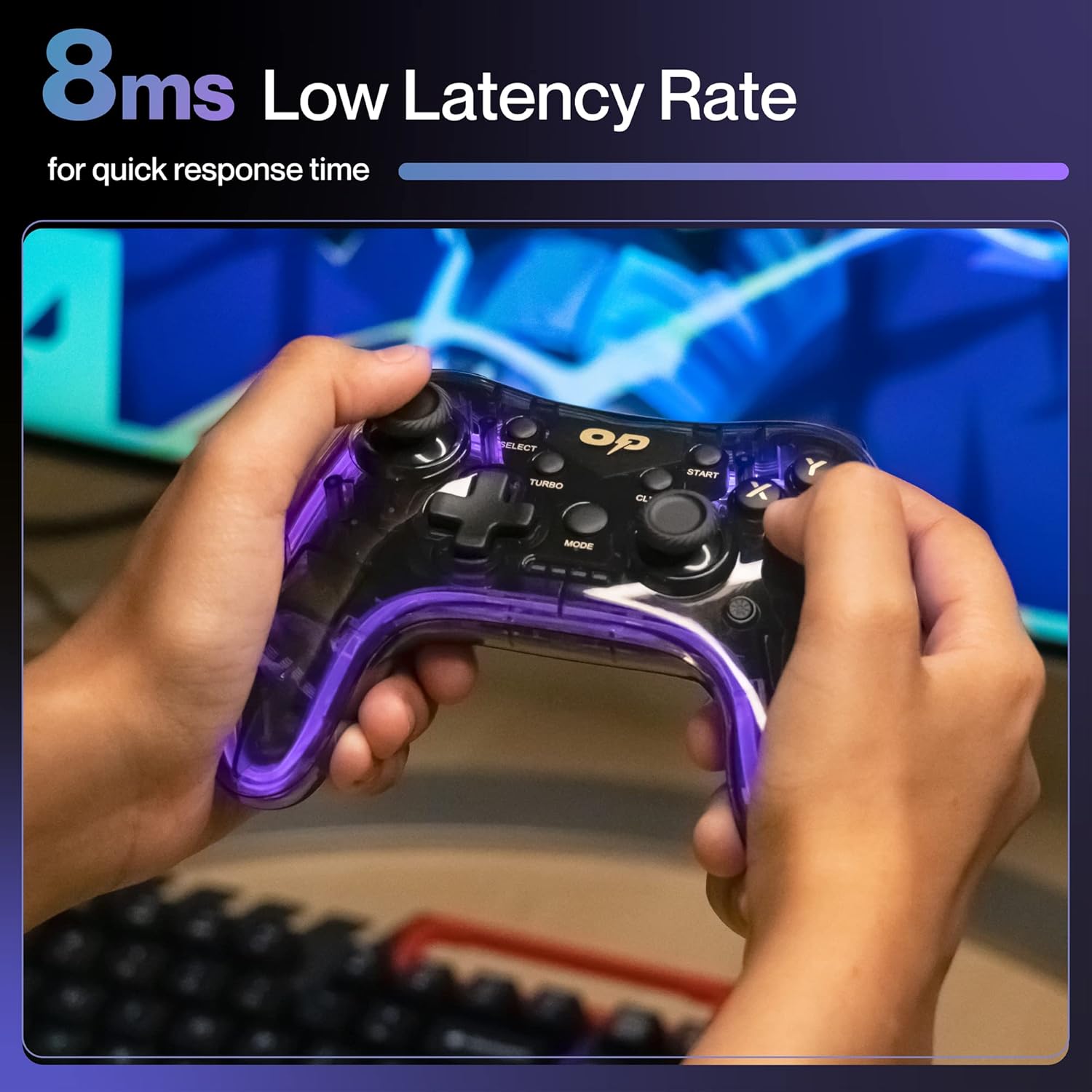
Малюнак 4.2: Крупны план view of the TURBO and CLEAR special function buttons.
4.3 Clearing Turbo Mode
To deactivate Turbo mode for a specific button:
- Press and hold the action button for which Turbo mode is active.
- Утрымліваючы кнопку дзеяння, націсніце ЯСНА кнопку адзін раз.
- Release both buttons. Turbo mode for that button is now deactivated.
To clear all Turbo settings, press and hold the ЯСНА кнопку прыблізна на 3 секунды.
5. Тэхнічнае абслугоўванне
Правільнае абслугоўванне забяспечвае даўгавечнасць і аптымальную прадукцыйнасць вашага кантролера.
- Уборка: Выкарыстоўвайце мяккую сухую тканіну для працірання кантролера. Для ўстойлівага бруду злёгкуampпрамыйце тканіну вадой. Пазбягайце агрэсіўных хімічных рэчываў або абразіўных матэрыялаў.
- захоўванне: Захоўвайце кантролер у прахалодным, сухім месцы, удалечыні ад прамых сонечных прамянёў і экстрэмальных тэмператур.
- Сыход за батарэяй: Avoid fully discharging the battery frequently. If storing for an extended period, charge the controller to about 50% to prolong battery life.
- Пазбягайце кропель: Абараняйце кантролер ад фізічных уздзеянняў, якія могуць пашкодзіць унутраныя кампаненты.
6. Выпраўленне непаладак
| праблема | Магчымая прычына | Рашэнне |
|---|---|---|
| Кантролер не ўключаецца. | Нізкі акумулятар. | Charge the controller using the provided Type-C cable. |
| Кантролер не падключаецца да прылады. | USB receiver not properly inserted or out of range. | Ensure the USB receiver is securely plugged in. Move closer to the receiver (within 10 meters). Re-pair by turning the controller off and on. |
| Кнопкі або джойсцікі не рэагуюць. | Software glitch or physical obstruction. | Restart the controller and the connected device. Check for any physical debris around buttons/joysticks. |
| Функцыя вібрацыі не працуе. | Game does not support vibration or feature is disabled. | Check in-game settings for vibration options. Ensure the game supports haptic feedback. |
7. Тэхнічныя характарыстыкі
| Асаблівасць | Дэталь |
|---|---|
| Нумар мадэлі | OP-WLGC01 |
| Сувязь | 2.4 ГГц бесправадная |
| Сумяшчальнасць | PC (Windows X-Input/D-Input), PS3 Console, Android TV |
| Ёмістасць батарэі | Літыевая батарэя 800 мАг |
| Рэзервовы акумулятар | Да 12 гадзін |
| Порт для зарадкі | Тып-C |
| Вібрацыя | Dual Intensity Motor |
| Асвятленне | 16.8M Colours Breathing RGB |
| Працоўны дыяпазон | Да 10 метраў |
| Памеры (ДхШхВ) | 16.9 х 15.9 х 9 см |
| Вага прадмета | 195 г |
8. Гарантыя і падтрымка
This Ambrane product comes with a 365-day (1 Year) brand warranty against any manufacturing-related issues.
For warranty claims, technical support, or any inquiries, please contact Ambrane customer service:
- электронная пошта: Care@ambraneindia.com
Калі ласка, захавайце чэк аб куплі для пацверджання гарантыі.