
1. Уводзіны
This manual provides detailed instructions for the safe and efficient operation of your Zebronics Zeb-Buddy 100 Portable Bluetooth Speaker. Please read this manual thoroughly before using the device and retain it for future reference.
2. Прадукт скончыўсяview і Асаблівасці
The Zebronics Zeb-Buddy 100 is a portable Bluetooth v5.0 speaker designed for versatile audio playback. It features a compact design with an integrated handle for easy transport and a mobile holder for hands-free use. Key features include:
- Падключэнне Bluetooth v5.0: Для бесправадной струменевай перадачы аўдыё.
- Функцыя TWS: Allows pairing of two Zeb-Buddy 100 speakers for stereo audio.
- Правадной мікрафон: Includes a 6.3mm wired microphone for karaoke.
- Некалькі варыянтаў прайгравання: Supports AUX, micro SD card, and USB input.
- Убудаванае FM-радыё: For listening to radio stations.
- Элементы кіравання мультымедыя: Integrated buttons for easy control of playback.
- Акумулятарная батарэя: Provides up to 5 hours of playback time.
- Рэжымы асвятлення RGB: Multiple light modes for enhanced ambiance.
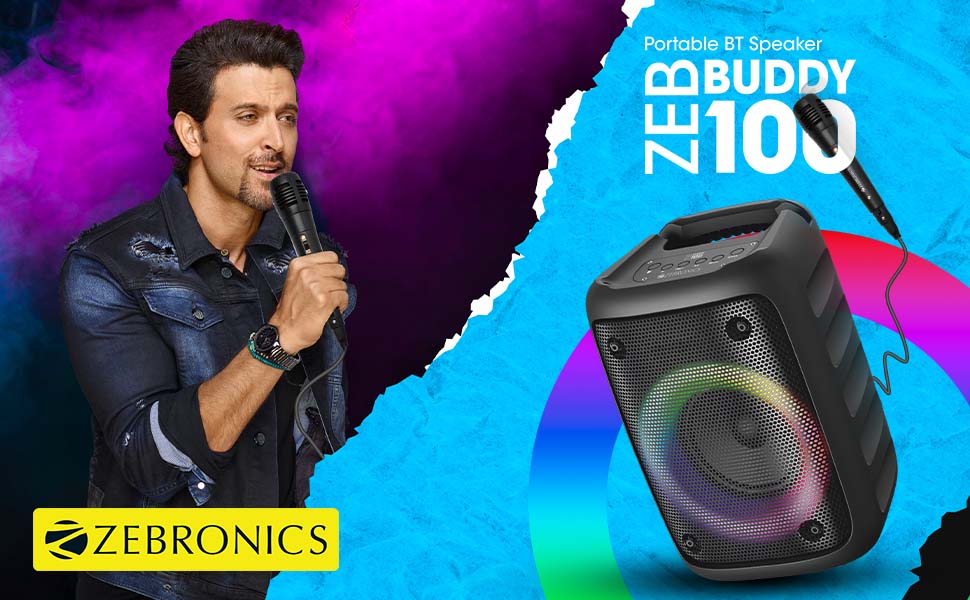
Image: The Zeb-Buddy 100 speaker shown with its included wired microphone, highlighting its portable design and control panel.
Выява: Пад вуглом view of the Zeb-Buddy 100 speaker, showcasing its compact form factor and side details.
3. Настройка
3.1 Зарадка дынаміка
- Падключыце зарадны кабель да зараднага порта дынаміка.
- Падключыце другі канец кабеля да адпаведнага адаптара харчавання USB (не ўваходзіць у камплект).
- Індыкатар зарадкі загарыцца. Поўная зарадка займае прыблізна 4 гадзіны.
3.2 Спалучэнне па Bluetooth
- Уключыце дынамік, націснуўшы і ўтрымліваючы кнопку харчавання.
- The speaker will enter Bluetooth pairing mode, indicated by a flashing LED.
- На мабільнай прыладзе ўключыце Bluetooth і знайдзіце даступныя прылады.
- Select "Zeb-Buddy 100" from the list to pair.
- Once paired, the speaker will confirm the connection, and the LED will stop flashing.
3.3 Спалучэнне TWS (сапраўднае бесправадное стэрэа)
To experience stereo audio, you can pair two Zeb-Buddy 100 speakers together:
- Ensure both Zeb-Buddy 100 speakers are powered on and not connected to any Bluetooth device.
- On one speaker (this will be the primary speaker), press and hold the TWS button.
- Асноўны дынамік будзе шукаць другаснага дынаміка.
- Once connected, both speakers will indicate a successful TWS pairing.
- Цяпер падключыце мабільную прыладу да асноўнага дынаміка праз Bluetooth, як апісана ў раздзеле 3.2. Гук будзе прайгравацца ў стэрэа рэжыме праз абодва дынамікі.

Image: Three Zeb-Buddy 100 speakers demonstrating their multiple RGB light modes, illustrating the TWS capability.
4. Інструкцыя па эксплуатацыі
4.1 Выбар рэжыму
Press the 'M' (Mode) button on the speaker to switch between Bluetooth, AUX, Micro SD, USB, and FM Radio modes.
4.2 Прайграванне аўдыя
- Прайграванне/Паўза: Націсніце кнопку Прайграванне/Паўза.
- Наступны трэк: Press the 'Next' button.
- Папярэдні трэк: Press the 'Previous' button.
- Павялічыць гучнасць: Press and hold the 'Next' button.
- Паменшыць гучнасць: Press and hold the 'Previous' button.
4.3 Функцыя караоке
- Connect the wired microphone to the 6.3mm microphone input port on the speaker.
- Adjust the microphone volume using the dedicated knob on the speaker (if available) or through the main volume controls.
- Ensure music is playing from your chosen source (Bluetooth, AUX, etc.) for background audio.
Праца з радыё 4.4 FM
- Switch to FM Radio mode using the 'M' button.
- Press the Play/Pause button once to auto-scan and save available FM channels.
- Use the 'Next' and 'Previous' buttons to navigate between saved channels.
5. Тэхнічнае абслугоўванне
To ensure the longevity and optimal performance of your Zeb-Buddy 100 speaker:
- Трымайце дынамік далей ад вады, вільгаці і прамых сонечных прамянёў.
- Працірайце дынамік мяккай сухой тканінай. Не выкарыстоўвайце агрэсіўныя хімікаты або абразіўныя ачышчальнікі.
- Пазбягайце падзення дынаміка і не падвяргайце яго моцным ударам.
- Захоўвайце ў прахалодным сухім месцы, калі не выкарыстоўваеце яго працяглы час.
6. Выпраўленне непаладак
| праблема | Магчымая прычына | Рашэнне |
|---|---|---|
| Дынамік не ўключаецца. | Нізкі зарад батарэі або адсутнасць зарада. | Цалкам зарадзіце дынамік. |
| Немагчыма падключыцца праз Bluetooth. | Дынамік не ў рэжыме спалучэння; Bluetooth прылады выключаны; занадта далёка ад дынаміка. | Пераканайцеся, што дынамік знаходзіцца ў рэжыме спалучэння. Уключыце/выключыце Bluetooth на прыладзе. Перамясціце прыладу бліжэй да дынаміка. |
| Няма гуку. | Volume too low; incorrect mode selected; faulty cable (AUX/USB). | Increase volume. Select correct input mode. Check/replace cables. |
| Памылка спалучэння TWS. | Дынамікі ўжо падключаны да іншай прылады; занадта далёка адзін ад аднаго. | Disconnect speakers from other devices. Ensure speakers are close to each other. |
| Не працуе мікрафон. | Microphone not fully plugged in; volume too low. | Ensure microphone is securely connected. Adjust microphone volume. |
7. Тэхнічныя характарыстыкі
- Марка: ЗЕБРОНІКА
- Назва мадэлі: Зэб-Бадзі 100
- Тэхналогія падключэння: Auxiliary, Bluetooth, USB, Wireless
- Версія Bluetooth: v5.0
- Максімальная выхадная магутнасць дынаміка: 15 ват
- АЧХ: 100 Гц - 20 кГц
- Рэжым вываду гуку: Стэрэа (з TWS)
- Памер дынаміка: 52 Millimetres (Driver)
- Крыніца харчавання: Харчаванне ад батарэі
- Час зарадкі акумулятара: 4 гадзін
- Час прайгравання: 5 гадзін
- Метад кантролю: Сэнсарнае кіраванне
- Сумяшчальныя прылады: Смартфон, планшэт
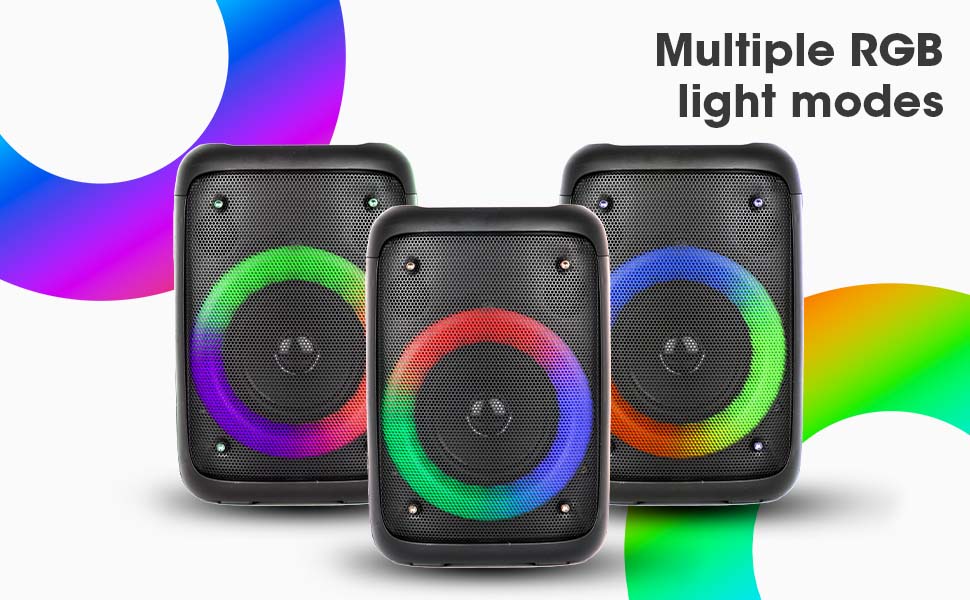
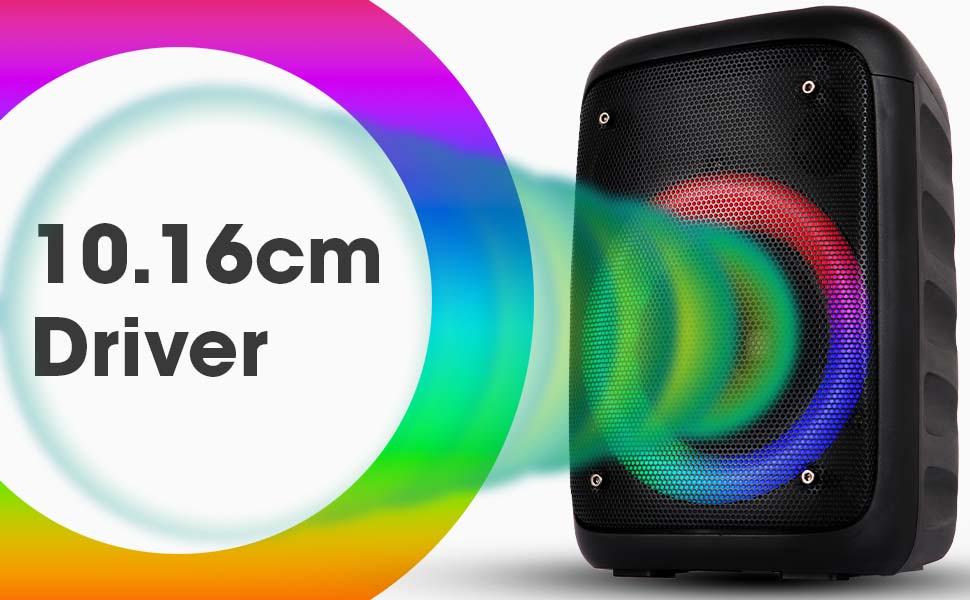
Image: The Zeb-Buddy 100 speaker with an overlay indicating its 10.16cm (4-inch) driver size.
8. Гарантыя і падтрымка
The Zebronics Zeb-Buddy 100 comes with a 1-year carry-in warranty to the service center. For any support, service, or warranty claims, please contact Zebronics customer support or visit their official website for service center locations and contact information.
Калі ласка, захавайце чэк аб куплі для пацверджання гарантыі.