
BRONC V7
BRONC V7 Tattoo Machine User Manual
Model: V7 | Brand: BRONC
Уводзіны
The BRONC V7 Tattoo Machine is a rotary pen-style device designed for professional tattooing. It features a coreless motor, a high-capacity 2000mAh battery, and a 4.0mm stroke length, offering both standalone wireless operation and wired connectivity. Crafted from aircraft-grade aluminum with precision CNC technology, the V7 ensures durability and reliable performance. It incorporates advanced safety features such as overload and short-circuit warnings, along with automatic power-off protection.
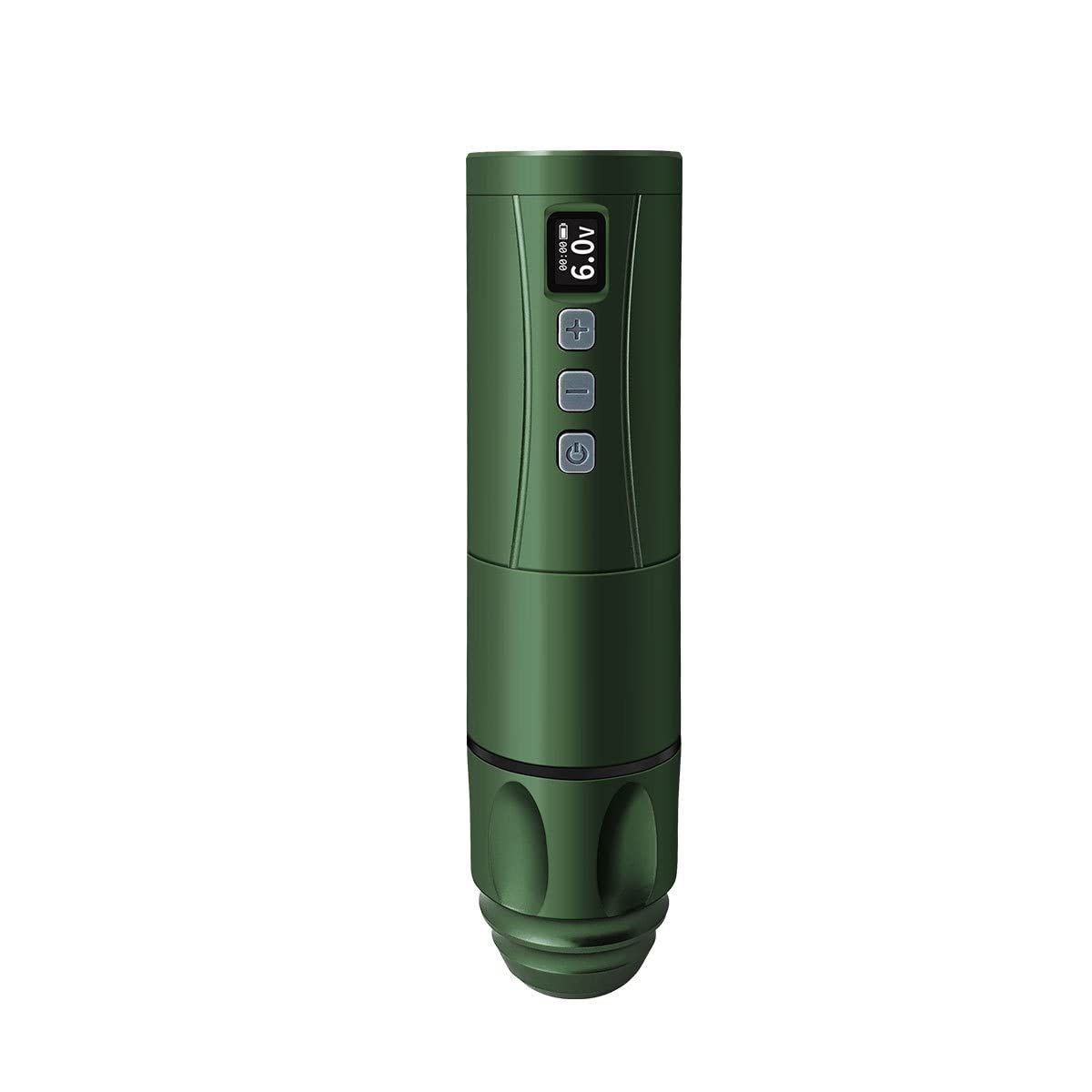
Image: The BRONC V7 Tattoo Machine in Army Green, showcasinяго элегантны дызайн і лічбавы дысплей.
Настройка
Праверка змесціва пакета
Перад пачаткам пераканайцеся, што ўсе кампаненты прысутнічаюць у камплекце:
- BRONC V7 Tattoo Pen
- Акумулятар высокай ёмістасці
- Зарадны кабель Type-C
- Шпулькавы адаптар
- Сумка для пераноскі
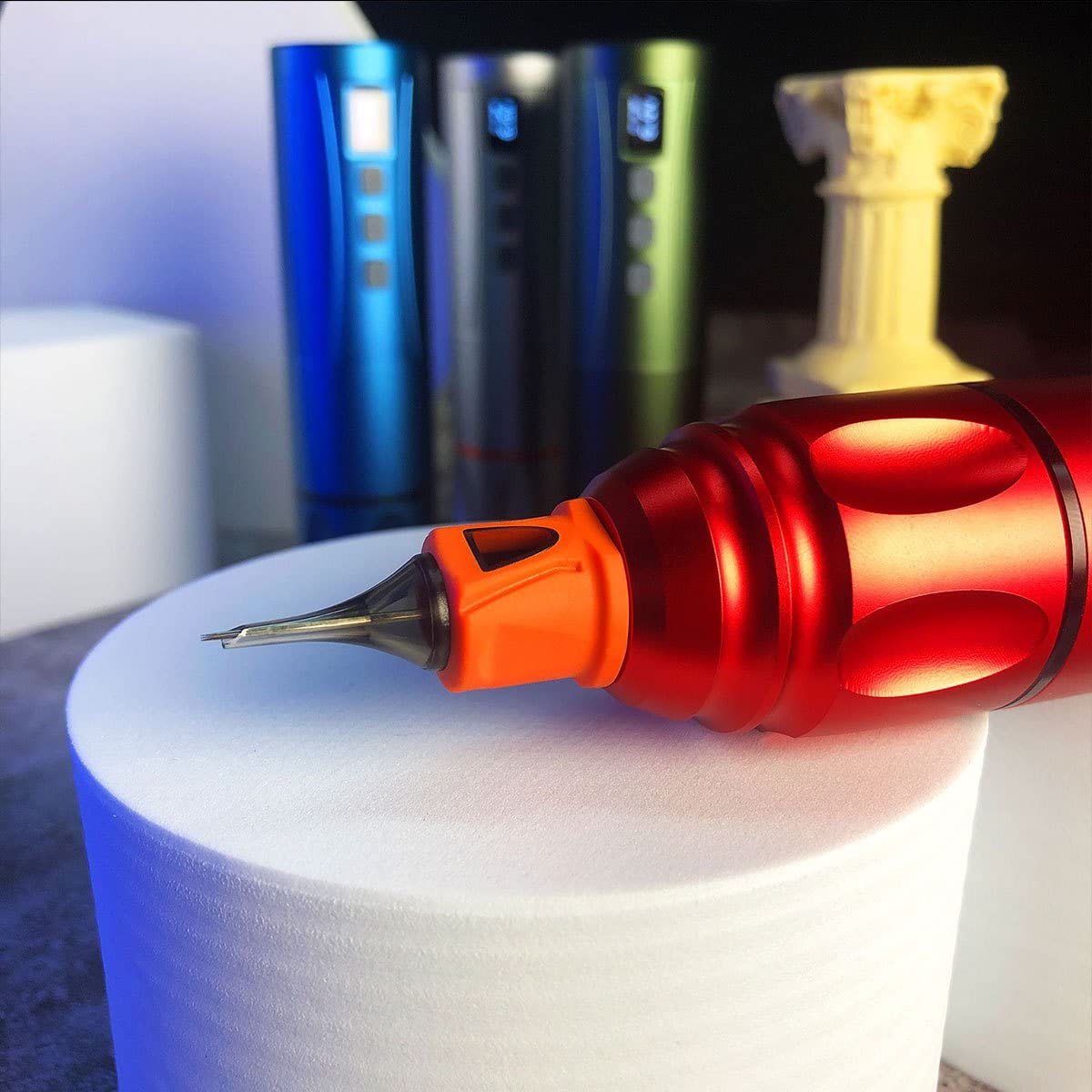
Image: The BRONC V7 Tattoo Machine, its battery, and the included carrying case, demonstrating the complete package.
Зарадка і ўстаноўка акумулятара
- Connect the Type-C charging cable to the machine's charging port and a suitable USB power adapter.
- Allow the battery to fully charge before first use. The digital display will indicate charging status.
- To install the battery, align it correctly with the battery compartment and gently push until it clicks into place.
Needle Cartridge Installation
- Пераканайцеся, што прылада выключана.
- Carefully insert the desired needle cartridge into the front opening of the machine, twisting slightly until it locks securely.
- Adjust the needle depth by rotating the grip section of the machine. The needle depth range is 0-4.0mm.

Выява: буйны план view of the BRONC V7 Tattoo Machine's tip, illustrating the proper way to insert a needle cartridge.
Dual Functionality Setup
The BRONC V7 supports both standalone wireless operation and connected usage. To switch to connected mode, remove the battery and attach the provided coil adapter. This allows the machine to be powered by an external power supply via an RCA connection (power supply and RCA cable not included).
Інструкцыя па эксплуатацыі
Powering On/Off and Voltagе Рэгуляванне
- To power on, press and hold the power button (usually indicated by a circle with a vertical line) until the display illuminates.
- Каб выключыць, зноў націсніце і ўтрымлівайце кнопку харчавання.
- Use the '+' and '-' buttons to adjust the voltagе. Рэкамендаваны працоўны аб'ёмtage is 5.5V-7.5V, with a range of 5.0V-11.0V.
- The machine features a 9V jump-start function for certain needle types or starting conditions.
Функцыі бяспекі
The BRONC V7 is equipped with built-in safety mechanisms:
- Overload and Short-Circuit Warnings: The machine will alert the user if an overload or short-circuit condition is detected.
- Overload and Over-Current Protection: The machine will automatically shut off if it gets stuck or experiences a short-circuit to prevent damage.
Агульныя парады па выкарыстанні
- Always ensure proper hygiene and sterilization practices when using the tattoo machine.
- Regularly check needle depth and adjust as needed for different tattooing techniques.
- Monitor the battery level on the display during wireless operation to avoid interruptions.
Video: A demonstration of the BRONC V7 Tattoo Machine in use, showing the process of setting up the machine and performing tattooing work.
Тэхнічнае абслугоўванне
Ачыстка і стэрылізацыя
- After each use, thoroughly clean the exterior of the machine with a suitable disinfectant wipe.
- Do not immerse the machine in liquids. The machine is water resistant, not waterproof.
- Ensure all disposable components (needle cartridges) are properly discarded after use.
Сыход за батарэяй і захоўванне
- Store the machine and battery in a cool, dry place away from direct sunlight and extreme temperatures.
- Пры працяглым захоўванні пераканайцеся, што акумулятар часткова зараджаны (каля 50%), каб падоўжыць тэрмін яго службы.
- Пазбягайце частай празмернай зарадкі або поўнай разрадкі акумулятара.
Ліквідацыю непаладак
| праблема | Магчымая прычына | Рашэнне |
|---|---|---|
| Машына не ўключаецца. | Low battery; incorrect battery installation; power button not pressed long enough. | Charge the battery; re-install battery correctly; press and hold power button for 3 seconds. |
| Машына спыняецца падчас працы. | Low battery; overload/short-circuit protection activated. | Recharge battery; check for needle obstruction or short-circuit, then restart. |
| Незвычайная вібрацыя або шум. | Loose needle cartridge; internal issue. | Ensure needle cartridge is securely locked; if problem persists, contact support. |
| Акумулятар не зараджаецца. | Faulty cable or adapter; charging port issue. | Try a different Type-C cable and adapter; ensure cable is fully inserted. |
Тэхнічныя характарыстыкі
| Параметр | Каштоўнасць |
|---|---|
| Матэрыял | Авіяцыйны алюміній |
| Даўжыня ходу | 4.0 мм |
| Needle Depth Range | 0-4.0 мм |
| Тып рухавіка | Swiss DC motor |
| Хуткасць без нагрузкі | 12,000 абаротаў у хвіліну |
| тtage Выхадны дыяпазон | 5.0В-11.0В |
| Рэкамендуемы працоўны аб'ёмtage | 5.5В-7.5В |
| Ёмістасць батарэі | 2000 мАг |
| Operating Time (Test Results) | 7-9 гадзін |
| Спосаб зарадкі | Хуткая зарадка Type-C |
| Тэхнічныя характарыстыкі батарэі | 7V 18500 LI-ION |
| Памеры (дыяметр х даўжыня) | (22-34) x 145mm |
| Weight (Pen with battery) | 195 г |
| Узровень воданепранікальнасці | Водатрывалы |
Гарантыя і падтрымка
BRONC products are manufactured to high-quality standards. For information regarding warranty coverage, technical support, or service inquiries, please refer to the contact information provided with your product packaging or visit the official BRONC webсайт. Калі ласка, захавайце пацвярджэнне пакупкі для любых гарантыйных прэтэнзій.
Ask a question about this manual
Ask about setup, troubleshooting, compatibility, parts, safety, or missing instructions. Manuals+ will review the question and use this page’s manual context to help answer it.