
Уводзіны
This manual provides detailed instructions for the setup, operation, and maintenance of your VTech CS2000 DECT Cordless Home Phone. Please read this manual thoroughly before using your new phone to ensure proper functionality and to take full advantagе з яго асаблівасцей.
The VTech CS2000 is designed for home use, offering reliable long-range communication, essential call management features, and user-friendly design.

Figure 1: VTech CS2000 DECT Cordless Home Phone, showing the handset docked in its base unit.
Настройка
Змест пакета
Пераканайцеся, што ўсе прадметы прысутнічаюць у вашай упакоўцы:
- Тэлефон VTech CS2000
- VTech CS2000 Base Unit
- Адаптар сілкавання для базавага блока
- Тэлефонны шнур
- Rechargeable NiMH Battery (1 included)
Ўстаноўка і зарадка батарэі
The VTech CS2000 uses a rechargeable NiMH battery. Proper installation and initial charging are crucial for optimal performance.
- Знайдзіце батарэйны адсек на задняй панэлі трубкі.
- Insert the supplied NiMH battery, ensuring the polarity matches the diagram inside the compartment.
- Надзейна зачыніце крышку батарэйнага адсека.
- Place the handset on the base unit. The charging indicator on the handset should illuminate.
- Allow the handset to charge for at least 16 hours before initial use, even if the display indicates a full charge sooner. This ensures maximum battery capacity.
Падключэнне базавага блока
- Падключыце адзін канец тэлефоннага шнура да раздыма TEL LINE на задняй панэлі базавага блока.
- Падключыце другі канец тэлефоннага шнура да тэлефоннай разеткі.
- Падключыце меншы канец адаптара сілкавання да раздыма POWER на задняй панэлі базавага блока.
- Падключыце вялікі канец адаптара харчавання да звычайнай электрычнай разеткі.
- Пераканайцеся, што ўсе злучэнні надзейныя.
Кіраванне вашым тэлефонам
Здзяйсненне і прыём званкоў
Здзяйсненне званка:
- Націсніце ГАВАРЫЦЬ button (green receiver icon) or lift the handset from the base.
- Набярыце патрэбны нумар тэлефона.
- Націсніце КАНЕЦ button (red receiver icon) or place the handset back on the base to end the call.
Прыём званка:
Калі тэлефон звоніць, націсніце кнопку ГАВАРЫЦЬ button or lift the handset from the base to answer.
Гучная сувязь без рук
The VTech CS2000 features a hands-free speakerphone function, allowing you to talk without holding the handset.
- Падчас размовы націсніце СПІКЕР кнопка (значок дынаміка).
- To switch back to the handset, press the ГАВАРЫЦЬ кнопку зноў.
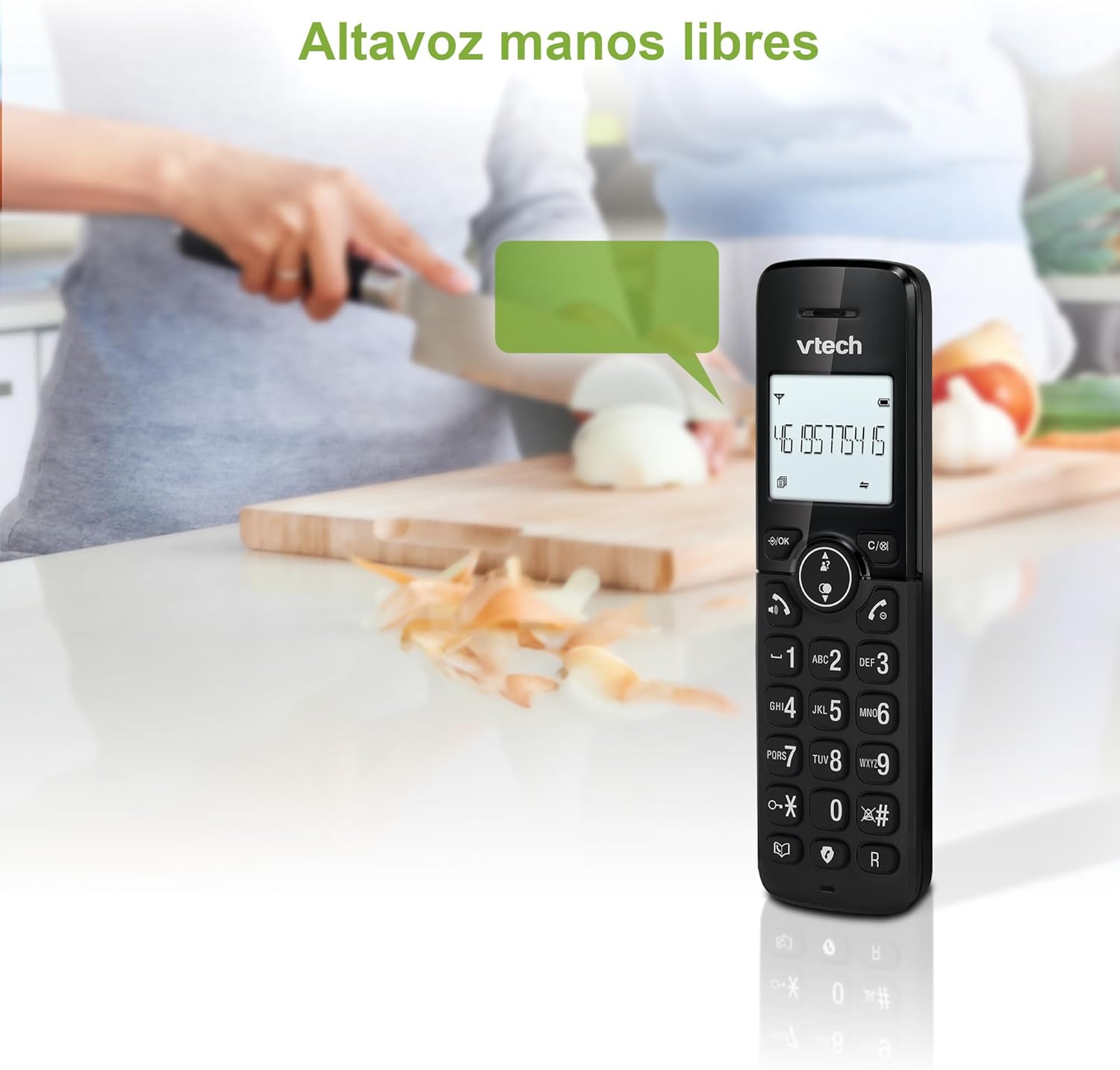
Figure 2: Using the hands-free speakerphone function.
Блакаванне выкліку
The call blocking feature allows you to prevent unwanted calls. You can block up to 30 numbers.
- To block a number during a call, press the БЛОК ВЫЗОВА кнопка.
- To add a number to the block list manually, navigate to the Call Block menu in the phone settings.
- Follow the on-screen prompts to add or remove numbers from the block list.
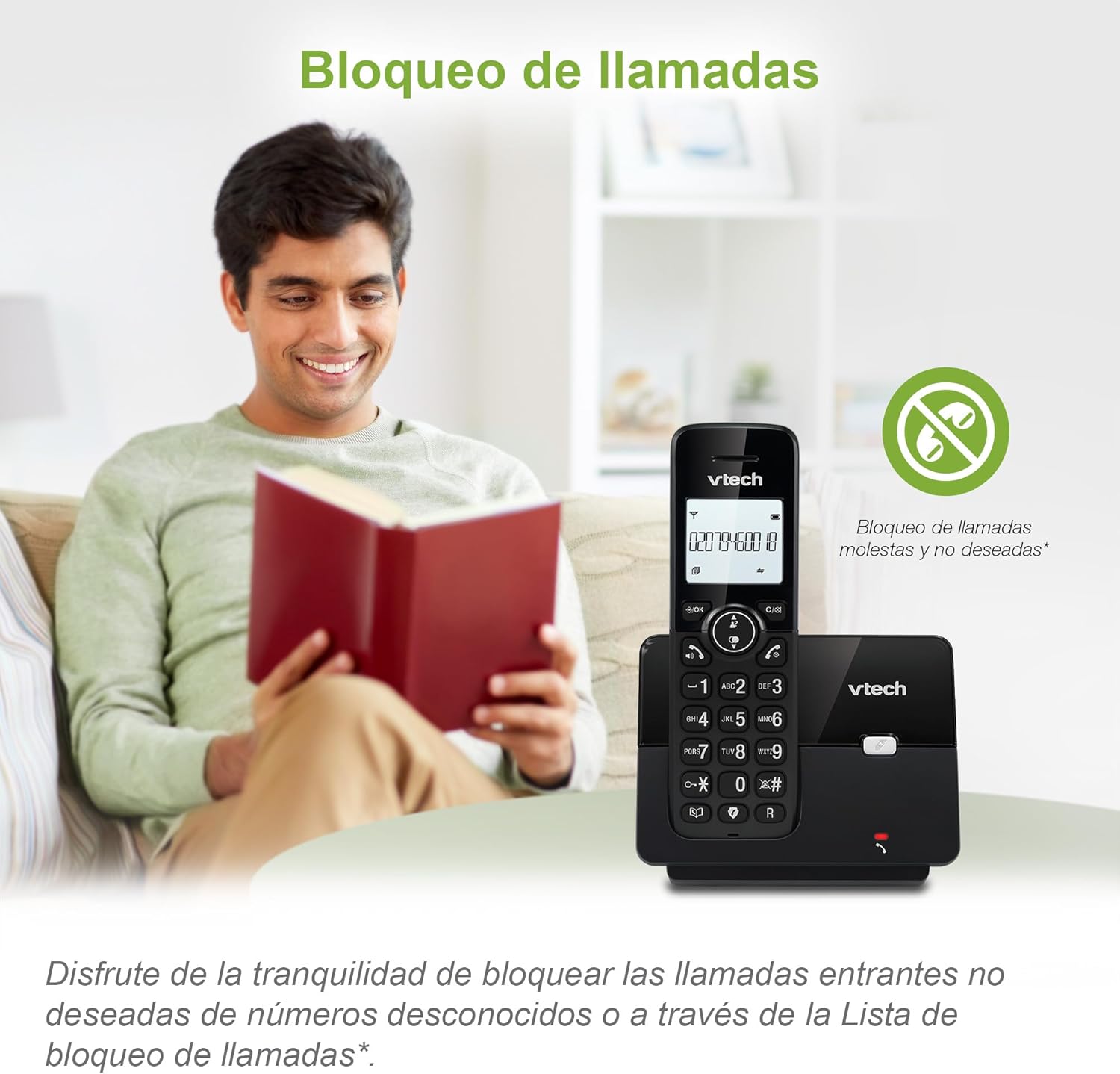
Figure 3: The call blocking feature helps manage unwanted calls.
Phonebook (Directory)
Захоўвайце да 30 імёнаў і нумароў у тэлефоннай кнізе для хуткага набору.
- Націсніце МЕНЮ / Добра кнопка.
- Navigate to the "Phonebook" or "Directory" option.
- Select "Add New Entry" and follow the prompts to enter the name and number.
- To dial from the phonebook, press the ДАВЕДНІК button and scroll to the desired entry, then press ГАВАРЫЦЬ.

Figure 4: Managing contacts in the phonebook.
АОН і чаканне выкліку
The phone stores up to 20 caller ID records with name and number (service subscription may be required).
When a new call comes in while you are on another call, the call waiting feature alerts you (service subscription may be required).
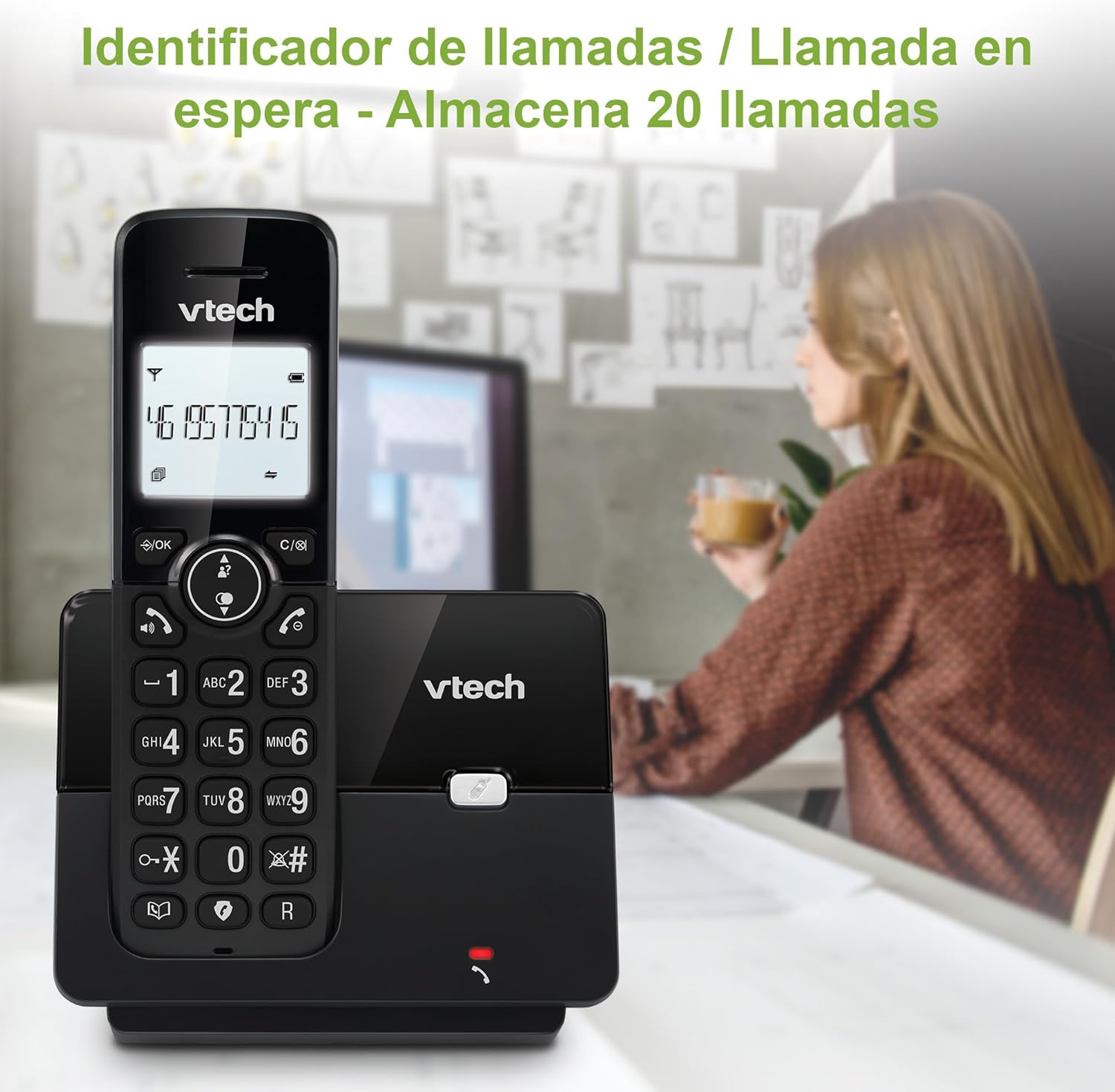
Figure 5: Caller ID display on the handset.
Спіс паўторнага набору
Тэлефон захоўвае апошнія 10 набраных нумароў для хуткага паўторнага набору.
- Націсніце ПЕРАСУД кнопка.
- Scroll through the list using the navigation keys.
- Прэса ГАВАРЫЦЬ to redial the selected number.

Figure 6: Accessing the redial list.
Рэжым ЭКА
The ECO mode automatically adjusts the radio frequency power based on the distance between the handset and the base unit, helping to conserve energy.
Adjusting Ring Volume and Melody
You can customize the ring volume and melody of your handset.
- Націсніце МЕНЮ / Добра кнопка.
- Navigate to "Settings" or "Ring Settings".
- Select "Ring Volume" or "Ring Melody" and choose your preference.
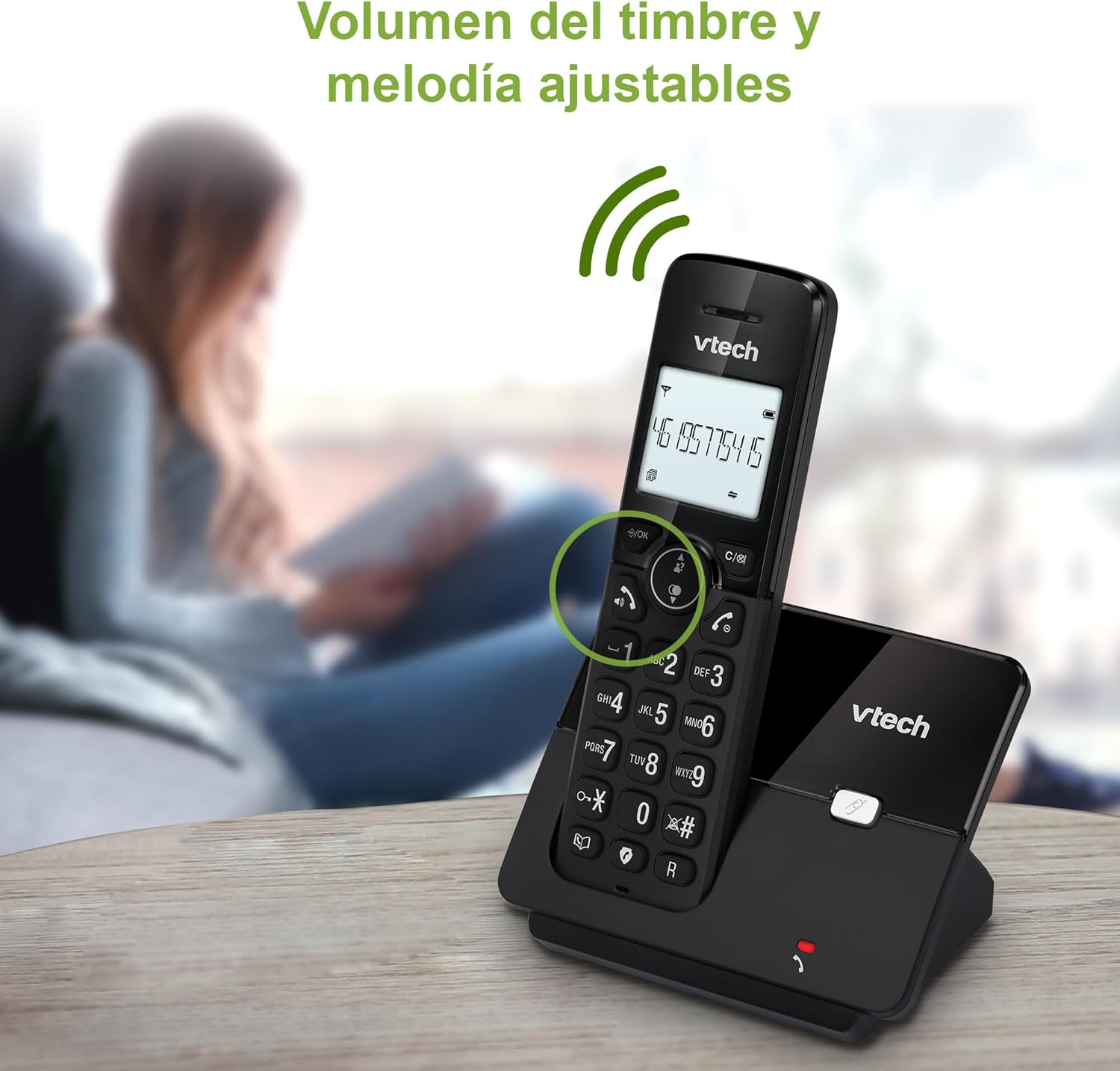
Figure 7: Adjusting ring volume and melody.
Alarm and Silence Function
The phone includes an alarm function and a silence mode for convenience.
- To set an alarm, navigate to the "Alarm" option in the menu and follow the prompts.
- To activate silence mode, typically press and hold the МУК button or access the "Silence" option in the settings.

Figure 8: Alarm and silence functions.
Падсветка дысплея
The 1.8-inch backlit display provides clear visibility, especially in low-light conditions.

Figure 9: The 1.8-inch backlit display for clear viewінж.
Long Range Capability
The VTech CS2000 utilizes DECT technology to provide a stable operating range of up to 300 meters outdoors, ensuring clear communication throughout your home and property.

Figure 10: The phone offers reliable long-range coverage.
Тэхнічнае абслугоўванне
Уборка
Чысціце тэлефон і базу мяккай губкайamp cloth. Do not use cleaning sprays or abrasive cleaners, as they can damage the finish or electrical components.
Сыход за батарэяй
- Only use the supplied rechargeable NiMH battery or an approved replacement.
- If the phone will not be used for an extended period, remove the battery to prevent leakage.
- Утылізуйце батарэйкі адказна ў адпаведнасці з мясцовымі правіламі.
Ліквідацыю непаладак
If you experience issues with your VTech CS2000 phone, try the following solutions:
| праблема | Рашэнне |
|---|---|
| Няма нумара набору. | Ensure the telephone line cord is securely connected to both the base unit and the wall jack. Check if the power adapter is properly connected and plugged into a working outlet. |
| Тэлефон не зараджаецца. | Ensure the handset is correctly placed on the base unit. Clean the charging contacts on both the handset and base unit with a dry cloth. Verify the power adapter is connected. |
| Дрэнная якасць гуку або статычныя перашкоды. | Падыдзіце бліжэй да базавай прылады. Пераканайцеся, што няма буйных металічных прадметаў або іншых электронных прылад, якія перашкаджаюць сігналу. Праверце наяўнасць няшчыльных злучэнняў тэлефоннай лініі. |
| Нельга рабіць або прымаць званкі. | Check if the phone line is active. Ensure the handset is registered to the base unit (refer to the full manual for registration steps if needed). Temporarily unplug the base unit's power adapter, wait a few seconds, then plug it back in. |
| Caller ID not displaying. | Пераканайцеся, што вы падпісаліся на паслугу ідэнтыфікацыі абанента ў вашага тэлефоннага аператара. |
Тэхнічныя характарыстыкі
| Марка | VTech |
| Нумар мадэлі | CS2000 |
| Колер | Чорны |
| Тып тэлефона | Бесправадны DECT-тэлефон |
| Памер экрана | 1.8 цалі |
| Склад батарэі | NiMH |
| Колькасць батарэек | 1 (спецыфічныя для прадукту - у камплекце) |
| Матэрыял | Пластыкавыя |
| Крыніца харчавання | Харчаванне ад батарэі |
| Тып дазвону | Адзіная клавіятура |
| Тып аўтаадказчыка | Бесправадная |
| Вага прадмета | 300 грам |
| Шматлінейная аперацыя | Адналінейная аперацыя |
| Асаблівасці | Cordless, Call Blocking, Hands-Free Speakerphone, Backlit Display, ECO Mode, Caller ID, Phonebook, Redial |
Гарантыя і падтрымка
For warranty information and technical support, please refer to the documentation included with your purchase or visit the official VTech webсайт. Захоўвайце чэк аб куплі як пацверджанне пакупкі.
вытворца: ТАА «ВТЭХ ТЭЛЕКАМУНІКАЦЫІ»
Краіна паходжання: Кітай