
1. Уводзіны
This manual provides comprehensive instructions for the LENVII D7800 Desktop Automatic 2D Barcode Scanner. Please read this manual carefully before using the product to ensure proper operation and to maximize its performance and lifespan. Keep this manual for future reference.
2. Інфармацыя па бяспецы
- Не падвяргайце сканер уздзеянню вады або празмернай вільготнасці.
- Avoid dropping the scanner from heights exceeding 1.2 meters to prevent damage, despite its anti-shock design.
- Не спрабуйце разбіраць або рамантаваць сканер самастойна. Звярніцеся да кваліфікаванага абслугоўваючага персаналу.
- Для забеспячэння аптымальнай прадукцыйнасці падтрымлівайце акно сканавання ў чысціні.
- Avoid direct eye exposure to the scanner's light source.
3. Змесціва ўпакоўкі
Праверце наяўнасць усіх прадметаў у камплекце:
- LENVII D7800 Desktop Automatic 2D Barcode Scanner
- USB-кабель (інтэграваны)
- Кіраўніцтва карыстальніка (гэты дакумент)

Малюнак 3.1: Package contents including the scanner, USB cable, and user manual.
4. Прадукт скончыўсяview
4.1 Асноўныя магчымасці
- Дызайн гучнай сувязі: Omnidirectional scanning for 1D, 2D, and QR codes.
- CCD Scanning Technology: Capable of reading barcodes from mobile phone and computer screens, as well as damaged, blurred, distorted, colorful, or reflective barcodes.
- Plug and Play: No driver installation required.
- Шырокая сумяшчальнасць: Works with Windows XP/7/8/10, Mac OS, and Linux operating systems.
- Рэгуляваная галоўка: Features a 15° adjustable head for flexible scanning angles.
- Anti-shock Design: Engineered to withstand drops from up to 1.2 meters.
4.2 Памеры
The scanner has compact dimensions suitable for desktop use.

Малюнак 4.1: Спераду і збоку view of the LENVII D7800 scanner with dimensions indicated.
4.3 Anti-shock Design
The LENVII D7800 is designed for durability, capable of withstanding accidental drops from a height of 1.2 meters without affecting its functionality.

Малюнак 4.2: Illustration of the scanner's anti-shock capability.
5. Настройка
5.1 Падключэнне сканера
- Place the LENVII D7800 scanner on a stable, flat surface.
- Connect the integrated USB cable from the scanner to an available USB port on your computer (desktop or laptop).
- The scanner will power on automatically and initiate the "Plug and Play" process.

Малюнак 5.1: The scanner connected to various devices, demonstrating its plug-and-play functionality.
5.2 Ўстаноўка драйвера
The LENVII D7800 is a plug-and-play device. No additional drivers or software installation is required for basic operation. Your operating system (Windows, Mac OS, Linux) will automatically recognize the device.
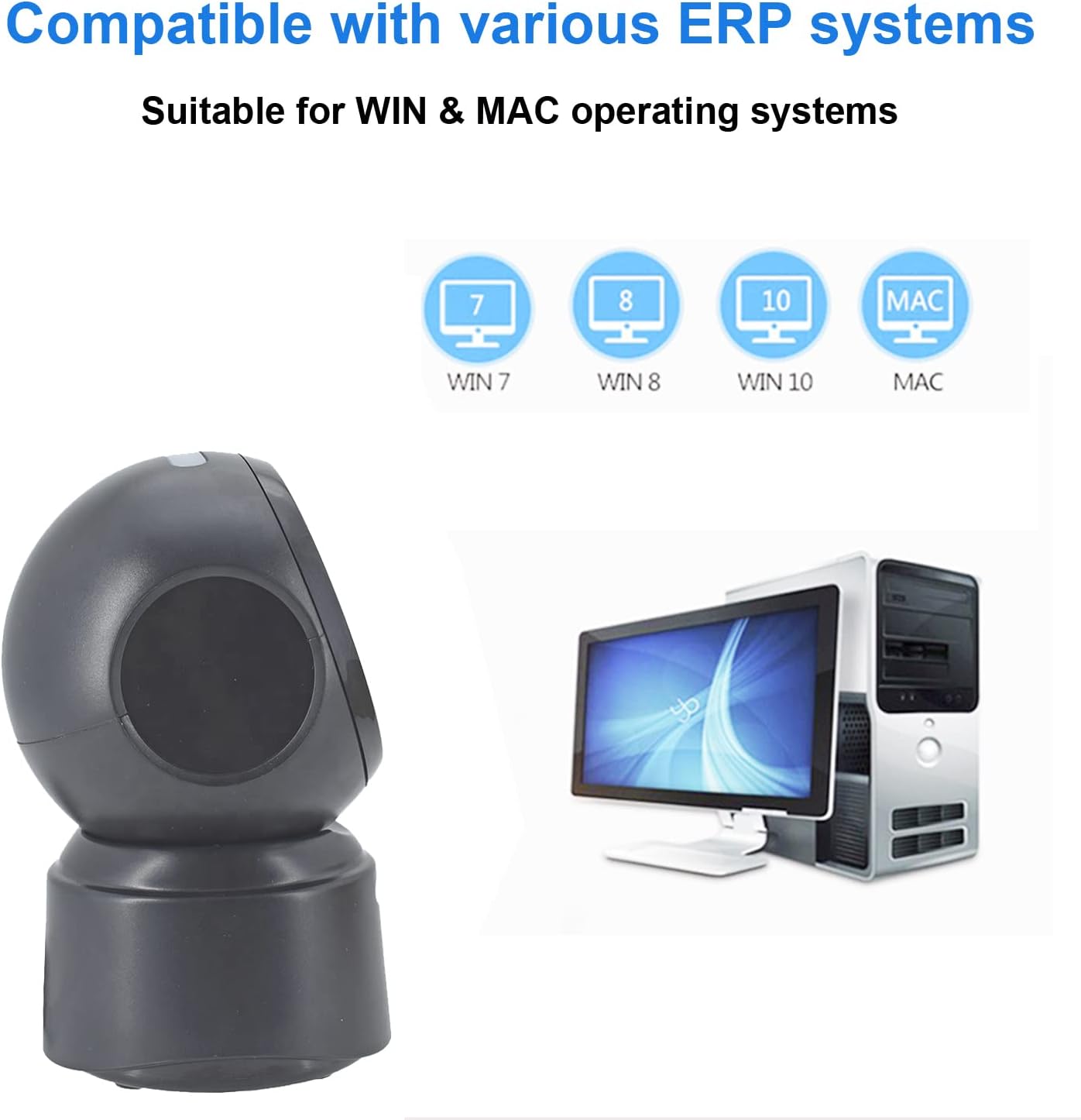
Малюнак 5.2: Сумяшчальнасць з рознымі аперацыйнымі сістэмамі.
6. Інструкцыя па эксплуатацыі
6.1 Базавая працэдура сканавання
The D7800 scanner operates in an automatic, hands-free mode. Once connected, it is ready to scan.
- Пераканайцеся, што сканер падлучаны да кампутара і ўключаны.
- Present the barcode to the scanning window. The scanner will automatically detect and read the barcode.
- A successful scan is typically indicated by an audible beep and/or a visual confirmation (e.g., LED indicator).
- The scanned data will be transmitted to your computer as keyboard input.
6.2 Scanning Barcode Types
The scanner supports a wide range of 1D, 2D, and QR codes, including those that are less than perfect.
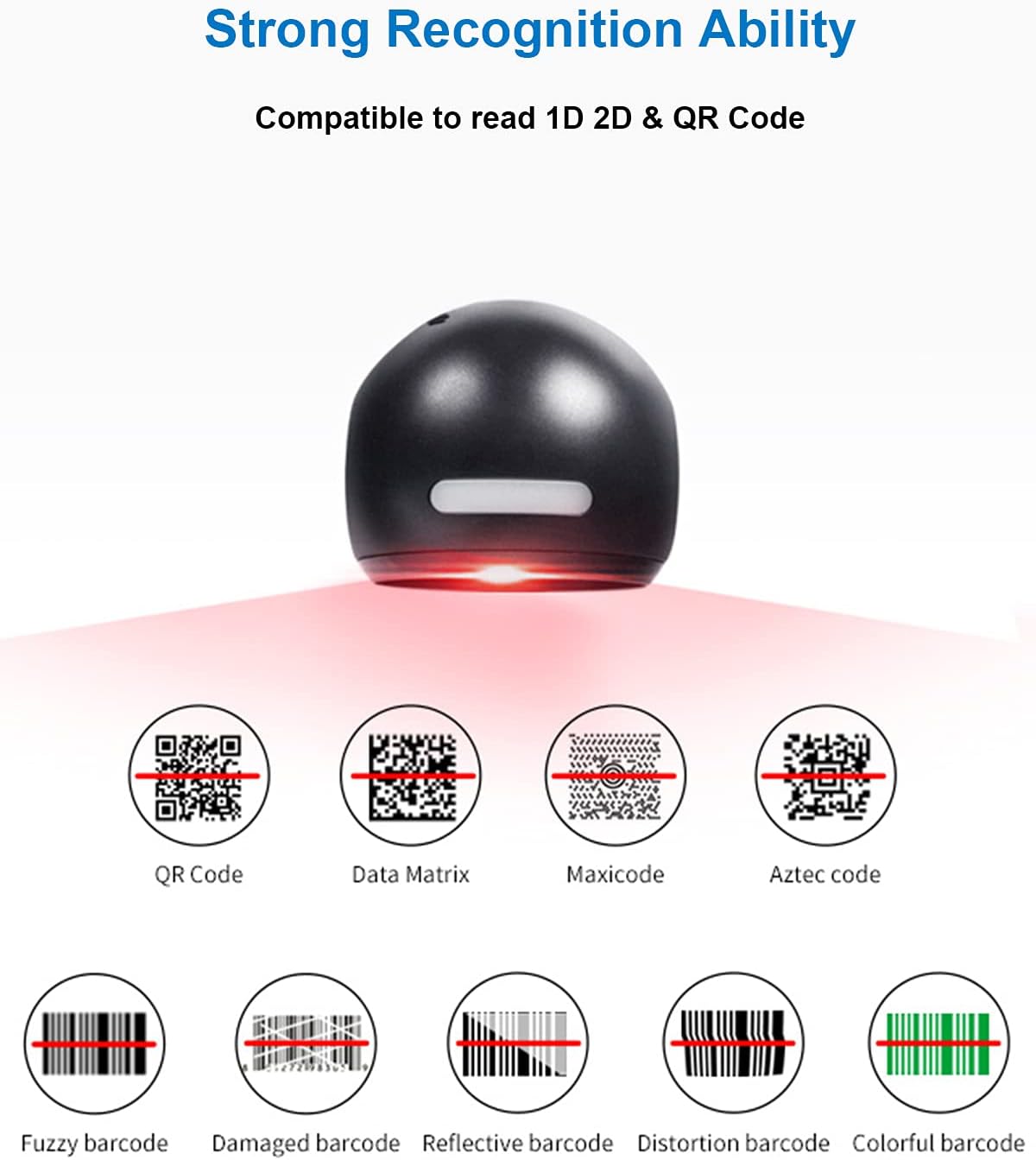
Малюнак 6.1: Examples of various barcode types and conditions the scanner can recognize.
6.3 On-Screen Barcode Scanning
The D7800 is capable of scanning barcodes directly from digital displays, such as smartphones, tablets, and computer monitors.

Малюнак 6.2: The scanner reading a barcode from a digital screen. Exampштрых-код: 1234567890
6.4 Сцэнарыі прымянення
The LENVII D7800 is suitable for various environments requiring efficient barcode scanning.
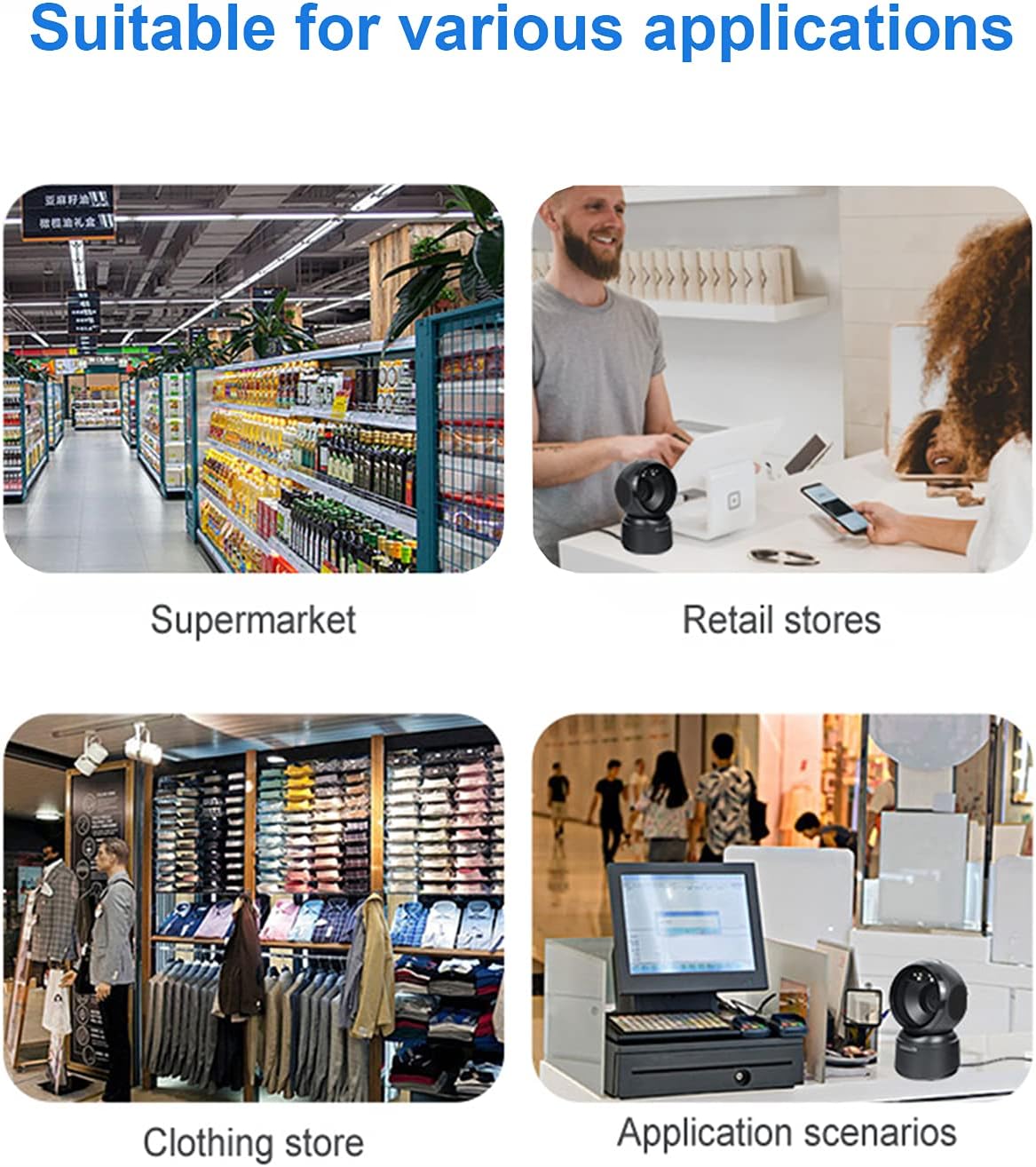
Малюнак 6.3: Common application environments for the scanner.
7. Тэхнічнае абслугоўванне
7.1 Ачыстка сканера
- Перад чысткай пераканайцеся, што сканер адключаны ад крыніцы сілкавання.
- Выкарыстоўвайце мяккую, сухую тканіну без ворса, каб працерці знешнія паверхні сканера.
- Для акна сканавання выкарыстоўвайце сурвэтку для чысткі аб'ектыва або мяккую сурвэтку, злёгку працёртуюampened with a mild, non-abrasive cleaning solution. Avoid spraying cleaners directly onto the scanner.
- Do not use harsh chemicals, solvents, or abrasive materials, as these can damage the scanner's surface or scanning window.
7.2 Захоўванне
When not in use, store the scanner in a cool, dry place, away from direct sunlight and extreme temperatures. The maximum storage temperature is 60°C (140°F).
8. Выпраўленне непаладак
| праблема | Магчымая прычына | Рашэнне |
|---|---|---|
| Сканер не ўключаецца. | USB-кабель няправільна падключаны або USB-порт няспраўны. | Ensure the USB cable is securely connected. Try a different USB port on your computer. |
| Сканер не счытвае штрых-коды. |
|
|
| Адсканаваныя дадзеныя няправільныя або няпоўныя. |
|
|
Калі праблема не знікне пасля спробы гэтых рашэнняў, звярніцеся ў службу падтрымкі кліентаў.
9. Тэхнічныя характарыстыкі
| Асаблівасць | Дэталь |
|---|---|
| мадэль | D7800 |
| Тып | 2D CMOS Wired Barcode Scanner |
| Спосаб падлучэння | USB |
| Памеры (Ш х У х Г) | 84 мм х 140.2 мм х 90.1 мм (прыблізна 3.31 х 5.52 х 3.55 цалі) |
| Вага | 230 г (прыблізна 0.51 фунта) |
| Матэрыял | АБС |
| Колер | Чорны |
| Крыніца святла | 617nm LED (aimer); 6500K LEDs (illumination) |
| Датчык выявы | 640 * 480 CMOS |
| Працэсар | ARM 32-разрадная |
| Хуткасць сканавання | 200 раз / с |
| Магутнасць | 5 В пастаяннага току |
| Ток | 400 мА ±5% |
| Сумяшчальная АС | Windows XP/7/8/10, Mac OS, Linux |
| 1D Code Support | EAN-8, EAN-13, Codabar, CODE 39, CODE 93, CODE 128, China Post, GS1-128, UPC-A, UPC-E, ISBN/ISSN, ISBT, Interleaved 2 of 5, Standard 2 of 5, Matrix 2 of 5, Industrial 2 of 5, MSI, RSS, ITF14, Telepen, etc. |
| 2D/QR Code Support | Micro QR Code, Data Matrix, PDF417, Micro PDF417, Maxicode, Aztec, Hanxin, etc. |
| Максімальная тэмпература захоўвання | 60°C (140°F) |
10. Гарантыя і падтрымка
10.1 Інфармацыя аб гарантыі
LENVII products are covered by a limited warranty against defects in materials and workmanship. Please refer to the warranty card included with your product or contact LENVII customer support for specific warranty terms and conditions.
10.2 Падтрымка кліентаў
For technical assistance, troubleshooting, or product inquiries, please contact LENVII customer support. Contact information can typically be found on the product packaging or the official LENVII webсайт.