
Уводзіны
This manual provides detailed instructions for the safe and effective use of your Yoidesu Yoidesunxbdy09aqg-11 Digital Video Camera Camcorder. Please read this manual thoroughly before operating the device and retain it for future reference.
Прадукт скончаныview
Змест пакета
- 1 x Yoidesu Yoidesunxbdy09aqg-11 Digital Video Camera Camcorder
- 1 х акумулятар
- 1 х USB-кабель
- Кіраўніцтва карыстальніка (гэты дакумент)
The camcorder and its accessories are designed for ease of use and portability.

Image: The Yoidesu Digital Video Camera Camcorder shown with its included battery and USB cable.
Асноўныя характарыстыкі
- 1080P Video Resolution: Запісвае відэа высокай выразнасці.
- 16MP Effective Still Resolution: Captures clear still images.
- 2.7-inch TFT Rotatable Screen: Гнуткія прапановы viewing angles, ideal for self-recording.
- 16x лічбавы зум: Дазваляе павялічваць аб'екты.
- Убудаваная запаўняльная лямпа: Provides additional illumination for photos and videos in low-light conditions.
- Падключэнне USB: Connects to a computer for file transfer and can function as a PC camera.
- Self-Timer Function: Includes 2-second and 10-second delay options for photos and videos.
- Кампактны і лёгкі дызайн: Easy to carry and handle.
- Падтрымка SD-карты да 32 ГБ: Expandable storage for recordings (SD card not included).
Настройка
1. Зарадка акумулятара
Before first use, fully charge the included battery. Connect the camcorder to a power source using the provided USB cable. The charging indicator will typically show the charging status and turn off or change color when fully charged.
2. Устаўка SD-карты
The camcorder requires an SD card (up to 32GB, not included) to store photos and videos. Locate the SD card slot, usually on the side or bottom of the device. Insert the SD card with the metal contacts facing the correct direction until it clicks into place. Ensure the card is properly formatted if prompted by the camera.
3. Уключэнне / выключэнне харчавання
Press and hold the power button (usually marked with a power symbol) for a few seconds to turn the camcorder on or off. The 2.7-inch TFT screen will illuminate upon startup.
Інструкцыя па эксплуатацыі
1. Асноўная аперацыя
Once powered on, the camcorder will typically be in video recording mode or photo capture mode. Use the mode button (if available) or navigate through the on-screen menu to select your desired function.

Image: The camcorder is suitable for capturing moments at events and gatherings.
2. Запіс відэа
In video mode, press the record button (often marked with a red dot or "REC") to start recording. Press it again to stop. The camcorder supports 1080P video resolution.
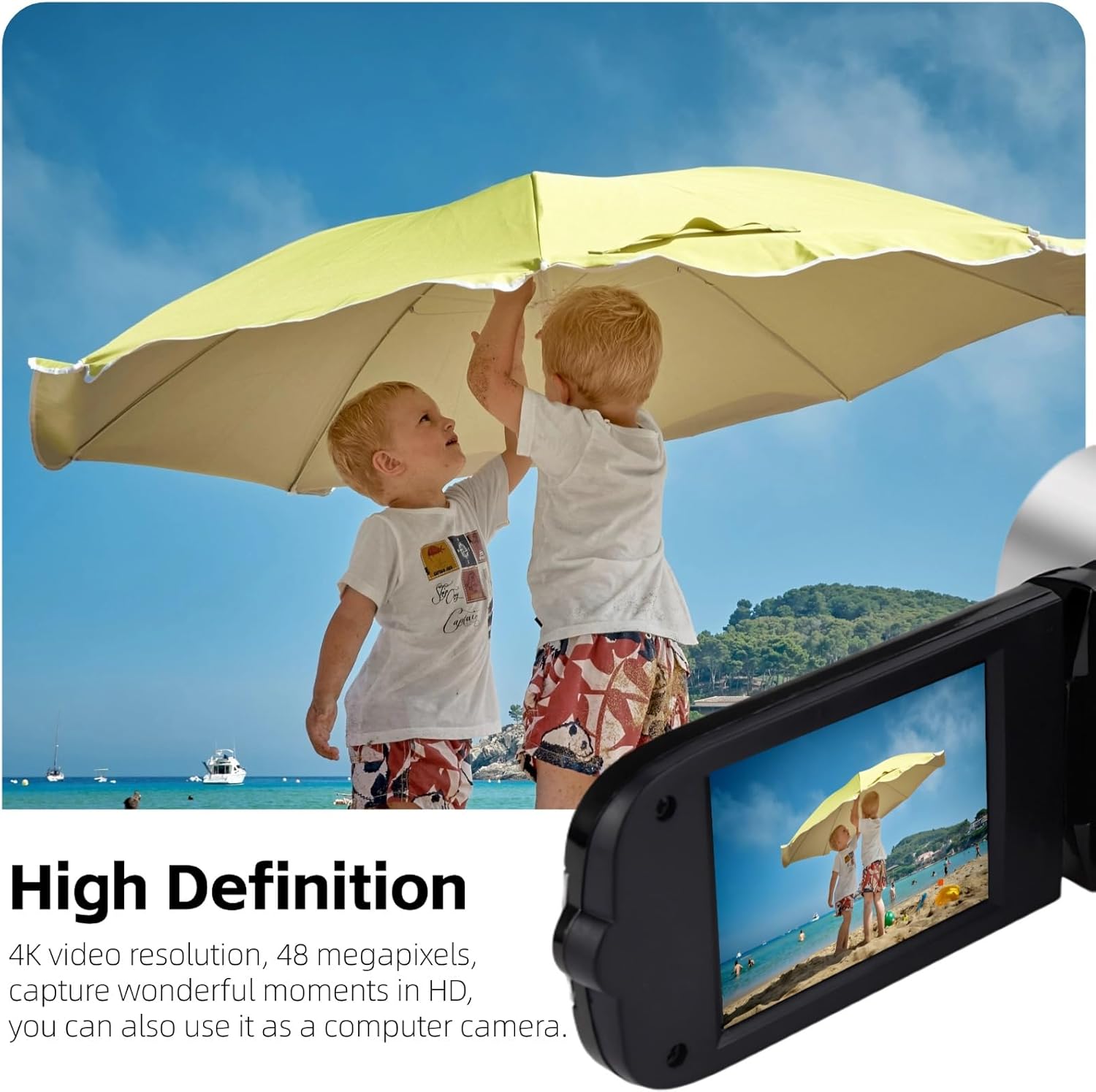
Image: The camcorder captures high-definition video, suitable for recording outdoor activities.
3. Фатаграфаванне
Switch to photo mode. Frame your shot using the screen, then press the shutter button (usually a separate button or the record button in photo mode) to capture a 16MP still image.
4. Using the Rotatable Screen
The 2.7-inch TFT screen can be rotated up to 270 degrees. This allows for flexible viewing angles, making it convenient for self-recording (vlogging) or shooting from difficult positions.

Image: The 2.7-inch rotatable screen facilitates self-recording and group selfies.
5. Лічбавы зум
Utilize the zoom controls (often marked with 'W' for wide and 'T' for telephoto) to adjust the 16x digital zoom. This feature allows you to magnify subjects in your frame. Note that digital zoom may reduce image quality compared to optical zoom.

Image: The 16x digital zoom allows for closer viewаддаленых прадметаў.
6. Using the Fill Light
The camcorder features a built-in fill light on the front. Activate this light in low-light conditions to improve illumination for your subjects. This is particularly useful for close-up shots or when recording in dimly lit environments.

Image: The built-in fill light enhances visibility in darker settings.
7. Падключэнне да кампутара
Use the provided USB cable to connect the camcorder to your computer. The device will typically appear as a removable drive, allowing you to transfer photos and videos. You can also select a "PC Camera" mode on the camcorder to use it as a webкулачок.
Тэхнічнае абслугоўванне
- Уборка: Use a soft, dry cloth to clean the camcorder body. For the lens and screen, use a specialized lens cleaning cloth and solution to avoid scratches.
- захоўванне: Захоўвайце відэакамеру ў прахалодным, сухім месцы, удалечыні ад прамых сонечных прамянёў і экстрэмальных тэмператур. Выміце акумулятар, калі захоўваеце яе працяглы час.
- Сыход за батарэяй: Avoid fully discharging the battery frequently. Recharge it regularly, even if not in use, to maintain battery health.
- SD-карта: Always safely eject the SD card from the camcorder and computer to prevent data corruption.
Ліквідацыю непаладак
| праблема | Магчымая прычына | Рашэнне |
|---|---|---|
| Відэакамера не ўключаецца. | Battery is not charged or incorrectly inserted. | Пераканайцеся, што акумулятар цалкам зараджаны і правільна ўстаўлены. |
| Screen freezes or shows static during recording. | SD card issue or software glitch. | Remove and reinsert the battery to reset the device. Try a different SD card. Ensure the SD card is compatible and properly formatted. |
| Cannot record or save files. | No SD card, full SD card, or corrupted SD card. | Устаўце сумяшчальную SD-карту. Выдаліце непатрэбнае files or use a new SD card. Format the SD card (this will erase all data). |
| Кароткі тэрмін службы батарэі. | Акумулятар не цалкам зараджаны, стары або інтэнсіўна выкарыстоўваецца. | Пераканайцеся, што акумулятар цалкам зараджаны. Падумайце аб купліasing a new battery if it's old. Reduce usage of power-intensive features like the fill light. |
| Дрэнная якасць выявы/відэа. | Low light, dirty lens, or digital zoom artifacts. | Use the fill light in low light. Clean the lens. Avoid excessive use of digital zoom. |
Тэхнічныя характарыстыкі
| Марка | Ёйдэсу |
| Нумар мадэлі | Yoidesunxbdy09aqg-11 |
| Дазвол відэазахопу | 1080p |
| Эфектыўнае рашэнне | 16 МП |
| Памер экрана | 2.7 Inches (TFT Rotatable) |
| Лічбавы зум | 16x |
| Тэхналогія фотадатчыка | CMOS |
| Тып флэш-памяці | SD (supports up to 32GB, not included) |
| Тэхналогія падлучэння | USB |
| Асаблівасці | Anti-Shake, Lightweight, Built-in Fill Light |
| Вага прадмета | 0.2 кілаграма |
| Фармат захопу відэа | AVI |
| Падтрымліваюцца фарматы выявы | JPG |
| Убудаваны медыя | Battery, USB Cable |
Гарантыя і падтрымка
For warranty information, please refer to the documentation provided at the time of purchase or contact the retailer. For technical support or further assistance, please reach out to Yoidesu customer service through their official channels.
Кантактную інфармацыю службы падтрымкі часта можна знайсці на сайце вытворцы webсайце або на ўпакоўцы прадукту.