
Jectse Jectsehtin20gcvm-11
Jectse MP3 Player with Bluetooth User Manual
Model: Jectsehtin20gcvm-11
1. Уводзіны
This manual provides detailed instructions for the operation and maintenance of your Jectse MP3 Player. This portable device features a 2.4-inch full-touch screen, 4GB internal storage, Bluetooth 5.0 connectivity, FM radio, E-book reader, and voice recording capabilities. Please read this manual thoroughly before using the device to ensure proper functionality and longevity.
2. Інфармацыя па бяспецы
- Не падвяргайце прыладу ўздзеянню экстрэмальных тэмператур, прамых сонечных прамянёў або высокай вільготнасці.
- Не кідайце прыладу і не падвяргайце яе моцным ударам.
- Не разбірайце і не спрабуйце рамантаваць прыладу самастойна. Гэта прывядзе да анулявання гарантыі.
- Use only the provided charging cable and certified power adapters.
- Слухайце на ўмераным узроўні гучнасці, каб пазбегнуць пашкоджання слыху.
- Трымайце прыладу далей ад вады і іншых вадкасцей.
3. Змесціва ўпакоўкі
Праверце наяўнасць усіх прадметаў у камплекце:
- Jectse MP3 Player
- Правадныя навушнікі
- USB-кабель для зарадкі

Image: The Jectse MP3 Player, along with its included wired headphones and USB charging cable, laid out on a surface.
4. Прадукт скончыўсяview
The Jectse MP3 Player features a compact design with a 2.4-inch touch screen for intuitive navigation. The device includes physical buttons on the side for power, volume control, and other functions. A built-in speaker is located on the back.

Выява: спераду view of the Jectse MP3 Player displaying its colorful touch screen interface with icons for Music, Video, Dictionary, Recorder, Settings, Applications, Folder, Listening, FM Radio, and Ebook.
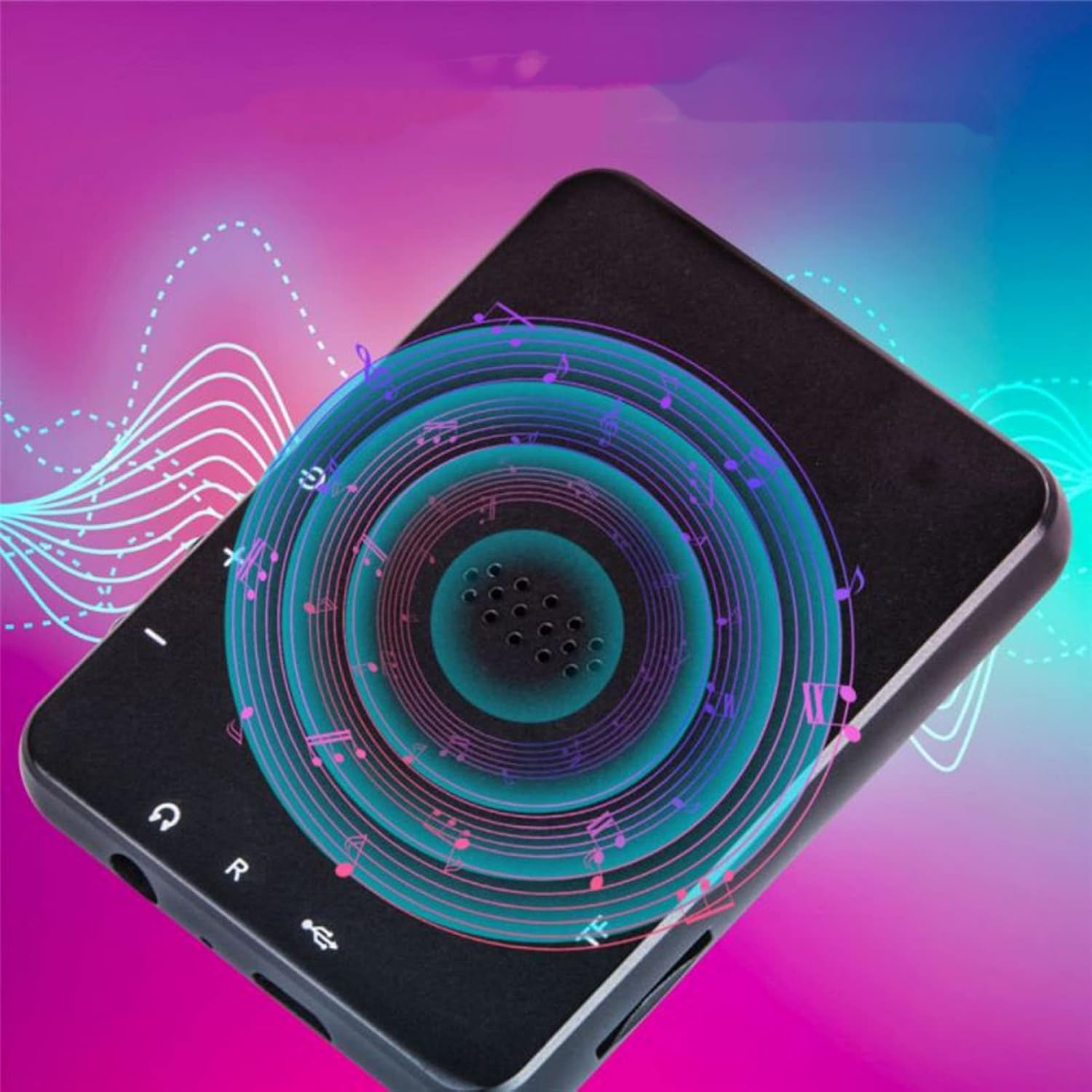
Выява: Спіна view of the Jectse MP3 Player, showing the speaker grille and side buttons for power and volume, with a visual representation of sound waves emanating from the speaker.
5. Настройка
5.1. Зарадка прылады
Before first use, fully charge the MP3 player. Connect the provided USB charging cable to the device's charging port and plug the other end into a USB power adapter (not included) or a computer's USB port. The battery indicator on the screen will show charging status.
5.2. Устаўка карты памяці (неабавязкова)
The device has 4GB of internal storage. To expand storage, insert a microSD card (up to 256GB, not included) into the memory card slot. Ensure the card is inserted correctly until it clicks into place.
5.3. Падключэнне навушнікаў
Plug the wired headphones into the 3.5mm audio jack on the device. Alternatively, you can connect Bluetooth headphones (see section 6.2).
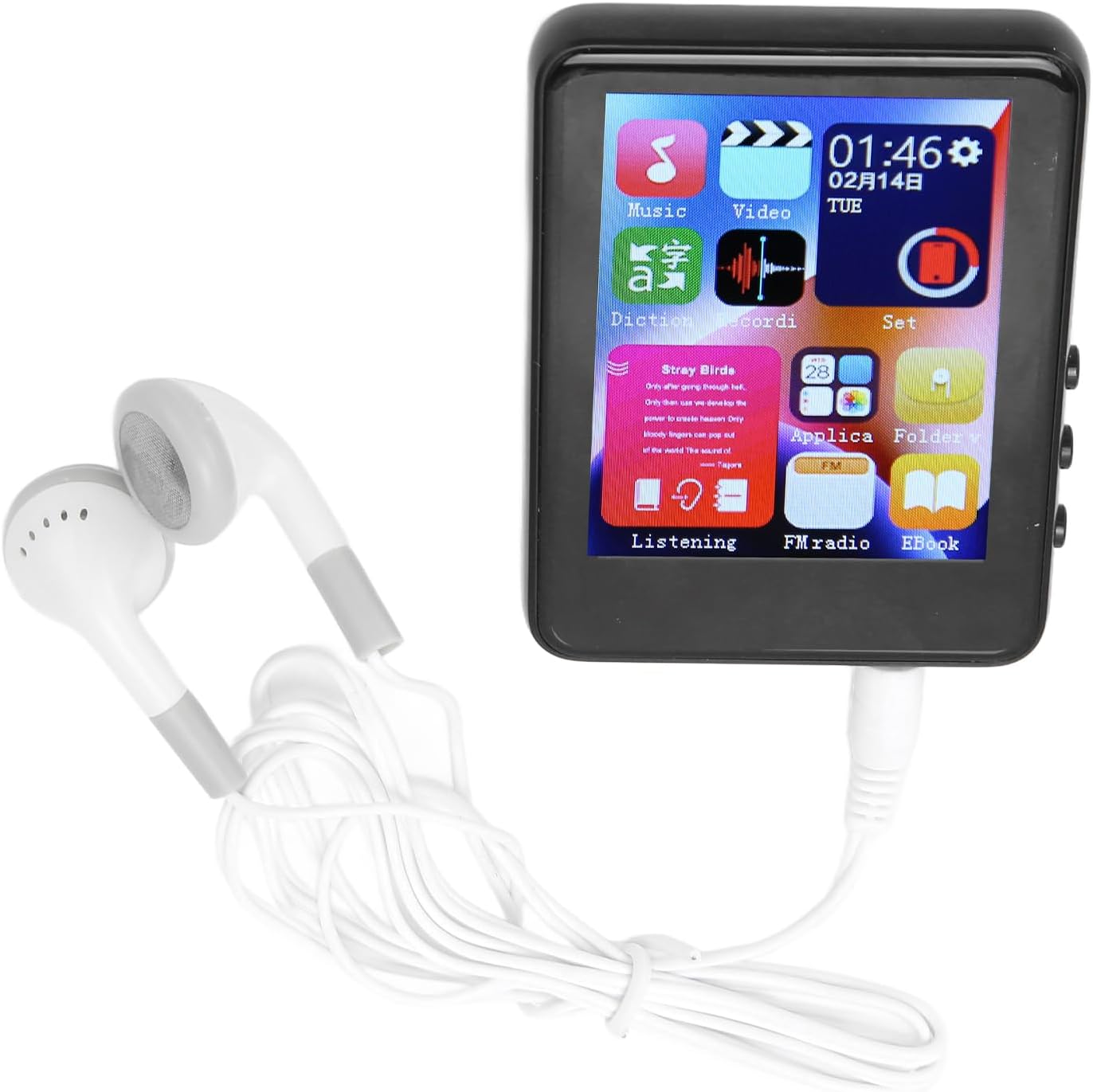
Image: The Jectse MP3 Player with white wired headphones plugged into its audio jack, ready for use.
5.4. Уключэнне / выключэнне харчавання
- Каб уключыць: Press and hold the power button on the side of the device until the screen lights up.
- Каб выключыць: Націсніце і ўтрымлівайце кнопку харчавання, пакуль на экране не з'явіцца опцыя выключэння харчавання, затым пацвердзіце.
6. Інструкцыя па эксплуатацыі
6.1. Навігацыя
The device features a full-touch screen. Swipe left/right or up/down to navigate through menus and applications. Tap an icon to open an application or select an option. Use the back arrow or swipe gestures (if available) to return to the previous screen.
6.2. Прайграванне музыкі
The player supports MP3, APE, FLAC, WMA, WAV, and AAC audio formats. Transfer music files from your computer to the device's internal storage or an inserted memory card.
- Tap the 'Music' icon on the home screen.
- Праглядзіце музычную бібліятэку па выканаўцу, альбому, жанру або тэчцы.
- Націсніце на песню, каб пачаць прайграванне.
- Use the on-screen controls for play/pause, skip tracks, and volume adjustment.

Image: The Jectse MP3 Player showing a music playback screen with album art and controls, while a person enjoys music with wireless earbuds.
6.3. Злучэнне Bluetooth
Connect your MP3 player to Bluetooth headphones or speakers for wireless audio.
- Перайдзіце ў «Налады» і абярыце «Bluetooth».
- Уключыце Bluetooth.
- Пераканайцеся, што ваша аўдыёпрылада Bluetooth знаходзіцца ў рэжыме спалучэння.
- Выберыце сваю прыладу са спісу даступных прылад для спалучэння.
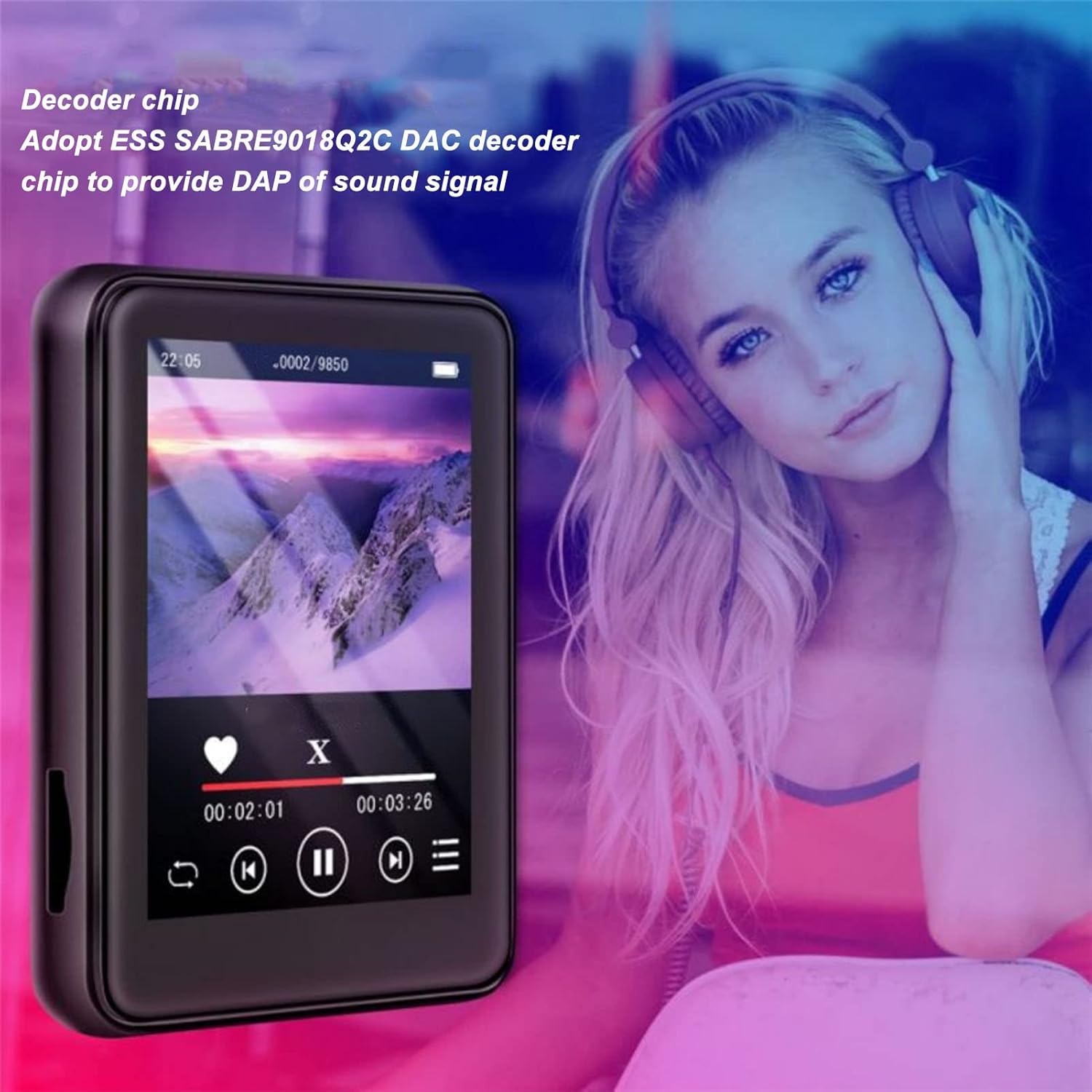
Image: The Jectse MP3 Player displaying a video or music interface, with text highlighting its ESS SABRE9018Q2C DAC decoder chip for high-quality sound. A person wearing over-ear headphones is visible in the background.
6.4. FM-радыё
Listen to FM radio stations using the built-in tuner. Wired headphones must be connected as they act as the antenna.
- Tap the 'FM Radio' icon.
- Perform an automatic scan to find available stations.
- Tune to your desired station using the on-screen controls.
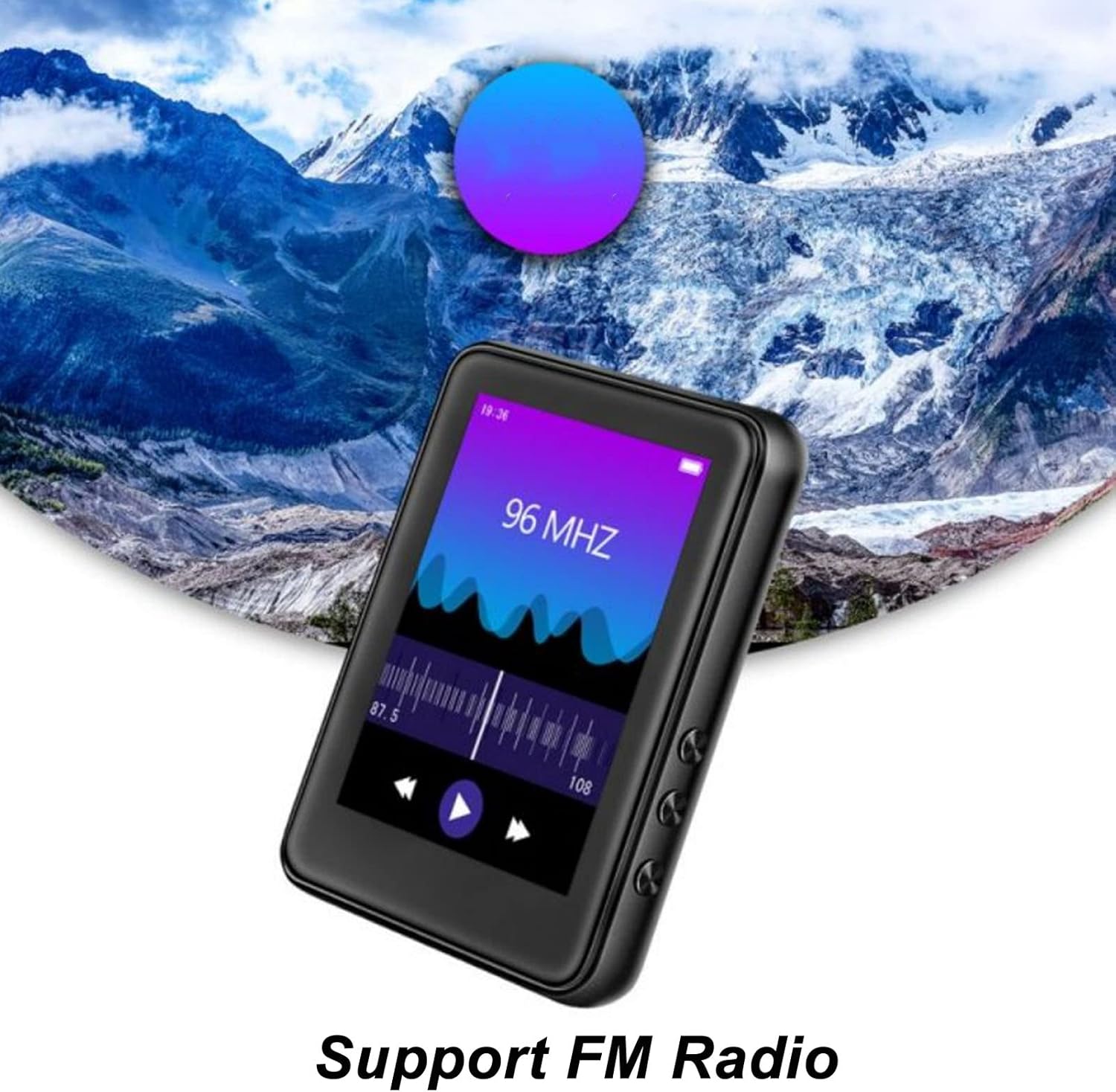
Image: The Jectse MP3 Player showing its FM Radio interface, tuned to 96 MHz, with a visual representation of radio waves and controls.
6.5. Электронныя кнігі
Read TXT and LRC format e-books on your device.
- Tap the 'Ebook' icon.
- Select the e-book you wish to read.
- Swipe the screen to turn pages.
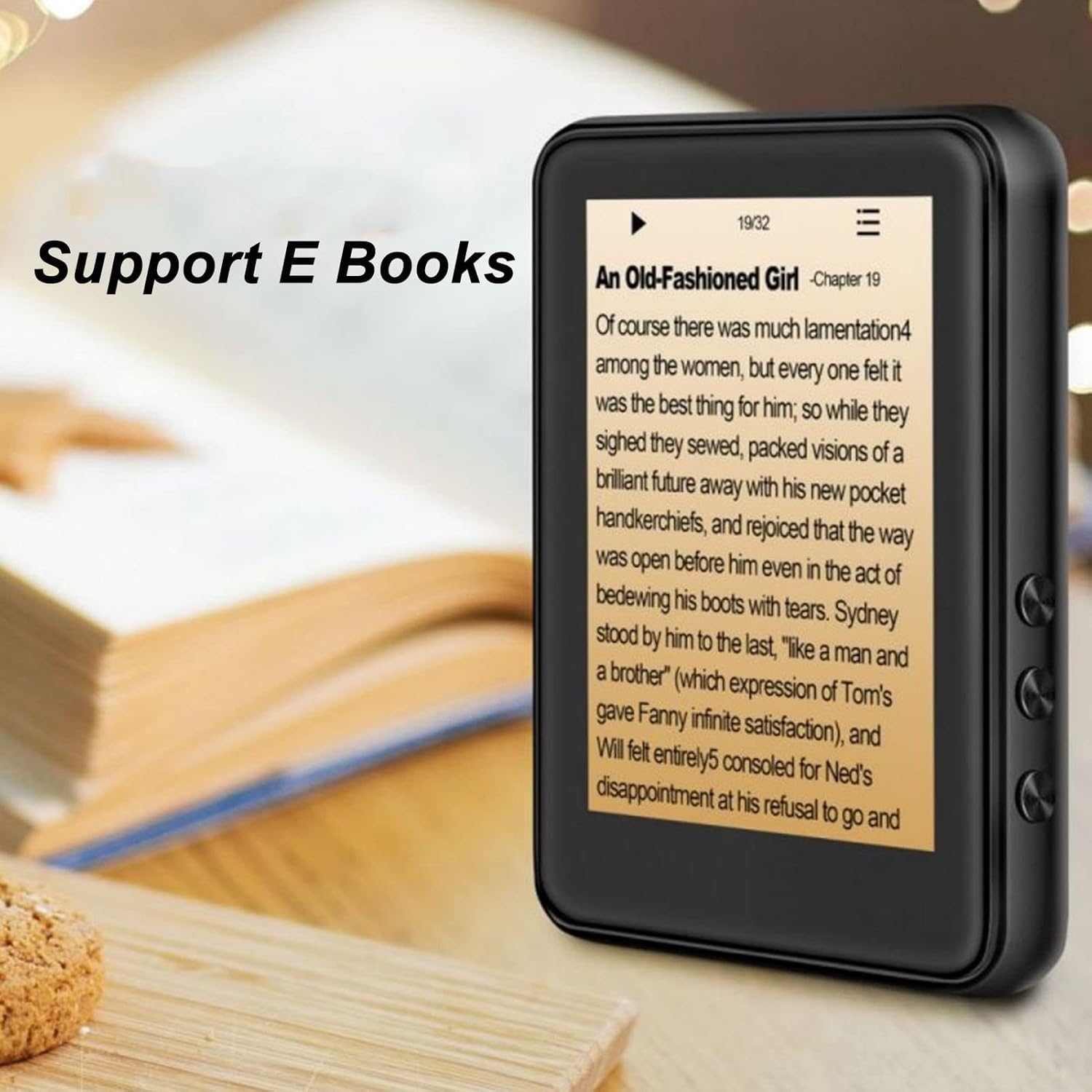
Image: The Jectse MP3 Player displaying an e-book titled 'An Old-Fashioned Girl - Chapter 19' on its screen, with text content visible.
6.6. Дыктафон
Запісвайце гук з дапамогай убудаванага мікрафона.
- Tap the 'Recorder' icon.
- Націсніце кнопку запісу, каб пачаць запіс.
- Tap the stop button to end and save the recording.

Image: The Jectse MP3 Player showing its voice recorder interface with a red record button and a timer, positioned in a meeting room setting.
6.7. Прайграванне відэа
The device supports MP4 video playback. Transfer compatible video fileу памяць прылады.
- Tap the 'Video' icon.
- Выберыце відэа file вы хочаце гуляць.
- Use the on-screen controls for playback.
7. Тэхнічнае абслугоўванне
- Уборка: Для чысткі прылады выкарыстоўвайце мяккую сухую тканіну. Не выкарыстоўвайце вадкія ачышчальнікі або абразіўныя матэрыялы.
- захоўванне: Калі прылада не выкарыстоўваецца, захоўвайце яе ў прахалодным сухім месцы.
- Сыход за батарэяй: Каб падоўжыць тэрмін службы батарэі, пазбягайце частай поўнай разрадкі батарэі. Рэгулярна зараджайце прыладу, нават калі яна не выкарыстоўваецца працяглы час.
- Абнаўленні праграмнага забеспячэння: Праверце вытворцы webсайт для атрымання даступных абнаўленняў прашыўкі, каб забяспечыць аптымальную прадукцыйнасць.
8. Выпраўленне непаладак
-
Прылада не ўключаецца:
Пераканайцеся, што акумулятар зараджаны. Падключыце прыладу да зараднай прылады як мінімум на 30 хвілін, перш чым спрабаваць зноў уключыць яе.
-
Няма гуку:
Check the volume level. Ensure headphones are properly connected or Bluetooth headphones are paired and connected. Test with different headphones if possible.
-
Немагчыма падключыцца да Bluetooth:
Ensure Bluetooth is enabled on both the MP3 player and the target device. Make sure the target device is in pairing mode and within range. Try restarting both devices.
-
Device freezes or is unresponsive:
Націсніце і ўтрымлівайце кнопку харчавання прыблізна 10-15 секунд, каб прымусова перазагрузіць прыладу.
-
Files not appearing on device:
Забяспечыць files are in supported formats. Verify that files were transferred correctly to the internal storage or memory card. Check if the memory card is properly inserted.
9. Тэхнічныя характарыстыкі
| Асаблівасць | Спецыфікацыя |
|---|---|
| мадэль | Jectsehtin20gcvm-11 |
| Экран | 2.4 Inches TFT Screen |
| Убудаванае сховішча | 4 ГБ |
| Падтрымка карты памяці | Up to 256GB (microSD, not included) |
| Версія Bluetooth | Bluetooth 5.0 |
| Падтрымліваюцца аўдыяфарматы | MP3, APE, FLAC, WMA, WAV, AAC |
| Падтрымліваюцца фарматы фота | JPEG, BMP |
| Падтрымліваемыя фарматы электронных кніг | TXT, LRC |
| Радыёчастата FM | 87 Гц-108 Гц |
| Стаўленне сігнал / шум | ≥ 90 дБ |
| Тып батарэі | Убудаваны літый-палімерны акумулятар ёмістасцю 500 мАг |
| Сумяшчальнасць аперацыйнай сістэмы | Windows 98/ME/2K/XP/Vista/Win7, OS X 10 |
| Вага прадмета | 4.5 унцыі |
| Памеры ўпакоўкі | 5.12 х 3.15 х 1.18 цалі |
10. Гарантыя і падтрымка
For warranty information and technical support, please refer to the documentation provided with your purchase or visit the official Jectse webсайт. Захоўвайце пацвярджэнне пакупкі для прэтэнзій па гарантыі.