
Baseus NGTD020202
Кіраўніцтва па эксплуатацыі бесправадных навушнікаў Baseus Bowie D05
Model: NGTD020202
1. Уводзіны
Thank you for choosing the Baseus Bowie D05 Wireless Headphones. This manual provides detailed instructions on how to set up, operate, maintain, and troubleshoot your new headphones. Please read this manual carefully before use to ensure optimal performance and longevity of your device.
2. Што ў скрынцы
Пасля распакавання пераканайцеся, што ўсе наступныя рэчы наяўныя:
- Бесправадныя навушнікі Baseus Bowie D05
- Зарадны кабель USB-A да USB-C
- Аўдыёкабель 3.5 мм
- Кіраўніцтва карыстальніка
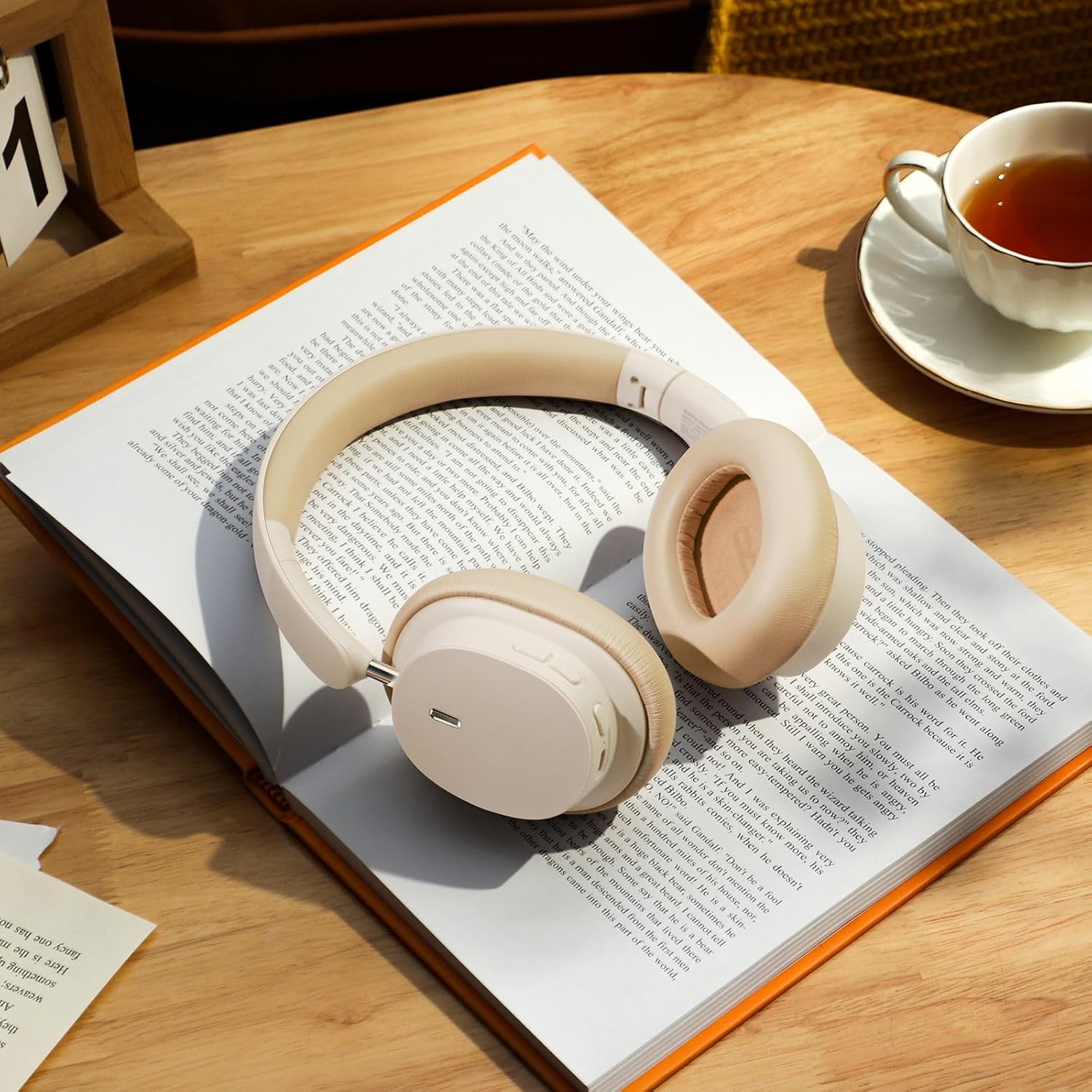
Image: The Baseus Bowie D05 headphones shown alongside their USB-C charging cable and 3.5mm audio cable, illustrating the complete package contents.
3. Прадукт скончыўсяview
Familiarize yourself with the various parts and controls of your Baseus Bowie D05 headphones:
- Кнопка харчавання/шматфункцыянальная кнопка: Used for powering on/off, play/pause, answering/ending calls, and activating voice assistant.
- Кнопка павелічэння гучнасці: Increases volume, long press for next track.
- Кнопка памяншэння гучнасці: Decreases volume, long press for previous track.
- Порт для зарадкі USB-C: Для зарадкі навушнікаў.
- 3.5 мм аўдыяраз'ём: Для праваднога падключэння.
- Святлодыёдны індыкатар: Паказвае стан харчавання, зарадкі і спалучэння.
- Мікрафон: Для званкоў і галасавых каманд.

Выява: Падрабязны view of the left earcup of the Baseus Bowie D05 headphones, highlighting the location of the control buttons (volume up/down, multi-function) and the charging/audio ports.
4. Настройка
4.1 Зарадка навушнікаў
- Connect the USB-C end of the charging cable to the headphone's charging port.
- Connect the USB-A end to a USB power adapter (5V/1A recommended) or a computer's USB port.
- The LED indicator will show red during charging and turn off or blue when fully charged.
- Поўная зарадка звычайна займае каля 1.5-2 гадзін.
4.2 Спалучэнне па Bluetooth
- Пераканайцеся, што навушнікі цалкам зараджаныя.
- Press and hold the Power/Multi-function button for 3-5 seconds until the LED indicator flashes blue and red alternately, indicating pairing mode.
- На вашай прыладзе (смартфоне, планшэце, камп'ютары) уключыце Bluetooth.
- Пошук "Baseus Bowie D05" in the list of available Bluetooth devices.
- Select "Baseus Bowie D05" to connect. Once connected, the LED indicator will flash blue slowly or turn off.
4.3 Правадное падключэнне (неабавязкова)
You can use the headphones with the included 3.5mm audio cable when the battery is low or for devices without Bluetooth connectivity.
- Падключыце адзін канец аўдыёкабеля 3.5 мм да аўдыёраздыма 3.5 мм навушнікаў.
- Падключыце другі канец да аўдыёвыхаду вашай прылады.
- Note: Controls on the headphones may not function in wired mode.
5. Інструкцыя па эксплуатацыі
5.1 Уключэнне/выключэнне сілкавання
- Уключэнне: Націсніце і ўтрымлівайце кнопку харчавання/шматфункцыянальную кнопку на працягу 3 секунд.
- Выключэнне: Націсніце і ўтрымлівайце кнопку харчавання/шматфункцыянальную кнопку на працягу 5 секунд.
5.2 Прайграванне музыкі
- Прайграванне/Паўза: Кароткачасова націсніце кнопку харчавання/шматфункцыянальнай функцыі.
- Павялічыць гучнасць: Кароткачасова націсніце кнопку павелічэння гучнасці.
- Паменшыць гучнасць: Кароткачасова націсніце кнопку памяншэння гучнасці.
- Наступны трэк: Доўга націсніце кнопку павелічэння гучнасці.
- Папярэдні трэк: Доўга націсніце кнопку памяншэння гучнасці.
5.3 Кіраванне выклікамі
- Адказ/завяршэнне выкліку: Кароткачасова націсніце кнопку харчавання/шматфункцыянальнай функцыі.
- Адхіліць выклік: Доўга націсніце кнопку харчавання/шматфункцыянальнай функцыі на працягу 2 секунд.
5.4 Падключэнне некалькіх прылад
The Baseus Bowie D05 headphones support simultaneous connection to two devices, allowing seamless switching between them.
- Connect the headphones to the first device via Bluetooth as described in section 4.2.
- Адключыце навушнікі ад першай прылады (не адключайце іх).
- Падключыце навушнікі да другой прылады праз Bluetooth.
- Reconnect the headphones to the first device from its Bluetooth settings. The headphones should now be connected to both devices.
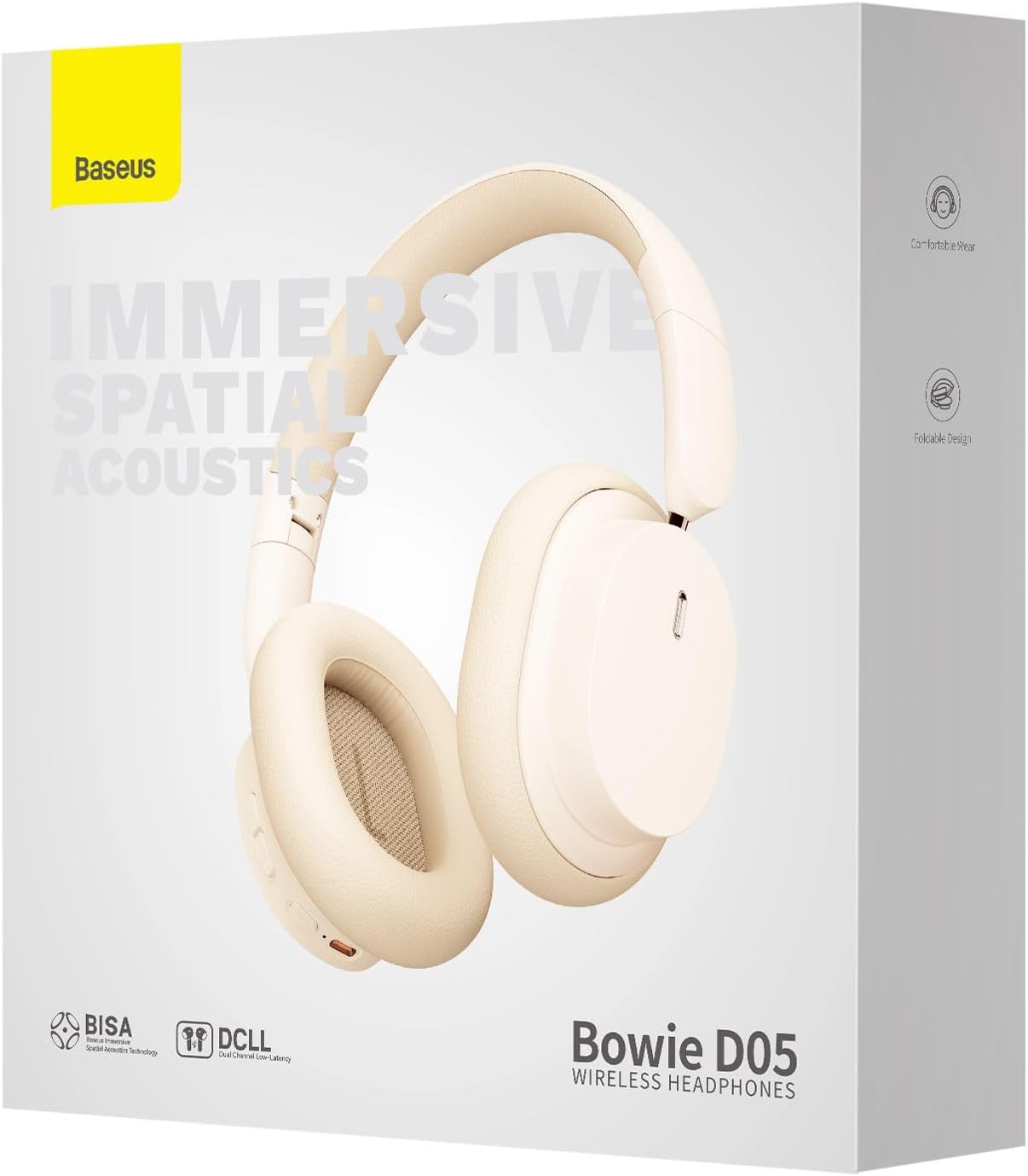
Image: The Baseus Bowie D05 headphones are depicted wirelessly connected to both a smartphone and a tablet, demonstrating their multi-device connectivity feature.
6. Тэхнічнае абслугоўванне
Каб забяспечыць даўгавечнасць і аптымальную працу вашых навушнікаў, выконвайце наступныя рэкамендацыі па абслугоўванні:
- Уборка: Для чысткі навушнікаў выкарыстоўвайце мяккую, сухую тканіну без ворса. Не выкарыстоўвайце абразіўныя ачышчальнікі, спірт або хімічныя растваральнікі.
- захоўванне: Калі навушнікі не выкарыстоўваюцца, захоўвайце іх у прахалодным, сухім месцы, удалечыні ад прамых сонечных прамянёў і экстрэмальных тэмператур.
- Пазбягайце вільгаці: Трымайце навушнікі далей ад вады і празмернай вільготнасці.
- Асцярожна звяртайцеся: Пазбягайце падзення навушнікаў і моцных удараў.
7. Выпраўленне непаладак
If you encounter any issues with your Baseus Bowie D05 headphones, please refer to the following common problems and solutions:
| праблема | Магчымае рашэнне |
|---|---|
| Навушнікі не ўключаюцься. | Пераканайцеся, што навушнікі цалкам зараджаныя. Падключыце іх да крыніцы харчавання і паспрабуйце яшчэ раз. |
| Немагчыма спалучыць прыладу. | Ensure headphones are in pairing mode (flashing blue/red). Turn off and on Bluetooth on your device. Clear previous Bluetooth connections on your device. Move headphones closer to the device. |
| Няма гуку або нізкі ўзровень гучнасці. | Check headphone and device volume levels. Ensure headphones are properly connected. Try playing different audio. If using wired connection, ensure cable is fully inserted. |
| Нізкая якасць гуку. | Move closer to your device to avoid interference. Avoid obstacles between headphones and device. Try disconnecting and reconnecting. |
| Навушнікі часта адключаюцца. | Ensure headphones are fully charged. Keep within Bluetooth range (typically 10 meters). Avoid strong electromagnetic interference. |
Калі праблема не знікне пасля выкарыстання гэтых рашэнняў, звярніцеся ў службу падтрымкі кліентаў.
8. Тэхнічныя характарыстыкі
Detailed technical specifications for the Baseus Bowie D05 Wireless Headphones:
- Назва мадэлі: NGTD020202
- Марка: Басейс
- Тэхналогія падключэння: Бесправадная сувязь (Bluetooth)
- Тэхналогія бесправадной сувязі: Bluetooth
- Размяшчэнне вушэй: Над вухам
- Формаў-фактар: Над вухам
- Тып аўдыё драйвера: Дынамічны драйвер
- Памер драйвера: 40 мм
- Тэрмін службы батарэі: Up to 70 hours of audio playback (at 70% volume)
- Порт для зарадкі: USB-C
- Аўдыёраз'ём: 3.5 мм Jack
- матэрыял: Пластыкавыя
- Вага прадмета: Прыблізна 209 грам (7.37 унцыі)
- колер: Creamy-White (as per product title, though spec says Black)
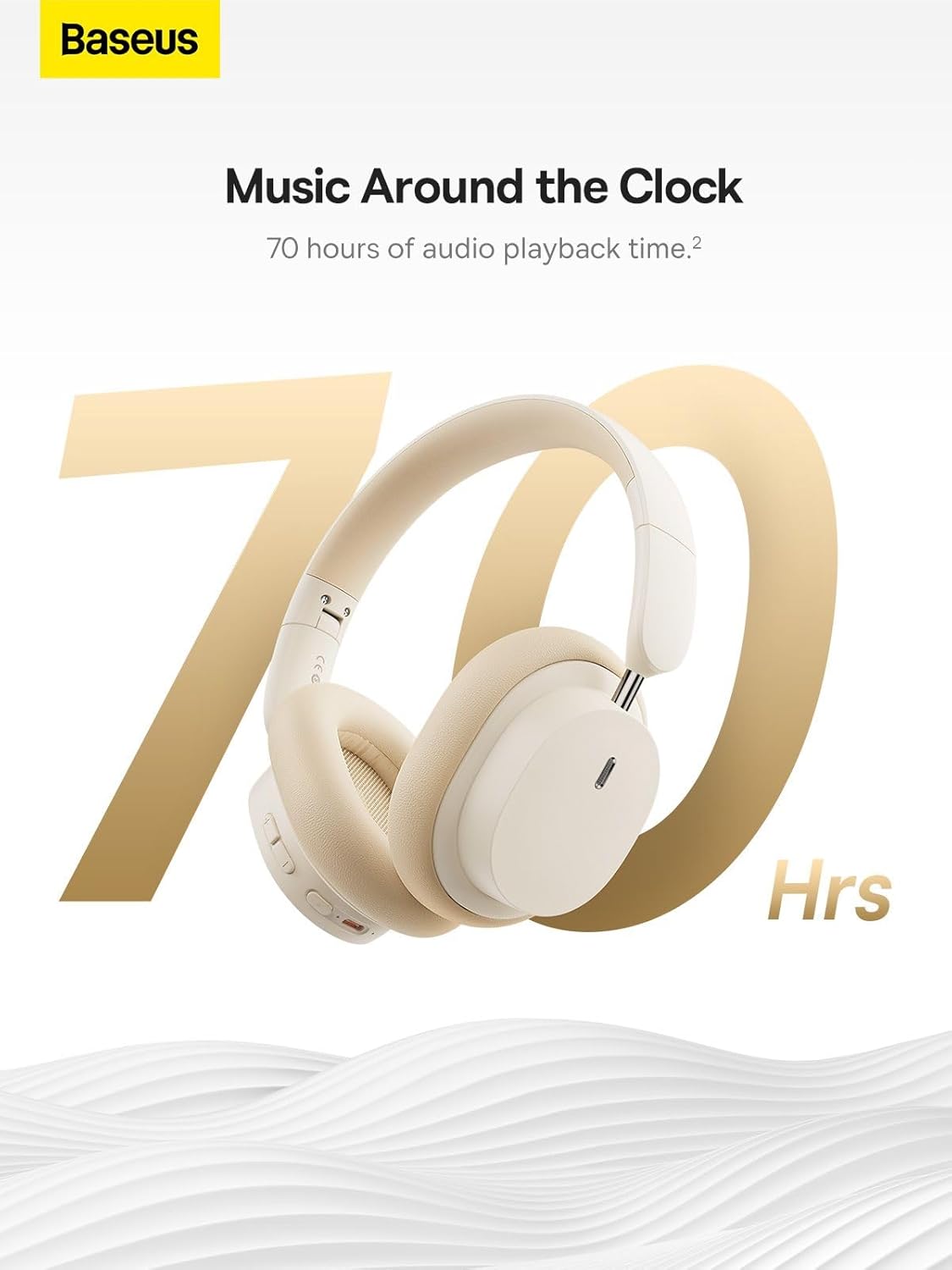
Image: The Baseus Bowie D05 headphones are featured with a prominent '70 Hrs' graphic, highlighting their extended audio playback time on a single charge.

Image: Two individuals are shown comfortably wearing the Baseus Bowie D05 headphones, emphasizing their lightweight design with the text 'Only 209g' for extended listening sessions.

Image: A visual representation of a 40mm large driver unit, illustrating its capability to deliver detailed high-end and fuller low-end audio performance.
9. Гарантыя і падтрымка
9.1 Інфармацыя аб гарантыі
Baseus products are covered by a limited warranty from the date of purchase. Please refer to the warranty card included in your product packaging or visit the official Baseus webсайт для атрымання падрабязных гарантыйных умоў.
9.2 Падтрымка кліентаў
For technical assistance, troubleshooting, or warranty claims, please contact Baseus customer support through the following channels:
- Афіцыйны Webсайт: Visit the Baseus official webсайт з часта задаванымі пытаннямі, рэсурсамі падтрымкі і кантактнымі формамі.
- Падтрымка па электроннай пошце: Звярніцеся да ўпакоўкі прадукту або да афіцыйнай webсайт для адраса электроннай пошты службы падтрымкі кліентаў.
- Аўтарызаваны прадавец: Contact the retailer from whom you purchased the product for assistance.
Ask a question about this manual
Ask about setup, troubleshooting, compatibility, parts, safety, or missing instructions. Manuals+ will review the question and use this page’s manual context to help answer it.