
Уводзіны
This manual provides detailed instructions for the setup, operation, and maintenance of your VTech CS1550 DECT Cordless Phone with Answering Machine. Please read this manual thoroughly to ensure proper use and to take full advantagе ўсіх функцый.

Image: The VTech CS1550 DECT Cordless Phone, featuring a white handset and black base unit.
Змест пакета
Before beginning installation, ensure all items are present in your package:
- Бесправадная трубка
- Базавая адзінка
- Адаптар сілкавання для базавага блока
- Тэлефонны шнур
- Rechargeable NiMH Batteries (4x AAA size, typically)
- Кіраўніцтва карыстальніка (гэты дакумент)
Настройка
1. Устаноўка батарэі
- Знайдзіце батарэйны адсек на задняй панэлі трубкі.
- Адкрыйце крышку батарэйнага адсека.
- Insert the supplied NiMH rechargeable batteries, observing the correct polarity (+ і -).
- Надзейна зачыніце крышку батарэйнага адсека.
2. Падключэнне базавага блока
- Connect the power adapter to the base unit and plug it into a wall outlet.
- Падключыце адзін канец тэлефоннага шнура да базавай прылады, а другі — да тэлефоннай разеткі на сцяне.
- Place the base unit in a central location for optimal signal range.
3. Пачатковая зарадка тэлефона
Place the handset on the base unit to charge. The VTech CS1550 features a dual-charging design, allowing you to place the handset face down or face up. For initial use, charge the handset for at least 16 hours to ensure full battery capacity.
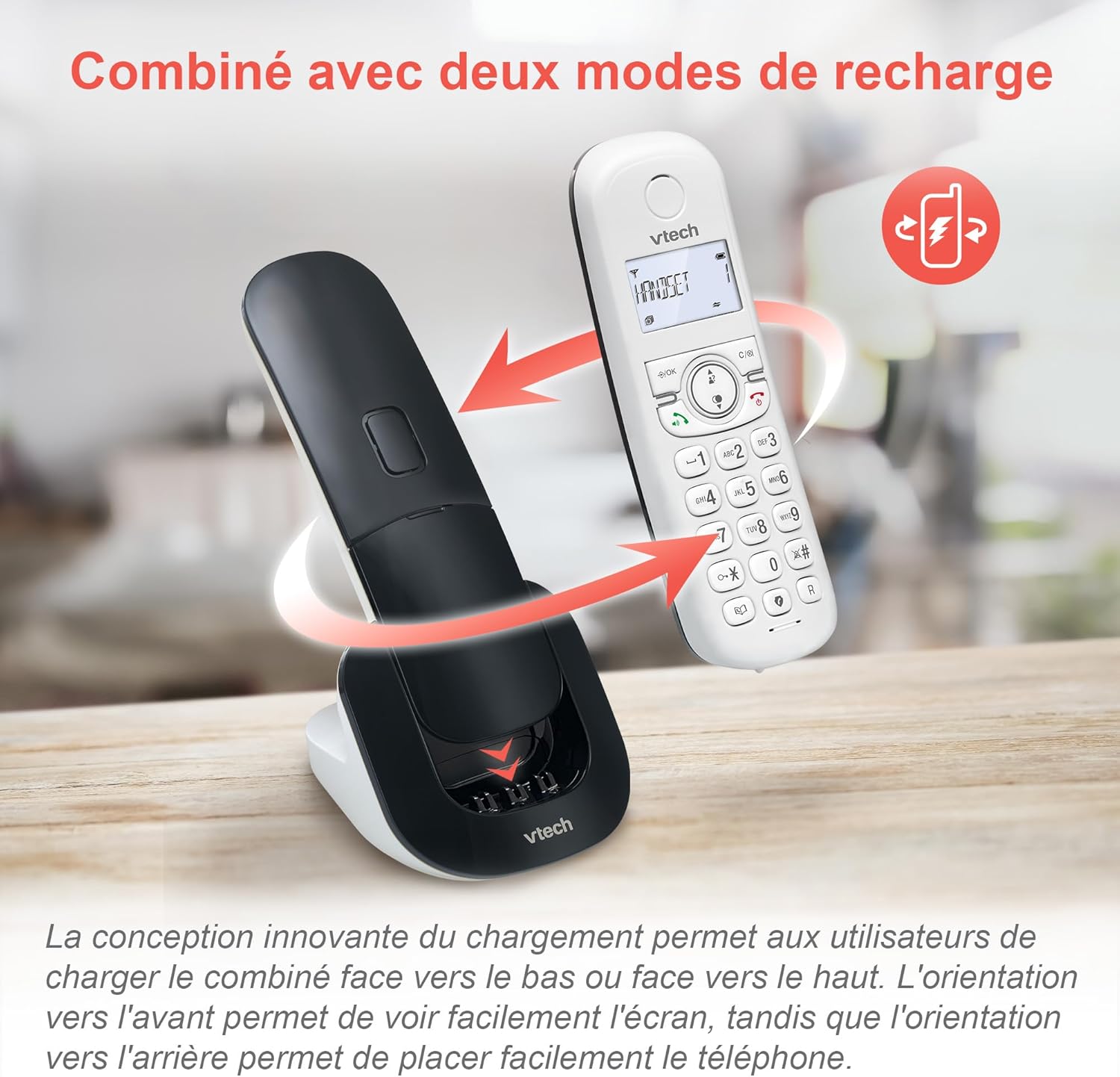
Image: The VTech CS1550 handset can be charged face down or face up on its base unit, offering flexible placement options.
4. Налада даты і часу
After initial charging, the handset will prompt you to set the date and time. Follow the on-screen instructions using the navigation and OK buttons.
Інструкцыя па эксплуатацыі
Здзяйсненне і прыём званкоў
- Каб зрабіць званок: Націсніце Размаўляць кнопку, а затым набярыце нумар.
- Каб адказаць на званок: Націсніце Размаўляць кнопку, калі тэлефануе тэлефон.
- Каб завяршыць выклік: Націсніце Канец кнопка.
Функцыя гучнай сувязі
Падчас размовы націсніце Гучная сувязь button to activate hands-free communication. Press it again to return to handset mode.
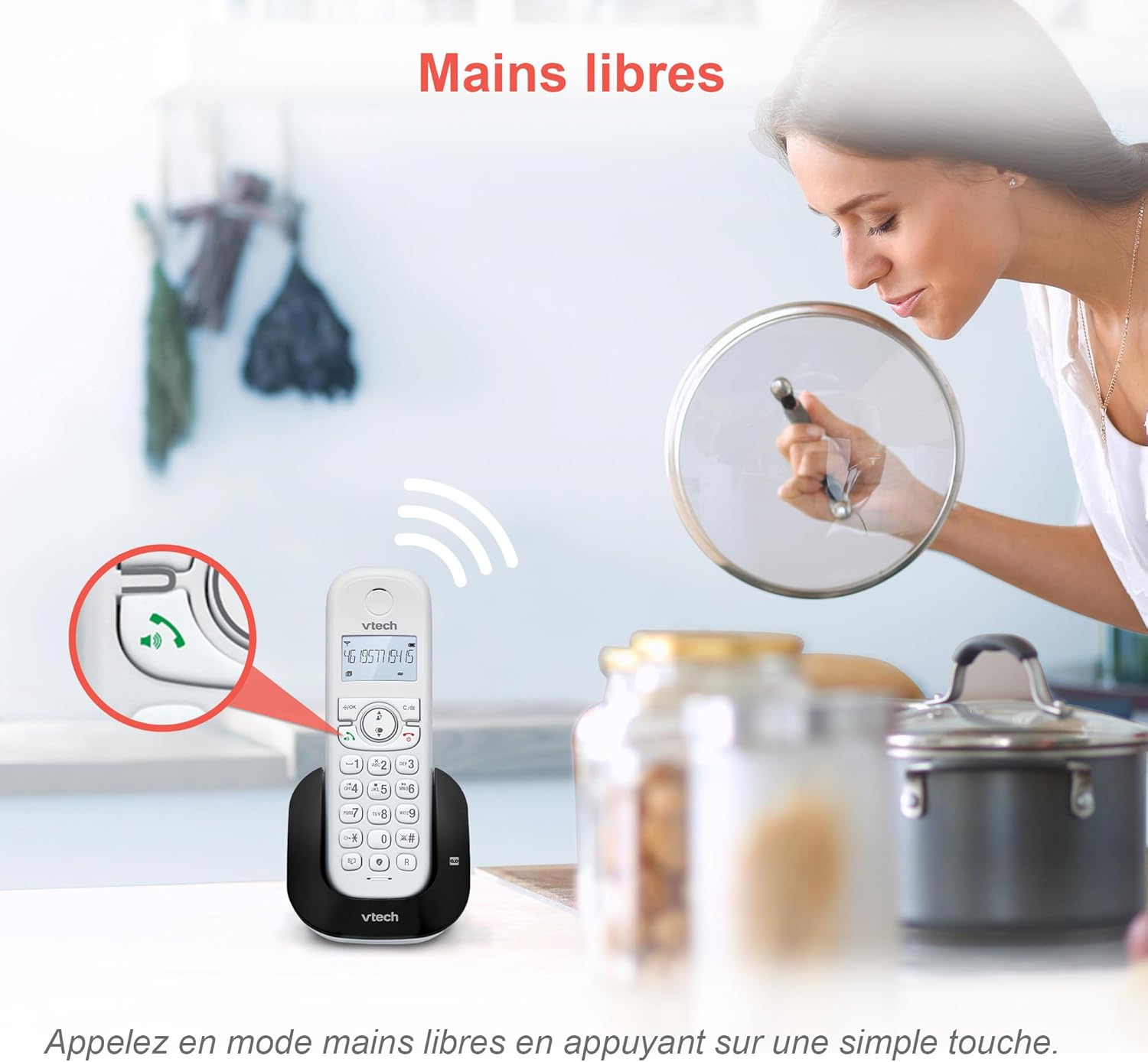
Image: The speakerphone button on the VTech CS1550 handset allows for hands-free calling.
АОН і чаканне выкліку
The phone displays the name, number, time, and date of incoming calls. It stores up to 20 caller ID records. If you have Call Waiting service, the phone will alert you to a second incoming call.

Image: The handset display shows incoming caller ID details, including number, name, time, and date.
Функцыя паўторнага набору
To redial one of the last 10 numbers called, press the Паўторнае набранне button and select the desired number from the list.
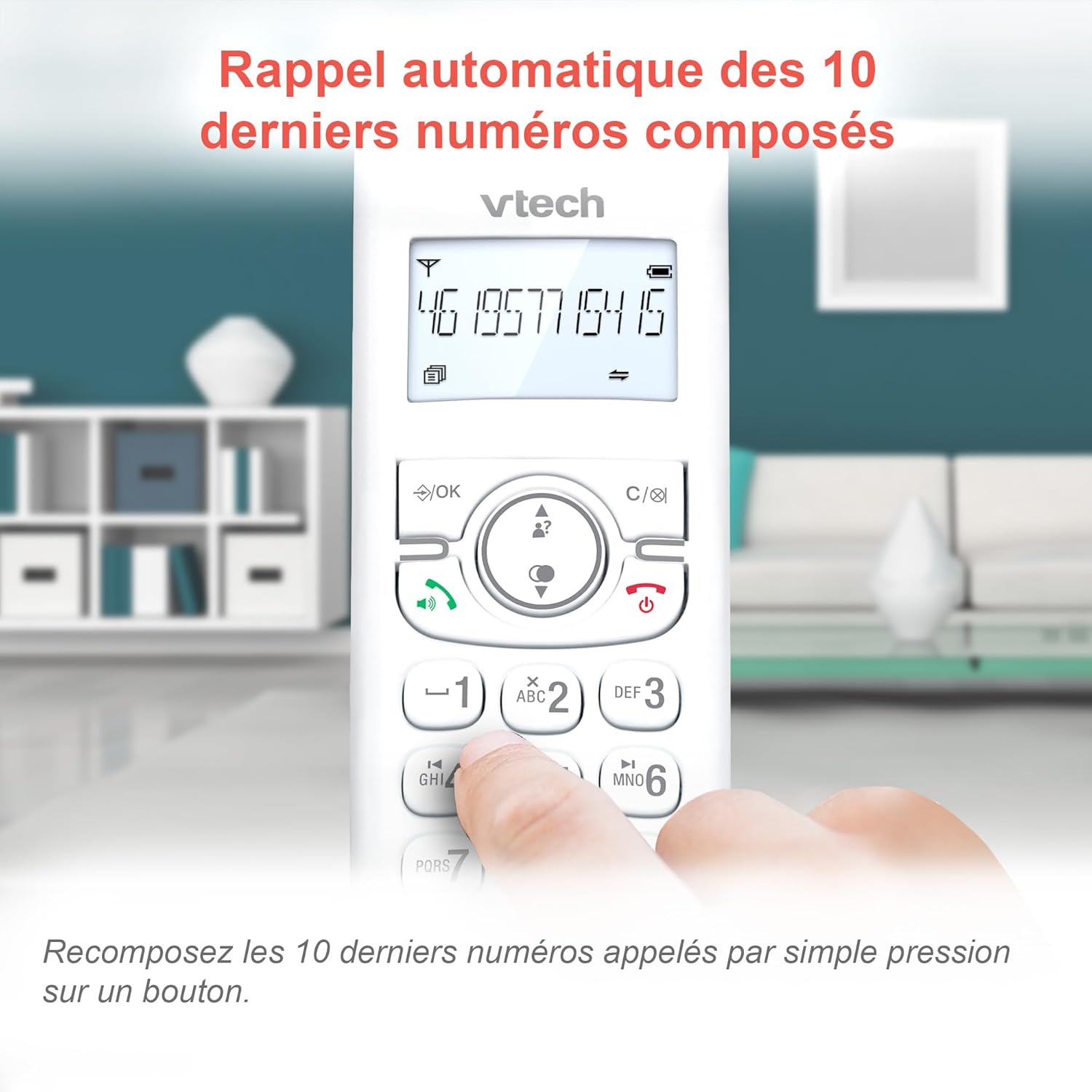
Image: Easily redial the last 10 numbers by pressing the dedicated redial button on the handset.
Тэлефонная кніга
У тэлефоннай кнізе можна захоўваць да 60 імёнаў і нумароў. Звярніцеся да экраннага меню, каб атрымаць інструкцыі па даданні, рэдагаванні і выдаленні запісаў.
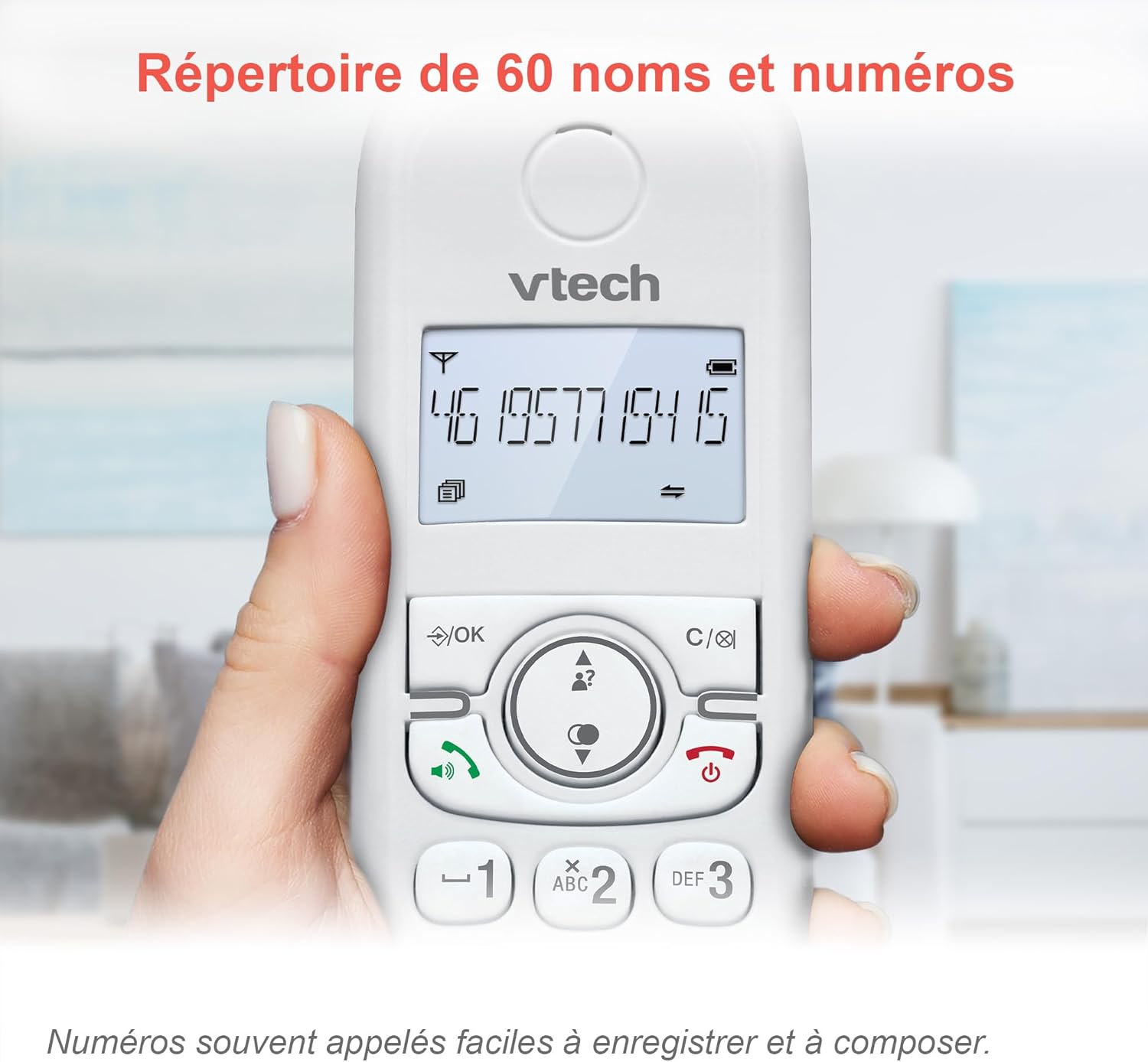
Image: The phonebook allows storage of up to 60 contacts for quick dialing.
Лічбавы аўтаадказчык
The integrated answering machine records messages for up to 15 minutes. You can access messages from the handset or the base unit. Follow the menu prompts to set up your outgoing message and retrieve messages.

Image: The answering machine feature records messages for up to 15 minutes when you are unavailable.
Nuisance Call Blocker
Block unwanted calls by adding up to 60 numbers to the blacklist. This feature prevents blocked numbers from ringing your phone.

Image: The call blocker button allows you to add unwanted numbers to a blacklist, preventing future calls from ringing.
Рэжым ЭКА
ECO mode automatically adjusts and minimizes the radio frequency power based on the distance between the handset and the base unit, optimizing energy consumption.
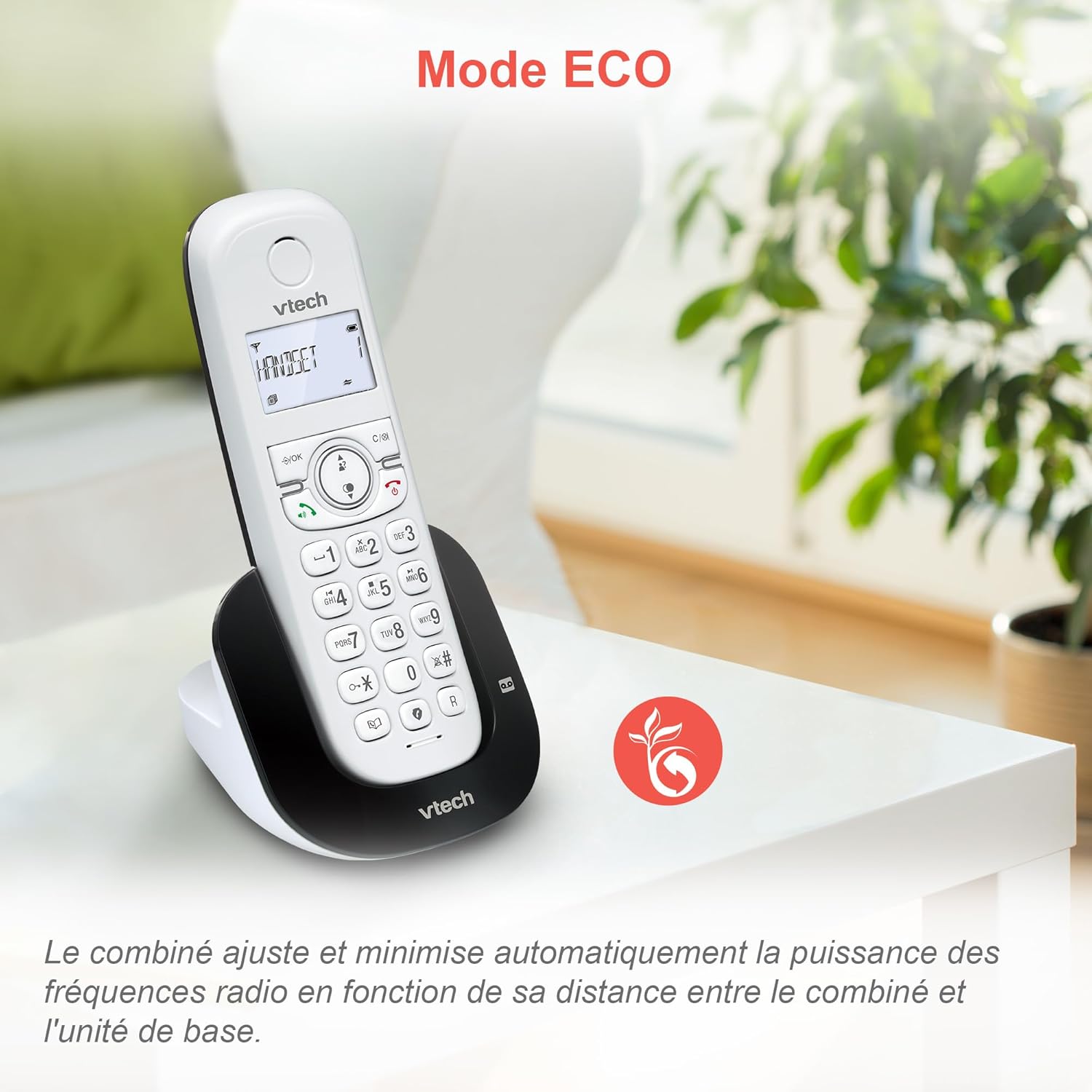
Image: ECO mode automatically reduces power consumption based on handset proximity to the base unit.
Alarm and Mute Functions
Set alarms directly on the handset. During a call, you can mute your microphone for privacy by pressing the mute button.

Image: The phone includes alarm functionality and a mute feature for calls, enhancing user convenience and privacy.
Adjustable Ringer Volume and Melodies
Customize your phone's ringing experience by adjusting the ringer volume and selecting from available melodies through the handset menu.

Image: Adjust the ringer volume and choose from various melodies to personalize your phone's alerts.
Дысплей і клавіятура з падсветкай
The handset features a backlit LCD screen and keypad, ensuring clear visibility and ease of use even in low-light conditions.

Image: The backlit display and keypad provide enhanced visibility in dark environments.
Далёкае пакрыццё
The DECT technology provides reliable long-range coverage and clear audio quality throughout your home or office.

Image: The phone offers extended range and clear communication across various areas of your property.
Тэрмін службы батарэі
The handset provides up to 13 hours of talk time and up to 200 hours of standby time on a full charge.

Image: The VTech CS1550 offers up to 13 hours of continuous talk time.
Тэхнічнае абслугоўванне
Cleaning Your Phone
Працярыце тэлефон і базу мяккай губкайamp тканінай. Не выкарыстоўвайце ачышчальныя спрэі або агрэсіўныя хімікаты, бо яны могуць пашкодзіць пакрыццё або электрычныя кампаненты.
Сыход за батарэяй
Use only the supplied rechargeable NiMH batteries. Do not use alkaline, manganese, or other non-rechargeable batteries. If the phone will not be used for an extended period, remove the batteries to prevent leakage.
Ліквідацыю непаладак
If you experience issues with your VTech CS1550, try the following steps:
- Няма сігналу набору: Пераканайцеся, што тэлефонны шнур надзейна падключаны як да базавай прылады, так і да разеткі. Праверце, ці працуюць іншыя тэлефоны на той жа лініі.
- Нельга рабіць/прымаць званкі: Verify the power adapter is properly connected to the base unit and a working power outlet. Ensure the handset batteries are charged.
- Дрэнная якасць гуку: Move the handset closer to the base unit. Check for interference from other electronic devices.
- Тэлефон не зараджаецца: Ensure the handset is correctly seated in the charging cradle. Clean the charging contacts on both the handset and base unit with a dry cloth.
- Аўтаадказчык не запісвае: Check if the answering machine is turned on. Ensure there is sufficient recording time available.
For further assistance, refer to the detailed troubleshooting section in the full user manual or contact VTech customer support.
Тэхнічныя характарыстыкі
| Марка | VTech |
| Нумар мадэлі | CS1550 |
| Колер | Белы |
| Тып тэлефона | Бесправадная DECT |
| Сумяшчальныя прылады | Switched telephone network (PSTN), potentially other analog telephone networks |
| Склад батарэі | NiMH (4x AAA size included) |
| Час размовы | Да 13 гадзін |
| Час чакання | Да 200 гадзін |
| Час запісу на аўтаадказчык | 15 хвілін |
| Ёмістасць тэлефоннай кнігі | 60 імёнаў і лічбаў |
| Ёмістасць блакіроўкі выклікаў | Да 60 нумароў |
| Запісы ідэнтыфікацыі абанента | 20 запісаў |
| Вага | 275 грам |
| Матэрыял | Пластыкавыя |
Інфармацыя аб гарантыі
Specific warranty details for the VTech CS1550 DECT Cordless Phone are typically provided with your purchase documentation. Please refer to the warranty card or contact your retailer for information regarding warranty coverage and terms. Information regarding spare parts availability and software updates is not available in the provided product data.
Падтрымка кліентаў
For technical assistance, product inquiries, or service, please visit the official VTech website or contact VTech customer support directly. Contact information can usually be found on the VTech webна сайце або ў пакавальных матэрыялах.