
1. Уводзіны
This manual provides detailed instructions for the installation, operation, and programming of the TAXNELE THC30A Digital Programmable Timer Switch. This device is designed for automatic control of various electrical appliances based on user-defined daily and weekly schedules.

Figure 1: TAXNELE THC30A Digital Programmable Timer Switch
2. Асноўныя магчымасці
- 7-Day Digital Programmable Timer: Supports daily and weekly programs with a full time range from 1 minute to 168 hours.
- Multiple ON/OFF Settings: Up to 20 ON and 20 OFF settings for precise control.
- Аўтаматычнае кіраванне: Automatically switches power to connected devices according to programmed schedules.
- Зручны інтэрфейс: Large LCD screen and clear buttons (D+, H+, M+) for easy operation.
- Высокая дакладнасць: Equipped with an industrial-grade chip for accurate timing.
- Памяць пры выключэнні харчавання: Built-in high-performance battery retains timing, display, and data for up to 3 years during power outagэс.
- Высокая грузападымальнасць: Features a 30A relay for handling significant electrical loads.
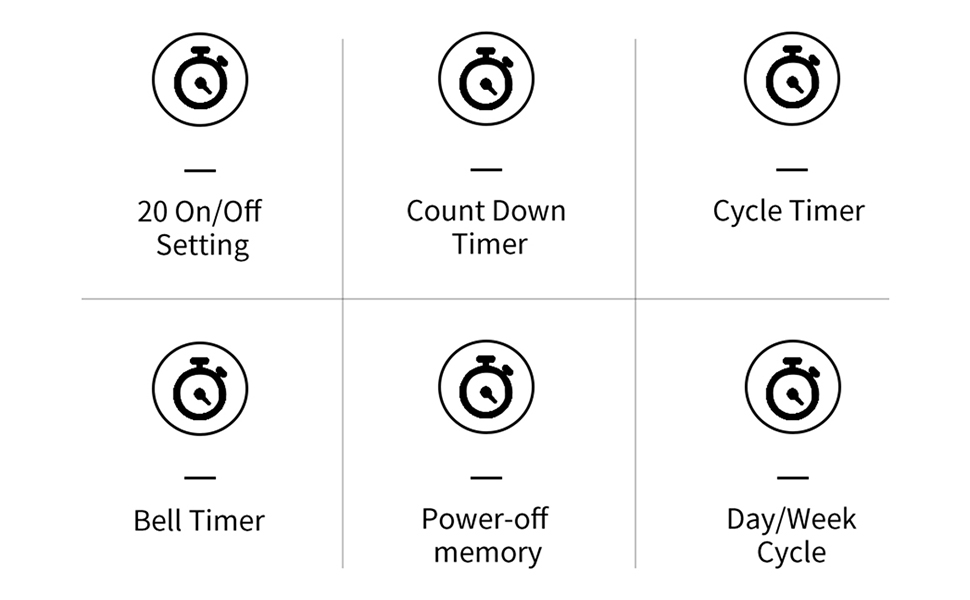
Малюнак 2: Закончанаview of THC30A Timer Switch Features
3. Тэхнічныя характарыстыкі
| мадэль | THC30A |
| тtage | 230 В пераменнага току |
| Грузападымальнасць | 30А |
| Дыяпазон часу | Ад 1 хвіліны да 168 гадзін |
| Праграмы | 20 ON/20 OFF settings |
| Памяць пры выключэнні | Yes, with built-in CR2032 battery (up to 3 years) |
| Ўстаноўка | 35mm DIN Rail Mounted |
| Памеры | Прыбл. 87 мм (В) х 36 мм (Ш) х 65 мм (Г) |

Figure 3: THC30A Timer Switch Dimensions
4. Ўстаноўка
4.1 Меры бяспекі
- Ensure power is disconnected before installation to prevent electric shock.
- Усталёўку павінен выконваць кваліфікаваны электрык або дасведчаны спецыяліст.
- Праверце тtage and current ratings of your circuit match the timer's specifications.
4.2 Мантаж
The THC30A timer switch is designed for 35mm DIN rail mounting. Securely attach the timer to the DIN rail in your electrical panel or enclosure.

Figure 4: THC30A Mounted on a DIN Rail
4.3 Электрычная схема
Connect the timer according to the wiring diagram below. Ensure correct polarity for input (IN) and output (OUT) terminals. The input terminals are typically labeled 'N' (Neutral) and 'L' (Live), and the output terminals are also 'N' and 'L' for connecting to the load.

Figure 5: Simplified Wiring Diagram for THC30A
Connect the incoming power supply to the 'IN' terminals (N and L). Connect the device to be controlled to the 'OUT' terminals (N and L).
5. Інструкцыя па эксплуатацыі
5.1 Пачатковая налада і скід
Upon first use or after a prolonged power-off, the display may be blank. Press the Скінуць button (often recessed, may require a pointed object) to initialize the timer. The LCD will display the current time (e.g., 0:00) and "AUTO".

Figure 6: Front Panel with Buttons and LCD Screen
- Працоўны індыкатар: LED light indicating operation status.
- ВК-экран: Displays time, day, and program status.
- Кнопка таймера: Used to enter programming mode.
- Кнопка гадзінніка: Used to set current time and day.
- D+ Button: Adjusts the day of the week.
- H+ Button: Adjusts the hour.
- M+ Button: Adjusts the minute.
- ON/AUTO/OFF Button (Manual): Cycles through ON, AUTO, and OFF modes.
- Кнопка скіду: Clears all settings and resets the timer.
5.2 Устаноўка бягучага часу і дня
- Націсніце і ўтрымлівайце Гадзіннік кнопка.
- Пакуль трымае Гадзіннік, націсніце D+ to set the current day of the week (MON, TUE, WED, THU, FRI, SAT, SUN).
- Пакуль трымае Гадзіннік, націсніце H+ каб усталяваць бягучую гадзіну (0-23).
- Пакуль трымае Гадзіннік, націсніце M+ каб усталяваць бягучую хвіліну (0-59).
- Адпусціце Гадзіннік кнопка. Цяпер бягучы час і дзень усталяваны.
5.3 Ручное кіраванне (УКЛ./АЎТА/ВЫКЛ.)
Націсніце Дапаможнік button (often labeled ON/AUTO/OFF) to cycle through the following modes:
- ВКЛ: The timer output is continuously ON, overriding all programmed schedules.
- OFF: The timer output is continuously OFF, overriding all programmed schedules.
- АЎТА: The timer operates according to the programmed ON/OFF schedules. This is the standard operating mode for automatic control.
6. Programming ON/OFF Schedules
The THC30A supports up to 20 ON and 20 OFF programs. Follow these steps to set your desired schedules:
- Націсніце Таймер button once. The display will show "1 ON" (or the next available program number).
- Прэса D+ to select the day(s) for this "ON" program. You can choose individual days, weekdays, weekends, or all 7 days.
- Прэса H+ to set the hour for the "ON" time.
- Прэса M+ to set the minute for the "ON" time.
- Націсніце Таймер зноў націсніце кнопку. На дысплеі з'явіцца «1 ВЫКЛ».
- Repeat steps 2-4 to set the day(s), hour, and minute for the corresponding "OFF" time.
- Працягвайце націскаць на Таймер button to cycle through "2 ON", "2 OFF", and so on, up to "20 ON" and "20 OFF". Repeat steps 2-6 for each program.
- Пасля налады ўсіх патрэбных праграм націсніце кнопку Гадзіннік button to exit programming mode and return to the current time display. Ensure the timer is in АЎТА mode for programs to execute.
To clear a specific program, navigate to that program (e.g., "5 ON") and press the Скінуць button. This will clear both the ON and OFF times for that program number.
7. Тэхнічнае абслугоўванне
The THC30A timer switch requires minimal maintenance.
- Уборка: Працірайце вонкавыя паверхні мяккай сухой тканінай. Не выкарыстоўвайце абразіўныя ачышчальнікі або растваральнікі.
- акумулятар: The internal CR2032 battery provides power-off memory. If the timer frequently loses settings during power outages, the battery may need replacement. This typically requires professional service.
- Асяроддзе: Ensure the timer is installed in a dry, well-ventilated area, away from direct sunlight, extreme temperatures, and corrosive environments.

Figure 7: Power-Off Memory Function with Internal Battery
8. Выпраўленне непаладак
| праблема | Магчымая прычына | Рашэнне |
|---|---|---|
| Дысплей пусты. | No power supply; Timer needs initialization. | Check power connections. Press the Скінуць кнопка. |
| Timer does not switch ON/OFF at programmed times. | Timer is not in AUTO mode; Incorrect program settings; Overlapping programs. | Прэса Дапаможнік пакуль не з'явіцца надпіс "AUTO". Паўторнаview and correct program settings. Ensure ON/OFF times do not conflict. |
| Settings are lost after a power outage. | Унутраная батарэя разраджаная або разраджаная. | The internal battery may need replacement. Contact customer support if this issue persists. |
| Output is always ON or always OFF. | Timer is in manual ON or OFF mode. | Прэса Дапаможнік until "AUTO" is displayed. |
9. Гарантыя і падтрымка
This product comes with a standard manufacturer's warranty. For specific warranty details, please refer to the product packaging or contact your retailer. For technical support or inquiries, please reach out to TAXNELE customer service through your purchase platform or the official TAXNELE webсайт.