
1. Уводзіны
This manual provides instructions for the VTech CS2051 DECT 2 Handset Cordless Home Telephone with Answering Machine. It covers setup, operation, maintenance, and troubleshooting to ensure optimal performance of your device. Please read these instructions carefully before using your telephone.
2. Змесціва ўпакоўкі
Пераканайцеся, што ваш пакет змяшчае наступныя элементы:
- 1 x Base Unit
- 2 бесправадныя трубкі
- 2 зарадныя прылады для мабільных тэлефонаў
- 2 x AC Adaptors (for base unit and chargers)
- 2 x Battery Packs (AAA batteries required, included)
- 1 х тэлефонны шнур
- 1 х Кароткае кіраўніцтва

Image: The VTech CS2051 system, showing the main base unit with one handset, and a separate charger with the second handset.
3. Настройка
3.1 Устаноўка батарэі
- Адкрыйце вечка батарэйнага адсека на задняй панэлі кожнага тэлефона.
- Insert the supplied AAA battery pack, ensuring correct polarity.
- Зачыніце крышку батарэйнага адсека.
- Place each handset on its respective charger or the base unit to charge for at least 16 hours before first use.
3.2 Падключэнне базавага блока
- Connect one end of the telephone line cord to the LINE port on the base unit.
- Падключыце другі канец тэлефоннага шнура да тэлефоннай разеткі.
- Connect the AC adaptor to the POWER port on the base unit.
- Plug the AC adaptor into a mains power outlet.
- For the additional charger, connect its AC adaptor to the charger and then to a mains power outlet.
3.3 Handset Registration
Your handsets are typically pre-registered to the base unit. If a handset displays 'Unregistered' or 'Register Handset', follow these steps:
- На базавай прыладзе націсніце і ўтрымлівайце СТАР button for approximately 5 seconds until the registration indicator light flashes.
- On the handset, navigate to the 'Registration' menu (refer to the Quick Start Guide for specific menu navigation).
- Select 'Register Handset' and enter the system PIN (default is usually 0000).
- The handset will display 'Registering...' and then 'Handset Registered' upon successful completion.
4. Інструкцыя па эксплуатацыі
4.1 Здзяйсненне і прыём выклікаў
- Каб зрабіць званок: Націсніце ГАВАРЫЦЬ кнопку, а затым набярыце нумар. Або спачатку набярыце нумар, а затым націсніце ГАВАРЫЦЬ.
- Каб прыняць выклік: Калі тэлефон звоніць, націсніце кнопку ГАВАРЫЦЬ кнопка.
- Каб завяршыць выклік: Націсніце КАНЕЦ button or place the handset back on the base unit/charger.
4.2 Лічбавы аўтаадказчык
The base unit includes a digital answering machine to record messages when you are unavailable.
- Прайграванне паведамленняў: Націсніце ПРАЙГРАЦЬ/СТОП button on the base unit. The display will show the number of new messages.
- Выдаленне паведамленняў: During message playback, press the ВЫДАЛІЦЬ кнопка на базавай прыладзе.
- Настройка: Access the answering machine settings via the handset menu to record your outgoing message or adjust settings.

Image: The base unit of the VTech CS2051, highlighting the digital answering system with a message count display.
4.3 Блакіроўшчык непажаданых званкоў
This feature allows you to block unwanted incoming calls.
- Блакіроўка нумара: During or after a call, access the call blocker menu on the handset. You can add numbers to a block list.
- Blocking Unknown Numbers: The system can be configured to block calls from numbers not stored in your phonebook or from withheld numbers.

Image: A VTech CS2051 handset, illustrating the call blocker feature for managing unwanted calls.
4.4 Ідэнтыфікацыя абанента і чаканне выкліку
These features require subscription from your telephone service provider.
- Ідэнтыфікатар абанента: The handset display shows the caller's number (and name if stored in your phonebook) before you answer. The phone stores up to 20 incoming call records.
- Чакаючы выклік: If you are on a call and another call comes in, you will hear a tone. You can switch between calls.

Image: A close-up of the VTech CS2051 handset display showing an incoming call number, demonstrating the Caller ID feature.
4.5 Громкая сувязь
The speakerphone function allows for hands-free conversations.
- Для актывацыі: Падчас размовы націсніце СПІКЕР кнопка.
- Каб дэактываваць: Націсніце СПІКЕР button again or lift the handset to your ear.
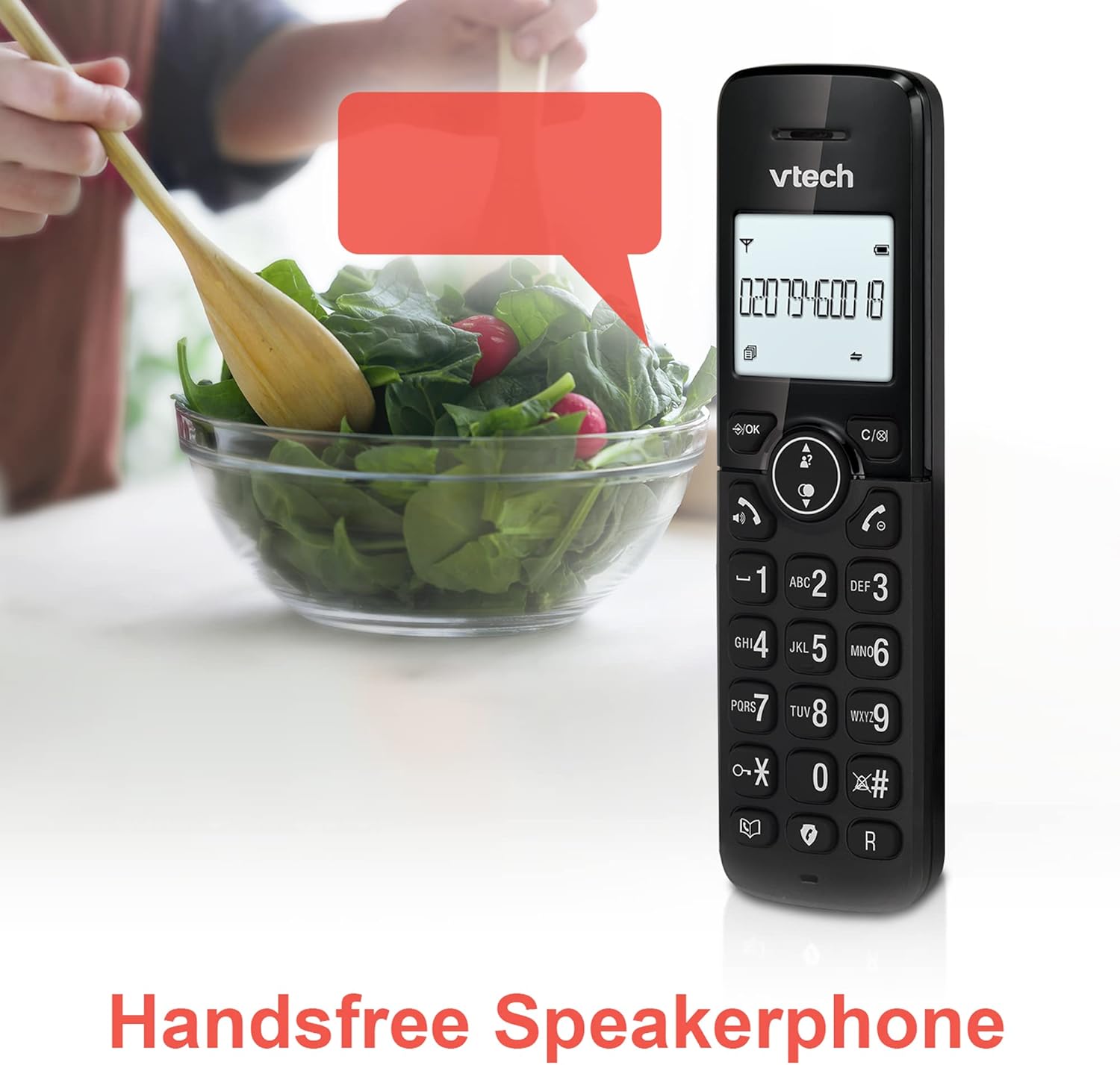
Image: A VTech CS2051 handset positioned for hands-free use, illustrating the speakerphone capability.
4.6 Дамафон
You can use the handsets to communicate with each other internally.
- To Initiate: Націсніце ІНТ button on one handset and select the desired handset to call.
4.7 Рэгуляваная гучнасць званка і мелодыя
Customize the ringtone and volume to your preference.
- Access the 'Ringtone Settings' or 'Volume Settings' menu on the handset to choose from available melodies and adjust the ring volume.

Image: A VTech CS2051 handset, highlighting the controls for adjusting ring volume and melody settings.
4.8 Функцыя сігналізацыі і адключэння гуку
- Будзільнік: Усталюйце будзільнік праз меню тэлефона.
- Адключэнне гуку: Падчас размовы націсніце МУК button to temporarily silence your microphone. Press again to unmute.

Image: Illustrates the alarm function (represented by a clock icon) and the mute function (represented by a musical note icon) available on the VTech CS2051.
5. Тэхнічнае абслугоўванне
- Уборка: Wipe the telephone and handsets with a soft, damp тканіна. Не выкарыстоўвайце абразіўныя ачышчальнікі або растваральнікі.
- Сыход за батарэяй: Ensure handsets are placed on the charger when not in use to maintain battery life. Replace batteries when performance significantly degrades.
- Размяшчэнне: Размясціце базавую прыладу ў цэнтральным месцы, далей ад іншых электрычных прыбораў, якія могуць ствараць перашкоды.
6. Выпраўленне непаладак
- Няма сігналу набору: Ensure the telephone line cord is securely connected to both the base unit and the wall socket. Check if the AC adaptor is properly plugged in.
- Тэлефон не зараджаецца: Verify the handset is correctly seated in the charger/base unit. Clean the charging contacts on both the handset and charger with a dry cloth.
- Poor Call Quality/Interference: Перамясціце базавую прыладу далей ад іншых электронных прылад (напрыклад, маршрутызатараў Wi-Fi, мікрахвалевых печаў). Пераканайцеся, што тэлефонная трубка знаходзіцца ў зоне дзеяння базавай прылады.
- Handset Displays 'Unregistered': Выканайце дзеянні па рэгістрацыі тэлефона, апісаныя ў раздзеле 3.3.
- Аўтаадказчык не запісвае: Check the answering machine settings via the handset menu to ensure it is enabled and has sufficient recording time.
7. Тэхнічныя характарыстыкі
| Асаблівасць | Спецыфікацыя |
|---|---|
| мадэль | CS2051 |
| Тып тэлефона | Бесправадная DECT |
| Колькасць тэлефонаў | 2 |
| Тып аўтаадказчыка | Digital (up to 15 minutes record time) |
| Ідэнтыфікацыя абанента | Так (патрабуецца падпіска) |
| Nuisance Call Blocker | так |
| Дысплей | 1.8-inch Backlit Display |
| Батарэі | Патрабуецца 4 батарэйка ААА (у камплекце) |
| Матэрыял | Акрыланітрылбутадыенстырол (АБС) |
| Крыніца харчавання | Харчаванне ад батарэі |
| Шматлінейная аперацыя | так |
8. Гарантыя і падтрымка
This VTech CS2051 product is supplied as an Amazon Renewed item. For specific warranty details and support, please refer to the Amazon Renewed program terms and conditions or contact Amazon Renewed customer service directly. VTech provides manufacturing support for its products. For technical assistance or further information, please visit the official VTech support website or consult the full user manual if available from the manufacturer.