
Уводзіны
This manual provides detailed instructions for the safe and efficient use of your LENRUE F13 Portable Bluetooth Speaker. Please read this manual thoroughly before operating the device and retain it for future reference.
Прадукт скончаныview
Змест пакета
- LENRUE F13 Portable Bluetooth Speaker
- USB-кабель для зарадкі
- Здымны шнурок
- Кіраўніцтва карыстальніка
Кампаненты і элементы кіравання дынамікамі
Familiarize yourself with the various parts and controls of your LENRUE F13 speaker:

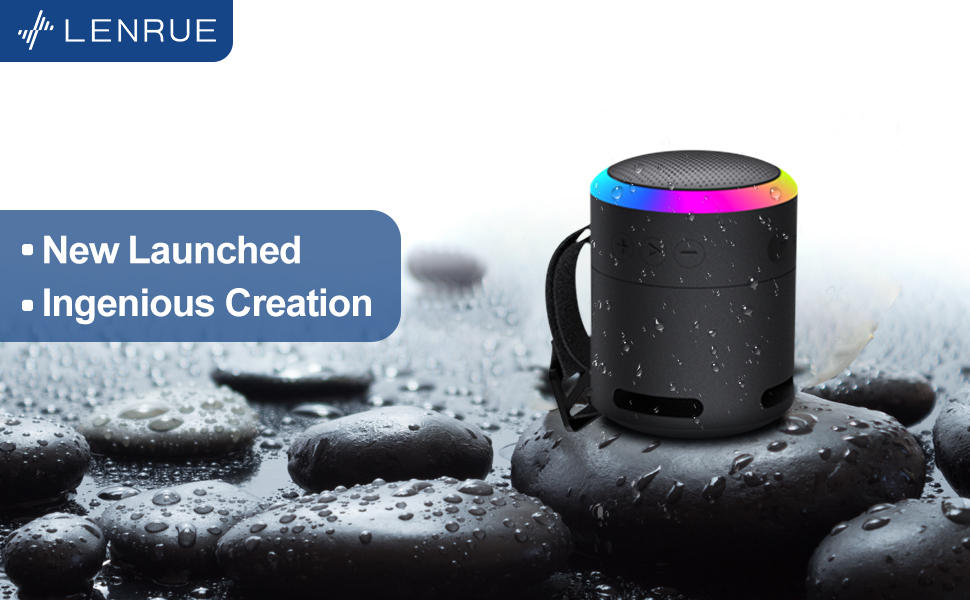
Малюнак 1: Фронт view of the LENRUE F13 speaker, showcasing its compact design and metal grille.

Малюнак 2: Топ view of the speaker, highlighting the sound output grille.

Малюнак 3: Збоку view showing the control buttons for volume, track navigation, and power.
Малюнак 4: Выбухнуў view illustrating the internal 5W high-performance driver and passive subwoofer for clear sound.
The speaker features a sleek metal design with a stainless steel line around its body. The top surface is metal, where the sound is emitted. On the bottom, you will find the main control buttons:
- Кнопка харчавання: Located in the center, used to power the device on/off.
- Кнопка прайгравання/паўзы: Кіруе прайграваннем аўдыё.
- Кнопка павелічэння гучнасці / наступнага трэка: Павялічвае гучнасць або пераходзіць да наступнай песні.
- Кнопка памяншэння гучнасці / папярэдняга трэка: Змяншае гучнасць або пераходзіць да папярэдняй песні.
- Кнопка рэжыму святла: Changes the colorful LED light modes.
On the rear side of the speaker, you will find the charging input (USB-C) and an auxiliary input port. A small slot is also present for attaching the included lanyard, allowing for easy portability.
Настройка
Зарадка дынаміка
- Connect the provided USB charging cable to the speaker's USB-C port.
- Падключыце другі канец USB-кабеля да сумяшчальнага адаптара харчавання USB (не ўваходзіць у камплект) або да USB-порта кампутара.
- The LED indicator will show charging status. Allow sufficient time for a full charge before first use.
Уключэнне/выключэнне
- Каб уключыць: Press and hold the Power button (center button on the bottom) for a few seconds until the LED lights illuminate and an audible prompt is heard.
- Каб выключыць: Press and hold the Power button again for a few seconds until the LED lights turn off and an audible prompt is heard.
Інструкцыя па эксплуатацыі
Спалучэнне Bluetooth
The LENRUE F13 speaker uses Bluetooth 5.0 for stable wireless connection up to 33 feet (10 meters).
- Ensure the speaker is powered on and in pairing mode (LED lights will typically flash).
- На смартфоне або планшэце ўключыце Bluetooth і знайдзіце даступныя прылады.
- Select "LENRUE F13" (or similar name) from the list of devices.
- Once paired, the speaker will indicate a successful connection, and the LED lights may change to a steady pattern.
Прайграванне аўдыё
- Прайграванне/Паўза: Націсніце кнопку Play/Pause адзін раз.
- Павялічыць гучнасць: Націсніце кнопку «+».
- Паменшыць гучнасць: Націсніце кнопку «-».
- Наступны трэк: Націсніце і ўтрымлівайце кнопку «+».
- Папярэдні трэк: Націсніце і ўтрымлівайце кнопку «-».
Маляўнічыя светлавыя рэжымы
The speaker features colorful LED lights to enhance your listening experience.
- Змяніць рэжым: Press the Light Mode button (located on the bottom, opposite the Power button) to cycle through different light patterns and colors.
- Выключыць святло: Press and hold the Light Mode button to turn off the LED lights.
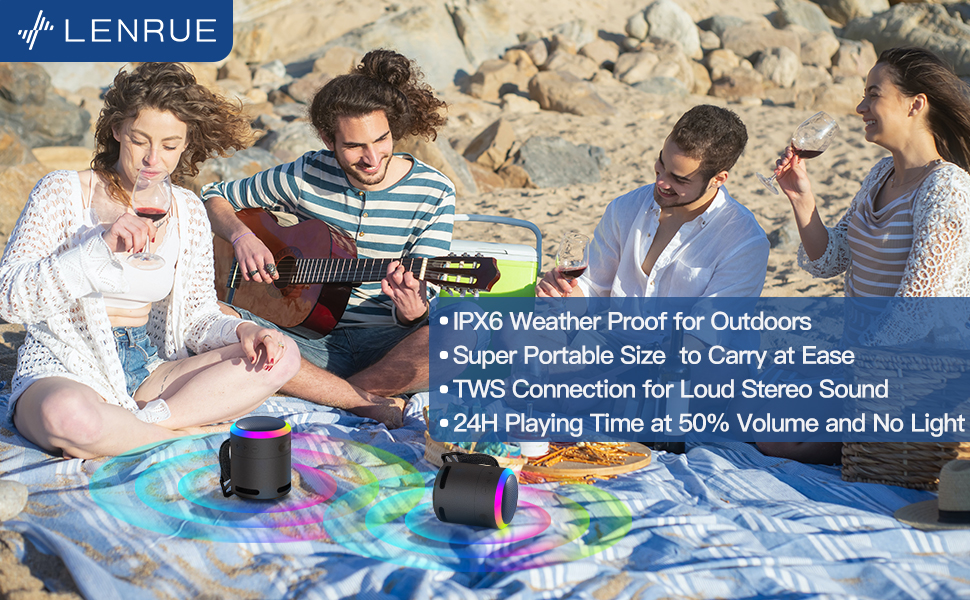
Малюнак 5: The speaker's colorful lights create an ambient atmosphere, ideal for relaxation or social gatherings.
Сапраўднае спалучэнне бесправадной стэрэа (TWS)
If you have two LENRUE F13 speakers, you can pair them together for a true wireless stereo experience.
- Пераканайцеся, што абодва дынамікі ўключаны і не падключаны да іншай прылады Bluetooth.
- On one speaker (the master speaker), press and hold the Light Mode button for 3 seconds to enter TWS pairing mode.
- Дынамікі аўтаматычна падключацца адзін да аднаго. Пасля падключэння яны будуць працаваць як стэрэапара.
- Падключыце прыладу да галоўнага дынаміка праз Bluetooth, як апісана вышэй.

Малюнак 6: Two speakers connected via TWS for an enhanced stereo audio experience.
Тэхнічнае абслугоўванне
Уборка
- Працярыце дынамік мяккай сухой тканінай.
- Не выкарыстоўвайце абразіўныя ачышчальнікі або растваральнікі.
Воданепранікальнасць (IPX6)
The LENRUE F13 speaker is IPX6 waterproof, making it resistant to strong jets of water. It is suitable for use in environments like showers, by the pool, or during light rain.
- Ensure all port covers are securely closed to maintain water resistance.
- Не апускайце дынамік у ваду.
- Пасля кантакту з вадой вытрыце дынамік насуха перад зарадкай.
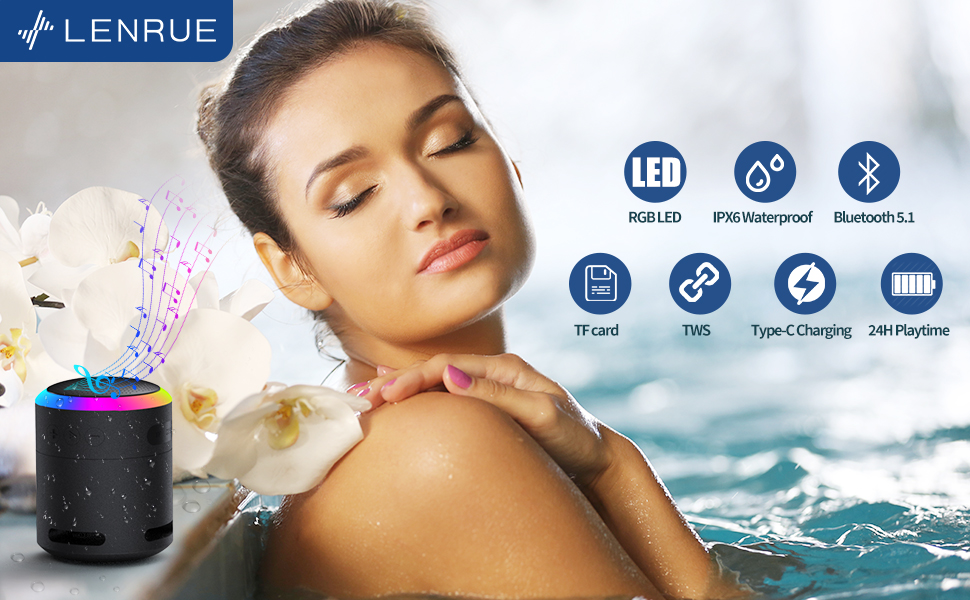
Малюнак 7: The IPX6 water resistance allows for worry-free use in various wet environments.
Ліквідацыю непаладак
| праблема | Магчымая прычына | Рашэнне |
|---|---|---|
| Дынамік не ўключаецца | Нізкі акумулятар | Цалкам зарадзіце дынамік. |
| Немагчыма падключыць прыладу праз Bluetooth | Speaker not in pairing mode / Device Bluetooth off / Too far from device | Ensure speaker is in pairing mode, Bluetooth is enabled on your device, and device is within 33 feet (10 meters). |
| Няма гуку падчас прайгравання | Volume too low / Paused / Not connected | Increase volume on both speaker and device, check if playback is paused, ensure successful Bluetooth connection. |
| Збой спалучэння TWS | Speakers already paired to other devices / Too far apart | Ensure both speakers are disconnected from other devices. Place them close together and retry TWS pairing. |
Тэхнічныя характарыстыкі
- Назва мадэлі: F13
- Тып дынаміка: Партатыўная калонка Bluetooth
- Максімальная выхадная магутнасць дынаміка: 5 ват
- Тэхналогія падключэння: Bluetooth 5.0
- Дыяпазон Bluetooth: 10 метра (33 футаў)
- Рэйтынг воданепранікальнасці: IPX6
- Час гульні: Up to 24 hours (at 50% volume, no LED light); 5 hours (typical use)
- Порт для зарадкі: USB-C
- Асаблівасці: Colorful LED Lights, Metal Construction, Detachable Lanyard, TWS Pairing
- Памеры прадукту: 2.8" Г x 2.8" Ш x 3.6" У
- Вага прадмета: 10.5 унцыі
Гарантыя і падтрымка
For any questions, concerns, or support needs regarding your LENRUE F13 Portable Bluetooth Speaker, please contact LENRUE customer service through the retailer where the product was purchased. Keep your purchase receipt for warranty claims.