
Strong 4GMIFI150D
Кіраўніцтва карыстальніка мабільнай кропкі доступу STRONG 4GMIFI150D CAT4/4G LTE
Model: 4GMIFI150D
1. Уводзіны
This manual provides detailed instructions for the setup, operation, maintenance, and troubleshooting of your STRONG 4GMIFI150D CAT4/4G LTE Mobile Hotspot. Please read this manual carefully before using the device to ensure optimal performance and safety.
The STRONG 4GMIFI150D is a portable 4G LTE mobile hotspot designed to provide high-speed internet access on the go. It allows you to share a 4G/3G connection with up to 32 Wi-Fi enabled devices, including tablets, mobile phones, laptops, and gaming consoles.
2. Змесціва ўпакоўкі
Праверце наяўнасць усіх прадметаў у камплекце:
- 1x STRONG 4G Portable Hotspot 150D
- 1x USB cable for power supply
- 1x Кіраўніцтва па хуткай ўстаноўцы
- 1x Safety instructions and warranty card

Image: Contents of the STRONG 4G Portable Hotspot 150D package, including the device, its retail box, a USB charging cable, a quick installation guide, and safety/warranty information.
3. Прылада скончанаview
Familiarize yourself with the physical features and display indicators of your mobile hotspot.

Выява: спераду view of the STRONG 4GMIFI150D Mobile Hotspot. It features a central display screen and a power button below it. The screen shows indicators for 4G signal, LTE Hotspot status, battery level, Wi-Fi signal, SMS reception, current time, and data usage.

Выява: Падрабязная view of the STRONG 4GMIFI150D's screen display, illustrating icons for 4G signal strength, battery level, SMS reception information, Wi-Fi signal level, and a section for displaying time and downloaded data.

Выява: Розныя views of the STRONG 4GMIFI150D Mobile Hotspot, showing its front with the display, side profiles, top, and bottom, highlighting its compact and sleek design.
4. Настройка
4.1. Устаўка SIM-карты
The STRONG 4GMIFI150D requires a 4G SIM card to establish an internet connection. Ensure the device is powered off before inserting or removing the SIM card.
- Знайдзіце на прыладзе слот для SIM-карты.
- Carefully insert your 4G SIM card into the slot until it clicks into place. Ensure the SIM card is oriented correctly according to the diagram on the device or in the quick installation guide.
- Пры неабходнасці зачыніце вечка слота для SIM-карты.
4.2. Зарадка прылады
Before first use, fully charge the device. The 2100 mAh battery provides up to 8 hours of intensive use.
- Connect the provided USB cable to the micro-USB port on the hotspot.
- Падключыце другі канец USB-кабеля да адаптара харчавання USB (не ўваходзіць у камплект) або да USB-порта кампутара.
- Індыкатар батарэі на дысплеі будзе паказваць прагрэс зарадкі.
5. Інструкцыя па эксплуатацыі
5.1. Уключэнне / выключэнне харчавання
- Каб уключыць: націсніце і ўтрымлівайце кнопку харчавання, пакуль не падсвяціцца экран.
- Каб выключыць прыладу: націсніце і ўтрымлівайце кнопку харчавання, пакуль яна не выключыцца.
5.2. Падключэнне прылад да кропкі доступу
Once the hotspot is powered on and has established a 4G connection, you can connect your Wi-Fi enabled devices.
- On your Wi-Fi enabled device (e.g., smartphone, laptop), open the Wi-Fi settings.
- Scan for available Wi-Fi networks.
- Select the network name (SSID) of your STRONG 4GMIFI150D hotspot. The SSID and default password (WPA/WPA2) are typically found on a sticker inside the battery compartment or on the device's screen.
- Калі будзе прапанавана, увядзіце пароль Wi-Fi.
- Цяпер ваша прылада павінна быць падключана да Інтэрнэту праз кропку доступу.
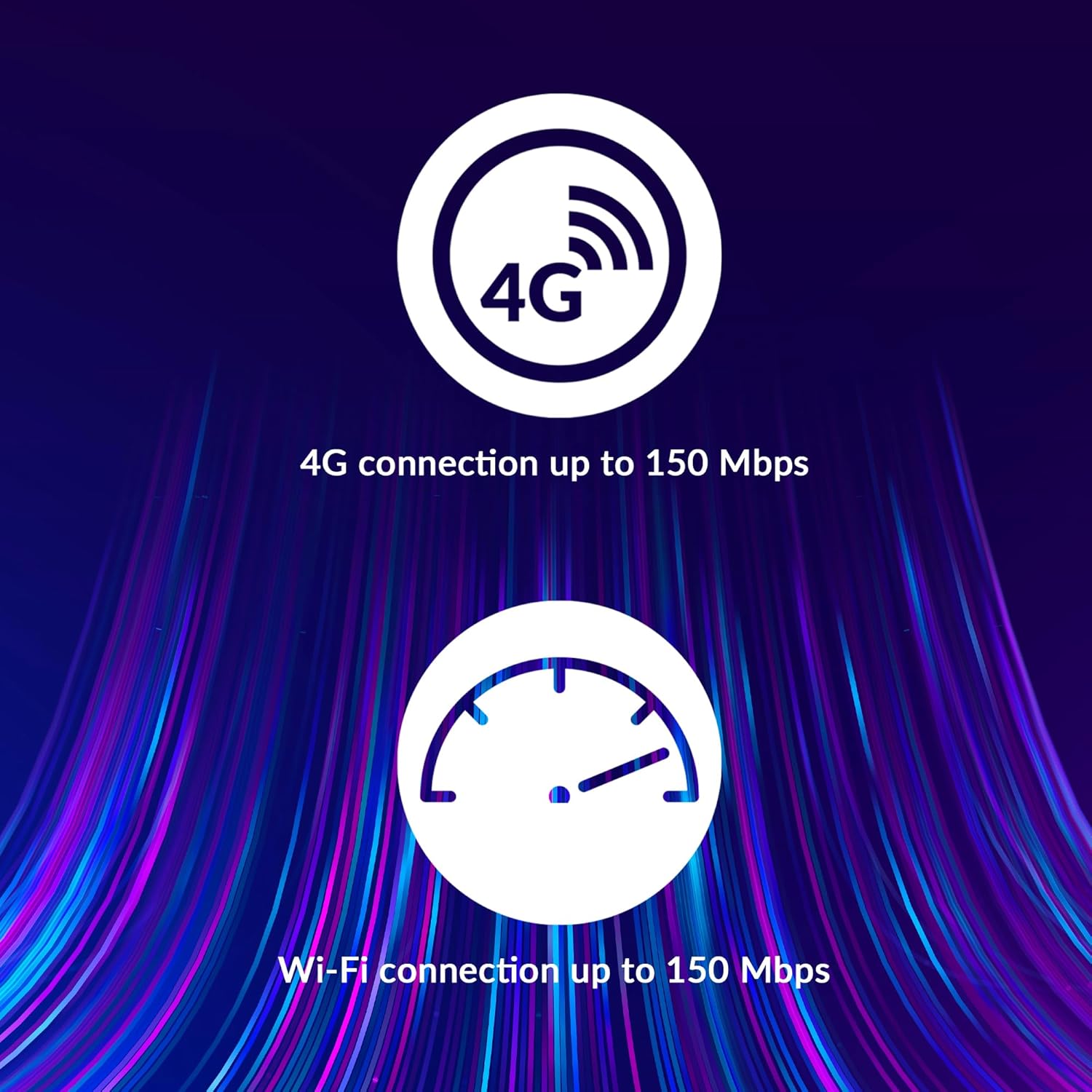
Image: A user holding the STRONG 4GMIFI150D Mobile Hotspot, demonstrating the QR code feature on its screen. This QR code can be scanned by compatible devices to quickly connect to the Wi-Fi network without manually entering the password.
For quick access, you can scan the QR code displayed on the hotspot's screen using a compatible device. This will automatically configure the Wi-Fi connection.
Example QR code content (for reference, actual values vary): WIFI:S:STRONG_XXXX_2.4GHz;T:WPA;P:XXXXXXXXXX;;
5.3. Web Інтэрфейс кіравання
For advanced settings and monitoring, access the web інтэрфейс кіравання:
- Падключыце прыладу да сеткі Wi-Fi кропкі доступу.
- Адкрыйце a web browser and enter the default IP address (usually 192.168.0.1 or 192.168.1.1) found in the Quick Installation Guide or on the device.
- Enter the default username and password (e.g., admin/admin).
- From here, you can manage Wi-Fi settings, security protocols (WPA/WPA2), PIN code management, and view стан злучэння.
6. Прадукцыйнасць
The STRONG 4GMIFI150D offers robust performance for various internet activities.
- 4G Connection Speed: Up to 150 Mbps download speed.
- Wi-Fi Connection Speed: Up to 150 Mbps.
- Падтрымка прылад: Connect up to 32 Wi-Fi devices simultaneously.
- Тэрмін службы батарэі: Up to 8 hours of intensive use with the 2100 mAh battery.

Image: A graphic representation highlighting the performance capabilities of the hotspot, showing a 4G connection speed of up to 150 Mbps and a Wi-Fi connection speed of up to 150 Mbps.

Image: A person working on a laptop outdoors with the STRONG 4GMIFI150D Mobile Hotspot placed on the table next to them, illustrating the device's portability and suitability for remote work or travel.
7. Тэхнічнае абслугоўванне
7.1. Уборка
Працірайце прыладу мяккай сухой тканінай. Не выкарыстоўвайце вадкія ачышчальнікі або аэразолі.
7.2. Сыход за батарэяй
- Пазбягайце ўздзеяння на батарэю экстрэмальных тэмператур.
- Charge the battery regularly, even if the device is not in use, to maintain its lifespan.
- If the device will not be used for an extended period, store it with a partial charge (around 50%).
7.3. Абнаўленне прашыўкі
Перыядычна правярайце інфармацыю вытворцы webсайт або прылада web інтэрфейс кіравання даступнымі абнаўленнямі прашыўкі для забеспячэння аптымальнай прадукцыйнасці і бяспекі.
8. Выпраўленне непаладак
| праблема | Магчымая прычына | Рашэнне |
|---|---|---|
| Няма падключэння да інтэрнэту | No SIM card inserted, incorrect APN settings, no 4G signal, data plan exhausted. | Ensure SIM card is correctly inserted. Check APN settings via web interface. Move to an area with better signal. Check data plan with your mobile operator. |
| Немагчыма падключыцца да Wi-Fi | Incorrect Wi-Fi password, hotspot is off, too many devices connected. | Verify Wi-Fi password. Ensure hotspot is powered on. Disconnect some devices if 32 devices are already connected. |
| Павольная хуткасць інтэрнэту | Weak 4G signal, network congestion, distance from hotspot, too many connected devices. | Relocate the hotspot for better signal. Reduce the number of connected devices. Move closer to the hotspot. |
| Прылада не ўключаецца | Battery drained, faulty battery/charger. | Charge the device for at least 30 minutes. Try a different USB cable or power adapter. |
9. Тэхнічныя характарыстыкі
| Асаблівасць | Дэталь |
|---|---|
| мадэль | 4GMIFI150D |
| Марка | Моцны |
| Тып падключэння | Wi-Fi, 4G LTE |
| бесправадной стандарт | 802.11b |
| Хуткасць 4G | Да 150 Мбіт/с (спампоўка) |
| Хуткасць Wi-Fi | Да 150 Мбіт/с |
| Падтрымліваюцца прылады | Да 32 прылад Wi-Fi |
| Ёмістасць батарэі | 2100 мАг літый-іённы |
| Тэрмін службы батарэі | Да 8 гадзін (пры інтэнсіўным выкарыстанні) |
| Памеры прадукту | 19 х 5.7 х 14 см |
| Вага прадмета | 189 г |
| Бяспека | WPA/WPA2, PIN code management |
| Аперацыйная сістэма | RouterOS (internal) |
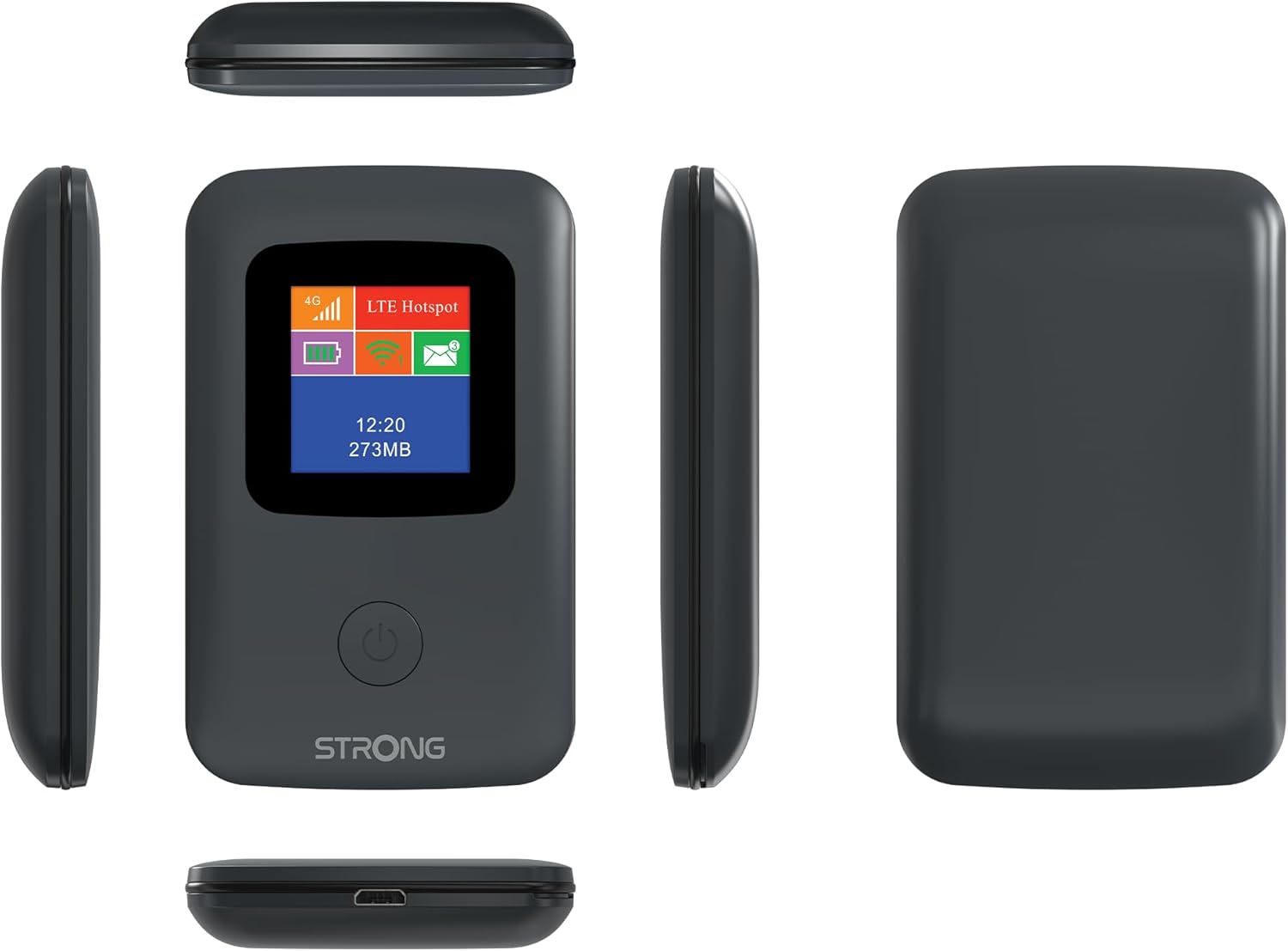
Image: A size comparison showing the STRONG 4GMIFI150D Mobile Hotspot next to a standard credit card, indicating its compact dimensions (92mm height, 58mm width) relative to a credit card (86mm height, 54mm width).
10. Гарантыя і падтрымка
This product comes with a warranty as detailed in the included warranty card. For technical support, troubleshooting assistance beyond this manual, or warranty claims, please refer to the contact information provided in your product packaging or visit the official Strong webсайт.
Калі ласка, захавайце пацвярджэнне пакупкі для гарантыйных мэт.
11. Інфармацыя па бяспецы
- Не падвяргайце прыладу ўздзеянню вады або празмернай вільготнасці.
- Не кідайце прыладу і не падвяргайце яе моцным ударам.
- Не спрабуйце разбіраць або рамантаваць прыладу самастойна. Звярніцеся да кваліфікаванага абслугоўваючага персаналу.
- Выкарыстоўвайце толькі прадастаўленыя або рэкамендаваныя аксэсуары.
- Утылізуйце прыладу і яе акумулятар адказна ў адпаведнасці з мясцовымі правіламі.