
Amazon Kindle Paperwhite (12-е пакаленне) — выпуск 2024 года
Кіраўніцтва карыстальніка Amazon Kindle Paperwhite
Мадэль: Kindle Paperwhite (12-е пакаленне) - выпуск 2024 года
Уводзіны
The Amazon Kindle Paperwhite (12th Generation) is an advanced e-reader designed for an immersive reading experience. It features a 7-inch glare-free display, adjustable warm light, and extended battery life, making it suitable for reading in various environments. This manual provides essential information for setting up, operating, maintaining, and troubleshooting your device.

Image: The Kindle Paperwhite device, showcasinяго дысплей і кампактны дызайн.
Настройка
1. Распакоўка і першапачатковая аплата
Upon unboxing your Kindle Paperwhite, ensure all included items are present: the Kindle Paperwhite device, a USB-C charging cable, and the Quick Start Guide. Before first use, fully charge your device. Connect the USB-C cable to the Kindle's charging port and the other end to a compatible USB power adapter (9W recommended, sold separately) or a computer's USB port. A full charge takes approximately 2.5 hours with a 9W adapter.
2. Уключэнне / выключэнне харчавання
To power on your Kindle, press and hold the power button located on the bottom edge of the device for a few seconds until the screen illuminates. To turn off the screen (sleep mode), briefly press the power button. To fully power off the device, press and hold the power button for approximately 7 seconds until a power dialog appears, then select 'Power Off'.
3. Падключэнне да Wi-Fi
After powering on, follow the on-screen prompts to connect to a Wi-Fi network. Your Kindle supports 2.4 GHz and 5.0 GHz networks with WEP, WPA, WPA2, WPA3, and OWE security. Select your network from the list and enter the password if required. A stable Wi-Fi connection is necessary for downloading content and receiving software updates.
4. Registering Your Device
Once connected to Wi-Fi, you will be prompted to register your Kindle to an Amazon account. You can either sign in with an existing Amazon account or create a new one. Registration links your device to your Kindle library and enables access to the Kindle Store.
Кіраванне вашым Kindle Paperwhite
1. Базавая навігацыя
- Page Turns: Tap the right side of the screen to go to the next page, or the left side to go to the previous page. You can also swipe left or right.
- Галоўны экран: Tap the top of the screen to bring up the toolbar, then tap the 'Home' icon to return to your library.
- Пошук: Use the search bar on the home screen to find books, authors, or content within your device or the Kindle Store.
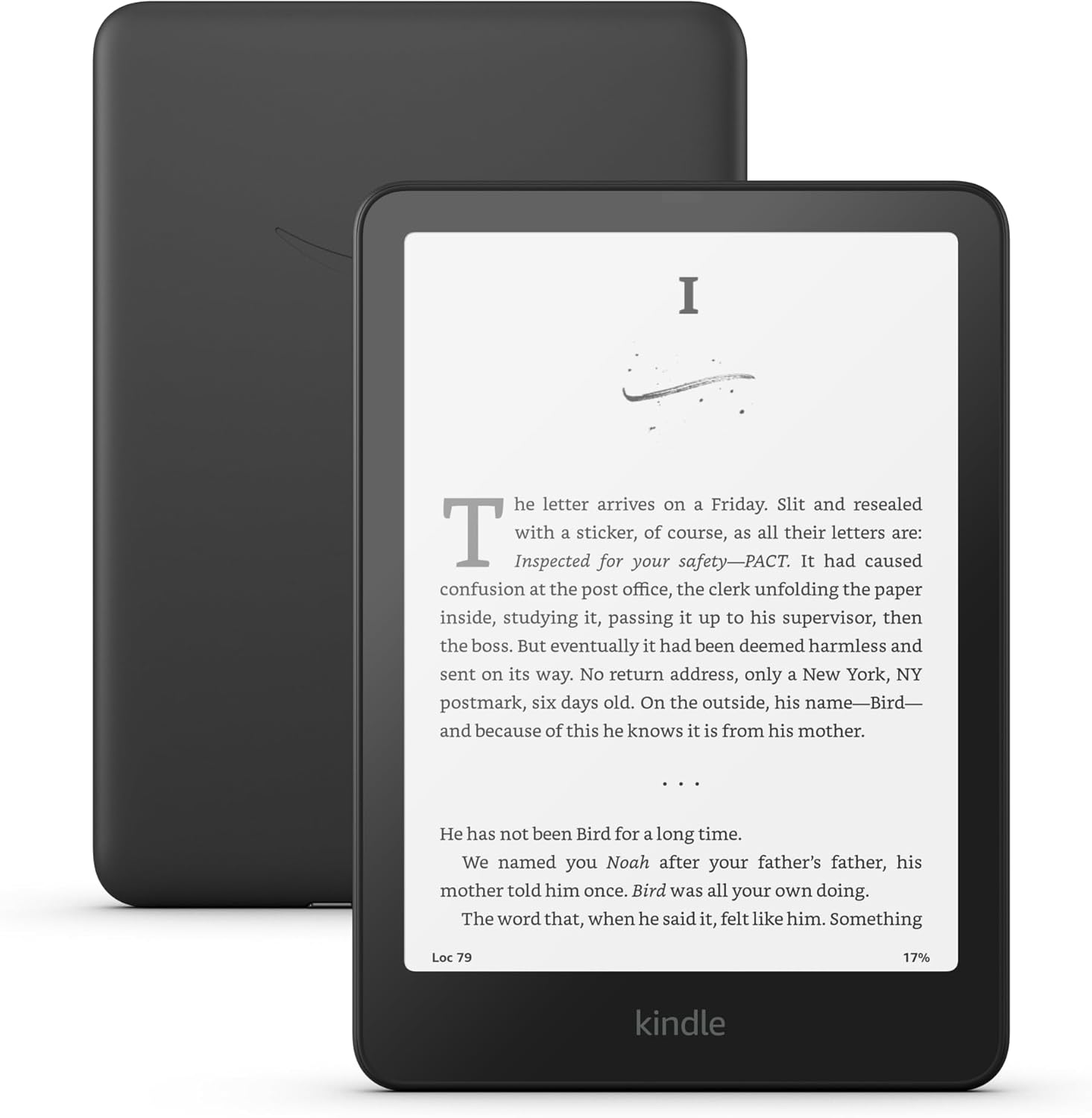
Image: A user interacting with the Kindle Paperwhite, demonstrating its ergonomic design for reading.
2. Reading Experience Customization
- Налады шрыфтоў: While reading, tap the top of the screen, then select the 'Aa' icon to adjust font size, font face, line spacing, and margins.
- Рэгуляванае цёплае святло: The Kindle Paperwhite features an adjustable warm light. Tap the top of the screen, then use the brightness and warmth sliders to customize the display's illumination from white to amber. This feature is beneficial for comfortable reading in various lighting conditions, including low light.
- Цёмны рэжым: For reading in very dark environments, Dark Mode inverts the screen colors (white text on a black background). Access this setting from the quick actions menu by tapping the top of the screen.
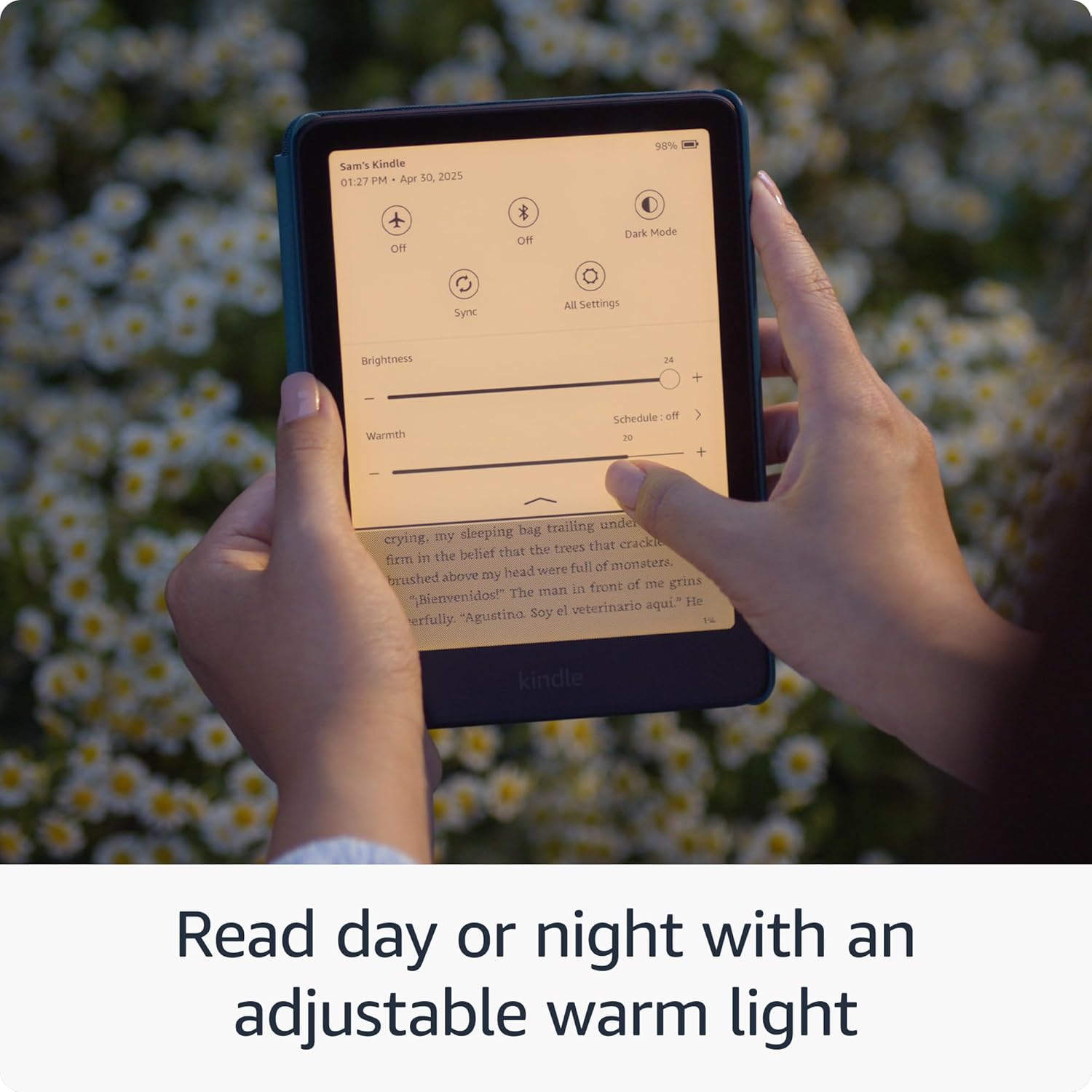
Image: The Kindle Paperwhite display demonstrating the adjustable warm light feature for comfortable reading day or night.
3. Кіраванне кантэнтам
- Крама Kindle: Access millions of titles directly from your device via the Kindle Store. Browse by genre, author, or bestseller lists.
- Kindle Unlimited: If subscribed, Kindle Unlimited provides access to a vast catalog of e-books, audiobooks, and magazines.
- Personal Documents: You can send personal documents (PDF, DOCX, HTML, EPUB, etc.) to your Kindle via email or the Send to Kindle application. These documents will appear in your library.
- Audible Audiobooks: The Kindle Paperwhite supports Audible audiobooks. Connect Bluetooth headphones or speakers to listen.

Image: A visual representation of the extensive library of books accessible through the Kindle Store.
4. Спецыяльныя магчымасці
The Kindle Paperwhite includes several accessibility features:
- ГоласView Праграма чытання з экрана: Даступна праз Bluetooth аўдыё, голасView provides spoken feedback to help navigate the device and read books using text-to-speech (English only). To enable, connect Bluetooth headphones/speaker, then go to Settings > Accessibility > VoiceView Screen Reader.
- Font Adjustments: Customize font size, font face, line spacing, and margins for improved readability.
Тэхнічнае абслугоўванне
1. Зарадка і тэрмін службы батарэі
To maintain optimal battery performance, charge your Kindle Paperwhite regularly. A single charge can last up to twelve weeks, based on 30 minutes of reading per day with wireless off and the light setting at 13. Battery life will vary with usage, especially with Wi-Fi on or Audible audiobook streaming.
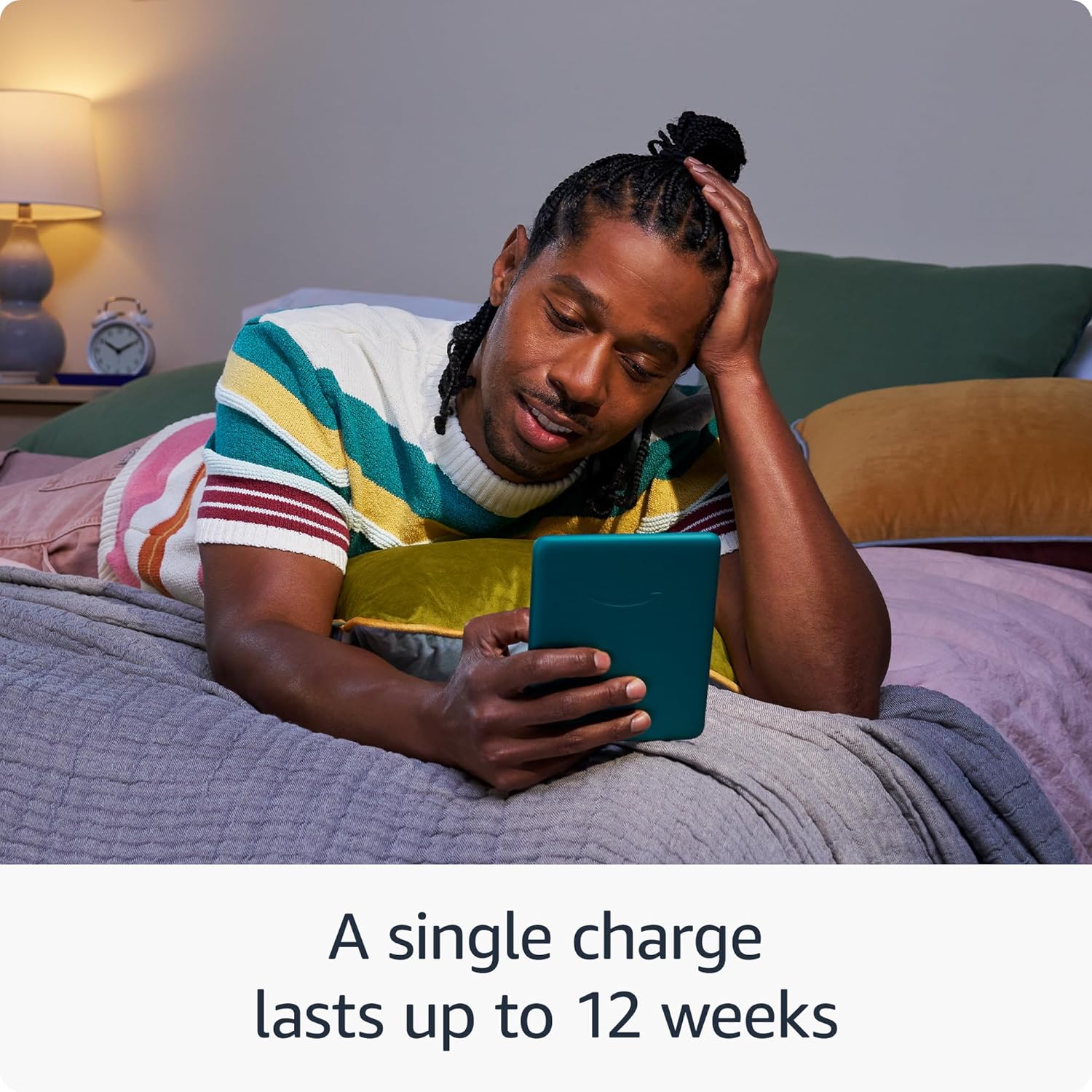
Image: The Kindle Paperwhite in use, highlighting its extended battery life for prolonged reading sessions.
2. Ачыстка прылады
Gently wipe the screen and body of your Kindle with a soft, lint-free cloth. Avoid using abrasive cleaners, solvents, or aerosol sprays directly on the device.
3. Воданепранікальнасць (IPX8)
The Kindle Paperwhite is waterproof with an IPX8 rating, meaning it is tested to withstand immersion in 2 meters of fresh water for 60 minutes. While designed for durability, avoid prolonged submersion in water, especially saltwater or other liquids. If the device gets wet, dry it thoroughly before charging.
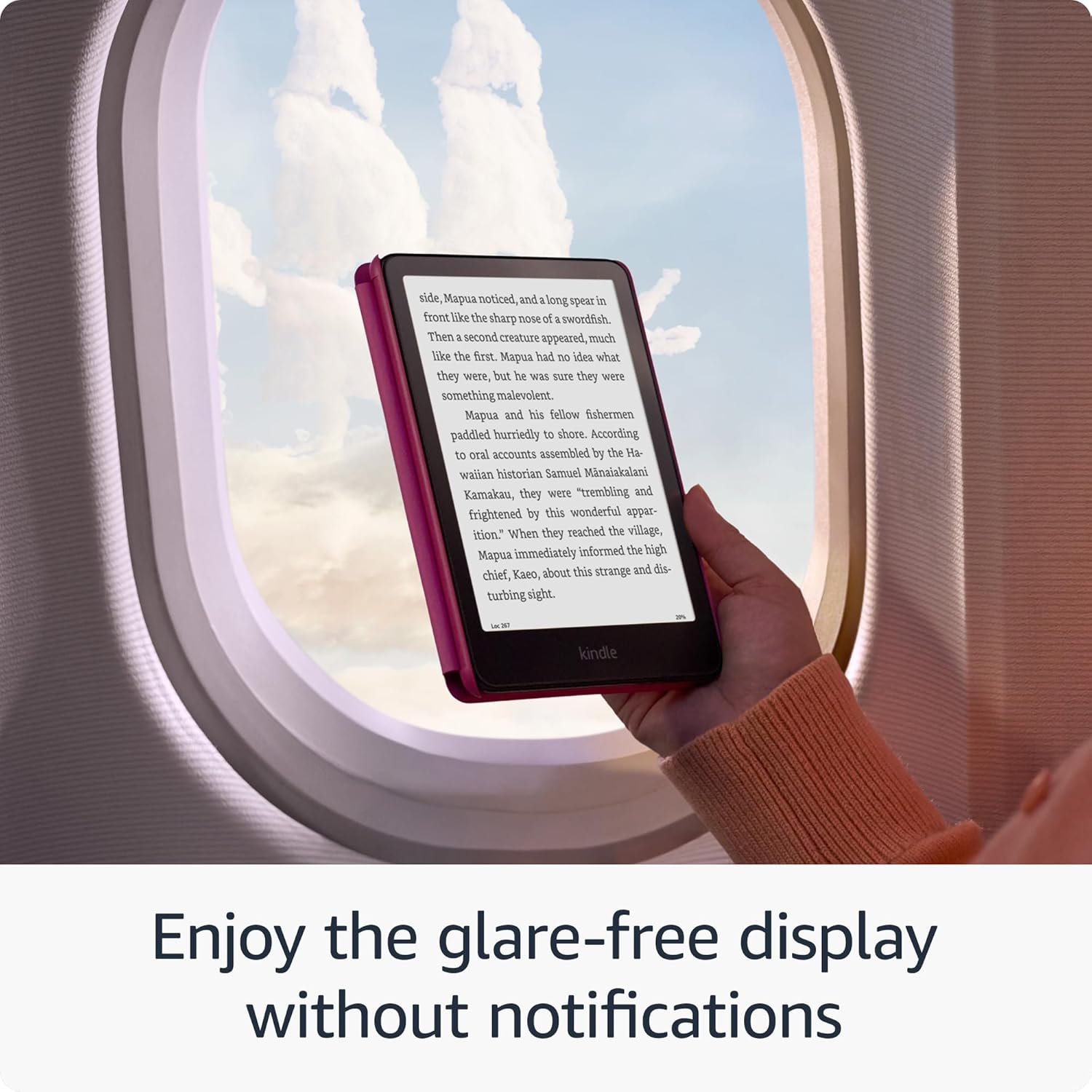
Image: The Kindle Paperwhite's glare-free display, suitable for reading in various environments without distractions.
4. Абнаўленні бяспекі праграмнага забеспячэння
Your Kindle Paperwhite receives guaranteed software security updates for at least four years from its last availability as a new unit. These updates are typically delivered automatically when connected to Wi-Fi. Ensure your device is connected to a network periodically to receive these updates, which improve performance and security.
Ліквідацыю непаладак
- Прылада не адказвае: If your Kindle is unresponsive, press and hold the power button for 40 seconds until the device restarts.
- Не магу падключыцца да Wi-Fi: Ensure your Wi-Fi password is correct. Try restarting your Wi-Fi router and then your Kindle. If issues persist, try connecting to a different network to rule out network-specific problems.
- Хуткая разрадка батарэі: Reduce screen brightness, turn off Wi-Fi when not needed, and ensure no large downloads are pending. If the issue persists, a full restart may help.
- Кнігі, якія не з'яўляюцца: Ensure your device is connected to Wi-Fi and registered to the correct Amazon account. Sync your Kindle from the quick actions menu (three dots icon) to refresh your library.
Тэхнічныя характарыстыкі
| Дысплей | 7-цалевы дысплей Paperwhite ад Amazon з убудаванай падсветкай, 300 ppi, аптымізаванай тэхналогіяй шрыфтоў, 16-ўзроўневай шкалой шэрага. |
| Памер | 5 цалі x 7 цалі x 0.3 цалі (127.6 x 176.7 x 7.8 мм) |
| Вага | 7.4 унцыі (211 г). Фактычны памер і вага могуць адрознівацца ў залежнасці ад канфігурацыі і вытворчага працэсу. |
| Сістэмныя патрабаванні | Няма; цалкам бесправадны і не патрабуе кампутара для загрузкі кантэнту. |
| Сховішча на прыладзе | 16 ГБ; змяшчае тысячы кніг. |
| Воблачнае сховішча | Бясплатнае воблачнае сховішча для ўсяго кантэнту Amazon. |
| Тэрмін службы батарэі | Адной зарадкі хапае на дванаццаць (12) тыдняў, пры ўмове паўгадзіннага чытання ў дзень з выключанай бесправадной сувяззю і ўстаноўкай падсветкі на 13. Тэрмін службы батарэі можа адрознівацца ў залежнасці ад выкарыстання. Прайграванне аўдыякніг праз Bluetooth скарачае тэрмін службы батарэі. |
| Час зарадкі | Поўная зарадка займае менш чым 2.5 гадзіны з дапамогай адаптара харчавання магутнасцю 9 Вт USB. |
| Падключэнне да Wi-Fi | Падтрымлівае сеткі 2.4 ГГц і 5.0 ГГц з падтрымкай бяспекі WEP, WPA, WPA2, WPA3 і OWE з выкарыстаннем аўтэнтыфікацыі па паролі або абароненай налады Wi-Fi (WPS). Не падтрымлівае падключэнне да аднарангавых (або аднарангавых) сетак Wi-Fi. |
| Спецыяльныя магчымасці | ГоласView screen reader, available over Bluetooth audio, provides spoken feedback allowing you to navigate your device and read books with text-to-speech (available in English only). Kindle Paperwhite also includes Dark Mode and the ability to adjust font size, font face, line spacing and margins. |
| Падтрымліваемыя фарматы кантэнту | Фармат Kindle 8 (AZW3), Kindle (AZW), TXT, PDF, неабаронены MOBI, PRC натыўна; PDF, DOCX, DOC, HTML, EPUB, TXT, RTF, JPEG, GIF, PNG, BMP праз канвертаванне; фармат Audible audio (AAX). |
| У камплекце | Kindle Paperwhite, зарадны кабель USB-C і кароткае кіраўніцтва карыстальніка. |
| Гідраізаляцыя | Воданепранікальнасць (IPX8), пратэставана на апусканне ў прэсную ваду на глыбіню 2 метры на працягу 60 хвілін. |
| Даступныя колеры | Чорны, малінавы і нефрытавы |
| Пакаленне | Kindle Paperwhite (12th Generation) - 2024 release. |
Гарантыя і падтрымка
Your Kindle Paperwhite comes with a 1-year limited warranty and service. Optional extended warranties (1-year, 2-year, or 3-year) may be available for purchase separately for U.S. customers. Use of the Kindle is subject to the terms found on the Amazon webсайт.
For additional support, detailed documentation, and frequently asked questions, please visit the official Amazon Kindle support pages or refer to the Kindle User Guide available on your device or online.
You can also manage your content and devices by visiting Кіруйце сваім кантэнтам і прыладамі.
Ask a question about this manual
Ask about setup, troubleshooting, compatibility, parts, safety, or missing instructions. Manuals+ will review the question and use this page’s manual context to help answer it.