
1. Уводзіны
MUBVIEW PK320-Y is an indoor security camera designed for monitoring various indoor environments, including nurseries, pet areas, and general home security. It features 2K resolution video, dual-band Wi-Fi connectivity (2.4GHz and 5GHz), two-way audio communication, advanced night vision, and motion detection with automatic tracking capabilities. This manual provides instructions for setting up, operating, and maintaining your camera.

Image 1.1: MUBVIEW PK320-Y Indoor Security Camera and its mobile application interface.
2. Змесціва ўпакоўкі
Праверце наяўнасць усіх прадметаў у камплекце:
- 1x MUBVIEW PK320-Y Indoor Camera (with 5.9ft USB Cable)
- 1x адаптар сілкавання
- 1x пакет шруб
- 1x Кіраўніцтва па прадукту
- 1x Мантажны кранштэйн

Image 2.1: All components included in the MUBVIEW PK320-Y product package.
3. Прадукт скончыўсяview
MUBVIEW PK320-Y camera features a compact dome design with a lens for video capture, integrated microphone and speaker for two-way audio, and indicators for status. It supports flexible placement options including surface, wall, and ceiling mounting.

Image 3.1: Key features and physical attributes of the MUBVIEW PK320-Y camera.

Image 3.2: Flexible placement options for the MUBVIEW PK320-Y camera.
4. Настройка
Follow these steps for initial setup of your MUBVIEW PK320-Y camera:
- Спампаваць MUBVIEW дадатак: Пошук "MUBVIEW" in your smartphone's app store (compatible with Android phones) and install the application.
- Уключэнне: Connect the camera to a power outlet using the provided USB cable and power adapter.
- Падключыцеся да Wi-Fi: Адкрыйце MUBVIEW app and follow the on-screen instructions to connect the camera to your home Wi-Fi network. The camera supports both 2.4GHz and 5GHz Wi-Fi bands for a stable connection.
Ensure your Wi-Fi network is active and you have the correct password. The setup process is designed to be quick and straightforward.
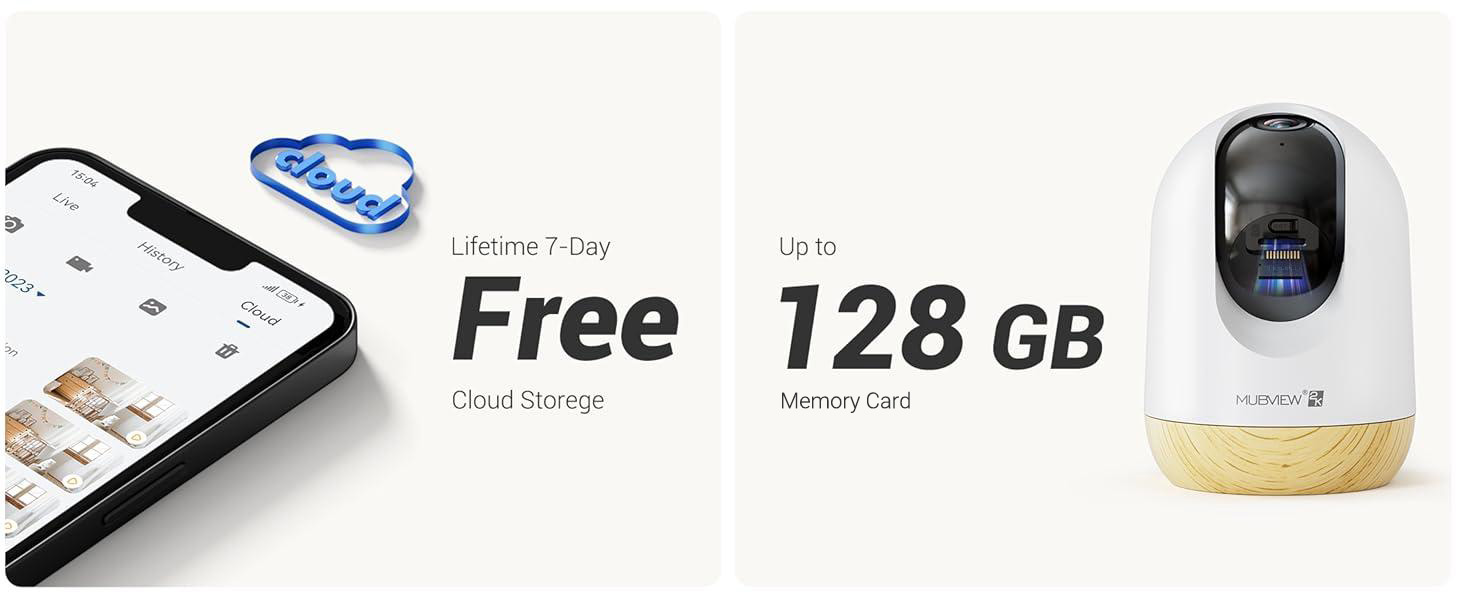
Image 4.1: Visual guide for the quick setup process.

Image 4.2: The camera supports both 2.4GHz and 5GHz dual-band Wi-Fi for enhanced connectivity.
5. Інструкцыя па эксплуатацыі
5.1 Кіраванне праграмамі
MUBVIEW camera is primarily controlled through its dedicated mobile application. The app allows you to view жывы footage, access recorded events, adjust settings, and manage multiple cameras.

Image 5.1: Controlling camera functions via the mobile application.
5.2 У прамым эфіры View і маніторынг
Access the live feed from your camera anytime, anywhere through the MUBVIEW app. The camera provides 24/7 monitoring with 2K Ultra HD resolution.

Image 5.2: Continuous monitoring of your environment.

Image 5.3: Remote monitoring allows for flexibility and peace of mind.
5.3 Двухбаковае аўдыё
The integrated microphone and speaker enable two-way communication. You can listen to the camera's environment and speak through the camera from your phone.

Image 5.4: Utilizing the two-way audio feature for communication.
5.4 Pan-Tilt Control
The camera offers a 355-degree horizontal pan and an 80-degree vertical tilt, allowing you to adjust the viewing angle remotely via the app to cover a wide area.

Image 5.5: Adjusting the camera's view to cover different areas.
5.5 Motion Detection and Auto Tracking
The camera detects motion and can automatically track moving objects within its field of view. You will receive alerts on your phone when motion is detected.
- Абвесткі аб руху: The camera audibly alerts you when motion is detected.
- Аўтаматычнае адсочванне: Automatically follows moving subjects, ensuring they remain in the frame.
- Зоны актыўнасці: Configure specific areas for motion detection to reduce false alerts.
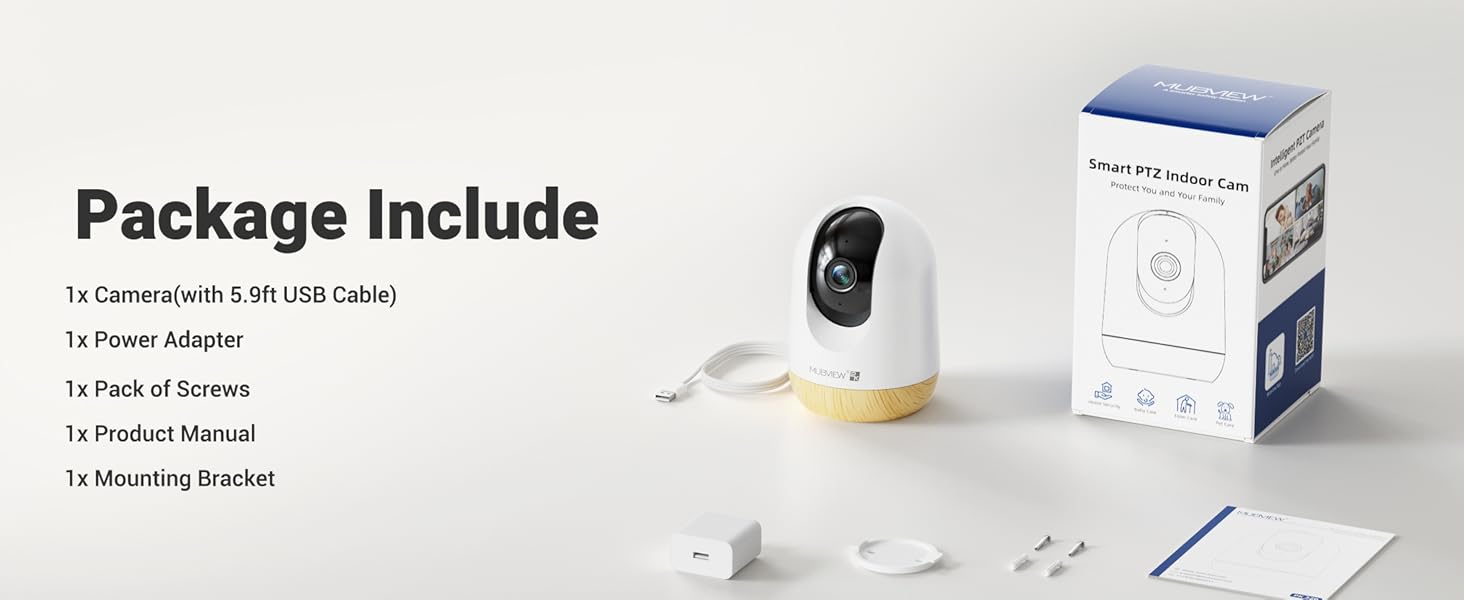
Image 5.6: Motion detection in action.
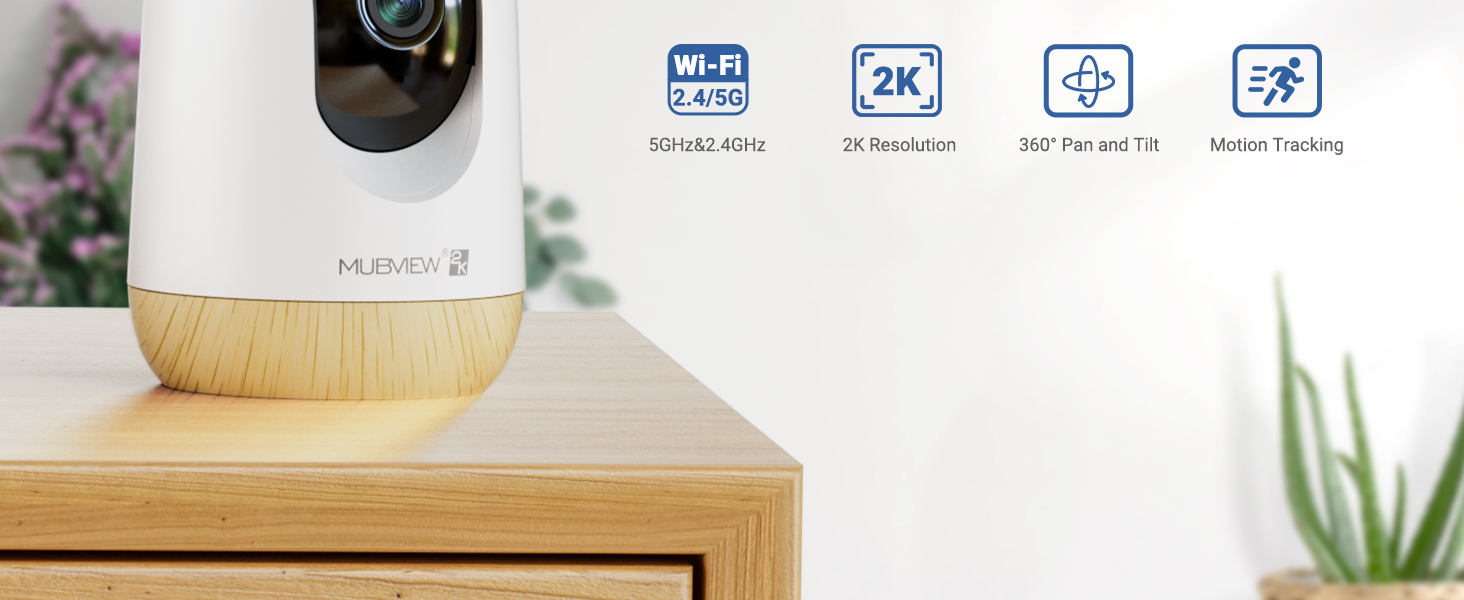
Image 5.7: The camera's auto-tracking feature following a moving subject.

Image 5.8: Configuring activity zones for targeted motion detection.
5.6 Начное бачанне
The camera is equipped with advanced night vision technology, providing clear 2K clarity even in low-light or dark conditions up to 33 feet.

Image 5.9: Clear night vision capabilities in a dark environment.
5.7 Remote Access and Multi-Camera View
Access your camera's live feed from anywhere with an internet connection. The app also supports viewing multiple cameras simultaneously.

Image 5.10: Remote access to your camera feed.
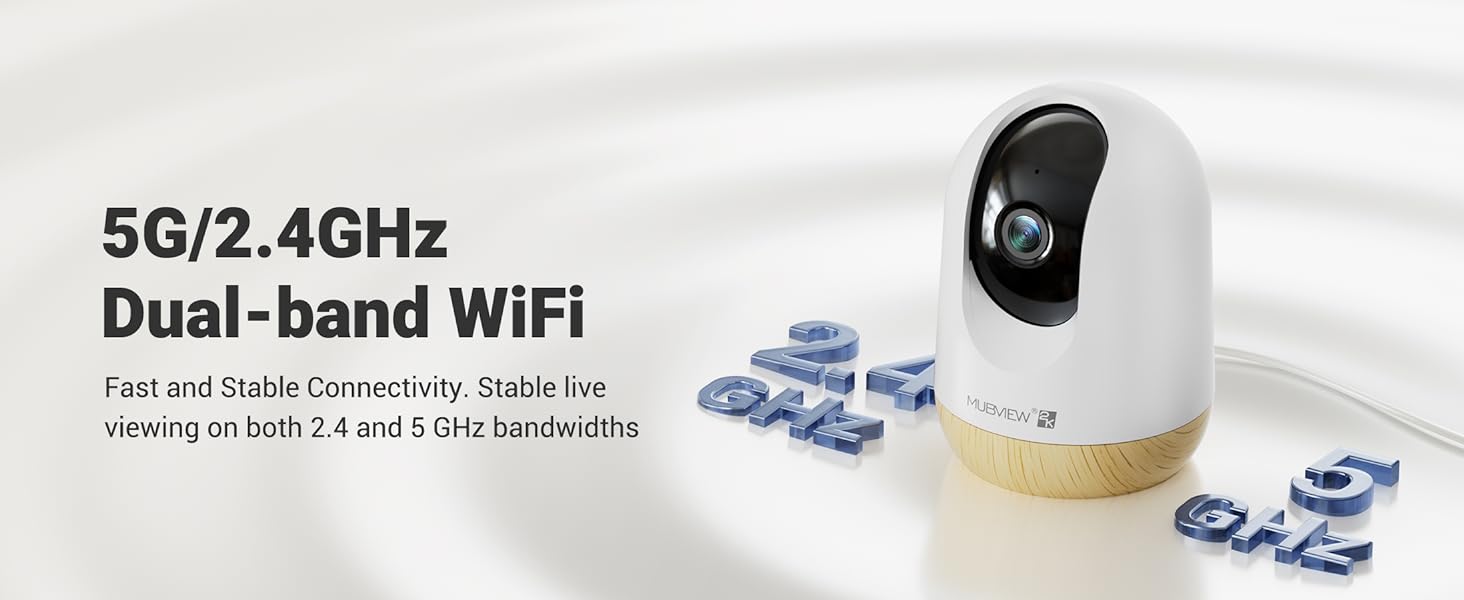
Image 5.11: Simultaneous viewперадача відэа з некалькіх камер.
5.8 Video Playback and Sharing
Review запісана footage through the app's playback feature. You can also share camera access with family members or other authorized users.
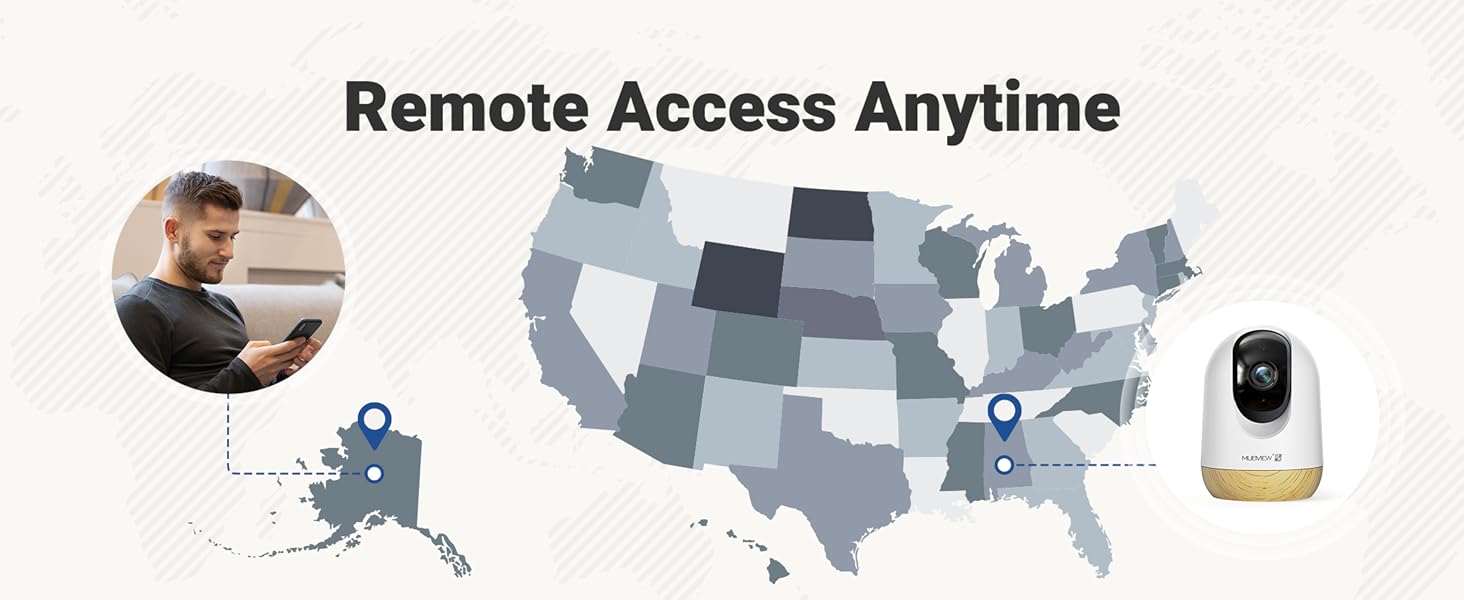
Image 5.12: Accessing and reviewing recorded video footage.

Малюнак 5.13: Сумесны доступ да камеры з некалькімі карыстальнікамі.
6. Параметры захоўвання
MUBVIEW PK320-Y camera offers flexible storage solutions for your video recordings:
- Памяць SD-карты: Supports local storage via an SD card (not included) with a capacity of up to 128GB.
- Воблачнае сховішча: Includes a lifetime 7-day loop recording cloud storage service without requiring a subscription.

Image 6.1: Available storage options for video recordings.
7. Тэхнічнае абслугоўванне
To ensure optimal performance and longevity of your MUBVIEW PK320-Y camera, follow these maintenance guidelines:
- Уборка: Акуратна працярыце аб'ектыў і корпус камеры мяккай сухой тканінай. Пазбягайце выкарыстання агрэсіўных хімічных рэчываў або абразіўных матэрыялаў.
- Размяшчэнне: Пераканайцеся, што камера размешчана ў стабільным месцы, удалечыні ад прамых сонечных прамянёў, крыніц цяпла і празмернай вільгаці.
- Вентыляцыя: Do not obstruct the camera's ventilation openings to prevent overheating.
- Абнаўленні прашыўкі: Regularly check the MUBVIEW app for available firmware updates to ensure your camera has the latest features and security enhancements.
8. Выпраўленне непаладак
If you encounter issues with your MUBVIEW PK320-Y camera, refer to the following common troubleshooting steps:
- Камера не падключаецца да Wi-Fi:
- Ensure your Wi-Fi network is operational and you have entered the correct password.
- Пераканайцеся, што камера знаходзіцца ў зоне дзеяння вашага Wi-Fi маршрутызатара.
- Confirm your router supports both 2.4GHz and 5GHz bands, and try connecting to the other band if one fails.
- Перазагрузіце маршрутызатар і камеру.
- Няма Live View or Recording:
- Праверце падключэнне да Інтэрнэту.
- Пераканайцеся, што камера ўключана.
- If using an SD card, ensure it is correctly inserted and formatted within the app.
- Праблемы з двухбаковым гукам:
- Праверце налады гучнасці на тэлефоне і ў дадатку.
- Пераканайцеся, што няма перашкод, якія блакуюць мікрафон або дынамік камеры.
- Выяўленне руху не працуе:
- Праверце, ці ўключана выяўленне руху ў наладах праграмы.
- Пры неабходнасці адрэгулюйце параметры адчувальнасці.
- Ensure activity zones are correctly configured.
- Камера не адказвае:
- Адключыце камеру ад крыніцы харчавання, пачакайце 10 секунд і зноў падключыце яе, каб перазагрузіць яе.
- Locate the reset button (usually a small pinhole) and press it for 5-10 seconds with a pin until you hear a prompt or see an indicator light change. This will restore factory settings.
For further assistance, please contact MUBVIEW падтрымка кліентаў.
9. Тэхнічныя характарыстыкі
| Асаблівасць | Дэталь |
|---|---|
| Назва мадэлі | PK320-Y |
| Дазвол відэазахопу | 3 МП (2K) |
| Тэхналогія падлучэння | Wi-Fi (2.4GHz & 5GHz Dual-band) |
| Сумяшчальныя прылады | Тэлефоны Android |
| Крыніца харчавання | Электрычны шнур (220 вольт, 5 ваты) |
| Тып мацавання | Surface Mount, Wall Mount, Ceiling Mount |
| Viewing кут | 355 градусаў (панарамаванне), 80 градусаў (нахіл) |
| Дыяпазон начнога бачання | 33 футаў |
| Частата кадраў | 15-20fps |
| Двухбаковае аўдыё | так |
| Дэтэктар руху | Yes, with Auto Tracking and Audio Alerts |
| Лакальнае сховішча | Падтрымка SD-карты да 128 ГБ (не ўваходзіць у камплект) |
| Воблачнае сховішча | Lifetime 7-day loop recording (no subscription required) |
| Матэрыял | Акрыланітрылбутадыенстырол (АБС) |
| Памеры (Д х Ш х У) | 3 х 3 х 4.33 цалі |
| Вага прадмета | 10.9 унцыі |
10. Гарантыя і падтрымка
MUBVIEW is committed to providing reliable products and customer satisfaction. For any questions or assistance, please refer to the following:
- Падтрымка кліентаў: MUBVIEW offers US-based phone support for after-sales service. Contact information can be found within the MUBVIEW app or on the official MUBVIEW webсайт.
- Тэхнічная падтрымка: 24/7 professional technical support is available to assist with setup, operation, and troubleshooting.
- Воблачнае сховішча: Enjoy lifetime 7-day loop recording cloud storage without a subscription.

Image 10.1: MUBVIEW's commitment to privacy and data security.
11. Інфармацыя па бяспецы
Калі ласка, прачытайце і выконвайце гэтыя рэкамендацыі па бяспецы, каб пазбегнуць пашкоджання вырабу або траўмаў сабе і іншым:
- крыніца харчавання: Use only the provided power adapter. Ensure the power source matches the camera's voltagэлектронныя патрабаванні.
- Кабельнае кіраванне: Route power cables safely to prevent tripping hazards and keep them out of reach of children and pets.
- Асяроддзе: This camera is designed for indoor use only. Do not expose it to water, extreme temperatures, or high humidity.
- Размяшчэнне: Mount the camera securely according to the instructions. Avoid placing it in locations where it could fall or be easily knocked over.
- Уборка: Перад чысткай адключыце сілкаванне.