
Agunto AGU-OC1IC1
Agunto AGU-OC1 & AGU-IC1 Security Camera Set User Manual
Model: AGU-OC1IC1
Brand: Agunto
1. Уводзіны
This manual provides detailed instructions for the installation, operation, and maintenance of your Agunto AGU-OC1 & AGU-IC1 Security Camera Set. Please read this manual thoroughly before using the product to ensure proper functionality and safety.
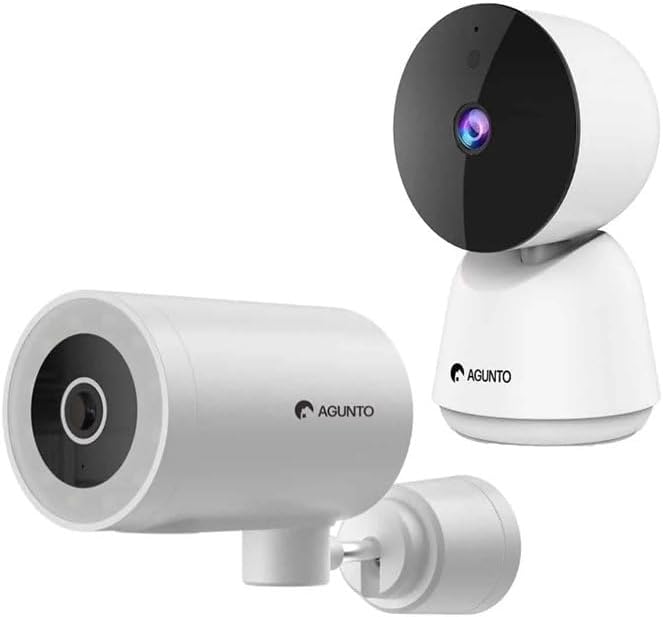
Image: The Agunto AGU-OC1 outdoor camera (left) and AGU-IC1 indoor camera (right), forming the complete security camera set.
2. Прадукт скончыўсяview
The Agunto Security Camera Set includes two primary components: the AGU-OC1 outdoor camera and the AGU-IC1 indoor camera. This system is designed to provide comprehensive surveillance for both indoor and outdoor environments.
2.1. AGU-OC1 Outdoor Camera
- дазвол: 1080P
- Аб'ектыў: 180-degree rotatable lens
- Ўстойлівасць да надвор'я: IP66 воданепранікальны і пыланепранікальны
- Начное бачанне: Infrared night vision and color night vision (due to built-in lamp)
- Выяўленне: Выяўленне руху і гуку
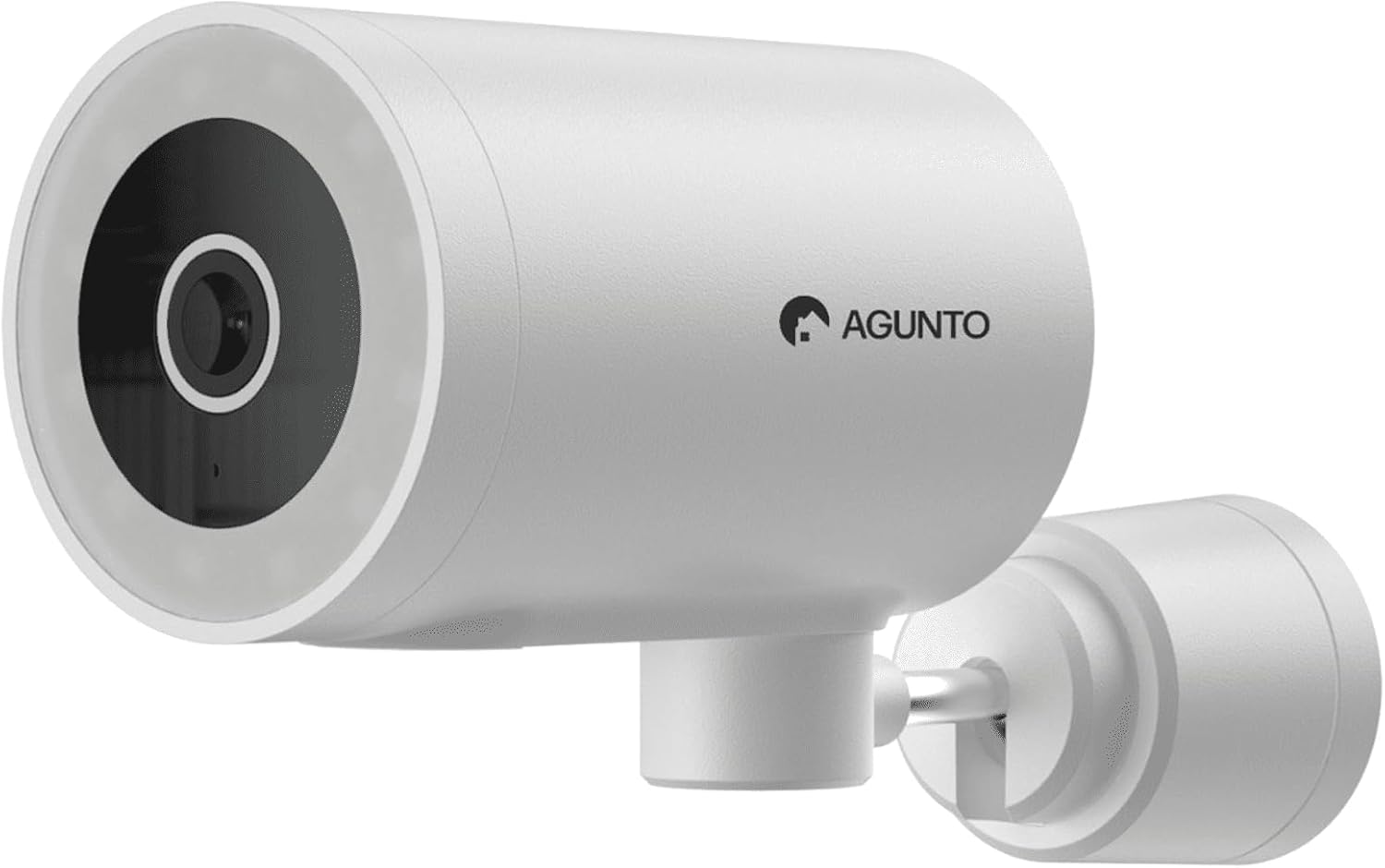
Выява: Падрабязны view of the Agunto AGU-OC1 outdoor camera, highlighting its robust design and lens.
2.2. AGU-IC1 Indoor Camera
- дазвол: 1080P
- Аб'ектыў: 359-degree rotatable lens
- Начное бачанне: Інфрачырвонае начное бачанне
- Выяўленне: Выяўленне руху і гуку

Image: The Agunto AGU-IC1 indoor camera, shown with its product packaging, indicating Wi-Fi connectivity and Google Assistant compatibility.
3. Настройка і ўстаноўка
3.1. Перш чым пачаць
- Ensure you have a stable Wi-Fi connection.
- Download the free Agunto app from the App Store (iOS) or Google Play Store (Android).
- Unpack all components and verify contents against the packing list.

Image: A screenshot of the Agunto mobile application interface, demonstrating remote control capabilities and links to download the app from the App Store and Google Play.
3.2. Усталёўка праграмы і стварэнне ўліковага запісу
- Пошук "Agunto" in your device's app store and install the application.
- Open the Agunto app and follow the on-screen prompts to create a new account or log in if you already have one.
3.3. Размяшчэнне і мантаж камеры
AGU-OC1 Outdoor Camera:
- Выберыце месца з выразным view вобласці, якую вы хочаце кантраляваць.
- Пераканайцеся, што камера знаходзіцца ў зоне дзеяння вашай сеткі Wi-Fi.
- Mount the camera securely to a wall using the provided mounting hardware. The camera supports wall mounting.
AGU-IC1 Indoor Camera:
- Place the camera on a flat surface or mount it to a wall/ceiling in a central location for optimal coverage.
- Ensure it is within Wi-Fi range.
3.4. Connecting Cameras to the App
- Open the Agunto app.
- Націсніце значок «+», каб дадаць новую прыладу.
- Select the appropriate camera model (AGU-OC1 or AGU-IC1).
- Follow the in-app instructions to connect each camera to your Wi-Fi network. This typically involves scanning a QR code displayed on your phone with the camera's lens or entering Wi-Fi credentials.
- Once connected, you can name each camera for easy identification.
4. Інструкцыя па эксплуатацыі
4.1. Жыць View і пульт дыстанцыйнага кіравання
- Open the Agunto app.
- Select the desired camera from the device list to view яго жывая трансляцыя.
- For AGU-OC1, use the app to rotate the 180-degree lens.
- For AGU-IC1, use the app to control the 359-degree pan/tilt function.
4.2. Запіс і захоўванне
The camera set supports two storage options:
- Micro SD-карта: Insert a Micro SD card (not included) into the designated slot on each camera for local storage of recordings.
- Воблачнае сховішча: Utilize the cloud storage options provided through the Agunto app (subscription may be required).
4.3. Начное бачанне
- Both cameras feature infrared night vision for clear images in low-light conditions.
- The AGU-OC1 outdoor camera also has a built-in lamp for color night vision, providing enhanced visibility at night.
4.4. Выяўленне руху і гуку
- Enable motion and sound detection in the Agunto app settings for each camera.
- Receive real-time alerts on your smartphone when motion or sound is detected.
- Adjust sensitivity settings to minimize false alarms.
5. Тэхнічнае абслугоўванне
- Уборка: Gently wipe the camera lenses and body with a soft, dry cloth. Do not use harsh chemicals or abrasive cleaners.
- Абнаўленні прашыўкі: Regularly check the Agunto app for available firmware updates to ensure optimal performance and security.
- Стабільнасць сеткі: Ensure your Wi-Fi network remains stable for uninterrupted camera operation.
6. Выпраўленне непаладак
6.1. Камера не падключаецца да Wi-Fi
- Пераканайцеся, што пароль Wi-Fi уведзены правільна.
- Перамясціце камеру бліжэй да вашага Wi-Fi маршрутызатара.
- Перазагрузіце маршрутызатар і камеру.
- Verify that your Wi-Fi network is 2.4GHz, as these cameras may not support 5GHz networks.
6.2. No Live View / Offline Camera
- Праверце падключэнне да Інтэрнэту.
- Пераканайцеся, што камера ўключана.
- Restart the camera from its power source.
- Калі праблема не знікне, паспрабуйце зноў падключыць камеру да праграмы.
6.3. Motion Detection Not Working
- Праверце, ці ўключана выяўленне руху ў наладах праграмы.
- Adjust the sensitivity level.
- Пераканайцеся, што няма перашкод, якія блакавалі камеру view.
6.4. Нізкая якасць выявы
- Ачысціце аб'ектыў камеры.
- Забяспечце дастатковую асветленасць у зоне кантролю.
- Check your internet speed, as low bandwidth can affect streaming quality.
7. Тэхнічныя характарыстыкі
| Асаблівасць | Дэталь |
|---|---|
| Марка | Agunto |
| Назва мадэлі | AGU-OC1IC1 |
| Пратакол злучэння | Wi-Fi |
| Сумяшчальныя прылады | Смартфон |
| Тып мацавання | Насценнае мацаванне |
| Матэрыял | Пластыкавыя |
| Памеры вырабу (Д х Ш х В) | 10 х 4.4 х 7.3 см |
| Вага прадмета | 78 грам |
| Патрабуюцца батарэі | няма |
| Outdoor Camera (AGU-OC1) Features | 1080P, 180-degree rotatable lens, IP66 waterproof/dustproof, Infrared & Color Night Vision |
| Indoor Camera (AGU-IC1) Features | 1080P, 359-degree rotatable lens, Infrared Night Vision |
| Параметры захоўвання | Micro SD card (local), Cloud storage |
8. Гарантыя і падтрымка
For warranty information and technical support, please refer to the official Agunto website or contact their customer service. The product is designed for long-term use with proper care and maintenance.
Палітыка вяртання: Пераможца Buybox паказвае 30-дзённую палітыку вяртання/замены.
вытворца: Agunto
Прадавец: Homevitaal (via Amazon.nl)
Каб атрымаць дадатковую дапамогу, вы можаце наведаць Agunto Store on Amazon.
Ask a question about this manual
Ask about setup, troubleshooting, compatibility, parts, safety, or missing instructions. Manuals+ will review the question and use this page’s manual context to help answer it.