
1. Уводзіны
Thank you for choosing the Modecom MC-899 Wired Gaming Mouse. This manual provides essential information to help you set up, operate, and maintain your new mouse. Please read these instructions carefully before using the product and retain them for future reference.
2. Інфармацыя па бяспецы
- Do not expose the mouse to liquids or excessive moisture.
- Пазбягайце экстрэмальных тэмператур.
- Do not attempt to disassemble or repair the mouse yourself. This will void the warranty.
- Трымайце прыладу далей ад моцных магнітных палёў.
- Для чысткі выкарыстоўвайце мяккую сухую тканіну.
3. Змесціва ўпакоўкі
Please check the package contents. If any items are missing or damaged, contact your retailer.
- Modecom MC-899 Wired Gaming Mouse
- Кіраўніцтва карыстальніка (гэты дакумент)
4. Прадукт скончыўсяview
The Modecom MC-899 is a wired optical gaming mouse designed for comfortable and precise control. It features a multicolored backlit design and an ambidextrous form factor.
Кампаненты прадукту
The mouse typically includes:
- Кнопка левай кнопкі
- Пстрыкніце правай кнопкай мышы
- Scroll Wheel (also functions as a middle click button)
- Optical Sensor (located on the underside)
- Кабель USB
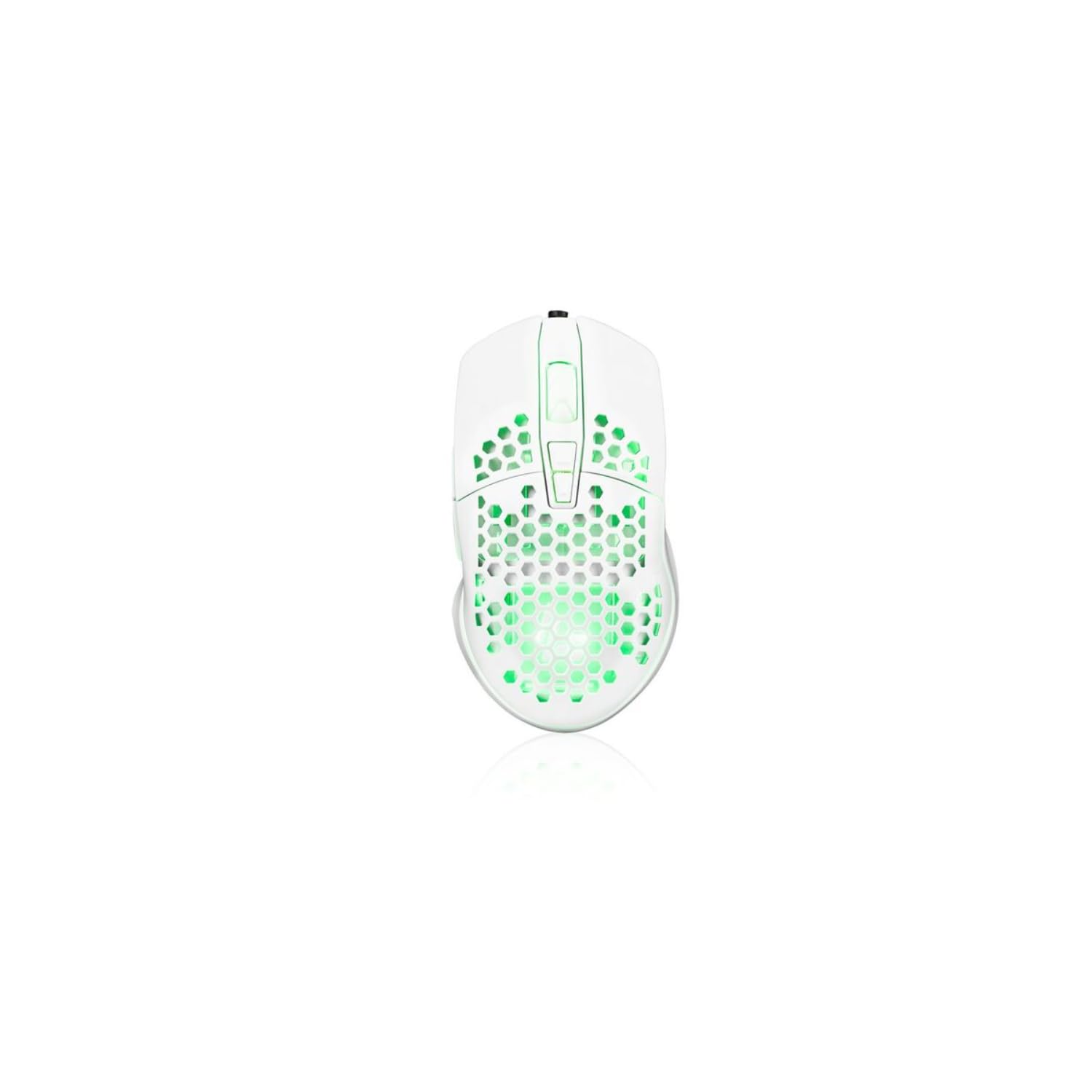
Image showing the Modecom MC-899 wired gaming mouse, featuring its ergonomic design and multicolored finish.
5. Настройка
Падлучэнне мышы
The Modecom MC-899 is a plug-and-play device, requiring no special driver installation for basic functionality.
- Locate an available USB port on your computer (PC or laptop).
- Plug the USB connector of the Modecom MC-899 mouse into the USB port.
- Your operating system should automatically detect and install the necessary drivers. The mouse will be ready for use within a few seconds.
6. Кіраванне мышшу
Асноўныя функцыі
- Пстрычка левай кнопкай мышы: Primary action, used for selecting items, opening fileі пацвярджаючыя дзеянні.
- Пстрыкніце правай кнопкай мышы: Адкрывае кантэкстныя меню з дадатковымі опцыямі для выбраных элементаў.
- Кола пракруткі: Выкарыстоўваецца для пракруткі дакументаў і web pages vertically. Pressing the scroll wheel typically acts as a middle click, which can open links in new tabs or enable auto-scrolling.
Падсвятленне
The Modecom MC-899 features integrated backlighting. This lighting is typically active when the mouse is connected and powered, enhancing its aesthetic appeal, especially in gaming environments.
7. Тэхнічнае абслугоўванне
Уборка
- Адключыце мыш ад кампутара перад чысткай.
- Выкарыстоўвайце мяккую безворсовую тканіну, злёгку dampзмыць вадой або мяккім мыйным растворам.
- Не распыляйце ачышчальнікі непасрэдна на мыш.
- Пазбягайце траплення вільгаці ў любыя адтуліны.
- Clean the optical sensor area gently with a cotton swab if dust accumulation affects performance.
Захоўванне
- Захоўвайце мыш у прахалодным, сухім месцы, калі яна не выкарыстоўваецца працяглы час.
- Не кладзіце цяжкія прадметы на мыш або яе кабель.
8. Выпраўленне непаладак
If you encounter issues with your Modecom MC-899 mouse, please refer to the following common problems and solutions:
| праблема | Магчымае рашэнне |
|---|---|
| Мышка не рэагуе. |
|
| Рух курсора няўстойлівы або скачковы. |
|
| Buttons are not working. |
|
9. Тэхнічныя характарыстыкі
Тэхнічныя характарыстыкі
| Марка: | Modecom |
| Нумар мадэлі: | S9135943 (MC-899) |
| Тэхналогія падключэння: | Правадной (USB) |
| Тэхналогія выяўлення руху: | Аптычны |
| Колькасць кнопак: | 3 |
| Арыентацыя рукі: | Амбідэкстр |
| Рэкамендаванае выкарыстанне: | Гульні, офіс |
| Сумяшчальныя прылады: | Персанальны камп'ютар, ноўтбук |
| колер: | Рознакаляровы |
| Даўжыня кабеля: | 2.2 метраў |
| Асаблівасці: | Падсвятленне |
| Памеры: | 5.5 х 13.5 х 19 см |
10. Гарантыя і падтрымка
Modecom products are designed and manufactured to the highest quality standards. For information regarding warranty terms and conditions, please refer to the warranty card included with your product or visit the official Modecom website. For technical support or service inquiries, please contact your local retailer or Modecom customer service.